What you can build
Common Copilot Studio projects include HR policy assistants, IT support agents, onboarding copilots, customer FAQ agents, and process-specific assistants that call Power Automate flows or other business systems.

Topics → Knowledge → Actions → Channels
Microsoft Copilot Studio tutorials and agent guidance
Build governed Copilot Studio agents with topics, knowledge sources, actions, authentication, channels, testing, analytics, and ALM.
Topics → Knowledge → Actions → Channels
Microsoft Copilot Studio tutorials and agent guidance
Design, test, publish, and govern Copilot Studio agents — topics, knowledge sources, actions, triggers, and business scenarios.
Microsoft Copilot Studio is where Microsoft 365 and Power Platform teams design, test, publish, and improve custom agents for employees, customers, and operations. It brings together generative AI, conversation topics, knowledge sources, actions, analytics, and channel publishing in one low-code experience. The platform is approachable for makers, but successful agents still need thoughtful architecture: clear use cases, reliable knowledge, secure data access, measurable outcomes, and a realistic plan for iteration.
This hub collects practical nextM365 guidance for building Copilot Studio agents that answer useful questions, complete business tasks, and integrate with Microsoft 365 services. Each design choice is explained with its trade-off, so you understand why it matters — not just where to click. You will find beginner setup guidance, comparisons with older chatbot approaches, licensing notes, scenario walkthroughs, and the 365 Days of Copilot Studio learning series.
Start here when you need to understand how topics, knowledge, variables, entities, triggers, and actions fit together. If you are planning an HR assistant, IT help desk agent, employee knowledge bot, or internal service desk experience, start with the scenario articles, then move into topics, knowledge sources, and testing patterns.
Common Copilot Studio projects include HR policy assistants, IT support agents, onboarding copilots, customer FAQ agents, and process-specific assistants that call Power Automate flows or other business systems.
Before publishing an agent, define the audience, source of truth, authentication needs, escalation path, analytics review rhythm, and ownership model. These choices usually matter more than the first draft of the conversation.
Begin with setup and licensing, then study topics, knowledge sources, triggers, variables, entities, actions, testing, and publishing. The 365 Days series follows this progression in smaller daily lessons.
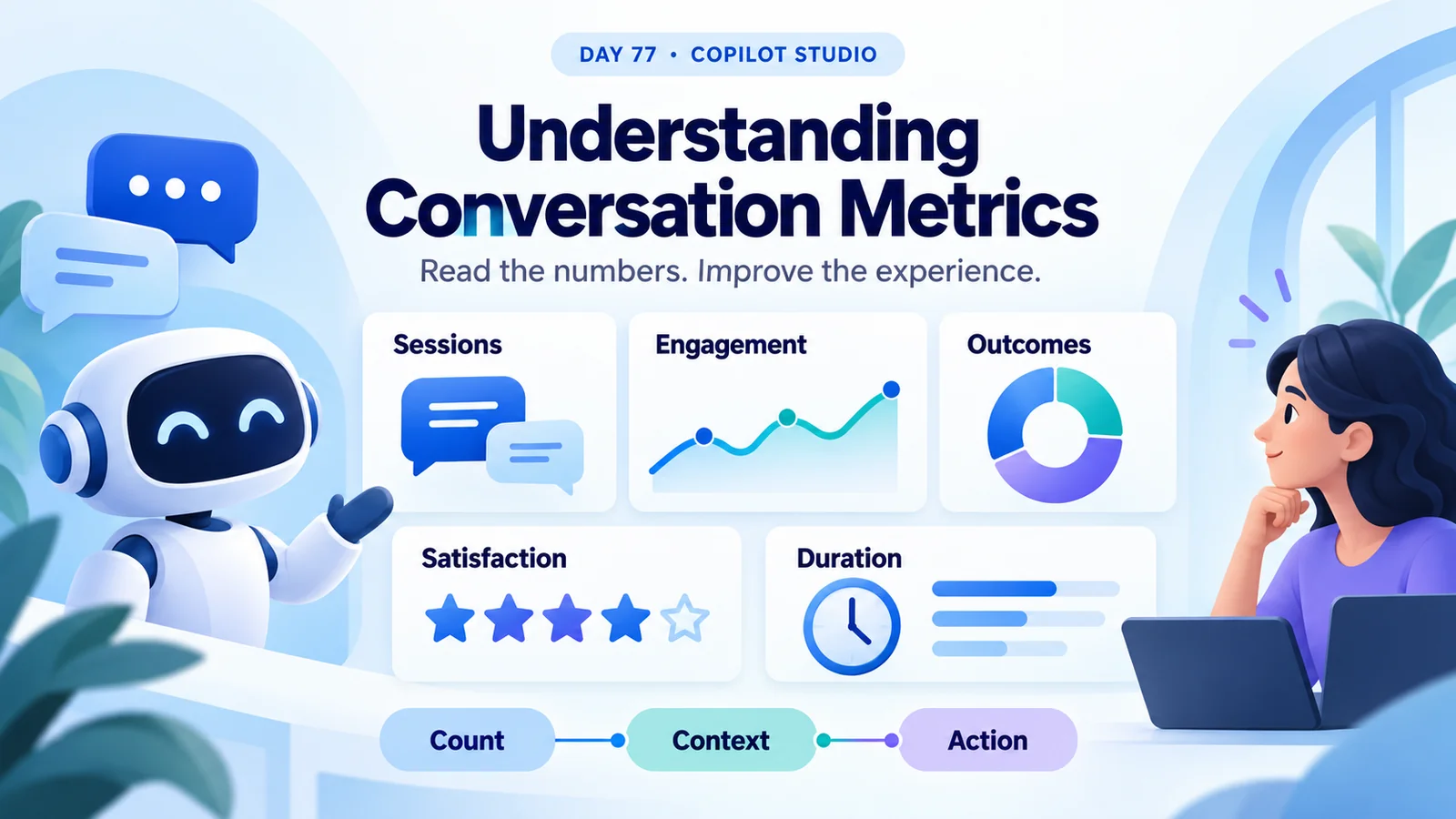
Understand Copilot Studio session counts, engagement, resolution, escalation, abandonment, CSAT, and duration with worked examples and a practical review checklist.
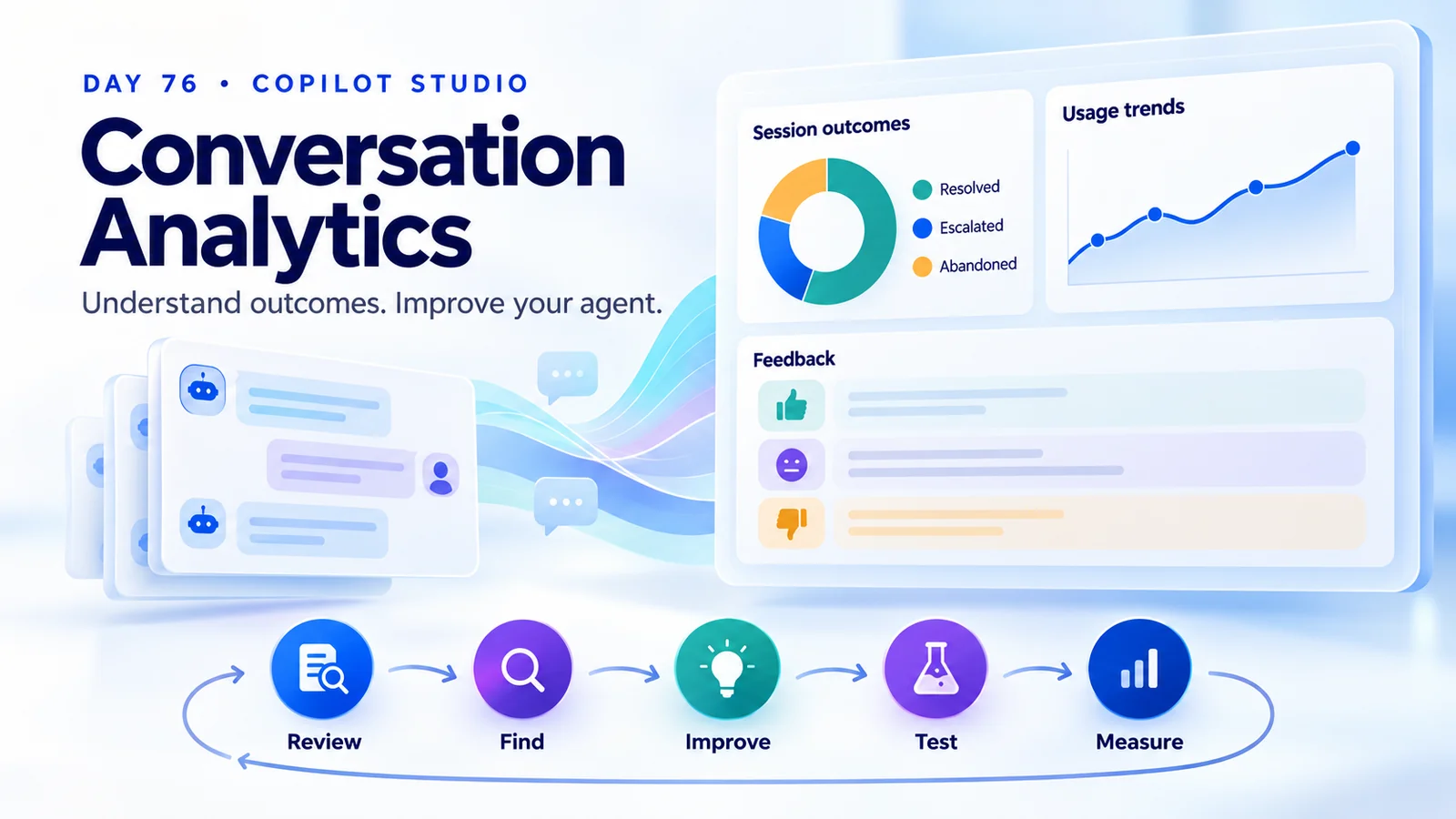
Use Copilot Studio conversation analytics to understand session outcomes, spot knowledge gaps, review feedback, and measure improvements to your agent.
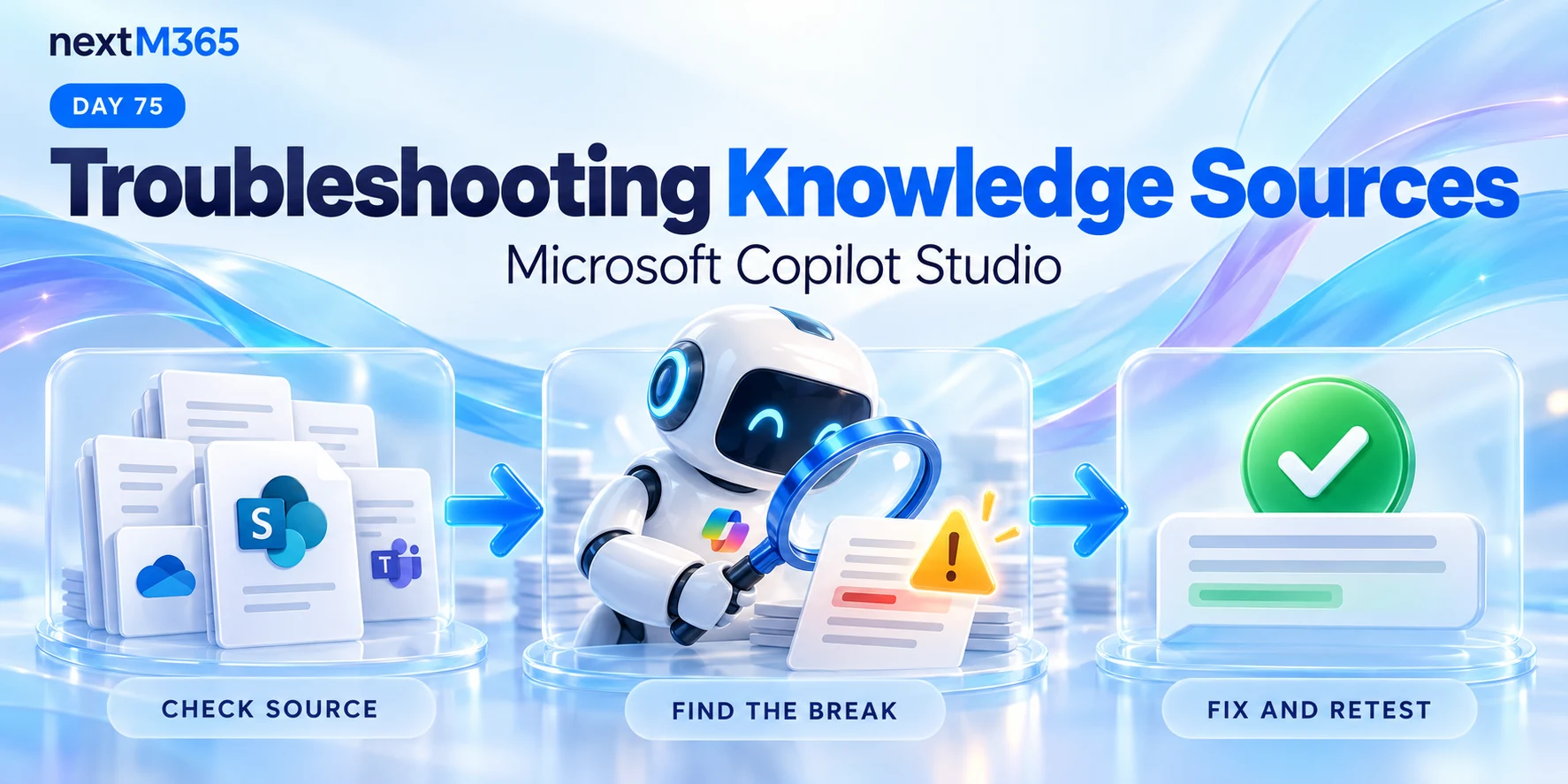
Troubleshoot Copilot Studio knowledge sources with a repeatable checklist for missing answers, source readiness, access, retrieval, and conflicting content.
Understand Copilot Studio knowledge source limitations: content quality, retrieval gaps, conflicting policies, outdated information, access, and testing.
Improve AI response accuracy in Copilot Studio with trusted knowledge sources, clear content, current policies, precise instructions, and real-world testing.
Compare structured and unstructured knowledge in Copilot Studio so agents use the right source for data questions, policy questions, and grounded answers.
Use Copilot Studio knowledge source best practices to improve answer quality with trusted sources, focused scope, clear structure, freshness, testing, and access control.
Upload trusted documents as Copilot Studio knowledge so agents can ground answers in policies, guides, PDFs, Word files, and maintained business content.
Use Dataverse knowledge sources in Copilot Studio to ground agent answers in structured business tables, records, and trusted operational data.
It is used to build custom AI agents and copilots that answer questions, use business knowledge, trigger actions, and publish to channels such as Microsoft Teams and the web.
No. Many scenarios can be built with low-code tools, but advanced agents often benefit from Power Automate, connectors, authentication planning, and good solution design.
Start with setup, licensing, topics, and knowledge sources. Then build one small scenario, test it with real questions, and improve it before adding more integrations.