Platform foundations
Learn the role of the admin center, Microsoft Entra ID, users, groups, licenses, apps, service settings, and collaboration workloads.

Tenant → Admin → Security → Collaboration
Microsoft 365 tutorials for admins, makers, and teams
Learn Microsoft 365 foundations, tenant setup, admin centers, collaboration, security, migration, and practical implementation patterns.
Tenant → Admin → Security → Collaboration
Microsoft 365 tutorials for admins, makers, and teams
Understand the Microsoft 365 platform — fundamentals, admin center concepts, roles, apps, Copilot, SharePoint, Power Platform, governance, and productivity scenarios.
Microsoft 365 is more than a subscription bundle. It is a connected productivity and collaboration platform that includes identity, admin controls, Teams, SharePoint, Exchange, OneDrive, Microsoft Lists, security features, Copilot experiences, and Power Platform integration. For administrators and makers, the most important skill is understanding how these services work together instead of treating each app as an isolated tool.
This nextM365 pillar is the starting point for Microsoft 365 fundamentals, admin topics, role planning, app overviews, and practical implementation guidance. The content is written for people who need to manage, configure, explain, or build on Microsoft 365: admins, consultants, site owners, Power Platform makers, and technical learners moving into the Microsoft ecosystem.
Use this page to learn the platform basics, then branch into SharePoint, Power Automate, Power Apps Code, and Copilot Studio depending on the problem you are solving. A strong Microsoft 365 foundation makes every later decision easier: permissions, governance, automation, agent design, content management, and user adoption all depend on the same platform concepts.
Learn the role of the admin center, Microsoft Entra ID, users, groups, licenses, apps, service settings, and collaboration workloads.
Understand admin roles, least privilege, ownership, lifecycle management, and how configuration choices affect everyday users.
Microsoft 365 becomes more valuable when SharePoint, Teams, Power Automate, Power Apps, and Copilot experiences are designed together.
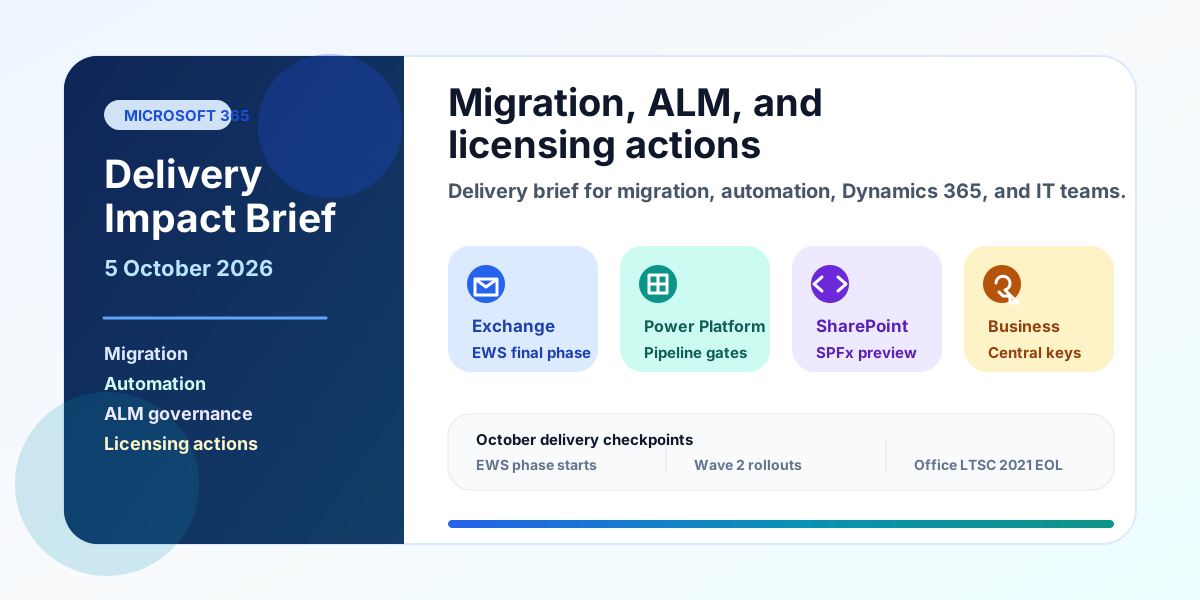
A practical Microsoft delivery brief for migration, automation, ALM, Dynamics 365, and admin teams covering EWS, cross-tenant mailbox migration, Power Platform pipelines, SPFx 1.24, Business Central keys, Copilot billing, and October deadlines.
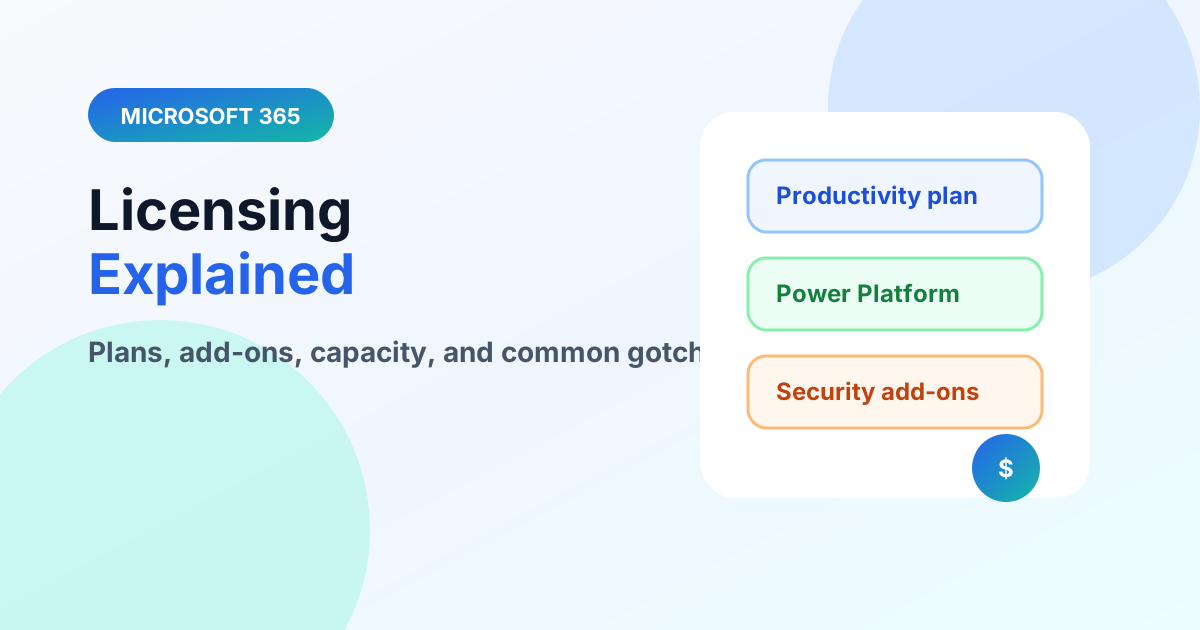
Understand Microsoft 365 licensing layers — productivity plans, Power Platform capacity, and premium connectors — without drowning in SKUs.
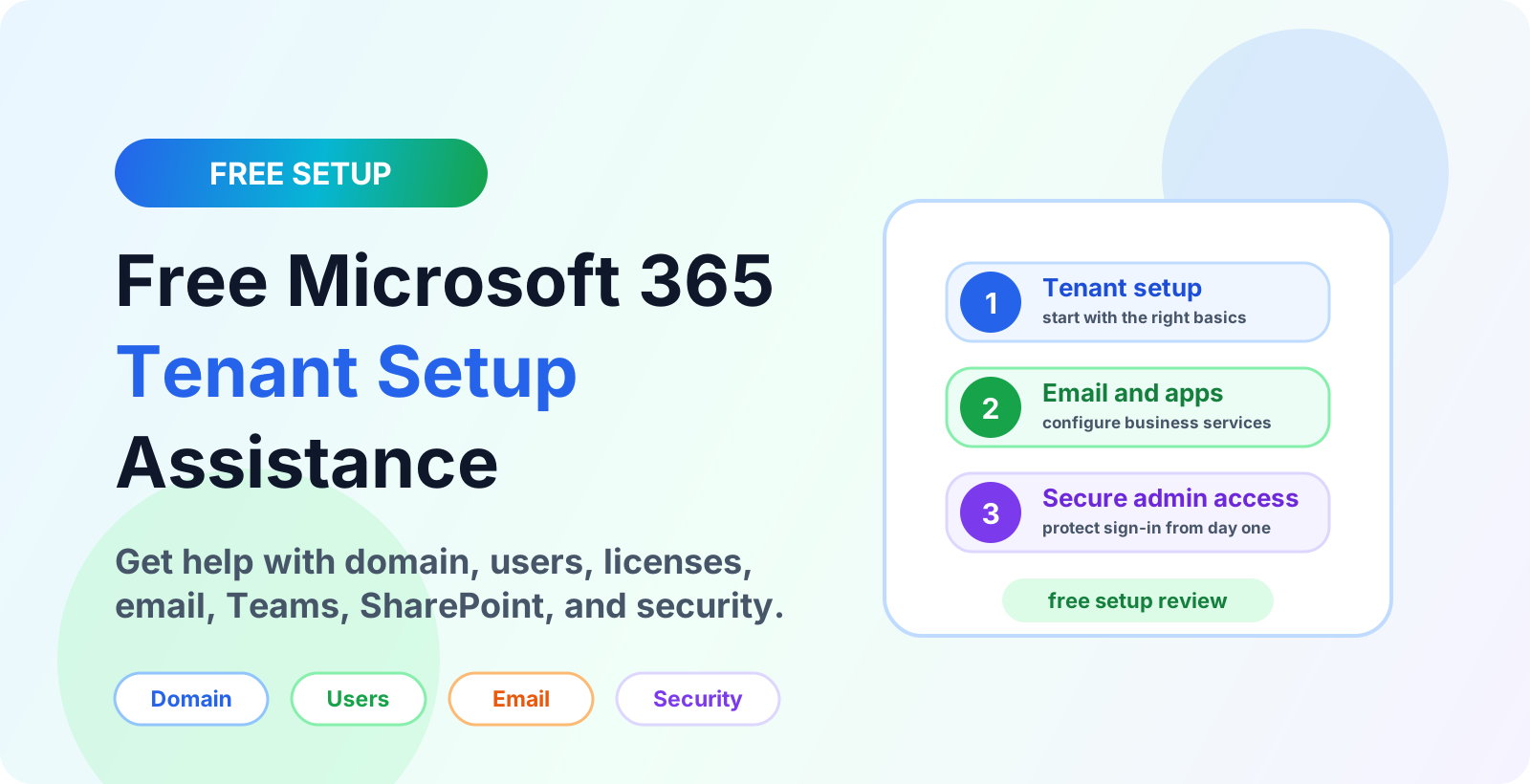
Get free Microsoft 365 tenant setup assistance for a new business tenant, including domain setup, users, licenses, email, Teams, SharePoint, and security basics.
Learn how Unily integrates with Microsoft 365, SharePoint, Teams, Viva, Entra ID and Microsoft Graph to connect intranet content, identity, collaboration and governance.
A beginner-friendly Microsoft Graph API guide explaining what Graph is, how requests work, permissions, tokens, endpoints, common use cases, and safe API design.
A beginner-friendly guide to creating a Microsoft 365 business account, setting up the tenant, adding a custom domain, creating users, assigning licenses, and securing administrator access.
Compare the main Microsoft 365 admin centers, what each portal manages, and when to use Microsoft 365, Exchange, Teams, SharePoint, Entra, Security, Purview, Intune, and Power Platform admin centers.
A practical guide to Microsoft 365 admin roles, Microsoft Entra roles, RBAC, least privilege, Global Administrator risks, workload admin roles, support roles, AI administration, PIM, and role assignment scenarios.
Learn what the Microsoft 365 Admin Center is, how to access admin.microsoft.com, and how to manage users, licenses, roles, service health, reports, billing, domains, Teams, SharePoint, Exchange, and security.
Start with users, groups, licenses, the admin center, Teams, SharePoint, OneDrive, and basic security concepts.
Admin roles control who can change tenant settings and access sensitive capabilities. Good role design supports least privilege and safer operations.
Power Automate and Power Apps commonly use Microsoft 365 services such as SharePoint, Outlook, Teams, and Microsoft Lists as data sources or workflow endpoints.