Microsoft 365 articles and admin tutorials

This category covers Microsoft 365 fundamentals, admin center concepts, roles, apps, and platform guidance for people who need to understand how the Microsoft cloud fits together. The articles are written as practical learning notes, with a focus on real admin and maker scenarios rather than product marketing.

Open the Microsoft 365 learning hub

You will learn how Microsoft 365 services connect, how admin roles shape tenant management, and how core apps such as SharePoint, Teams, OneDrive, Lists, and Copilot experiences support modern work. The category is a good starting point before moving into deeper SharePoint, Power Platform, or Copilot Studio topics.

What you will learn

This article archive collects the concepts, setup steps, design choices, and common implementation patterns behind Microsoft 365. Use them as practical references while planning, building, testing, and improving Microsoft 365 solutions.

3 articles in “Microsoft 365”

Featured articles

Microsoft 365 Admin Roles Explained: Complete Guide (2026)
Microsoft 365Jul 11, 2026

Microsoft 365 Admin Roles Explained: Complete Guide (2026)

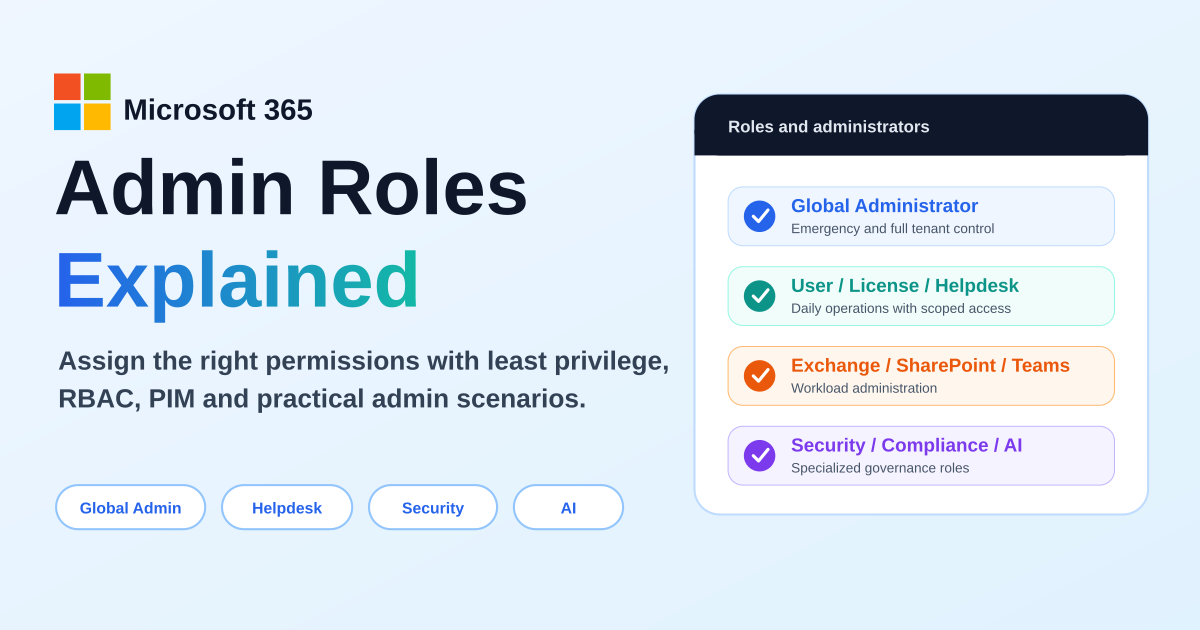
A practical guide to Microsoft 365 admin roles, Microsoft Entra roles, RBAC, least privilege, Global Administrator risks, workload admin roles, support roles, AI administration, PIM, and role assignment scenarios.

By Suresh Girinathuni14 min read
Microsoft 365 Admin Center Explained: Complete Beginner Guide
Microsoft 365Jul 11, 2026

Microsoft 365 Admin Center Explained: Complete Beginner Guide

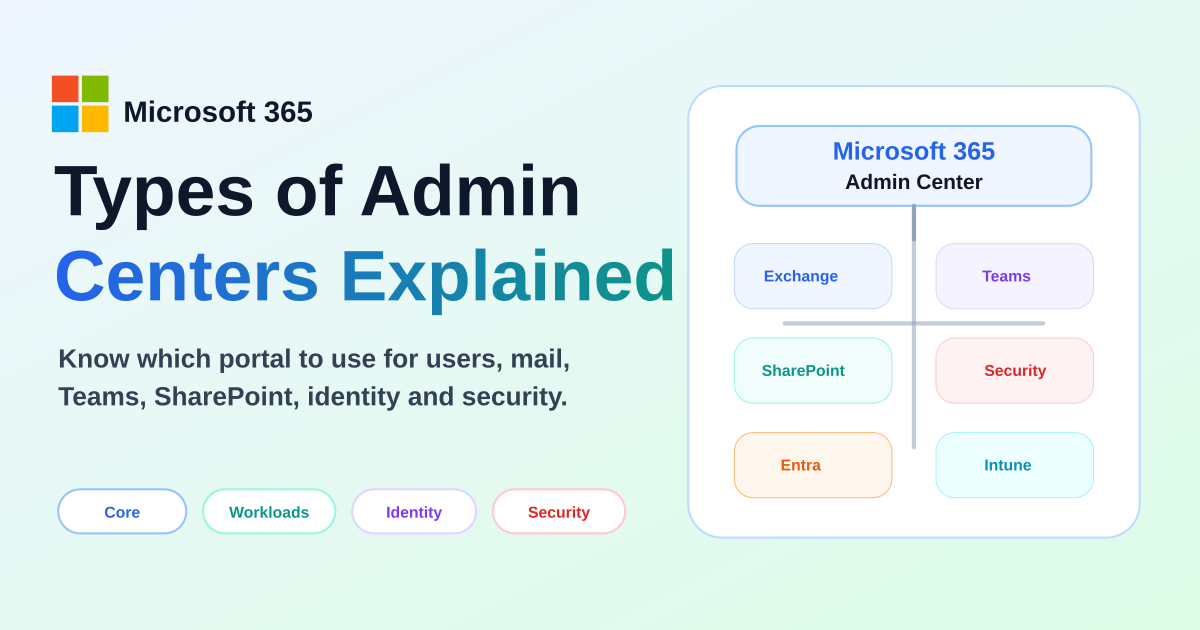
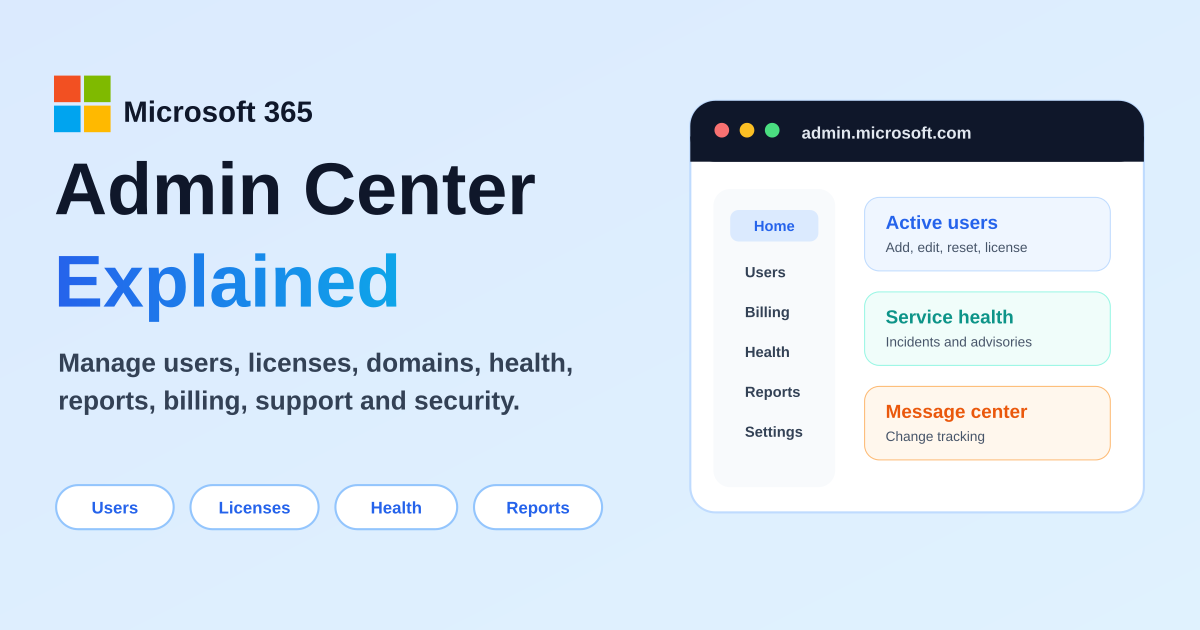
A practical beginner-to-intermediate guide to the Microsoft 365 admin center: users, licenses, domains, settings, billing, service health, Message center, reports, roles, support, Copilot administration, and connected admin centers.

By Suresh Girinathuni13 min read
What Is Microsoft 365? A Complete Beginner’s Guide to Apps & How It Works
Microsoft 365Jul 7, 2026

What Is Microsoft 365? A Complete Beginner’s Guide to Apps & How It Works

New to Microsoft 365? Start here. This beginner-friendly guide explains what Microsoft 365 actually is, the difference between Office and Microsoft 365, the apps you get, how the cloud keeps everything in sync, and how Copilot AI fits in — all in plain English.

By Suresh Girinathuni5 min read

Frequently asked questions

Who are these Microsoft 365 articles for?

They are for admins, consultants, makers, and technical learners who want practical Microsoft 365 guidance.

Should I start here before Power Platform?

Yes, a Microsoft 365 foundation helps you design better SharePoint, Power Automate, Power Apps, and Copilot solutions.