Data modeling
Dataverse design starts with tables, columns, relationships, choices, business rules, ownership, and clear boundaries between reference data, transactional data, and integration data.

Tables → Security → Solutions → APIs
Microsoft Dataverse tutorials and architecture guidance
Design secure Dataverse tables, relationships, environments, solutions, APIs, and production-ready Power Platform data models.
Tables → Security → Solutions → APIs
Microsoft Dataverse tutorials and architecture guidance
Model, secure, and operate Dataverse — tables, columns, relationships, environments, security, Power Apps, Power Automate, APIs, ALM, and governance.
Microsoft Dataverse is the managed data platform behind many Power Platform business applications. It gives teams structured tables, relationships, security roles, environments, APIs, automation triggers, solution packaging, and governance controls without starting from a blank database.
This Dataverse hub collects nextM365 guidance for makers, developers, admins, consultants, and architects who need to design business data models that are secure, maintainable, and ready for real use. The focus is on practical architecture decisions: where data should live, how security should work, when to use custom tables, how apps and flows should connect, and how solutions move across environments.
Use this page as the starting point for the 30 Days of Microsoft Dataverse learning series and related architecture articles. Begin with fundamentals, then move into relationships, security, integrations, ALM, migration, performance, and production readiness.
Dataverse design starts with tables, columns, relationships, choices, business rules, ownership, and clear boundaries between reference data, transactional data, and integration data.
Good Dataverse solutions use environments, security roles, business units, teams, auditing, DLP policy alignment, and ownership practices that match business risk.
Dataverse supports Power Apps, Power Automate, model-driven apps, custom APIs, plug-ins, virtual tables, and Microsoft Graph or Web API integrations where appropriate.
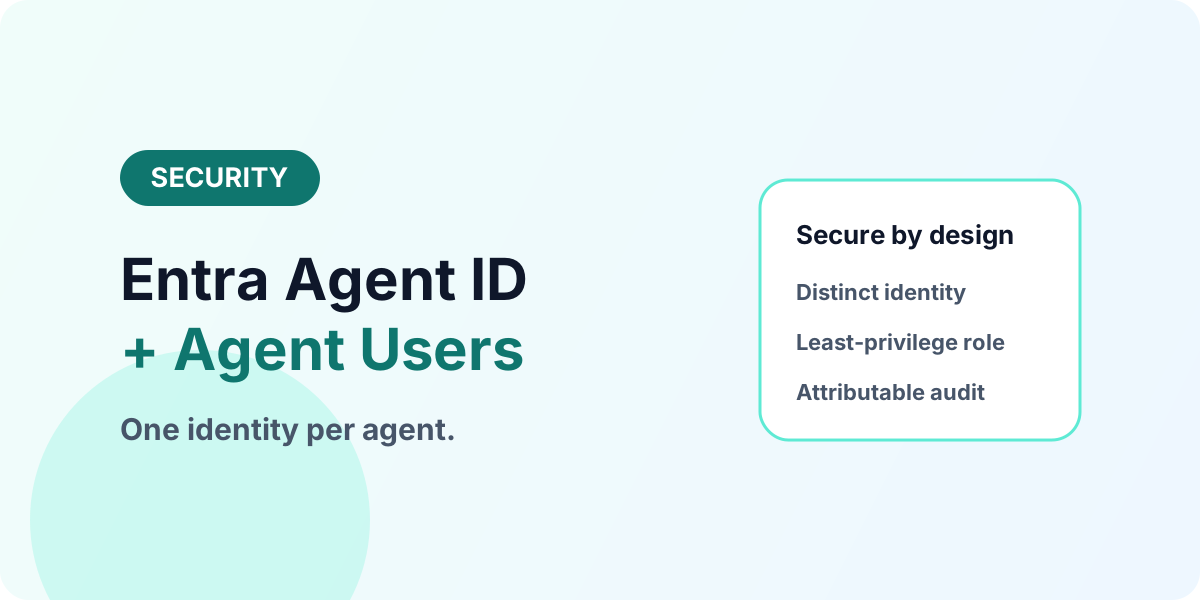
Give every agent its own identity: Entra Agent ID plus Dataverse agent users with least-privilege roles, audit trails, and a clean lifecycle.
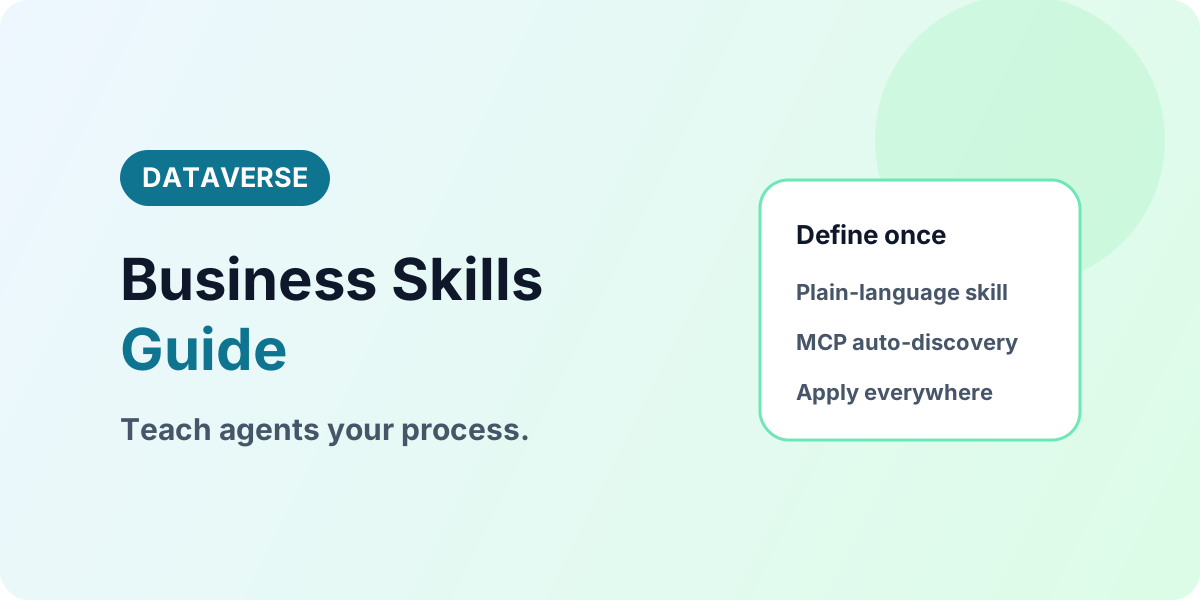
Capture tribal process knowledge as Dataverse Business Skills in plain language so every agent — Copilot, Studio, or coding assistant — follows your standards.
Design a production-ready Dataverse architecture where data modeling, security, automation, integrations, ALM, and operations work together.
Apply Dataverse governance so makers and admins can manage environments, security, solutions, auditing, licensing, ownership and support in production.
Plan Dataverse data migration with clean mapping, alternate keys, lookup resolution, ownership validation, reconciliation, and rollback checks.
Improve Dataverse performance by shaping queries, selecting fewer columns, tuning views, reducing noisy flows, and measuring real app behavior.
Use environment variables and connection references to move Dataverse apps and flows across environments without hard-coded values.
Use Dataverse solutions, publishers, managed layers, source control, pipelines, and environment strategy for healthy ALM.
Use Dataverse Custom APIs to expose controlled business operations for Power Apps, Power Automate, plug-ins, and integrations.
Dataverse is used to store and secure structured business data for Power Apps, Power Automate, model-driven apps, integrations, and enterprise Power Platform solutions.
Yes. SharePoint lists are useful for lightweight collaboration data, while Dataverse is better for relational data, role-based security, solution lifecycle, APIs, and business applications that need stronger governance.
Start with tables, columns, relationships, environments, and security roles before moving into integrations, ALM, plug-ins, and production architecture.