Power Automate Error Handling: Build Reliable Flows
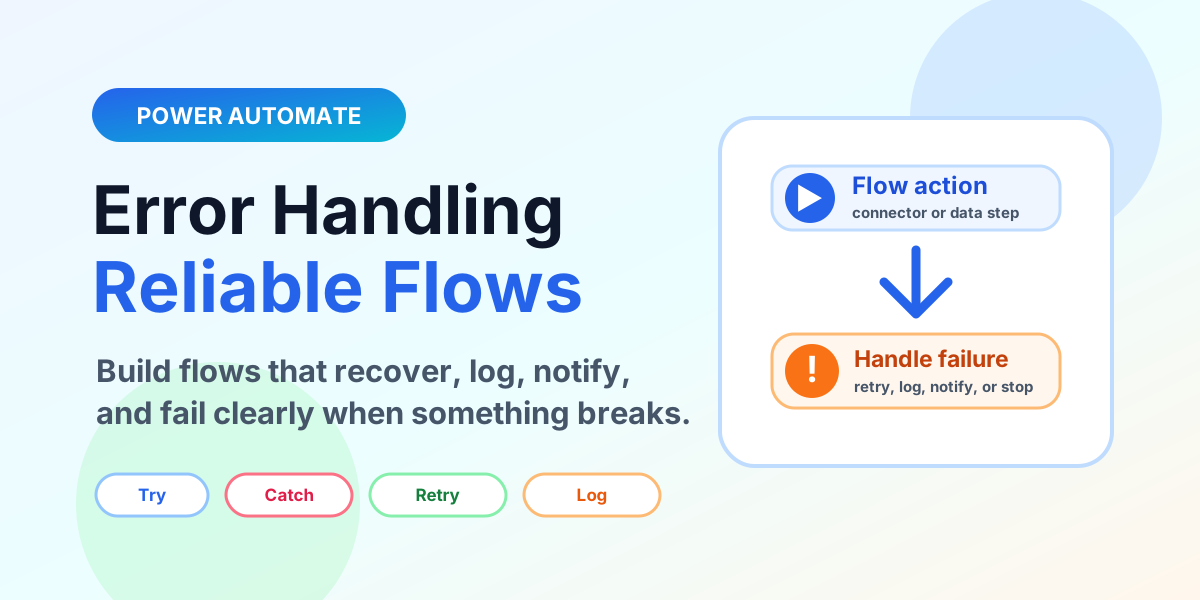
Learn how to build reliable Power Automate cloud flows with run after settings, Try Catch Finally scopes, retry policies, error logging, notifications, validation, and monitoring.
This category explains Power Automate workflow design for Microsoft 365 and Power Platform scenarios. It covers flow types, variables, conditions, switches, approvals, and automation patterns that show up in everyday business processes.
Open the Power Automate learning hubYou will learn how to choose the right trigger, structure decision logic, handle data values, and keep flows readable. The goal is to help you build automations that are not only working today, but understandable when someone needs to support them later.
This article archive collects the concepts, setup steps, design choices, and common implementation patterns behind Power Automate. Use them as practical references while planning, building, testing, and improving Microsoft 365 solutions.
7 articles in “Power Automate”
Learn how to build reliable Power Automate cloud flows with run after settings, Try Catch Finally scopes, retry policies, error logging, notifications, validation, and monitoring.
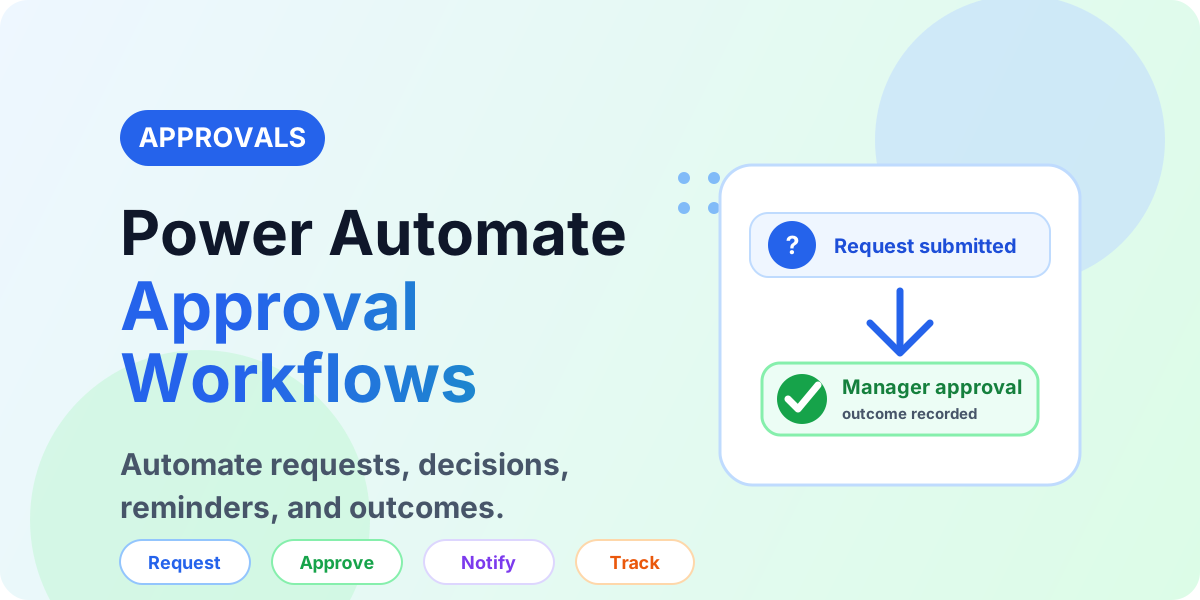
Learn how Power Automate approval workflows work, including approval types, manager decisions, reminders, SharePoint records, Teams alerts, and best practices.
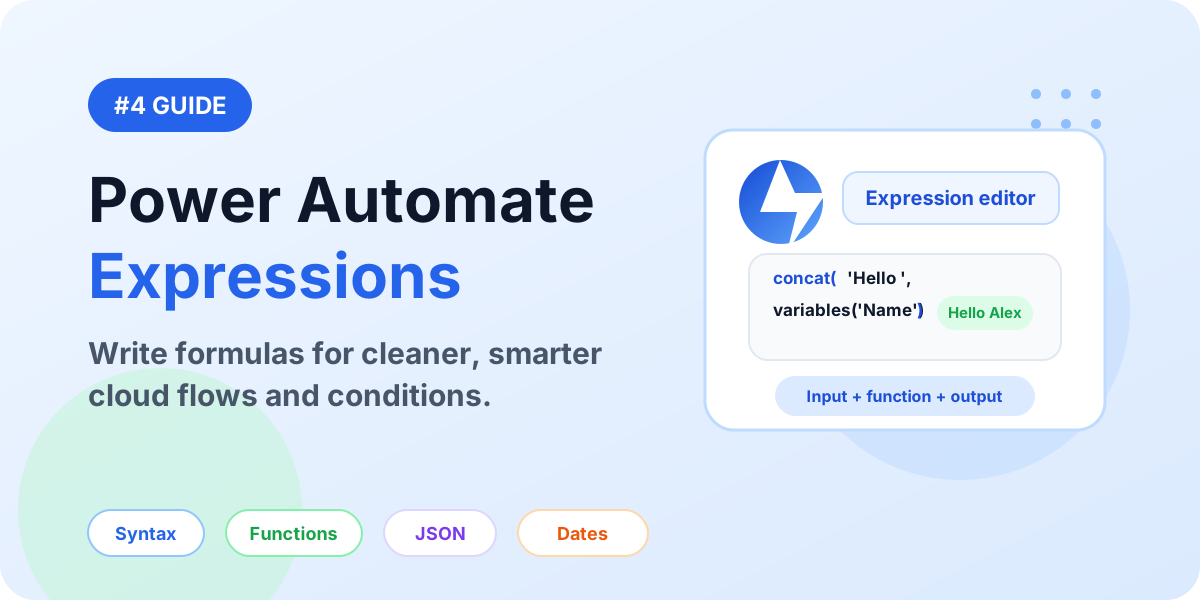
A detailed guide to Power Automate expressions: syntax, functions, dynamic content, conditions, dates, arrays, JSON, null checks, examples, and best practices.
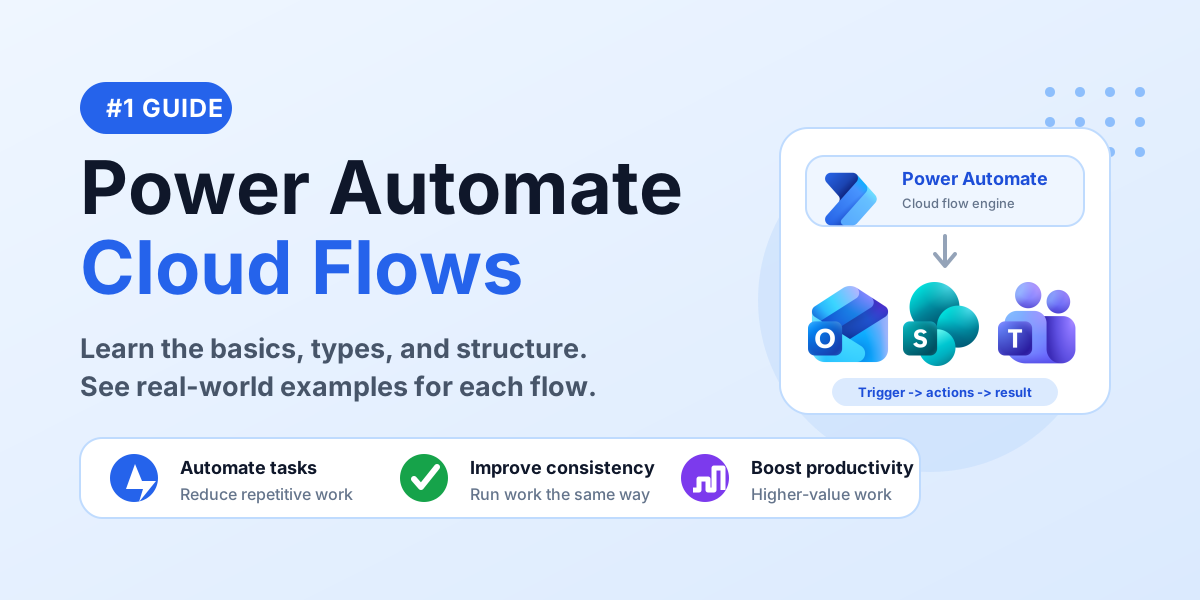
Learn the basics of Power Automate cloud flows, including automated, instant, scheduled, and business process flow examples for beginners.
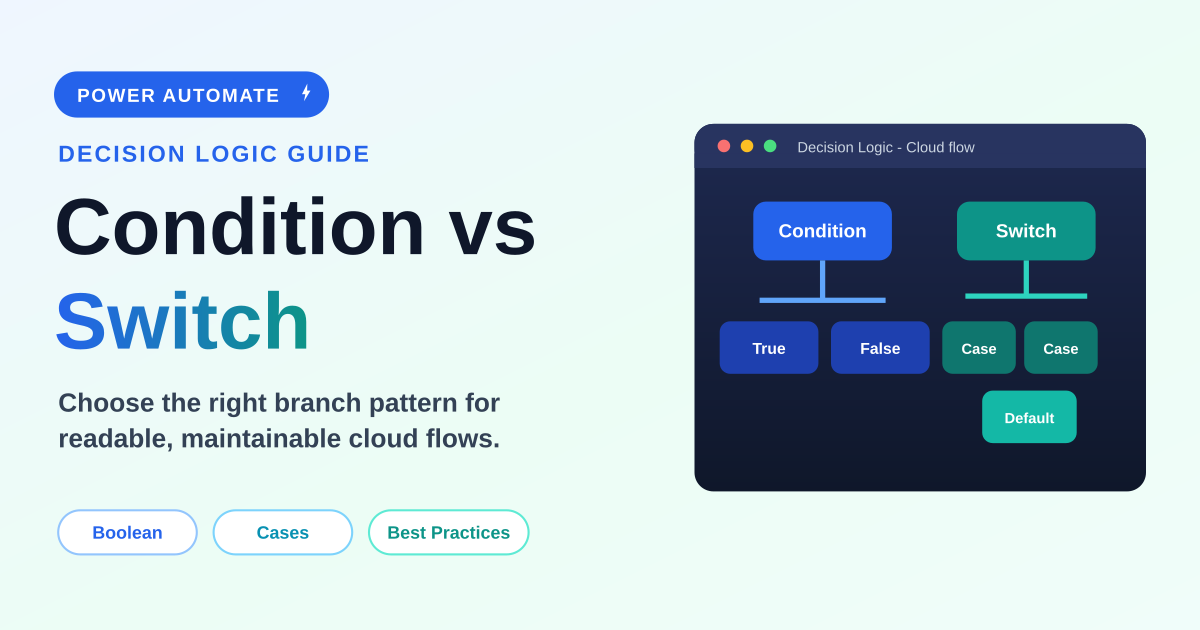
A practical beginner-to-intermediate guide to choosing between Condition and Switch actions in Power Automate, with examples, expressions, performance notes, best practices, mistakes, FAQ, schema, and screenshot placeholders.
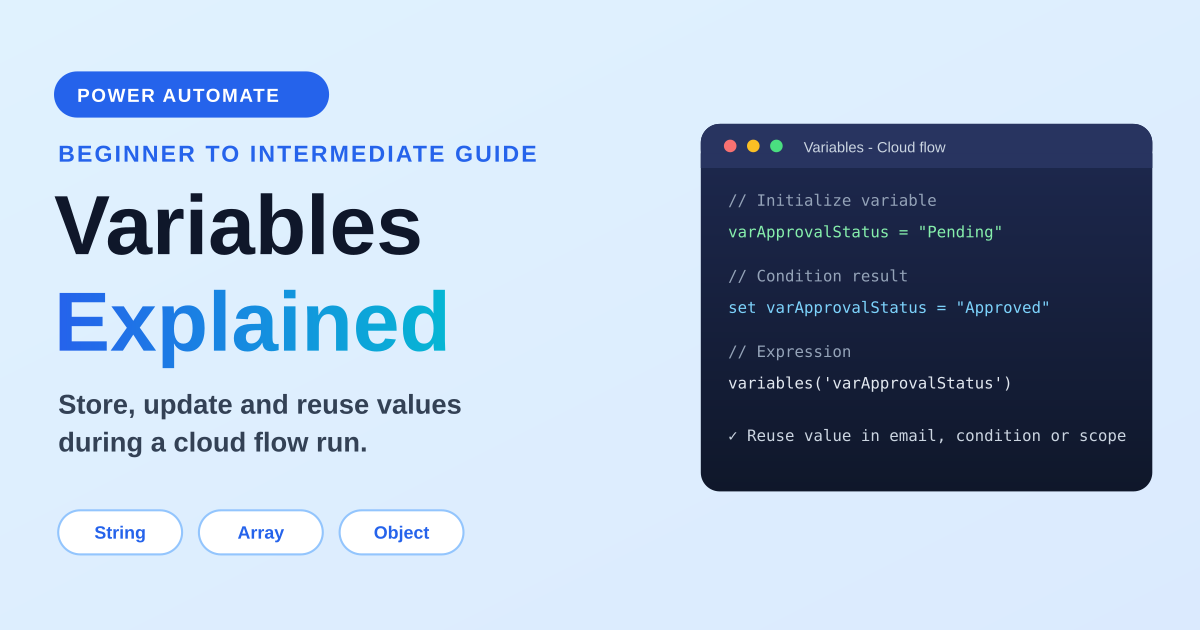
A practical guide to variables in Power Automate: variable types, initialize vs set, append string and array variables, counters, object variables, expressions, loops, concurrency, examples, and best practices.
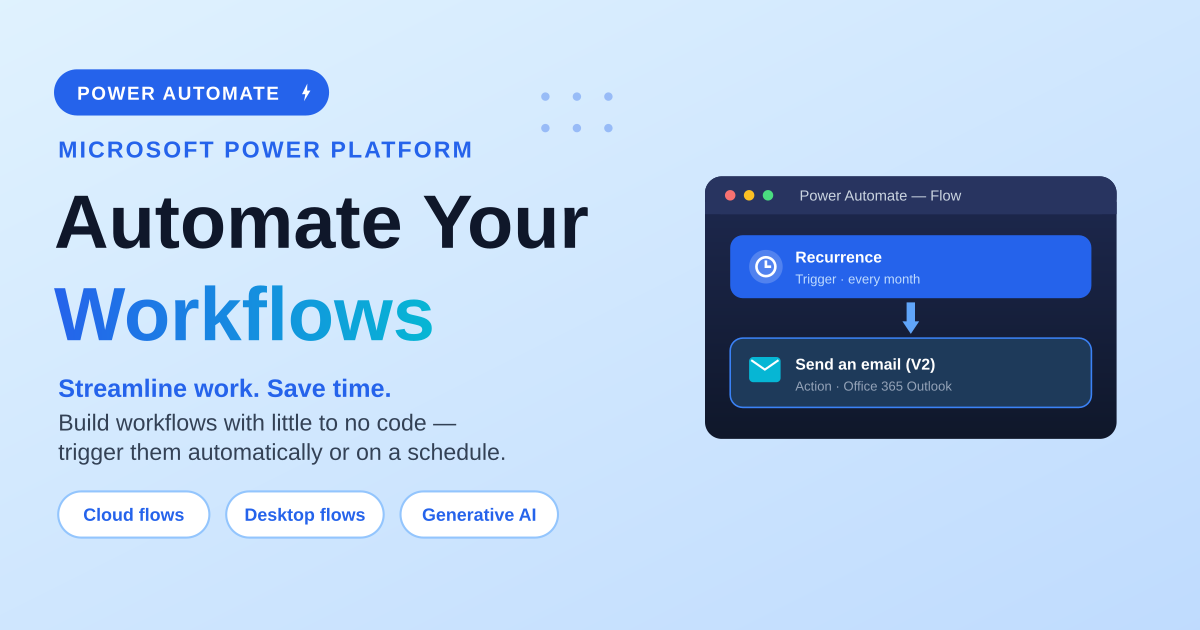
A beginner-friendly guide to Power Automate: the three flow types (cloud, desktop and generative actions), the three ways cloud flows trigger (automated, instant, scheduled), and a step-by-step walkthrough to build, test and run your first scheduled cloud flow — a monthly newsletter — without Copilot.
Yes. They start with common flow concepts and build toward maintainable workflow patterns.
Yes. Many examples connect Power Automate with SharePoint, Teams, Outlook, and other Microsoft 365 services.