Microsoft 365 Licensing Explained for Admins and Makers
Understand Microsoft 365 licensing layers — productivity plans, Power Platform capacity, and premium connectors — without drowning in SKUs.
- Published
- Updated
- Reading time
- 3 min read
What you’ll learn
- Layer 1: Productivity plans
- Layer 2: Power Platform capacity
- Layer 3: Security and compliance add-ons
- Gotchas that surprise teams
- Renewal playbook
On this page (8 sections)
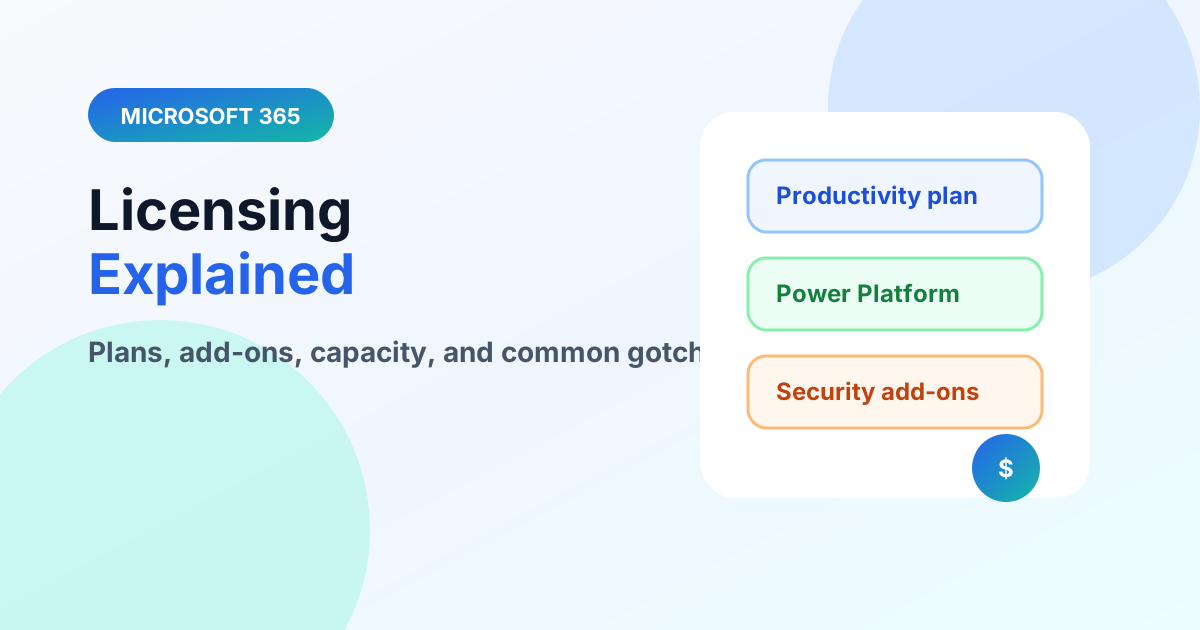
Direct answer: Think in layers: a productivity plan (users, mail, SharePoint, Teams), then Power Platform capacity (Dataverse, premium connectors, AI credits), then security and compliance add-ons. Most “surprise” costs come from layer two — verify allowances before building, and recheck at renewal because packaging changes. This guide teaches the layer model; always confirm exact SKUs against current official pricing before purchasing.
Start from the Microsoft 365 hub and beginner guide. Naming confusion? See Office 365 vs Microsoft 365.
Layer 1: Productivity plans
Business and Enterprise plans bundle users, Exchange, SharePoint, OneDrive, Teams, and Office apps with baseline security. Differences that matter: device management and advanced security depth (Business Premium vs Standard), and compliance depth up the Enterprise stack. Match the plan to identity and security needs, not just app lists.
Layer 2: Power Platform capacity
Dataverse storage and usage allowances, premium-connector use, and AI/agent capacity sit outside base plans. Design reviews should ask three questions: does this touch Dataverse, does it use premium connectors, does it need Copilot Studio capacity? A yes anywhere means a licensing line item — see the data-source guide and Copilot Studio licensing for workload specifics.
Layer 3: Security and compliance add-ons
Advanced auditing, retention depth, insider-risk, and identity-protection tiers layer on top for regulated or large tenants. Buy these against named risks from your admin and governance review, not as blanket coverage.
Gotchas that surprise teams
- Frontline, guest, and shared-mailbox licensing have their own rules — verify before provisioning at scale.
- Trials and developer tenants mask production requirements; pilot licensing must mirror production.
- Reseller invoices may carry legacy Office 365 names for Microsoft 365 content — reconcile SKUs, not labels.
Renewal playbook
Start ninety days before renewal: export current assignments, flag unused licenses and over-assigned premium plans, map next-year projects to required SKUs, and negotiate from the map — not from last year's invoice. True-down rights, renewal windows, and commitment terms differ by agreement type, so confirm the mechanics with your reseller or Microsoft representative while there is still time to adjust.
License assignment hygiene
- Assign through Entra ID groups (role-based or dynamic) instead of per-user clicks — joiners, movers, and leavers stay correct automatically.
- Keep a small unassigned buffer for break-glass and service accounts rather than hoarding full licenses.
- Audit quarterly for departed users, duplicate proxies, and premium plans attached to mailboxes nobody opens.
- Separate admin and daily-use accounts; privileged licensing follows the admin identity.
Maker licensing traps
Makers hit licensing walls mid-project: an app that worked in a developer tenant demands premium capacity in production, or a flow using a standard connector suddenly needs premium ones after a trigger change. Require a licensing line on every solution design — data source, connectors, environments, and expected user count — signed before build starts. The cheapest license problem is the one caught in design.
FAQ
Are nonprofit, education, or frontline plans different? Yes — eligibility, feature depth, and device rules vary substantially. Verify against the current program terms for your segment instead of extrapolating from enterprise plans.
What should a small business buy first? The productivity plan that matches identity and security needs, then add Power Platform or compliance capacity only when a named workload requires it. Under-buying deliberately with a review date beats over-buying blindly.
Revalidate this page’s specifics against current official pricing before acting — packaging changes faster than guides. Continue with creating a business account.
Related resources
Topics covered
Licensing · Governance · Admin Roles
Frequently asked questions
Do SharePoint and Teams need extra licenses?
Core collaboration typically rides the Microsoft 365 plan users already hold — the surprises come from Power Platform capacity, premium connectors, and advanced security add-ons.
When does Power Platform licensing kick in?
When apps or flows use Dataverse capacity beyond included allowances or premium connectors — verify current allowances per scenario at design time.
How often should licensing be reviewed?
At every renewal and before every platform project: map planned workloads to required plans first, then buy.
Sources
- Microsoft Learn: Admin, Microsoft
- Microsoft Learn: Power Platform, Microsoft
Have a Microsoft 365 topic idea?
Share article suggestions, community session ideas, corrections, or real-world scenarios for future nextM365 learning notes.
Keep learning Microsoft 365
Explore more practical tutorials for SharePoint, Power Platform, Copilot Studio, migration, automation, governance, and security.
Continue learning
Related tutorials
Related questions