Power Apps Data Source Guide: Dataverse vs SharePoint for App Makers
Choose the right Power Apps data source with the five-trigger test, delegation realities, licensing notes, and a clean graduation path.
- Published
- Updated
- Reading time
- 3 min read
What you’ll learn
- The five-trigger test
- Delegation realities
- Licensing and graduation
- Common data patterns that decide for you
- Performance checklist before you commit
On this page (7 sections)
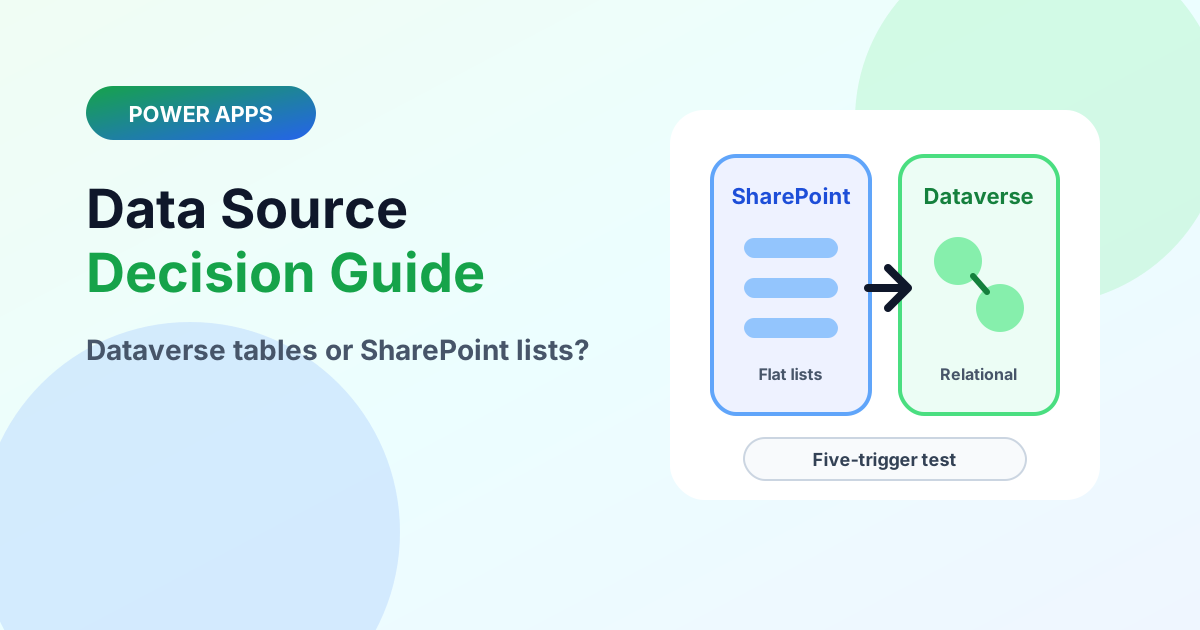
Direct answer: Start on SharePoint for flat, single-team tools under a few thousand rows; start on Dataverse when relationships, row-level security, auditing, solution ALM, or Dynamics 365 integration are already required. Score every app on those five triggers — two or more strong triggers justify Dataverse on day one.
Fast version: When should I use Dataverse instead of SharePoint? Platform version: Dataverse vs SharePoint. Data-layer primers: Dataverse beginner guide and connecting to any data source.
The five-trigger test
| Trigger | SharePoint holds | Dataverse needed |
|---|---|---|
| Relationships | Flat rows, lookups suffice | Multi-table model with enforced relations |
| Security | List/library permissions enough | Managers see only their team’s rows |
| Audit | Version history suffices | Regulated, reportable audit trail |
| ALM | Single environment, maker-owned | Dev/Test/Production with pipelines |
| Integration | Standalone departmental tool | Shared with Dynamics 365 or enterprise APIs |
Delegation realities
SharePoint-backed galleries delegate common filters but not everything — test the largest expected query against production-scale data before promising search behavior. Dataverse delegates far more broadly, which is itself a reason apps graduate. Prototype the biggest query first, whichever source you choose.
Licensing and graduation
SharePoint-backed apps ride existing Microsoft 365 plans furthest; Dataverse and premium connectors change the cost picture — verify per scenario at design time, not at launch. Record graduation criteria in the app readme: when trigger two fires, the move is planned work, not a rewrite crisis. A common path runs drafts and reference data in SharePoint beside governed records in Dataverse.
Common data patterns that decide for you
| Pattern | Natural home | Why |
|---|---|---|
| Team tracker, intake form, simple approvals | SharePoint | Flat rows, list permissions, zero extra licensing friction |
| Orders with line items, cases with activities | Dataverse | Enforced relationships keep child rows honest at scale |
| Manager-only views of subordinate rows | Dataverse | Row-level security by business unit or hierarchy |
| Regulated records with retention proof | Dataverse | Auditing plus retention policies compose cleanly |
| Prototype to validate an idea this week | SharePoint | Fastest path to a working app; graduate only on evidence |
Performance checklist before you commit
- Load-test the largest gallery query against production-scale rows — delegation surprises hide until data grows.
- Prefer indexed and delegable columns for search and sort fields; move computed logic server-side where the connector allows.
- Cache small reference tables locally instead of re-querying on every screen.
- Measure cold-start load with monitoring: slow first screens usually trace to unfiltered queries, not the data source brand.
Graduation path without a rewrite crisis
When a second trigger fires, migrate in layers: model the Dataverse tables first with the same field names, dual-write or bulk-migrate history over a weekend, repoint galleries one screen at a time, then retire the list after a validation window. Apps that separate data access into named collections per screen graduate in days; apps with SharePoint formulas embedded in every control take weeks. Structure for portability from the start and the platform choice stays reversible.
FAQ
Is SharePoint enough for multi-department apps? Often yes, until departments need different row visibility or disconnected lifecycles. Shared use is fine; shared security boundaries are the trigger to graduate.
Does Dataverse slow down simple apps? No — modeling overhead is a design-time cost, not a runtime one. Small Dataverse apps run as fast as list-backed ones; the payoff appears in security, ALM, and integration later.
Continue with standard vs custom tables and connecting Code apps to Dataverse.
Related resources
Topics covered
Architecture · Data Modeling · Governance
Frequently asked questions
Should a new app start on SharePoint or Dataverse?
Start on SharePoint for flat, single-team tools; start on Dataverse when two or more of the five triggers — relationships, row security, audit, ALM, D365 — are already true.
What is delegation in Power Apps?
Whether filters and sorts execute on the server or only on the rows already fetched — non-delegable queries silently return partial results past the row limit.
Can an app use both sources?
Yes. Reference data or drafts in SharePoint with governed records in Dataverse is a legitimate hybrid — with clear ownership per source.
Sources
- Microsoft Learn: Data Platform Intro, Microsoft
- Microsoft Learn: Power Apps, Microsoft
Have a Microsoft 365 topic idea?
Share article suggestions, community session ideas, corrections, or real-world scenarios for future nextM365 learning notes.
Keep learning Microsoft 365
Explore more practical tutorials for SharePoint, Power Platform, Copilot Studio, migration, automation, governance, and security.
Continue learning
Related tutorials
Related questions
Related comparisons