Free Microsoft 365 Tenant Setup Assistance
Get free Microsoft 365 tenant setup assistance for a new business tenant, including domain setup, users, licenses, email, Teams, SharePoint, and security basics.
- Published
- Reading time
- 3 min read
Before you start
Is this guide for you?
- Best entry point
- Microsoft 365
- Time investment
- 3 min read
In this article
- What is Microsoft 365 tenant setup assistance?
- Who this free setup help is for
- What can be included
- What is not included
- Why this setup matters
On this page (7 sections)
Free Microsoft 365 tenant setup assistance is available for a limited number of small businesses and teams that want to start Microsoft 365 correctly from day one.
If you are creating a new tenant, setting up business email, adding a custom domain, assigning licenses, enabling Teams, or securing administrator access, the first setup decisions matter. A clean setup reduces confusion, avoids avoidable support issues, and gives your users a better start.
This page explains what the free setup assistance can include, who it is best for, what is not included, and how to request a slot. For a full self-service guide, also read How to Create a Microsoft 365 Business Account.
What is Microsoft 365 tenant setup assistance?
A Microsoft 365 tenant is your organization's Microsoft cloud environment. It controls users, domains, licenses, email, Teams, SharePoint, OneDrive, administrator roles, security settings, and service configuration.
Tenant setup assistance helps you plan and configure the core basics so the environment is usable and secure before more users depend on it.
Who this free setup help is for
This limited setup guide is most useful when you are early in your Microsoft 365 journey and need practical guidance before larger configuration work.
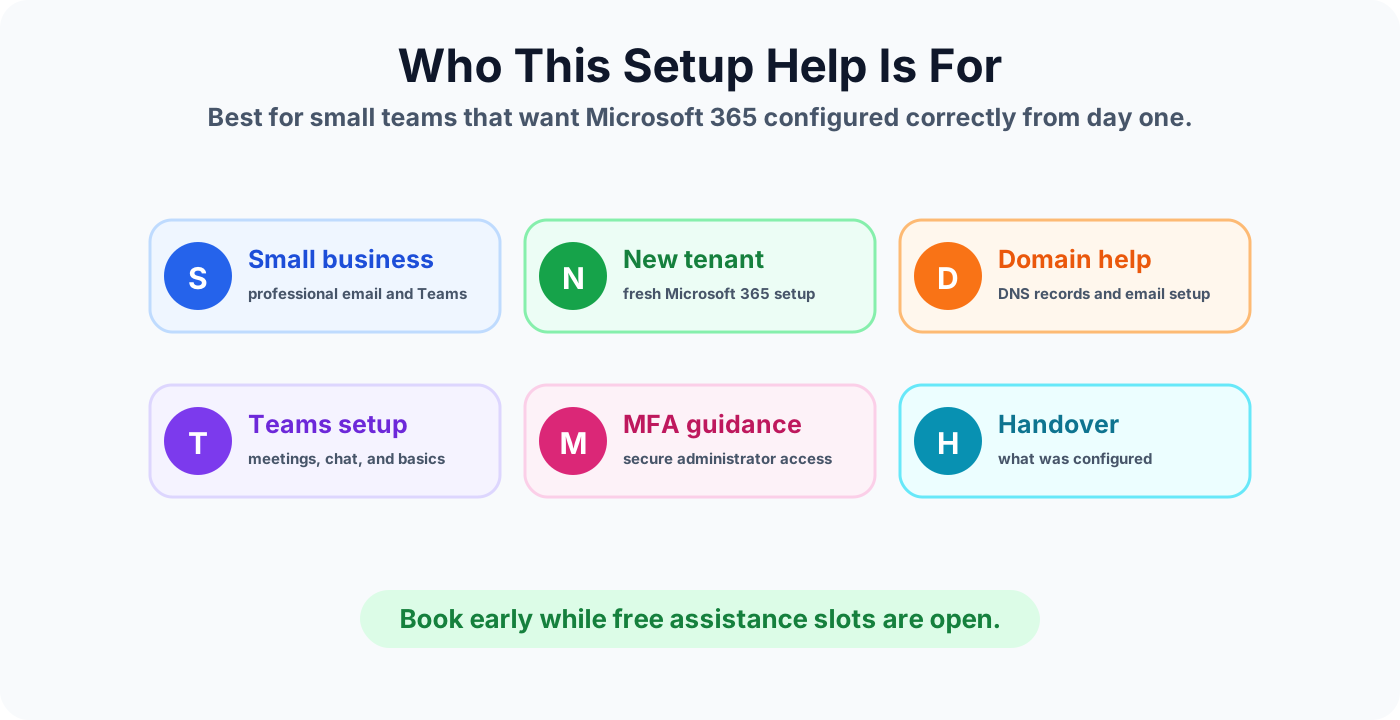
- Small businesses creating their first Microsoft 365 tenant.
- Startups that need professional email and Teams quickly.
- Owners or administrators who bought licenses but are unsure what to configure first.
- Teams that need help verifying a custom domain and email records.
- Organizations that want basic admin security and MFA guidance from the beginning.
What can be included
The exact help depends on your current stage, but a typical free setup review can cover the practical basics below.
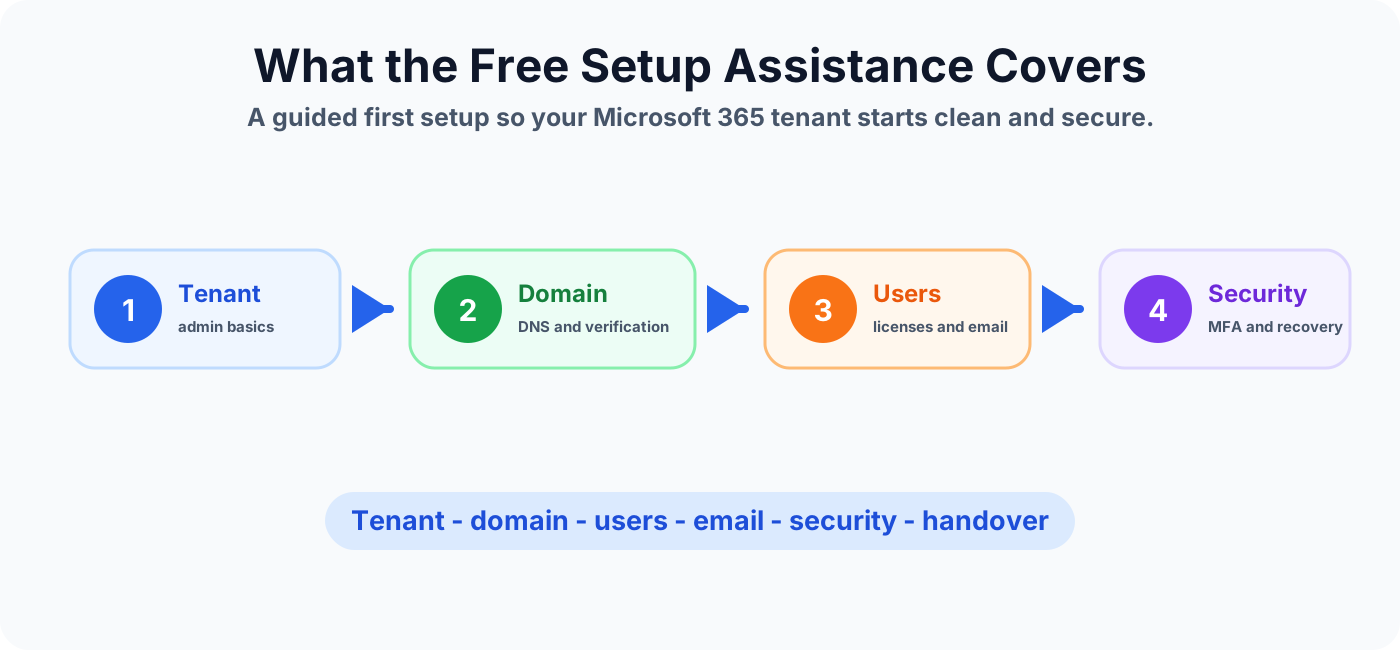
- Tenant basics: tenant name, admin account, service access, and initial admin center orientation.
- Domain setup: domain verification and DNS guidance for Microsoft 365 services.
- User setup: creating users, assigning licenses, and checking sign-in readiness.
- Email basics: Exchange Online mailbox readiness, mail flow checks, and Outlook on the web access.
- Teams basics: Teams access, meeting readiness, and basic collaboration setup.
- SharePoint and OneDrive basics: starting structure, document storage guidance, and sharing considerations.
- Security basics: MFA guidance, administrator account protection, and recovery information.
- Handover notes: a simple summary of what was checked or configured.
What is not included
To keep the offer practical and useful for more people, the free slot is limited. Larger or complex work needs a separate paid project scope.
- Full email migration from Exchange Server, Google Workspace, or another tenant.
- Large user rollout, bulk data migration, or production cutover support.
- Advanced security architecture, Conditional Access design, Defender rollout, or compliance implementation.
- Power Platform development, automation builds, app development, or custom integrations.
- Long-term managed support or recurring administration.
If you need a migration project, start with Exchange Online Migration Step-by-Step Guide or Microsoft 365 Migration Checklist for Beginners.
Why this setup matters
Many Microsoft 365 issues start from rushed setup. The tenant works at first, but later users face email confusion, license mismatch, poor security, unclear ownership, or unmanaged sharing.
A better first setup helps you answer important questions early:
- Who owns the Microsoft 365 tenant?
- Which domain should users sign in with?
- Which licenses are assigned to which users?
- Is email ready before users switch to Microsoft 365?
- Are administrator accounts protected with strong sign-in controls?
- Where should team files live: Teams, SharePoint, or OneDrive?
Setup Information to Collect
Collect the details below so the setup need can be understood quickly.
- Your business name and approximate number of users.
- Whether you already purchased Microsoft 365 licenses.
- Your current email platform, if any.
- Whether you already own a custom domain.
- The main help you need: domain, email, users, Teams, SharePoint, or security.
Best next step
If you are ready to set up Microsoft 365 but do not want to miss the basics, work through the setup details before adding more users. The goal is simple: start with a cleaner tenant, safer admin access, working business email, and a clearer path for your users.
Start Microsoft 365 with the right foundation before users depend on it every day.
Tagged
Admin Center · Licensing · Security · Teams · Document Libraries
Frequently asked questions
Who is this free Microsoft 365 tenant setup assistance for?
It is best for small businesses, startups, consultants, and teams that are creating a new Microsoft 365 tenant or need help checking the basic setup before using it with real users.
What can be included in Microsoft 365 tenant setup help?
Typical setup help can include tenant basics, domain verification, user creation, license assignment, Exchange Online email setup, Teams basics, SharePoint starting structure, MFA guidance, and admin handover notes.
Do I need to buy Microsoft 365 licenses first?
You should either already have Microsoft 365 licenses or be ready to choose a plan. The assistance can help you understand the setup order, but Microsoft licensing costs are separate.
Is this a full migration service?
No. This offer is for limited setup assistance and guidance. Full tenant migrations, complex mail migration, security projects, automation, and long-term managed support require a separate project scope.
How do I request a free setup slot?
Use the booking link in this article and include your company size, current email/domain status, Microsoft 365 plan if selected, and the setup help you need. Slots are handled based on availability.
Sources
- Microsoft Learn: Admin, Microsoft
- Microsoft Learn: Introduction, Microsoft
Have a Microsoft 365 topic idea?
Share article suggestions, community session ideas, corrections, or real-world scenarios for future nextM365 learning notes.
Keep learning Microsoft 365
Explore more practical guides for SharePoint, Power Platform, Copilot Studio, migration, automation, governance, and security.
Continue learning
Related tutorials
Next action