Error Handling | Copilot Studio Day 39
Learn Microsoft Copilot Studio error handling best practices for failed actions, unclear inputs, fallback paths, retries, escalation, and better user recovery.
- Published
- Reading time
- 4 min read
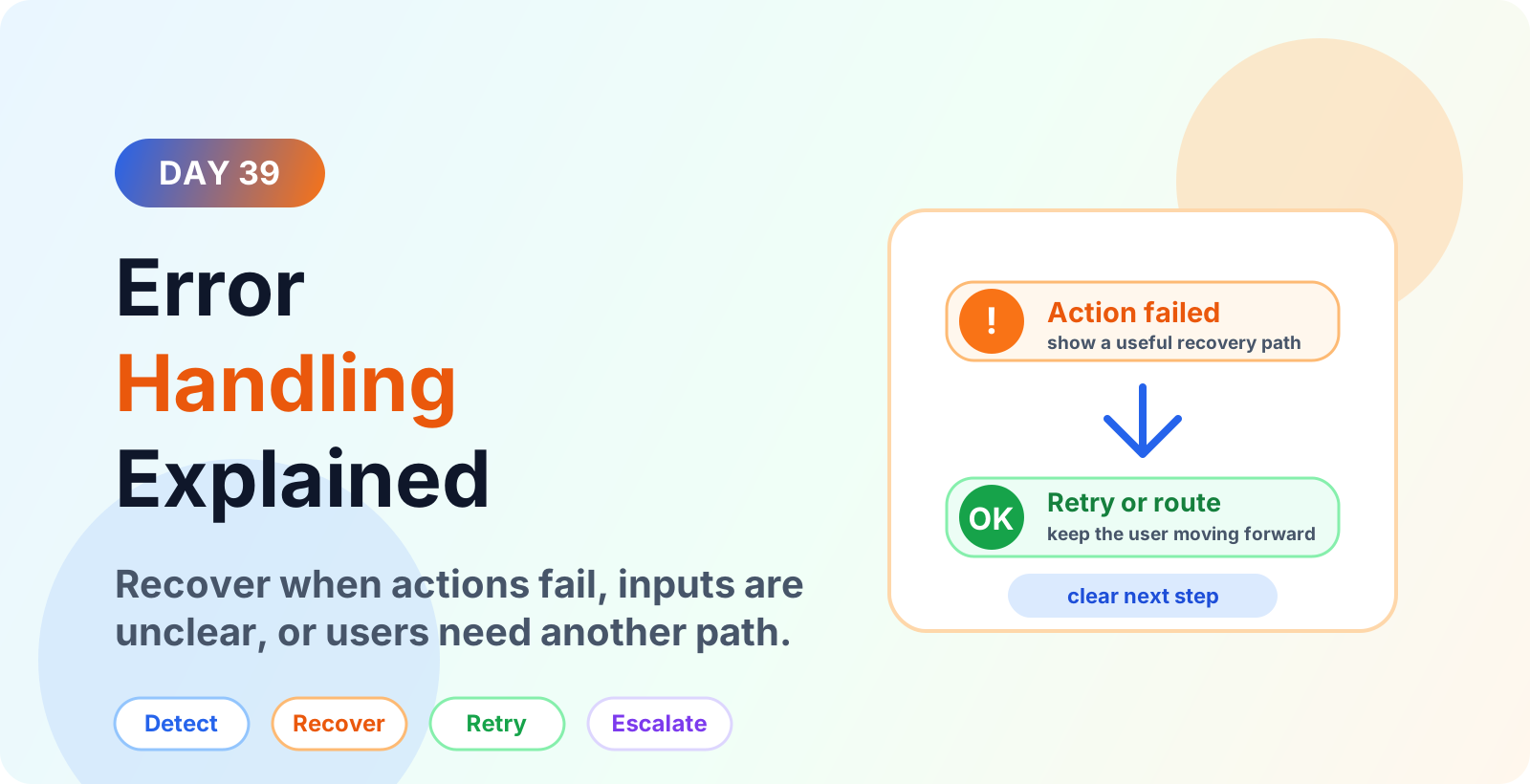

Week 6 · Day 39 of 365 in 365 Days of Copilot Studio — view the full series
Before you start
Is this guide for you?
- Best entry point
- 365 Days of Copilot Studio
- Time investment
- 4 min read
In this article
- What is error handling in Microsoft Copilot Studio?
- Why error handling matters
- Common error types
- Common error handling use cases
- Error message best practices
On this page (19 sections)
Day 39 of 365 Days of Copilot Studio explains how to design error handling for Microsoft Copilot Studio agents.
Error handling is what keeps a conversation useful when something goes wrong. A user may type unclear information, a Power Automate flow may fail, a connector may return no data, or the agent may reach a point where automation cannot safely continue. A good error path explains the problem and gives the user a clear next step.
This lesson builds on system topics, escalation topics, Call an Action nodes, and Condition nodes.
What is error handling in Microsoft Copilot Studio?
Error handling is the design of recovery paths for moments when the agent cannot continue normally. It includes unclear input, failed actions, missing data, connector issues, invalid responses, fallback loops, and escalation after repeated failures.
The goal is not to hide every error. The goal is to make the error understandable and recoverable. Users should know what happened, what they can do next, and when a human support path is available.
Why error handling matters
A Copilot Studio agent can be well designed and still face unexpected conditions. Business systems can be unavailable. Required data can be missing. Users can phrase requests in ways that the agent does not understand. Without error handling, those moments become dead ends.
- Protects trust. Users see a clear explanation instead of a broken conversation.
- Improves completion. Retry and routing paths help users continue.
- Supports governance. Sensitive or risky failures can escalate correctly.
- Helps operations. Logged error details make issues easier to troubleshoot.
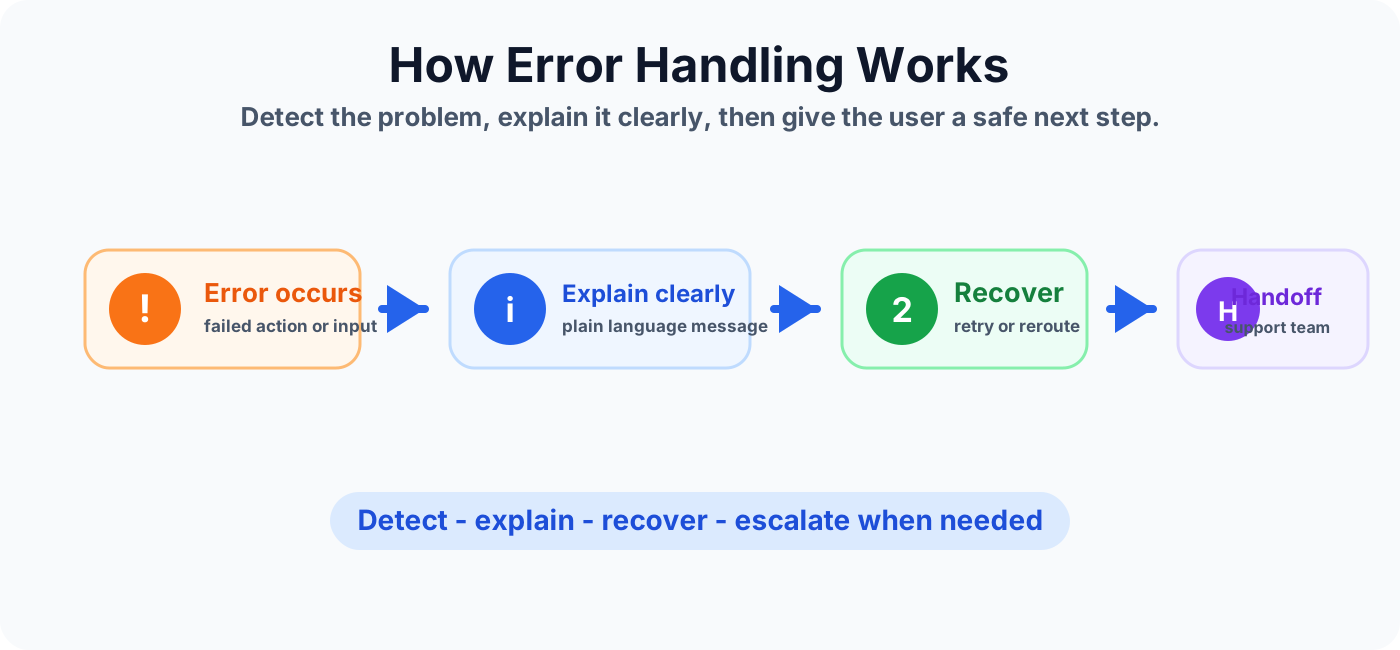
Common error types
Unclear user input
The user may type something vague, incomplete, or outside the expected choices. Ask a focused follow-up question instead of repeating a generic message.
Missing required data
A topic may need an employee ID, ticket number, email address, region, or approval type. If the value is missing, explain what is needed and ask for it again.
Failed actions
Power Automate flows, connectors, APIs, Dataverse operations, or other actions can fail. Give the user a useful message and decide whether to retry, route, or escalate.
No matching result
The agent may search a system and find no record. This is not always a technical failure, but it still needs a clear response and next step.
Repeated fallback
If the user reaches fallback more than once, offer a more helpful path such as common choices, rephrasing guidance, or escalation.
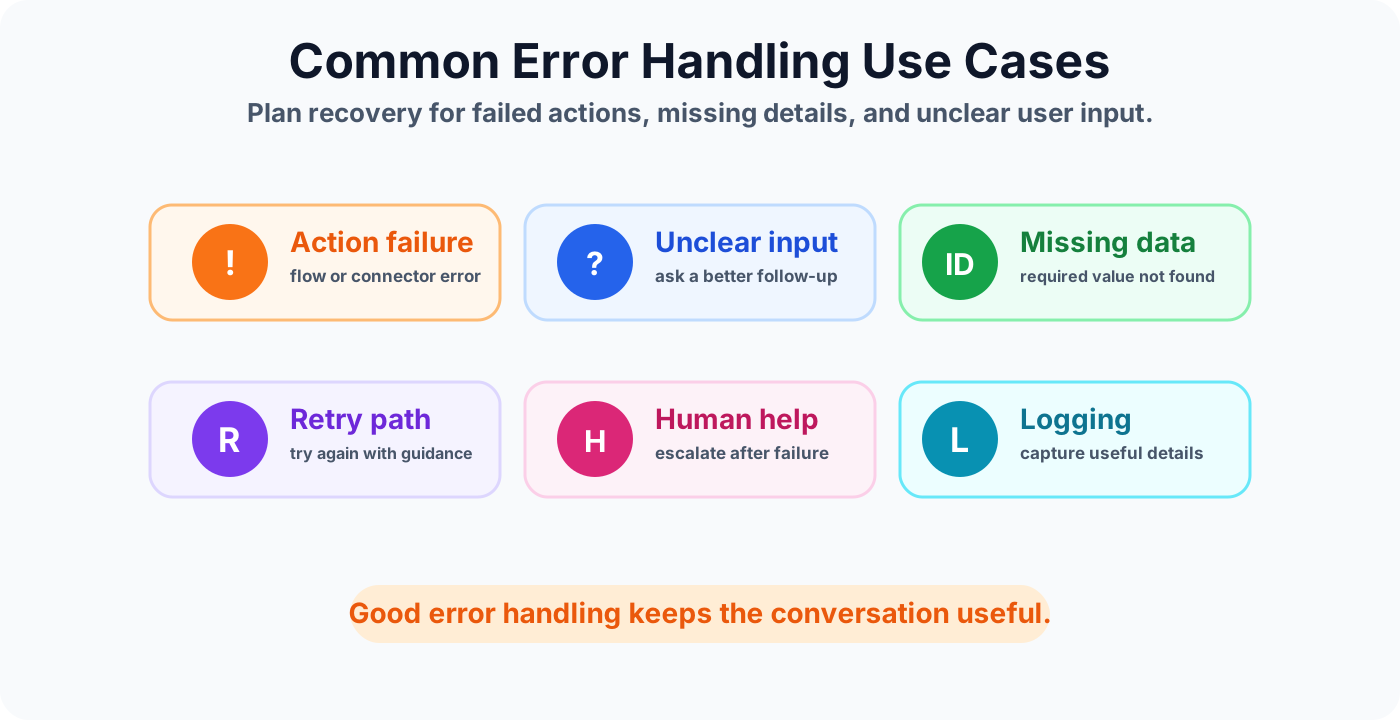
Common error handling use cases
Error handling is useful in every agent that depends on user input, backend data, flows, connectors, or business rules.
Error message best practices
- Use plain language. Say what happened without exposing technical stack traces.
- Give a next step. Offer retry, choose another option, provide missing details, or contact support.
- Avoid blame. Do not make the user feel responsible for a system failure.
- Keep it short. Error messages should be clear and scannable.
- Preserve context. If escalation happens, pass the useful details forward.
Recovery patterns
Ask again with better guidance
If the user input is invalid or incomplete, ask again with an example. For example: "Please enter the ticket number, such as INC123456."
Retry the action
If a temporary action fails, offer a retry. Use this carefully so the user is not stuck in an endless loop.
Route to another topic
If the current topic cannot continue, redirect the user to a more appropriate topic such as support, account help, or policy guidance.
Escalate to support
When retries fail or the issue needs human review, use an escalation topic and include the context the agent has already collected.
Designing errors for actions and flows
When a Copilot Studio topic calls Power Automate or another action, decide what should happen for success, no result, invalid input, unavailable service, and unexpected failure. Each outcome should have a planned message.
- Show a success message when the action completes.
- Explain when no matching record was found.
- Ask for corrected information when input is invalid.
- Offer retry or escalation when the service is unavailable.
- Log enough detail for makers or support teams to troubleshoot.
Mistakes to avoid
- Using generic messages like "Something went wrong" without a next step.
- Letting users repeat the same failed action without a limit.
- Exposing technical error details that users cannot act on.
- Ending the conversation when support or retry would be more useful.
- Failing to log action errors for later review.
Error handling checklist
- Every important action has success, failure, and no-result handling.
- Error messages explain the problem in plain language.
- The user always gets a retry, alternate route, or escalation option.
- Repeated fallback leads to clearer guidance or human help.
- Useful error details are logged without exposing sensitive data to the user.
- The error paths are tested before publishing the agent.
Summary
Error handling turns broken moments into guided recovery. Plan for unclear inputs, missing data, failed actions, retries, logging, and escalation so users are never left without a next step.
Next, review escalation topics, system topics, and Call an Action nodes to make error handling part of the full agent design.
Tagged
Conversation Design · Topics · Actions · AI Agents · Governance
Frequently asked questions
What is error handling in Copilot Studio?
Error handling is the way a Copilot Studio agent responds when something goes wrong, such as an unclear user input, failed action, missing data, connector error, or unsupported request.
Why is error handling important for Copilot Studio agents?
Good error handling keeps users moving forward. It explains the issue, gives a retry or alternate path, and escalates when automation cannot safely continue.
What should a Copilot Studio error message include?
Use a plain-language explanation, a useful next step, and a recovery option such as retrying, choosing another path, contacting support, or creating a ticket.
When should an error path escalate to a human?
Escalate when retries fail, the issue is sensitive or high impact, the action cannot complete, or the user needs a support team to review the request.
How is fallback different from error handling?
Fallback usually handles unmatched user input. Error handling is broader and also covers failed actions, missing data, connector errors, retries, logging, and escalation paths.
Sources
- Microsoft Learn: Welcome Copilot Studio, Microsoft
- Microsoft Learn: Microsoft Copilot Studio, Microsoft
Have a Microsoft 365 topic idea?
Share article suggestions, community session ideas, corrections, or real-world scenarios for future nextM365 learning notes.
Keep learning Microsoft 365
Explore more practical guides for SharePoint, Power Platform, Copilot Studio, migration, automation, governance, and security.
Continue learning
Related tutorials
Related questions
Related comparisons
Next action