Fallback Topics | Copilot Studio Day 40
Learn Microsoft Copilot Studio fallback topics for unclear requests, no-match responses, repeated fallback, routing, escalation, and better user recovery.
- Published
- Reading time
- 4 min read
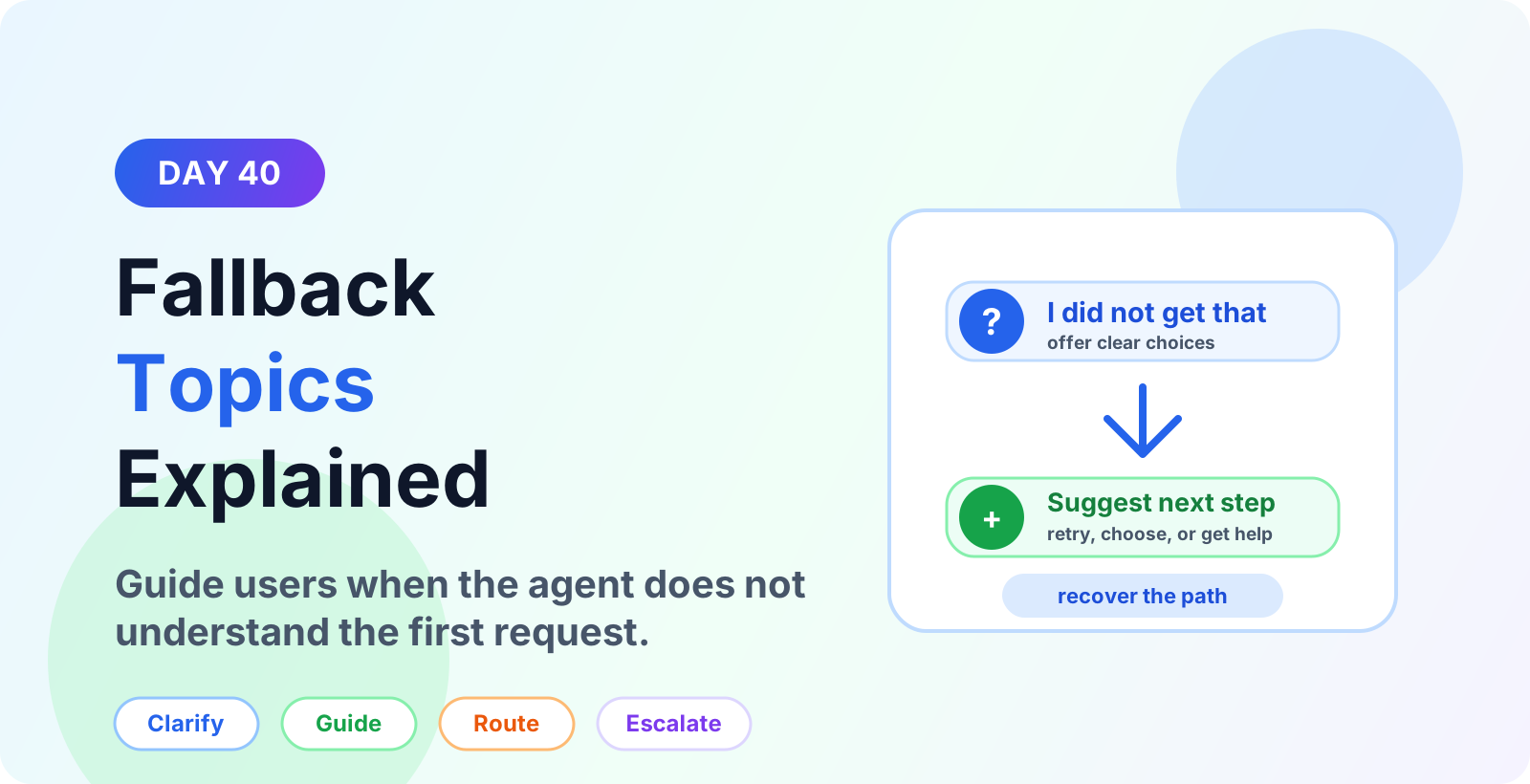

Week 6 · Day 40 of 365 in 365 Days of Copilot Studio — view the full series
Before you start
Is this guide for you?
- Best entry point
- 365 Days of Copilot Studio
- Time investment
- 4 min read
In this article
- What is a fallback topic in Microsoft Copilot Studio?
- Why fallback topics matter
- What a good fallback topic should do
- Common fallback topic use cases
- Fallback message best practices
On this page (11 sections)
Day 40 of 365 Days of Copilot Studio explains how fallback topics help Microsoft Copilot Studio agents recover when the user request is unclear or unmatched.
Even a well-designed agent will receive questions it does not understand. Users may type vague messages, ask for something outside the agent scope, use unexpected wording, or skip important details. A fallback topic gives the agent a helpful way to respond instead of leaving the user stuck.
This lesson builds on system topics, trigger phrases, greeting topics, and error handling.
What is a fallback topic in Microsoft Copilot Studio?
A fallback topic is the topic that runs when the agent cannot confidently match a user message to another topic or answer. It is a recovery path for no-match or unclear requests.
The goal is not to say "I do not understand" and stop. The goal is to help the user recover by clarifying the request, offering common choices, routing to another topic, or escalating when needed.
Why fallback topics matter
Fallback topics are important because they protect the conversation experience when natural language matching is not enough. Without a useful fallback, users can lose trust quickly.
- Prevents dead ends. The user always gets another path forward.
- Improves topic discovery. Suggested choices help users find supported requests.
- Reduces frustration. Clear guidance is better than repeated generic messages.
- Supports improvement. Fallback logs reveal missing trigger phrases, topics, and knowledge gaps.
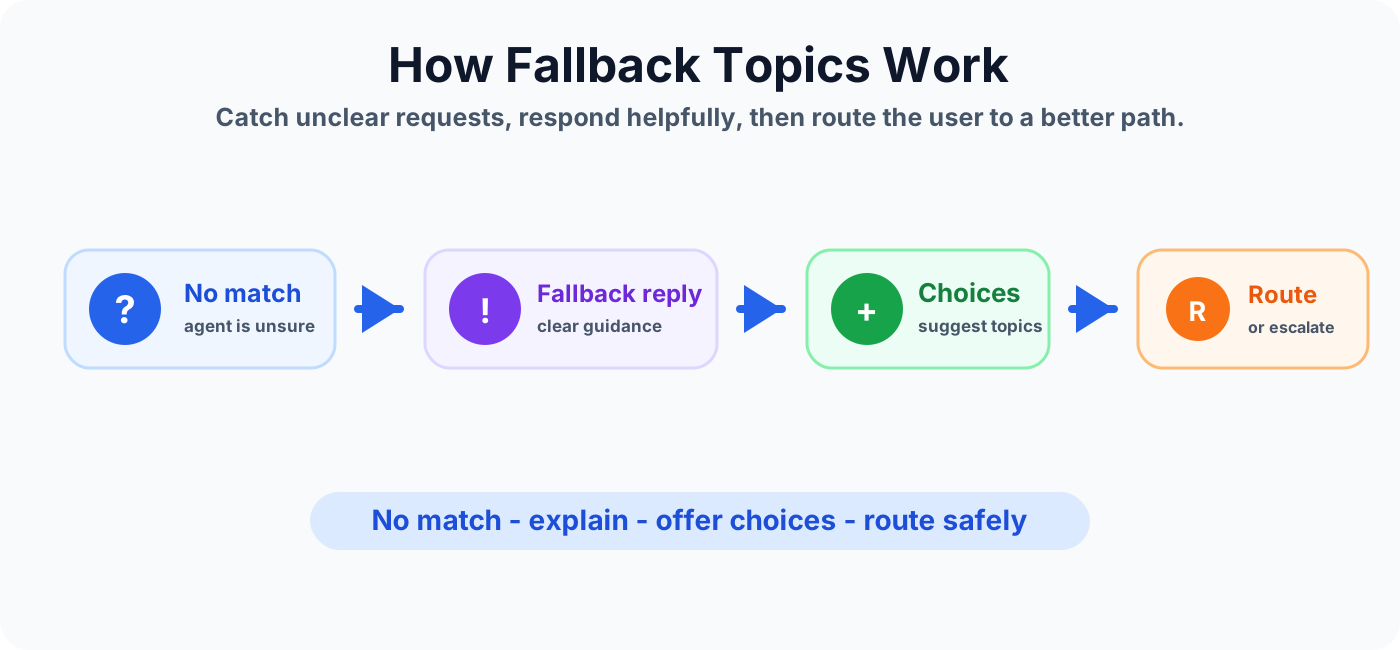
What a good fallback topic should do
A fallback topic should recover the conversation in a calm and useful way. It should be short enough for users to scan, but specific enough to help them try again.
- Tell the user the agent did not understand the request.
- Ask the user to rephrase only when that is genuinely useful.
- Show common options such as IT help, HR policy, benefits, tickets, or onboarding.
- Route to a better topic when the intent is close but not exact.
- Offer escalation after repeated fallback or high-impact requests.
Common fallback topic use cases
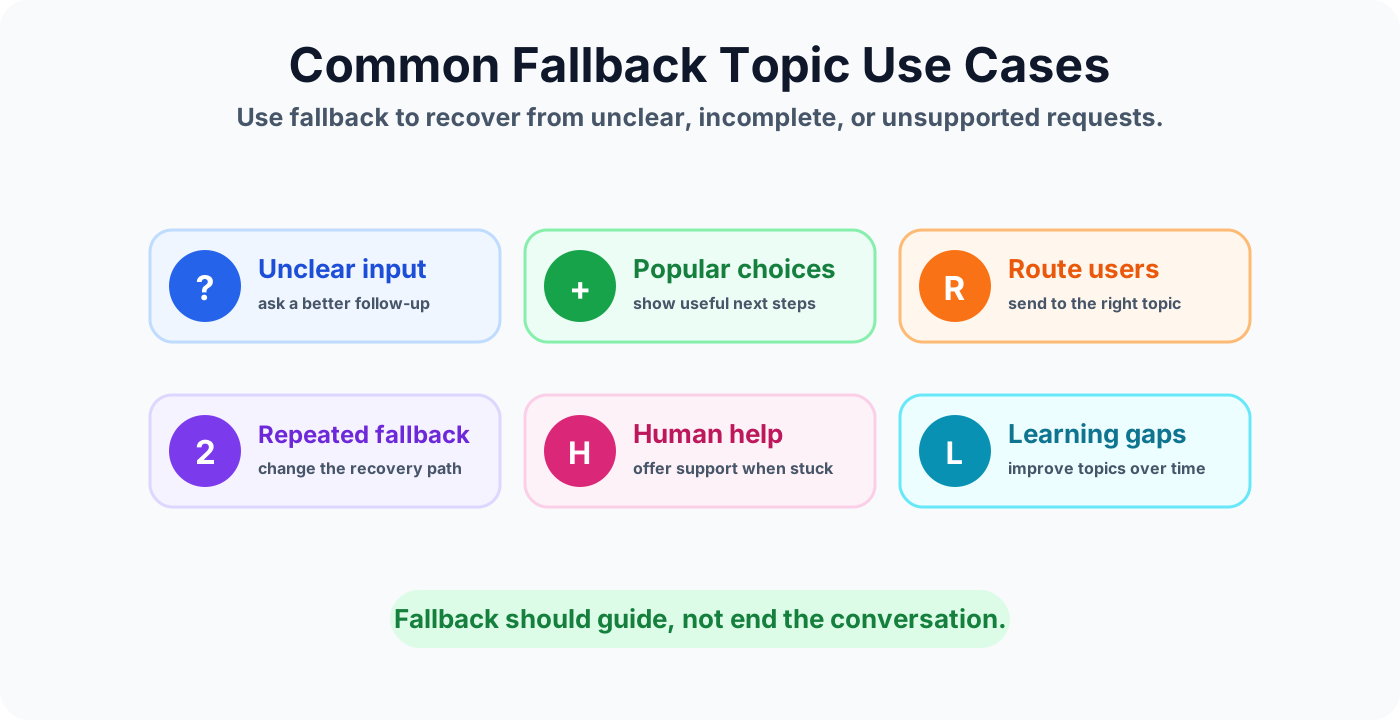
Fallback topics are useful anywhere the agent depends on natural language matching, topic trigger phrases, knowledge search, or user-provided details.
Fallback message best practices
- Use plain language. Avoid technical explanations about intent matching or confidence scores.
- Be specific. Tell users what the agent can help with.
- Offer choices. Buttons or suggested actions reduce typing and improve recovery.
- Avoid blame. Do not make the user feel they caused the problem.
- Limit repetition. Repeating the same fallback message makes the agent feel broken.
Repeated fallback handling
If the user reaches fallback more than once in the same conversation, change the strategy. A second fallback should be more helpful than the first one.
- Show a short list of supported topics.
- Ask one clarifying question instead of asking the user to rephrase broadly.
- Offer a human support path if the user is stuck.
- Capture the unmatched phrase for later review.
Fallback and topic improvement
Fallback events are useful feedback. Review what users typed before fallback and decide whether the agent needs better trigger phrases, more knowledge content, a new topic, or clearer greeting guidance.
For example, if users often type "reset my MFA" and the agent only has trigger phrases for "password reset", add trigger phrases or a separate topic for MFA support.
Fallback vs error handling
Fallback and error handling are related, but they are not the same. Fallback handles requests the agent does not understand. Error handling covers failures that happen after the agent has started a path, such as failed actions, missing data, connector errors, or invalid responses.
Mistakes to avoid
- Using only "Sorry, I did not understand" without a next step.
- Sending users back to the same fallback message repeatedly.
- Offering choices that do not connect to real topics.
- Escalating every unmatched request instead of improving topic coverage.
- Ignoring fallback analytics and missing common user needs.
Fallback topic checklist
- The fallback message is short, polite, and useful.
- The user gets clear choices or an example of what to ask.
- Repeated fallback changes the response or offers support.
- Fallback phrases are reviewed to improve trigger phrases and topics.
- The escalation path is available when automation cannot help.
- The fallback topic is tested with realistic unsupported questions.
Summary
Fallback topics turn unclear or unmatched requests into recoverable conversations. A strong fallback topic explains the issue, guides the user, offers useful choices, and escalates when the agent cannot help.
Next, review error handling, escalation topics, and trigger phrases so fallback becomes part of a complete recovery design.
Tagged
Conversation Design · Topics · Triggers · AI Agents · Governance
Frequently asked questions
What is a fallback topic in Copilot Studio?
A fallback topic is the conversation path used when the agent cannot confidently match the user message to a specific topic or answer.
Why are fallback topics important?
Fallback topics prevent dead ends. They explain that the agent did not understand, offer helpful choices, and route the user to a better next step.
What should a fallback message include?
A good fallback message should be short, polite, specific enough to guide the user, and paired with choices such as common topics, retry guidance, or support.
When should fallback escalate to a human?
Escalate after repeated fallback, when the user asks for a person, or when the request is sensitive, urgent, or outside the agent scope.
How is fallback different from error handling?
Fallback handles messages the agent does not understand. Error handling covers broader failures such as failed actions, missing data, connector issues, retries, and logging.
Sources
- Microsoft Learn: Authoring Create Edit Topics, Microsoft
- Microsoft Learn: Microsoft Copilot Studio, Microsoft
Have a Microsoft 365 topic idea?
Share article suggestions, community session ideas, corrections, or real-world scenarios for future nextM365 learning notes.
Keep learning Microsoft 365
Explore more practical guides for SharePoint, Power Platform, Copilot Studio, migration, automation, governance, and security.
Continue learning
Related tutorials
Related questions
Related comparisons
Next action