Greeting Topic Best Practices | Copilot Studio Day 37
Learn Microsoft Copilot Studio greeting topic best practices for welcome messages, first prompts, quick replies, suggested actions, routing, and better chatbot starts.
- Published
- Reading time
- 4 min read
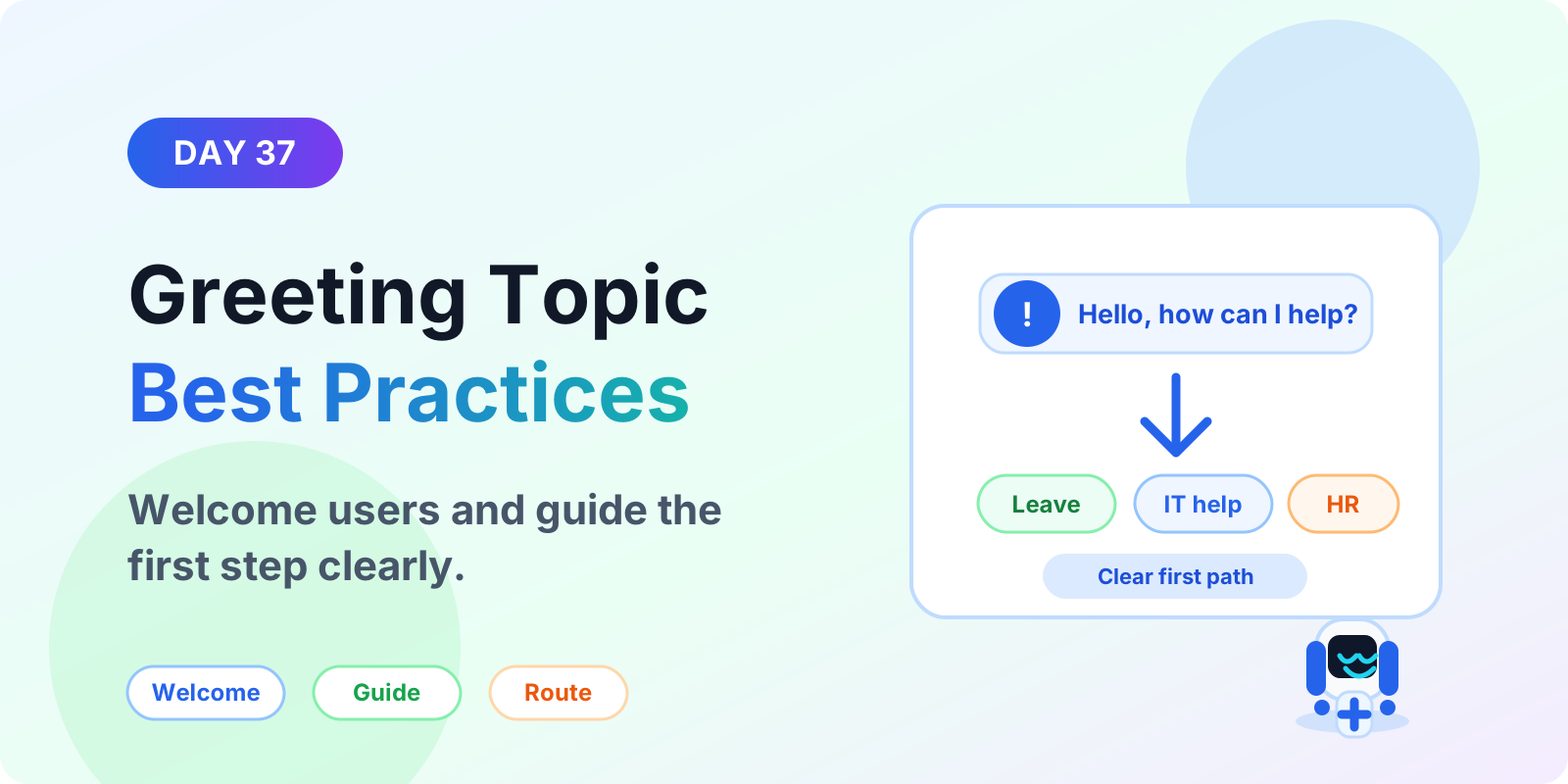
Week 6 · Day 37 of 365 in 365 Days of Copilot Studio — view the full series
Before you start
Is this guide for you?
- Best entry point
- 365 Days of Copilot Studio
- Time investment
- 4 min read
In this article
- What is a greeting topic in Microsoft Copilot Studio?
- Why greeting topic design matters
- What a good greeting topic should include
- Greeting topic best practices
- Greeting topic examples
On this page (20 sections)
Day 37 of 365 Days of Copilot Studio explains how to design the greeting topic, the first experience many users see when they open a Microsoft Copilot Studio agent.
A greeting topic is more than a welcome message. It sets expectations, tells users what the agent can help with, and gives them a simple path into the right task. A clear greeting reduces confusion and improves completion for IT support, HR, onboarding, policy, and service desk agents.
This lesson builds on system topics, trigger phrases, quick replies, and suggested actions.
What is a greeting topic in Microsoft Copilot Studio?
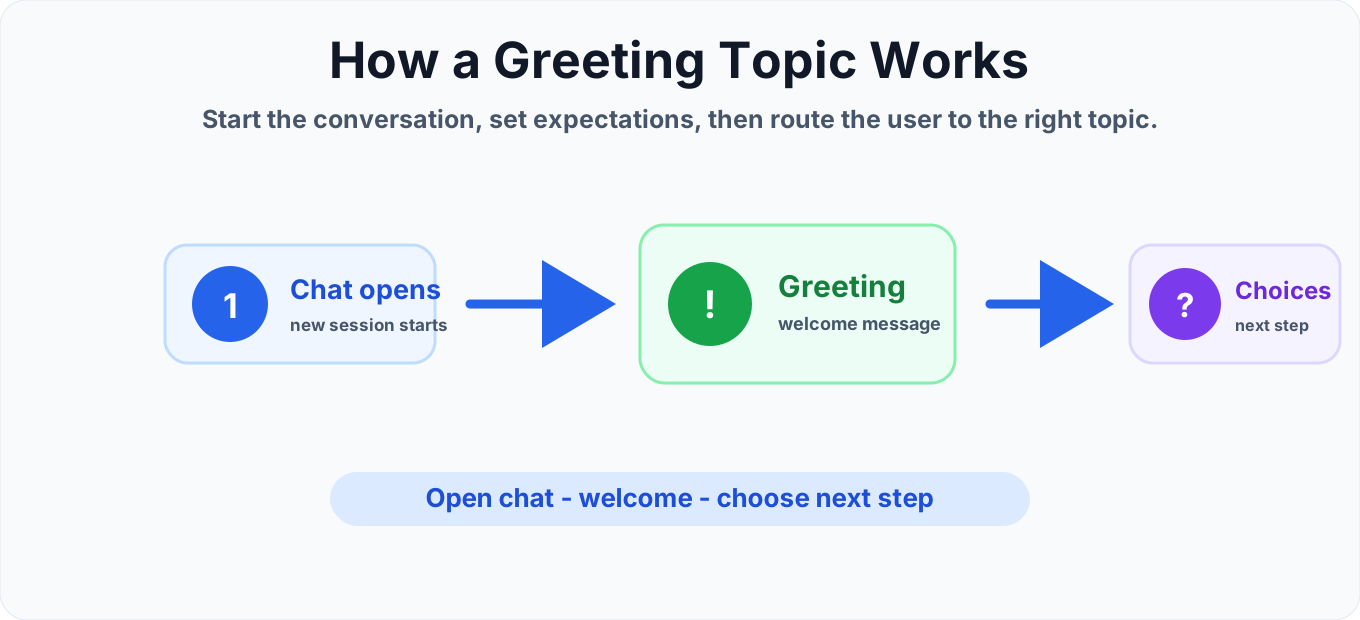
A greeting topic is the conversation starter for a Copilot Studio agent. It usually runs when the user opens the chat or starts a new session. The goal is simple: welcome the user, explain the agent scope, and guide the user toward a useful next step.
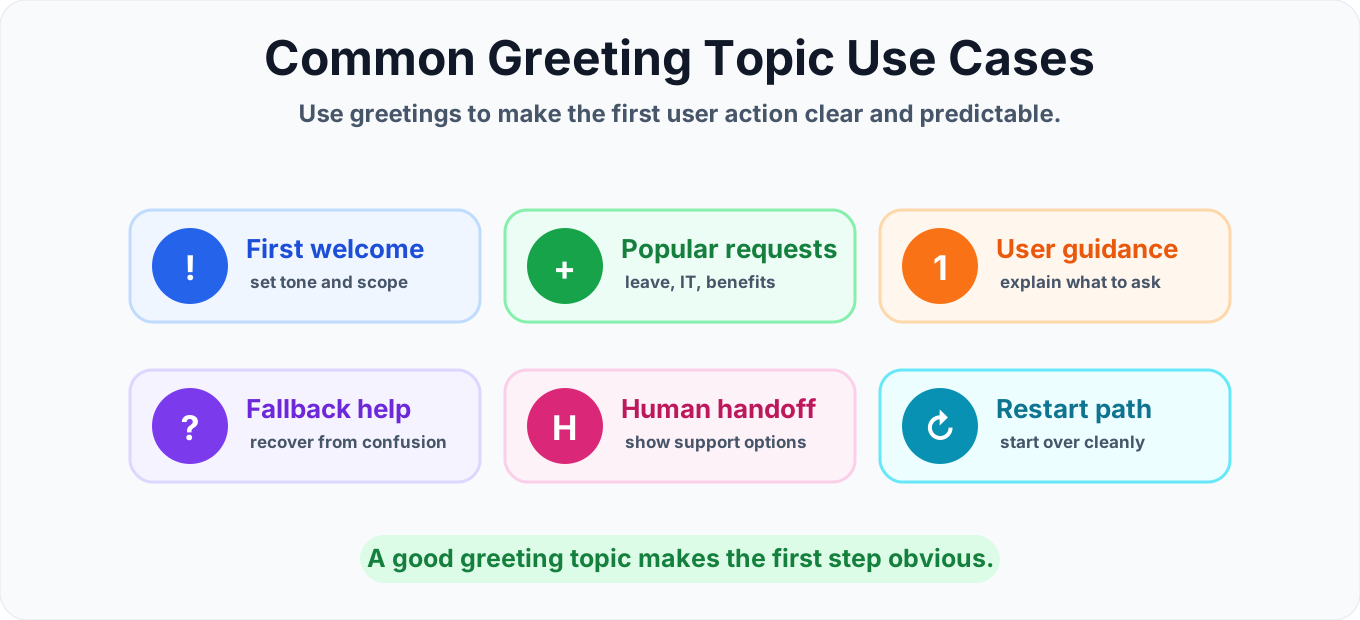
For example, an internal Microsoft 365 support agent might greet the user and offer choices such as reset password, request leave, check policy, open ticket, or talk to support. Those choices can route to custom topics instead of forcing the user to guess what to type.
Why greeting topic design matters
The greeting topic creates the first impression of your Copilot Studio agent. If it is vague, users may ask unsupported questions, miss the right option, or abandon the conversation. If it is clear, users understand what the agent can do and how to start.
- Sets scope. Users know which tasks the agent supports.
- Reduces typing. Quick replies and suggested actions make common paths easy.
- Improves routing. Choices can send users to the correct custom topic.
- Prevents confusion. The agent avoids promising help it cannot deliver.
What a good greeting topic should include
Short welcome message
Start with one friendly sentence. Avoid long introductions. The user came to complete a task, not read a product description.
Clear agent scope
Tell the user what the agent can help with. For example: "I can help with leave, benefits, password issues, and support tickets."
Useful first choices
Add quick replies or suggested actions for the most common tasks. Keep the labels short and action-based, such as "Open ticket", "Request leave", or "Reset password".
Routing to custom topics
Each choice should move the user to a topic that handles one clear goal. This keeps the greeting topic simple and makes the rest of the agent easier to maintain.
Greeting topic best practices
1. Do not overload the first message
Keep the first message focused. If the user needs more detail, show it after they choose a path.
2. Use natural wording
Write like a support assistant. Avoid technical labels that only makers understand.
3. Limit the number of options
Three to five choices usually work well. If you need more, group them by category or ask a follow-up question.
4. Include a free-text path
Some users will type their own request. Make sure trigger phrases and fallback behavior can still route them helpfully.
5. Test the greeting with real users
Ask users what they expect after reading the greeting. If they cannot quickly identify the next step, simplify the message.
Greeting topic examples
IT help desk agent
"Hi, I can help with password resets, access requests, app issues, and support tickets. What do you need help with?"
HR support agent
"Hi, I can help with leave, benefits, onboarding, and policy questions. Choose an option or type your question."
Microsoft 365 support agent
"Hi, I can help with Teams, SharePoint, Outlook, licensing, and common Microsoft 365 support requests."
Common mistakes to avoid
- Writing a long greeting. Long greetings are skipped and slow down the user.
- Using unclear choices. Labels like "More" or "Services" do not explain the outcome.
- Offering unsupported tasks. Only list options the agent can actually handle.
- Forgetting fallback behavior. Users should still get help when they type instead of clicking.
- Putting too much logic in the greeting. Route to custom topics for deeper workflows.
Greeting topic checklist
- The greeting explains what the Copilot Studio agent can help with.
- The first prompt is short and easy to scan.
- Common user goals are available as quick replies or suggested actions.
- Each choice routes to a focused custom topic.
- The fallback path helps users recover when no topic matches.
- The wording has been tested with likely users.
Summary
A strong greeting topic helps users start the right conversation quickly. Keep it short, show the most useful options, route users to focused topics, and make sure fallback behavior supports users who type their own request.
Next, continue with quick replies, suggested actions, and custom topics to make the greeting topic more useful.
Tagged
Conversation Design · Topics · Triggers · Actions · AI Agents
Frequently asked questions
What is a greeting topic in Copilot Studio?
A greeting topic is the starting experience that welcomes the user, explains what the agent can help with, and gives the user a clear first step.
What should a Copilot Studio greeting message include?
A good greeting message should include a short welcome, the agent scope, common choices, and a clear next step without overwhelming the user.
Should a greeting topic use quick replies?
Yes. Use quick replies when the first choices are predictable, such as HR, IT support, policy help, or opening a ticket.
How many choices should a greeting topic show?
Most greeting topics work best with three to five useful choices. Too many options can slow users down and make the agent harder to use.
Can a greeting topic redirect users to other topics?
Yes. A greeting topic can use quick replies, suggested actions, conditions, or redirects to send users to the right task-specific topic.
What is the difference between a greeting topic and a fallback topic?
A greeting topic starts the conversation. A fallback topic handles cases where the user says something the agent cannot match to a known topic.
Sources
- Microsoft Learn: Authoring Create Edit Topics, Microsoft
- Microsoft Learn: Microsoft Copilot Studio, Microsoft
Have a Microsoft 365 topic idea?
Share article suggestions, community session ideas, corrections, or real-world scenarios for future nextM365 learning notes.
Keep learning Microsoft 365
Explore more practical guides for SharePoint, Power Platform, Copilot Studio, migration, automation, governance, and security.
Continue learning
Related tutorials
Related questions
Related comparisons
Next action