Conversation Flow Explained | Copilot Studio Day 14
Learn how Copilot Studio conversation flows guide users from question to action to response, including common flow steps, conversation nodes, best practices, mistakes to avoid, testing, and a real IT help desk example.
- Published
- Updated
- Reading time
- 4 min read
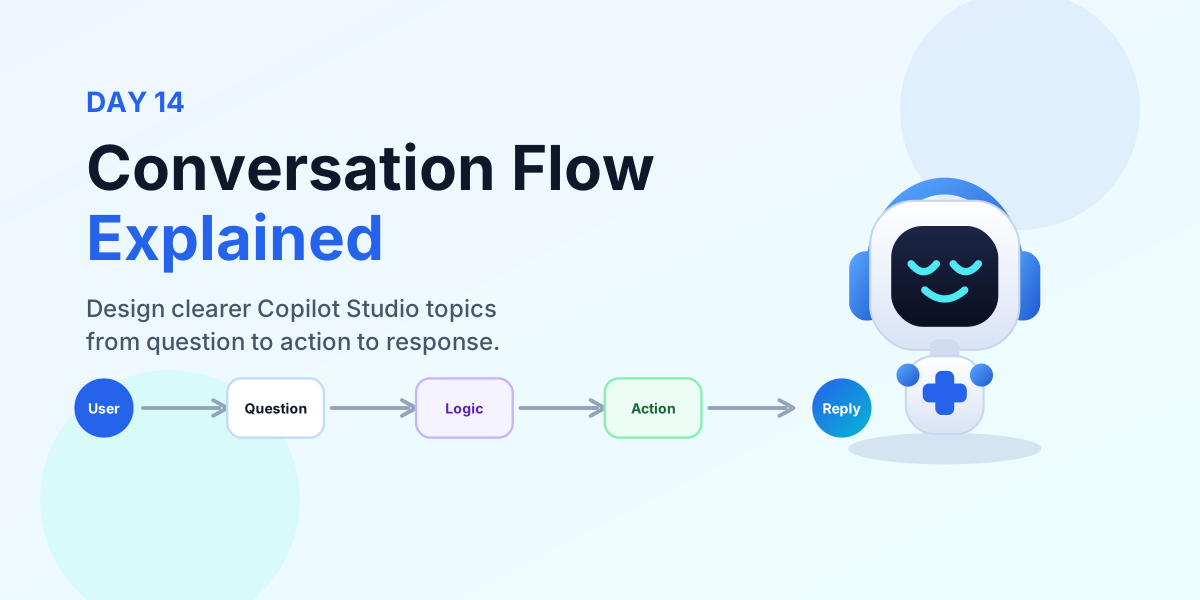
Week 2 · Day 14 of 365 in 365 Days of Copilot Studio — view the full series
Before you start
Is this guide for you?
- Best entry point
- 365 Days of Copilot Studio
- Time investment
- 4 min read
In this article
- What is a conversation flow?
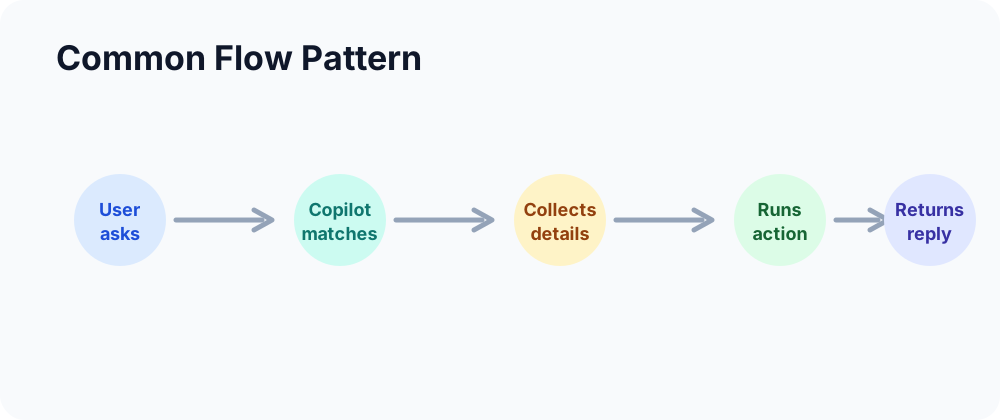
- Common flow pattern
- Conversation nodes
- Best practices
- Mistakes to avoid
On this page (9 sections)
A conversation flow is the path your Microsoft Copilot Studio agent follows to help a user. It starts with a user question, moves through one or more conversation nodes, performs actions when needed, and ends with a useful response.
Day 14 of the 365 Days of Microsoft Copilot Studio series focuses on designing smarter AI conversations. A better flow creates a better conversation because the user always knows what is happening, what information is needed, and what outcome was reached.
What is a conversation flow?
A conversation flow defines how your copilot moves from user input to response. In a simple support scenario, the user asks a question, the copilot asks for missing details, checks a condition, runs an action, and returns the final answer.
Think of it as the user journey inside a topic. The topic is not just a set of messages; it is a guided path. Every message, question, branch, action, and confirmation should help the user move closer to the outcome.
Good flows create better conversations.
Common flow pattern
Most Copilot Studio conversations follow a practical pattern:
- User asks a question. The conversation starts when the user describes what they need.
- Copilot understands. Copilot Studio matches the request to the right topic or intent.
- Copilot collects information. The flow asks only for the details required to continue.
- Copilot performs an action. The topic can call Power Automate, update a system, search knowledge, or route the request.
- Copilot returns a response. The user receives a clear answer, status, or confirmation.
Conversation nodes
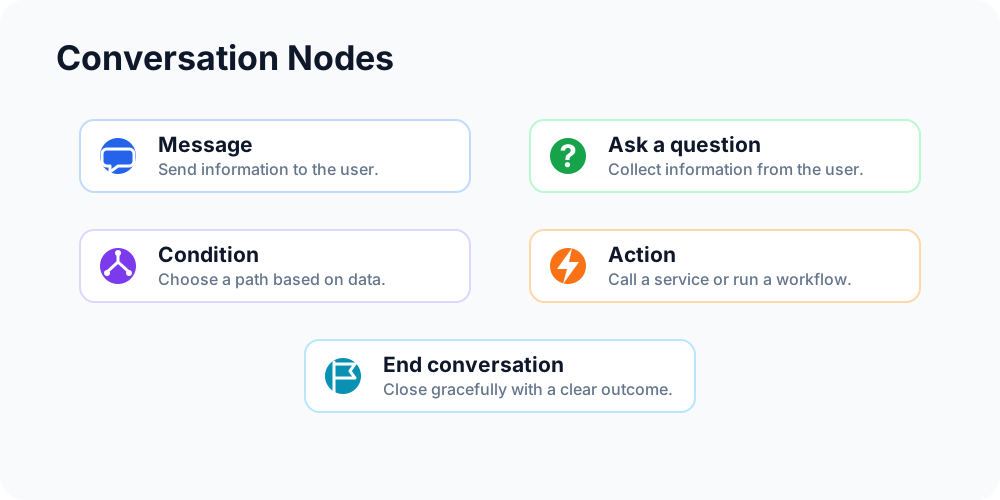
Conversation nodes are the building blocks of your Copilot Studio topic. Each node has a specific job in the flow:
- Message: sends information to the user.
- Ask a question: collects information from the user.
- Condition: checks a value and chooses a path.
- Action: runs an action or calls a service.
- End conversation: closes the conversation gracefully.
The quality of the flow depends on how well these nodes are connected. A clear sequence feels natural. A scattered sequence makes users repeat themselves or wonder what happened.
Best practices
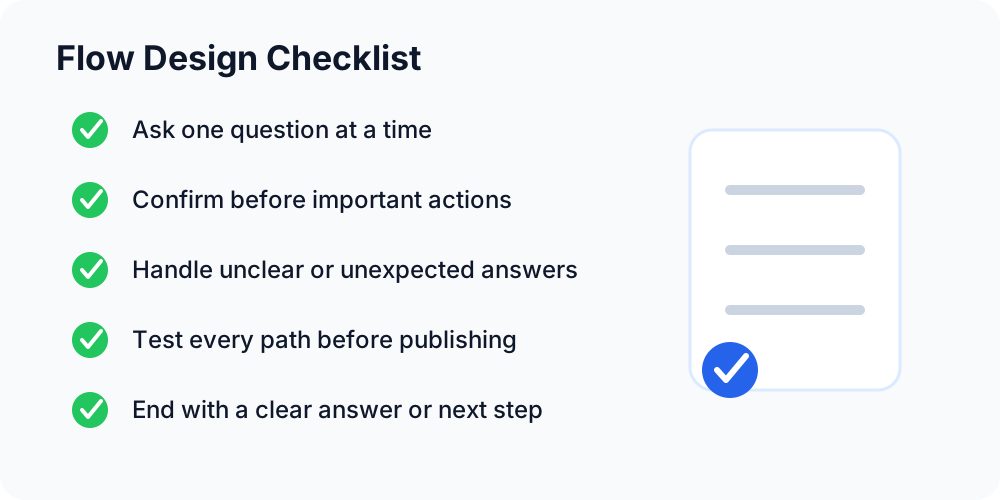
Use these principles when designing Copilot Studio flows:
- Keep it simple. Use clear wording and avoid long, overloaded steps.
- Ask one question at a time. Make it easy for the user to respond correctly.
- Guide users clearly. Show the next step and avoid vague prompts.
- Confirm before actions. Always verify important actions before submitting or changing data.
- End naturally. Close the conversation gracefully and tell the user what happened.
Mistakes to avoid
Small flow mistakes can lead to poor conversations. Watch for these issues before publishing:
- Too many questions: overwhelming the user with unnecessary prompts.
- Confusing paths: unclear or looping paths that make the user feel stuck.
- Missing confirmations: actions that happen without user confirmation.
- Dead-end conversations: no next step when users get stuck.
- No error handling: flows that break when something goes wrong.
Every path should either solve the request, ask for needed information, route the user, or explain what to do next.
Real example: IT help desk copilot
In an IT help desk scenario, a user might type Reset my password. A clear conversation flow could work like this:
- Collect email: the copilot asks for the user's email address.
- Verify identity: the copilot confirms the user is allowed to proceed.
- Run Power Automate: the flow triggers the approved password reset process.
- Confirm to user: the copilot confirms the reset request and explains the next step.
This is a useful flow because it collects only what is needed, validates the request, runs the action, and gives the user a clear confirmation.
Test your flow
Testing is where conversation design becomes real. A flow can look correct on the canvas and still fail when users give unexpected answers. Test before publishing and keep testing after changes.
- Test every path. Check all possible routes, including success, cancellation, and fallback.
- Try unexpected answers. See how the copilot responds when the user gives partial, wrong, or unclear input.
- Check conditions. Make sure logic branches work correctly.
- Verify actions. Confirm actions run as expected and return the right messages.
- Improve continuously. Use testing, analytics, and feedback to refine the flow.
Key takeaways
- Flows guide conversations. They define the path from question to outcome.
- Nodes control behavior. Each node has a purpose in the topic.
- Simple flows improve UX. Keep the journey clear and easy to follow.
- Test before publishing. Better testing creates a better copilot.
A better flow creates a better copilot. When users can move through a conversation without confusion, they trust the agent and get value faster.
Let's build smarter AI conversations
Conversation flows are where your copilot experience becomes useful. Keep learning, keep building, and use each test result to make the next version clearer.
Next in the series: Day 15.
Tagged
Topics · Conversation Design · Actions · AI Agents
Frequently asked questions
What is a conversation flow in Microsoft Copilot Studio?
A conversation flow is the path a copilot follows with a user, from the user question through messages, questions, conditions, actions, and final response.
Why are conversation flows important?
Good flows make copilot conversations clearer, faster, and easier to complete. They reduce confusion and help users reach the right outcome.
What are conversation nodes?
Conversation nodes are the building blocks of a topic, such as message nodes, ask-a-question nodes, condition nodes, action nodes, and end-conversation nodes.
What is a common Copilot Studio flow?
A common flow starts when the user asks a question, the copilot understands the request, collects missing information, performs an action if needed, and returns a response.
How should I test a conversation flow?
Test every path, try unexpected answers, check conditions, verify actions, and improve continuously based on real usage and feedback.
What mistakes should I avoid?
Avoid too many questions, confusing paths, missing confirmations, dead-end conversations, and weak error handling.
Sources
- Microsoft Learn: Authoring Create Edit Topics, Microsoft
- Microsoft Learn: Microsoft Copilot Studio, Microsoft
Have a Microsoft 365 topic idea?
Share article suggestions, community session ideas, corrections, or real-world scenarios for future nextM365 learning notes.
Keep learning Microsoft 365
Explore more practical guides for SharePoint, Power Platform, Copilot Studio, migration, automation, governance, and security.
Continue learning
Related tutorials
Related questions
Related comparisons
Next action