Box to SharePoint Migration: Permissions, Versions, Links, and Validation
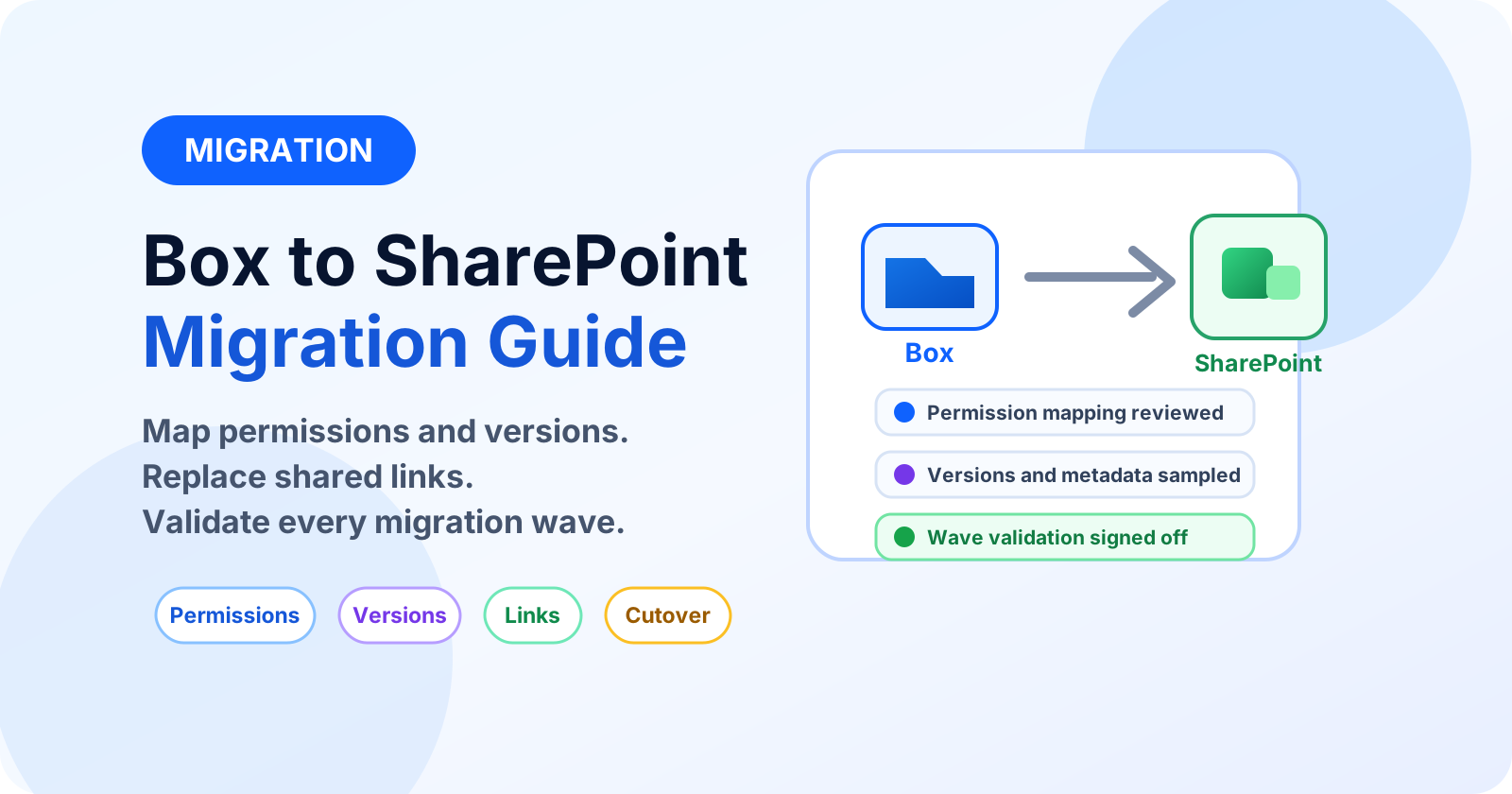
Migrate Box to SharePoint with permission mapping, version handling, link remediation, and wave validation that survives audit.
- Published
- Reading time
- 6 min read
What you’ll learn
- 1. Inventory Box specifics
- 2. Design the SharePoint destination
- 3. Land in designed IA
- 4. Map permissions before moving content
- 5. Decide the version and metadata policy
On this page (14 sections)
Direct answer: Box to SharePoint migration succeeds on mapping, not copying: Box permissions to SharePoint groups, Box versions to version-history policy, Box links to remediated SharePoint sharing, and external collaborators to governed guests. Inventory first, land in designed IA (never mirrored Box trees), and validate every wave with evidence and owner sign-off.
Start from the migration hub and assessment checklist. Sibling playbook: Dropbox and Google Drive checklist. Validation method: validation with Python.
1. Inventory Box specifics
A Box migration inventory needs more than file counts. You need to understand how people collaborate today, which links are embedded in business processes, how many versions matter, which folders are stale, and where external users already have access. That inventory becomes the migration design, the wave plan, and the validation checklist.
- Collaborator roles per folder and their SharePoint group equivalents — decide the mapping table before tooling runs.
- Shared links inventory: Box links die on migration, so every business-critical link needs a SharePoint replacement and a communication note.
- Version counts and file locks: agree how many versions travel and what happens to locked files during waves.
- External collaborators: remap to governed guests with owners, not bulk-imported strangers.
- Unsupported characters, long paths, duplicate names, and blocked file types that must be cleaned before migration.
- Content age and ownership so expired branches can be archived instead of moved into a fresh SharePoint mess.
2. Design the SharePoint destination
Do not treat SharePoint as a new Box folder tree. SharePoint works best when sites, libraries, metadata, content types, sensitivity, and permissions are designed around teams and business processes. Decide the destination before the tool runs: hub, site, library, default metadata, retention label, owners, members, visitors, and external sharing posture.
| Box source signal | SharePoint design decision | What to avoid |
|---|---|---|
| Top-level business folder | Often a SharePoint site or library boundary | One giant library with all migrated content. |
| Department workspace | Team site, private channel site, or communication site depending on collaboration style | Copying every old folder under Documents. |
| External collaborator-heavy folder | Separate site with guest review, expiration, and sharing controls | Mixing guest content into sensitive internal libraries. |
| Archive or inactive branch | Archive location with retention policy | Migrating stale content into active workspaces. |
3. Land in designed IA
Box folder trees encode years of ad-hoc decisions. Rebuild destinations from the IA blueprint — hubs, metadata, content types — and map Box folders into it, archiving stale branches instead of migrating them. The document-dump blueprint governs library design at landing.
4. Map permissions before moving content
Box roles and SharePoint permissions are similar enough to look easy and different enough to cause trouble. Build a mapping matrix and review it with content owners. Decide how to handle co-owners, editors, viewers, previewers, upload-only patterns, inherited access, broken inheritance, and external collaborators.
| Box pattern | SharePoint target | Review point |
|---|---|---|
| Owner or co-owner | Site owner or library owner group | Limit owners to accountable business and technical owners. |
| Editor | Members or custom contribute group | Confirm edit access should continue after migration. |
| Viewer or previewer | Visitors or read-only group | Check whether download restrictions are still required. |
| External collaborator | Entra B2B guest with expiry and owner | Do not recreate unknown guest access blindly. |
5. Decide the version and metadata policy
Version history can become expensive and slow if every old version is migrated without purpose. Define the policy by content type: active legal documents may need more history, while old working drafts may need only the current version. Keep the policy consistent enough to explain during audit.
- Set version limits in SharePoint libraries before migration waves begin.
- Sample documents with many versions and verify the migrated version order.
- Preserve created, modified, author, and editor values where tooling supports it.
- Record exceptions for files where metadata cannot be preserved cleanly.
6. Remediate Box links and embedded references
Box shared links, bookmarked URLs, intranet links, Teams messages, email templates, and process documents often point back to Box. Migration does not magically update those references. Create a link remediation workstream and prioritize links used by active teams, customers, vendors, and compliance processes.
- Export Box shared links and classify them by owner, target folder, sensitivity, and usage.
- Create the SharePoint destination link only after the file or folder is validated.
- Update high-value references in intranet pages, process guides, templates, and pinned Teams posts.
- Communicate old-link retirement dates clearly to content owners.
7. Run pilot and production waves
Start with a pilot that includes real permission complexity, external collaborators, nested folders, large files, special characters, and version history. A perfect pilot made of clean files teaches nothing. After the pilot, run waves by business owner and destination design, not by random folder size.
Each wave should have a freeze window, pre-scan report, migration run, delta pass, validation, exception remediation, owner sign-off, and communication. Keep a rollback decision point before users are told to work in SharePoint.
8. Validate per wave
Counts, metadata, permissions, versions per policy, remediated links, exception reports, and owner sign-off — the same evidence bar as every migration, with Box-link remediation as the extra line item. Freeze Box changes during delta passes and cut over with communication, not hope.
| Validation item | Evidence | Owner |
|---|---|---|
| File and folder count | Source and destination comparison report | Migration lead |
| Permissions | Sampled group membership and guest access review | Site owner |
| Versions | Sample files with expected version count and modified dates | Content owner |
| Links | Remediation tracker with old and new URLs | Business owner |
| Exceptions | Open issue list with decision: retry, archive, exclude, or manual move | Migration lead |
9. Cutover and post-migration governance
Cutover is not the end of the migration. After users move to SharePoint, watch sync errors, sharing requests, missing links, search behavior, owner confusion, and Power Automate or Teams workflows that depended on Box paths. Keep Box read-only for a defined grace period, then retire or archive it once owners sign off.
Post-migration governance should include site owner reviews, guest access reviews, retention labels, sensitivity labels, storage monitoring, and a clear request path for new SharePoint sites. Otherwise the new environment slowly becomes the same unmanaged file estate in a different product.
Common mistakes
Mirroring the Box folder tree exactly
This preserves old confusion. Use the migration to introduce sites, libraries, metadata, and ownership boundaries that match the way the business works now.
Bulk importing every external collaborator
Guests need business owners, expiry, and a reason to exist. Review external access before migration instead of recreating stale sharing.
Ignoring old shared links
Broken Box links create helpdesk noise and business frustration. Track and replace critical links before cutover.
Calling the migration done after copy completion
Copy success is not business success. Owner validation, permissions testing, link remediation, and exception closure are what prove completion.
Continue with the validation quick answer and the migration hub.
Related resources
Topics covered
Architecture · Governance · Security
Frequently asked questions
What is hardest about Box to SharePoint moves?
Permission model translation, Box-specific sharing links that die on migration, version-history mapping decisions, and external collaborator remapping.
Should Box structure be mirrored in SharePoint?
No. Migrate content, not hierarchy — land it in the designed IA with metadata instead of recreating Box folder trees.
How is success proven?
Per-wave evidence: counts, metadata, permissions, link remediation logs, exception reports, and owner sign-off before cutover.
Sources
Have a Microsoft 365 topic idea?
Share article suggestions, community session ideas, corrections, or real-world scenarios for future nextM365 learning notes.
Keep learning Microsoft 365
Explore more practical tutorials for SharePoint, Power Platform, Copilot Studio, migration, automation, governance, and security.
Continue learning
Related tutorials
Related questions
Related comparisons