Build Your First Agent | Copilot Studio Day 8
Day 8 of the 365 Days of Microsoft Copilot Studio series turns the Week 1 concepts into action: open Copilot Studio, describe your agent, add knowledge, test responses, and prepare to publish.
Practical Microsoft 365 articles, implementation notes, and hands-on solutions.
647 articles

Day 8 of the 365 Days of Microsoft Copilot Studio series turns the Week 1 concepts into action: open Copilot Studio, describe your agent, add knowledge, test responses, and prepare to publish.

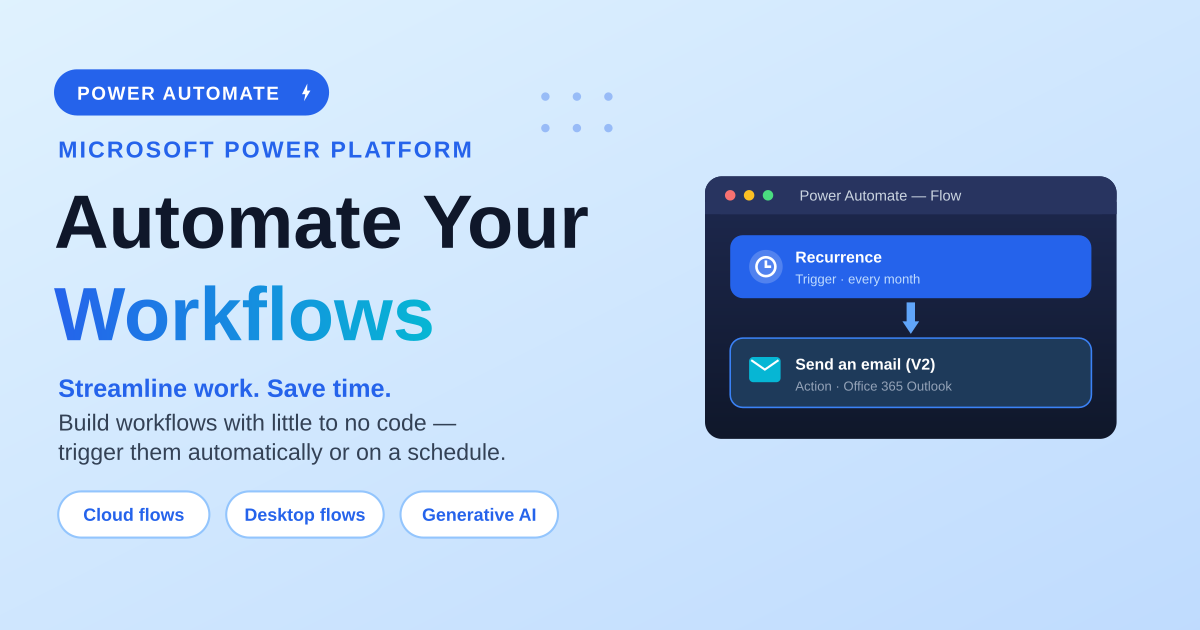
A beginner-friendly guide to Power Automate: the three flow types (cloud, desktop and generative actions), the three ways cloud flows trigger (automated, instant, scheduled), and a step-by-step walkthrough to build, test and run your first scheduled cloud flow — a monthly newsletter — without Copilot.

Day 7 explains who should learn Microsoft Copilot Studio, from business users and Power Platform makers to developers, IT teams, support teams, students, and entrepreneurs.

Day 6 covers practical Copilot Studio use cases across HR, IT help desk, customer support, sales, finance, procurement, learning, healthcare, marketing, and citizen services.

Day 5 explains the key Copilot Studio features: conversational AI, knowledge integration, system integration, workflow automation, security, channels, analytics, generative AI, and extensibility.

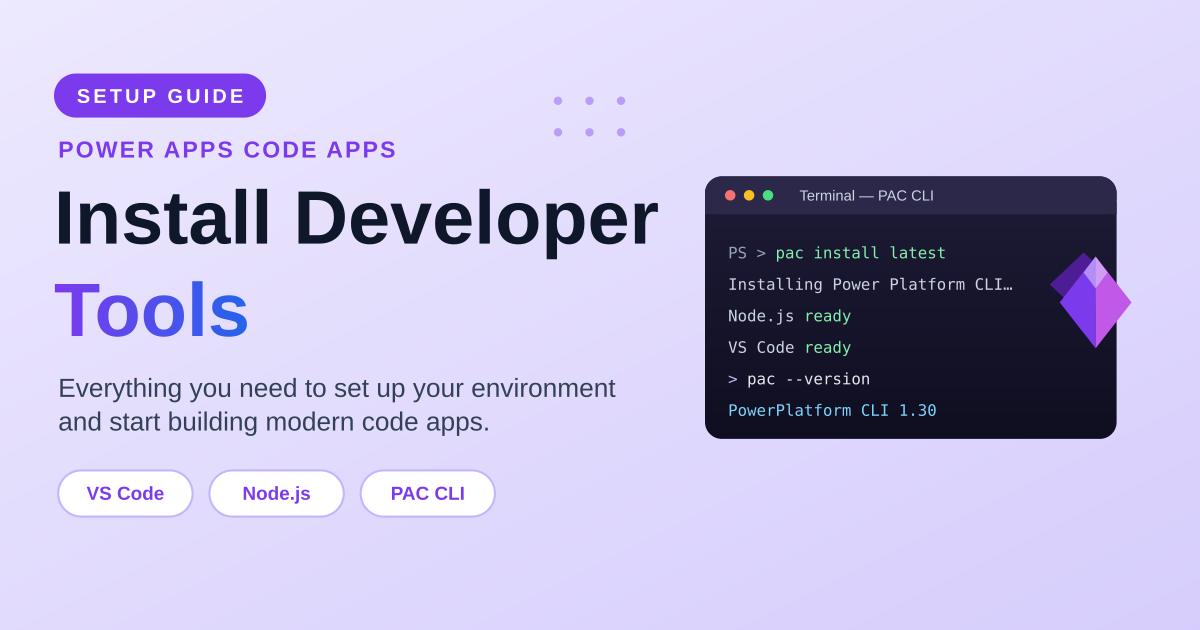
Set up your environment for Power Apps Code apps step by step: install the developer tools (VS Code, git, .NET, Node.js and the Power Platform CLI), enable code apps on your Power Platform environment, understand what PAC CLI does, compare installation options and OS support, verify your install, connect to an environment, and manage authentication profiles.

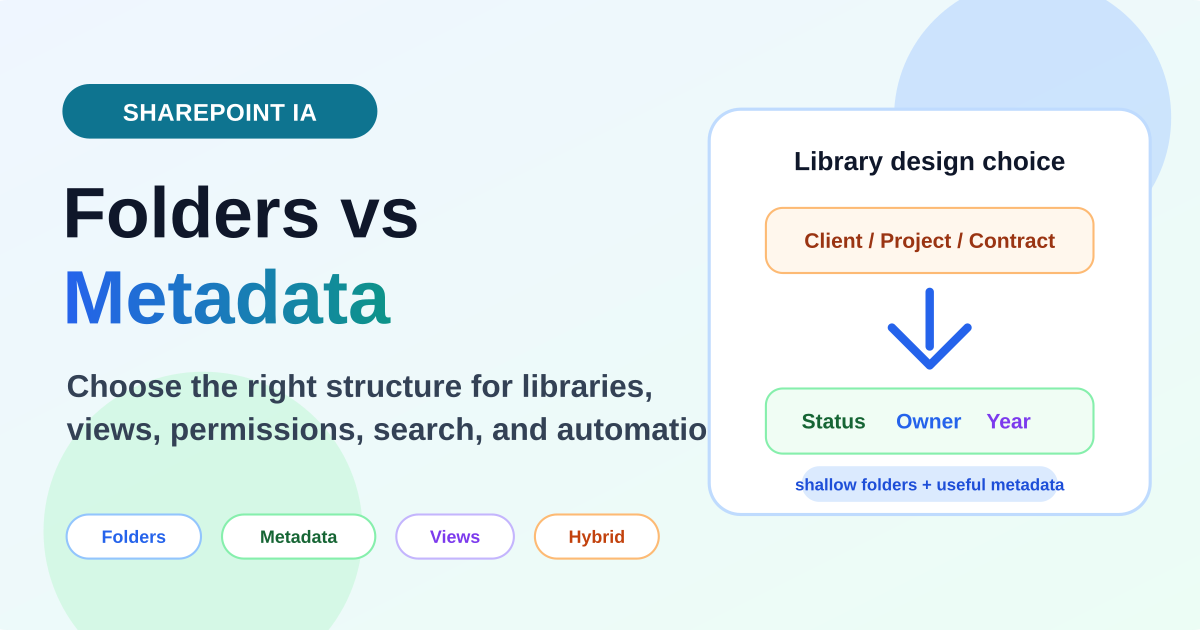
Compare SharePoint folders and metadata, understand the tradeoffs, and learn when to use folders, metadata, or a hybrid document library structure.

Day 4 explains how Copilot Studio works: users ask questions, the agent understands intent, retrieves knowledge, chooses a topic or tool, takes action, and responds intelligently.

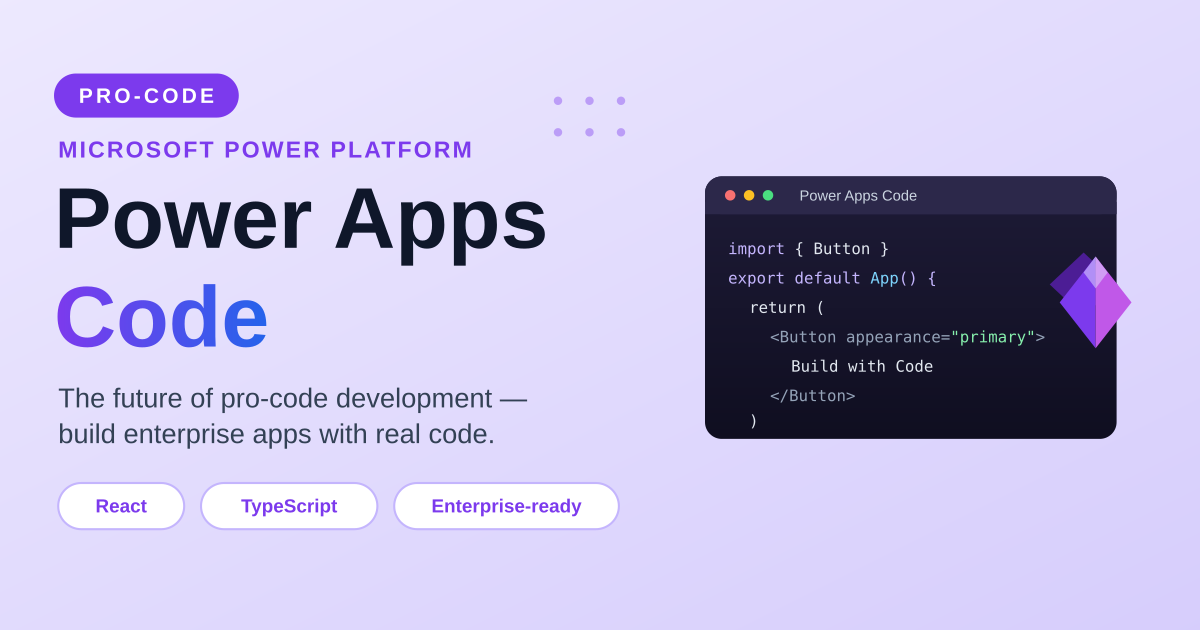
Meet Power Apps Code — Microsoft’s pro-code approach to building Power Platform apps with React, TypeScript, and modern tools. What it is, how it compares to canvas Power Apps, why it says goodbye to delegation warnings, the technologies and skills to learn, when to use it, and why it is not replacing canvas apps.