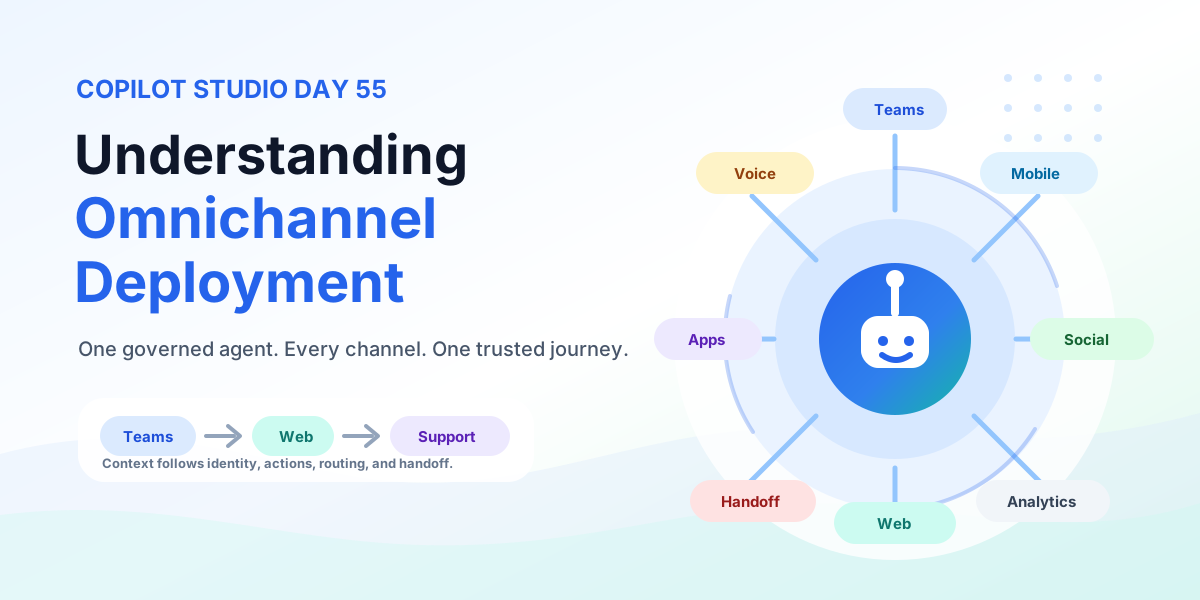
Understanding Omnichannel Deployment | Copilot Studio Day 55
Understand Copilot Studio omnichannel deployment across Teams, websites, custom apps, messaging, and voice — with authentication, handoff, testing, monitoring, and governance.
Practical Microsoft 365 articles, implementation notes, and hands-on solutions.
665 articles
Understand Copilot Studio omnichannel deployment across Teams, websites, custom apps, messaging, and voice — with authentication, handoff, testing, monitoring, and governance.
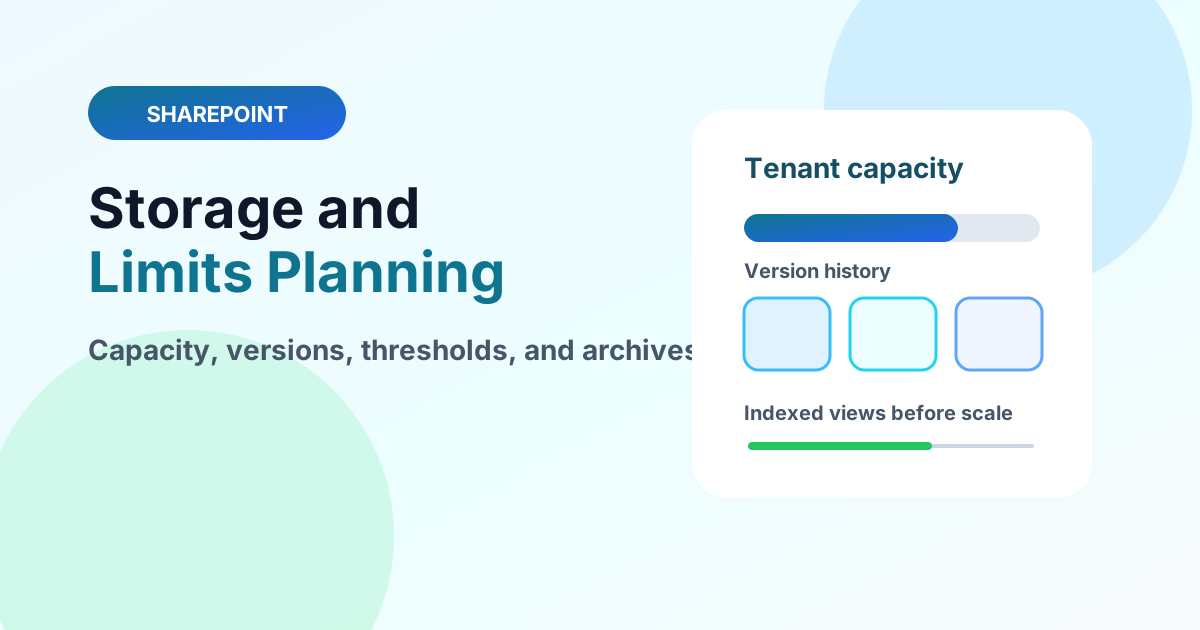
Plan SharePoint storage and service limits with pooled tenant capacity, versioning costs, large-list thresholds, and archive strategies.
Learn how Dataverse tables store business data, when to create custom tables, and how tables support Power Apps and automation.
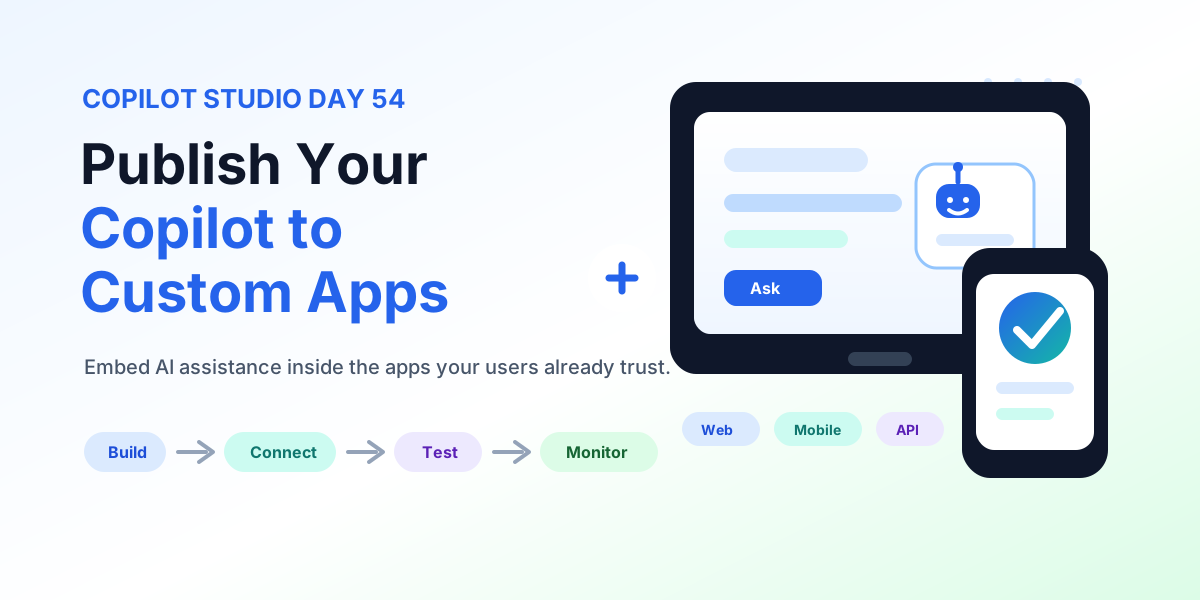
Publish a Copilot Studio agent to custom web and mobile apps: channel connection details, chat UX, authentication, data protection, actions, testing, and production readiness.
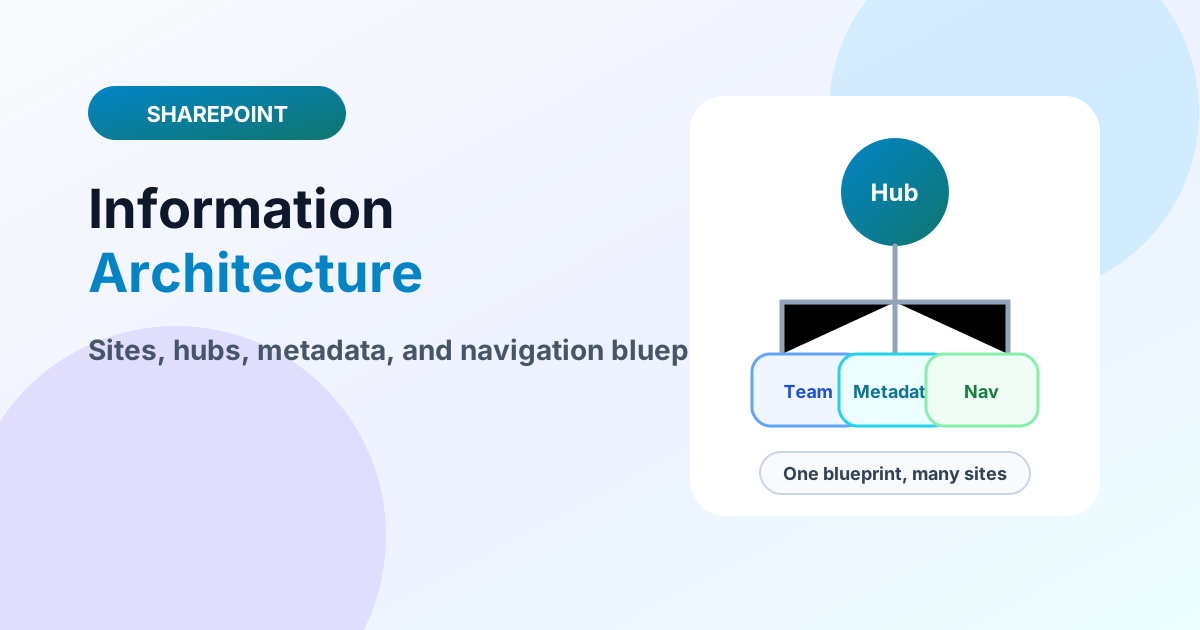
Design SharePoint information architecture with site topology, hub families, metadata models, navigation, and governance in one blueprint.
Plan Dataverse environments for development, testing, production, governance, security boundaries, and ALM across Power Platform.
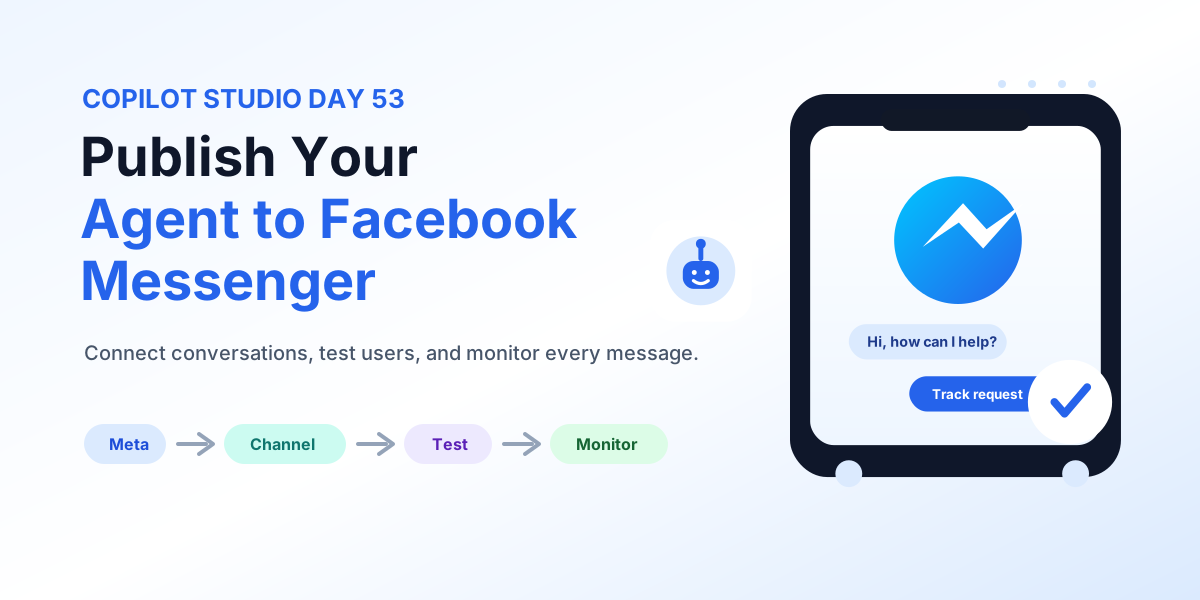
Publish a Copilot Studio agent to Facebook Messenger: Meta assets, channel setup, authentication, real-user testing, human escalation, and monitoring.
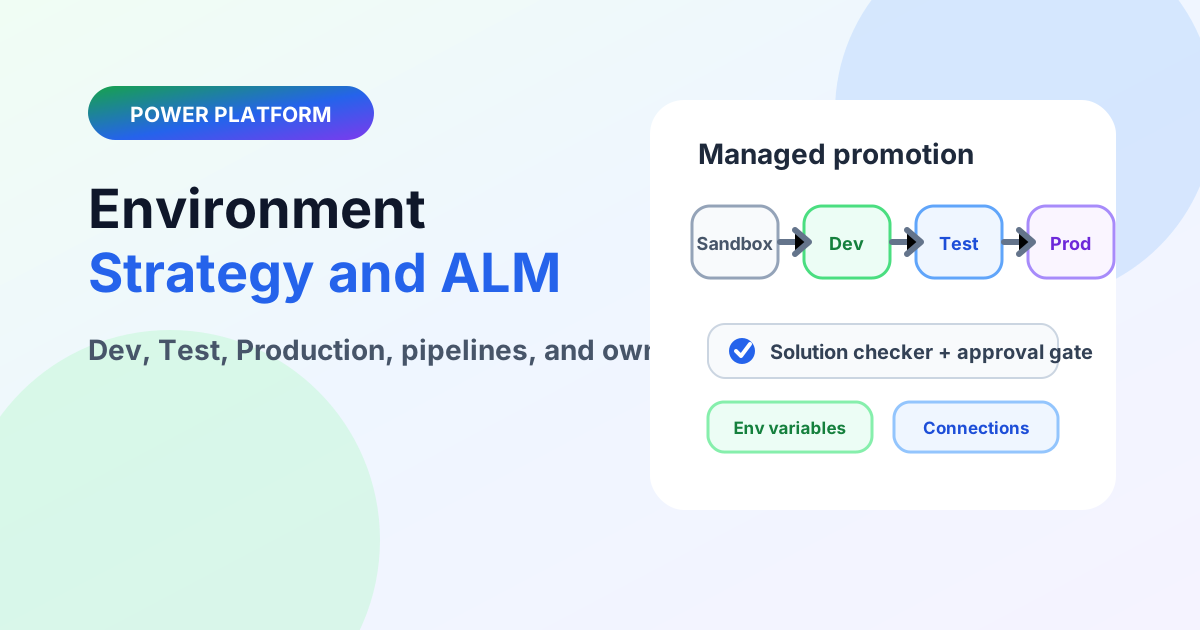
Design Power Platform environments with Dev, Test, and Production boundaries, managed solutions, pipelines, and ownership that survives growth.
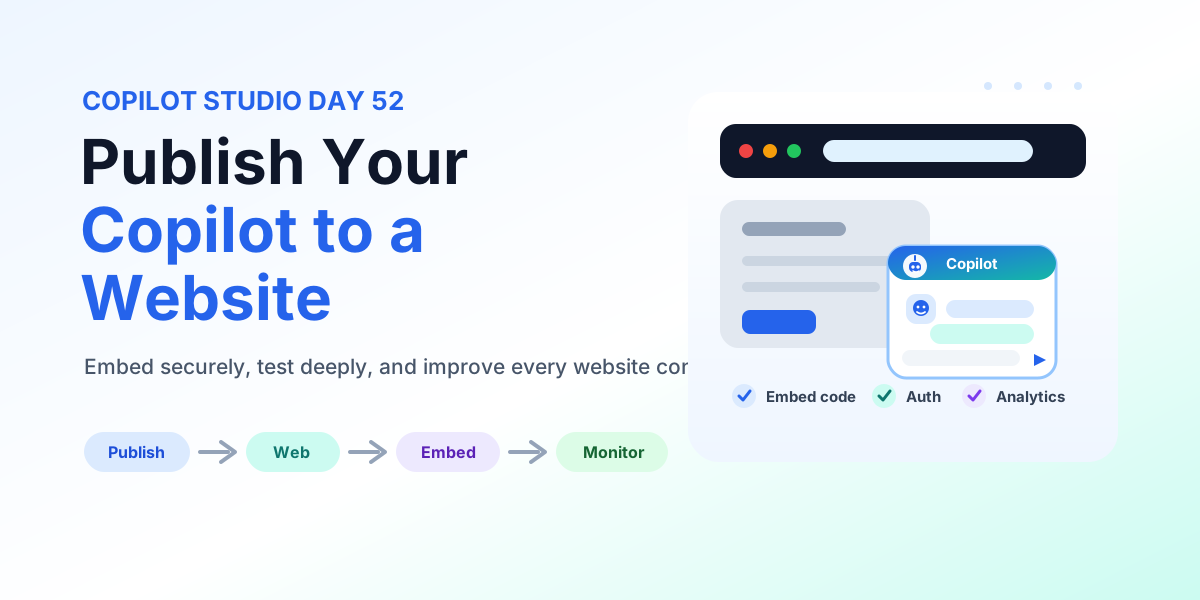
Publish a Copilot Studio agent to a website: embed code placement, authentication, accessibility, testing, monitoring, and deployment checks.