Blog

Practical Microsoft 365 articles, implementation notes, and hands-on solutions.

242 articles

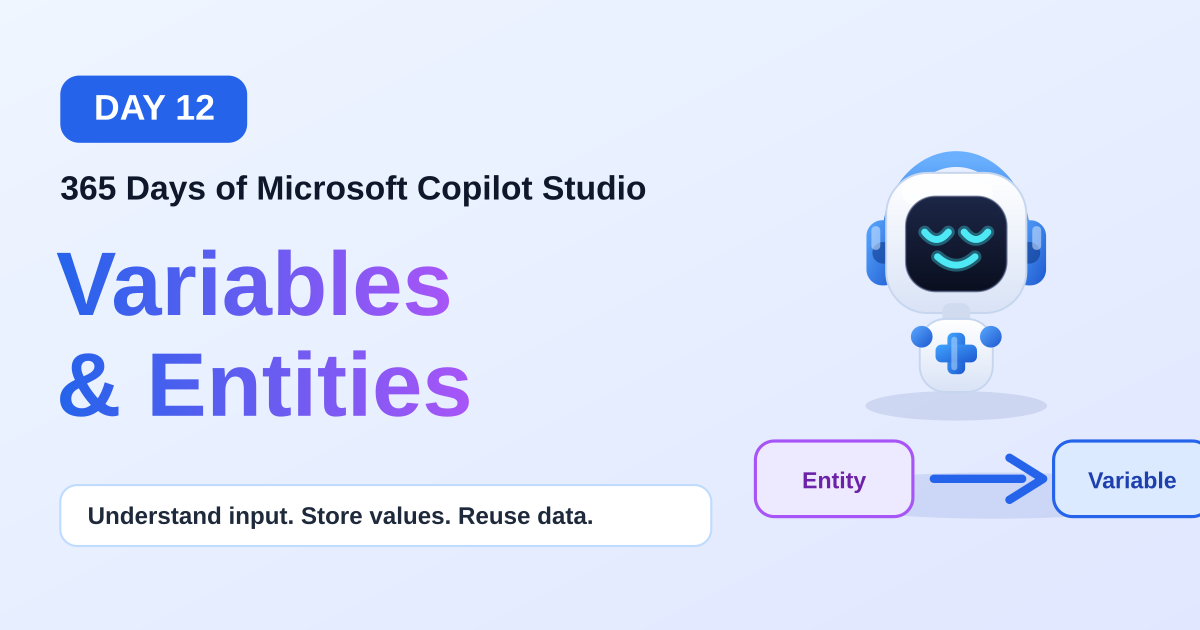
Variables and Entities | Copilot Studio Day 12 article image
Microsoft Copilot StudioJul 10, 2026

Variables and Entities | Copilot Studio Day 12

Day 12 of the 365 Days of Microsoft Copilot Studio series explains variables and entities: what they are, how they work together, common examples, a real-world HR leave request scenario, best practices, and key takeaways.

By Suresh Girinathuni5 min →
Connect Power Apps Code Apps to Dataverse (PAC CLI + CRUD) article image
Power AppsJul 9, 2026

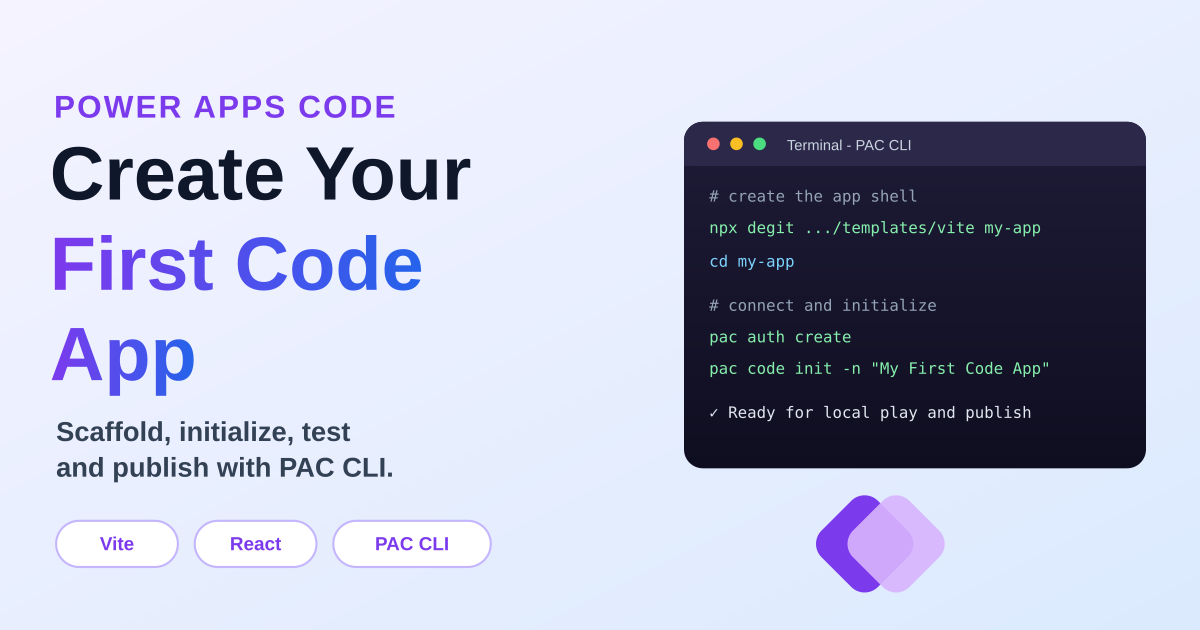
Connect Power Apps Code Apps to Dataverse (PAC CLI + CRUD)

A hands-on guide to connecting a Power Apps Code app to Microsoft Dataverse with the PAC CLI: prerequisites, authenticating your environment, adding a Dataverse table as a data source, the auto-generated service and model files, and full create, read, update, and delete examples.

By Suresh Girinathuni5 min →
Mastering Knowledge Sources | Copilot Studio Day 11 article image
Microsoft Copilot StudioJul 9, 2026

Mastering Knowledge Sources | Copilot Studio Day 11

Day 11 of the 365 Days of Microsoft Copilot Studio series explains knowledge sources: what they are, the supported sources, how knowledge works, choosing the right source, best practices, common mistakes, a real-world HR example, and key takeaways.

By Suresh Girinathuni5 min →
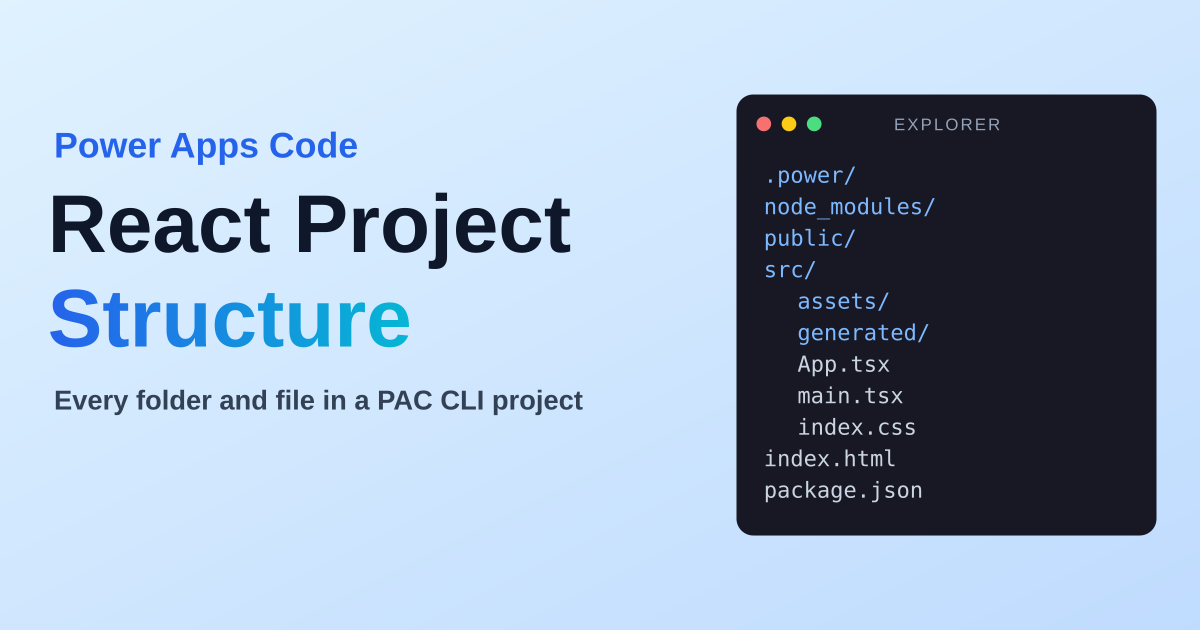
Power Apps Code — React Project Structure Explained (PAC CLI) article image
Power AppsJul 8, 2026

Power Apps Code — React Project Structure Explained (PAC CLI)

A folder-by-folder, file-by-file tour of a Power Apps Code (React + Vite + TypeScript) project scaffolded by the PAC CLI. What .power, node_modules, public, src and generated are for, what App.tsx, main.tsx, package.json and power.config.json do, and which files to leave alone.

By Suresh Girinathuni6 min →
What Is Microsoft Power Fx? The Low-Code Language of the Power Platform article image
Power AppsJul 8, 2026

What Is Microsoft Power Fx? The Low-Code Language of the Power Platform

A plain-English introduction to Microsoft Power Fx — the Excel-like, low-code language behind Power Apps and the wider Power Platform. What it is, why it "thinks spreadsheet", how declarative formulas auto-recalculate, the no-code to pro-code spectrum, its design principles, and where you use it.

By Suresh Girinathuni5 min →