Dataverse Security Roles: How Privileges Really Work | Day 15
Learn how Dataverse security roles grant table privileges and access levels so custom roles support least privilege without frustrating users.
Practical Microsoft 365 articles, implementation notes, and hands-on solutions.
642 articles
Learn how Dataverse security roles grant table privileges and access levels so custom roles support least privilege without frustrating users.

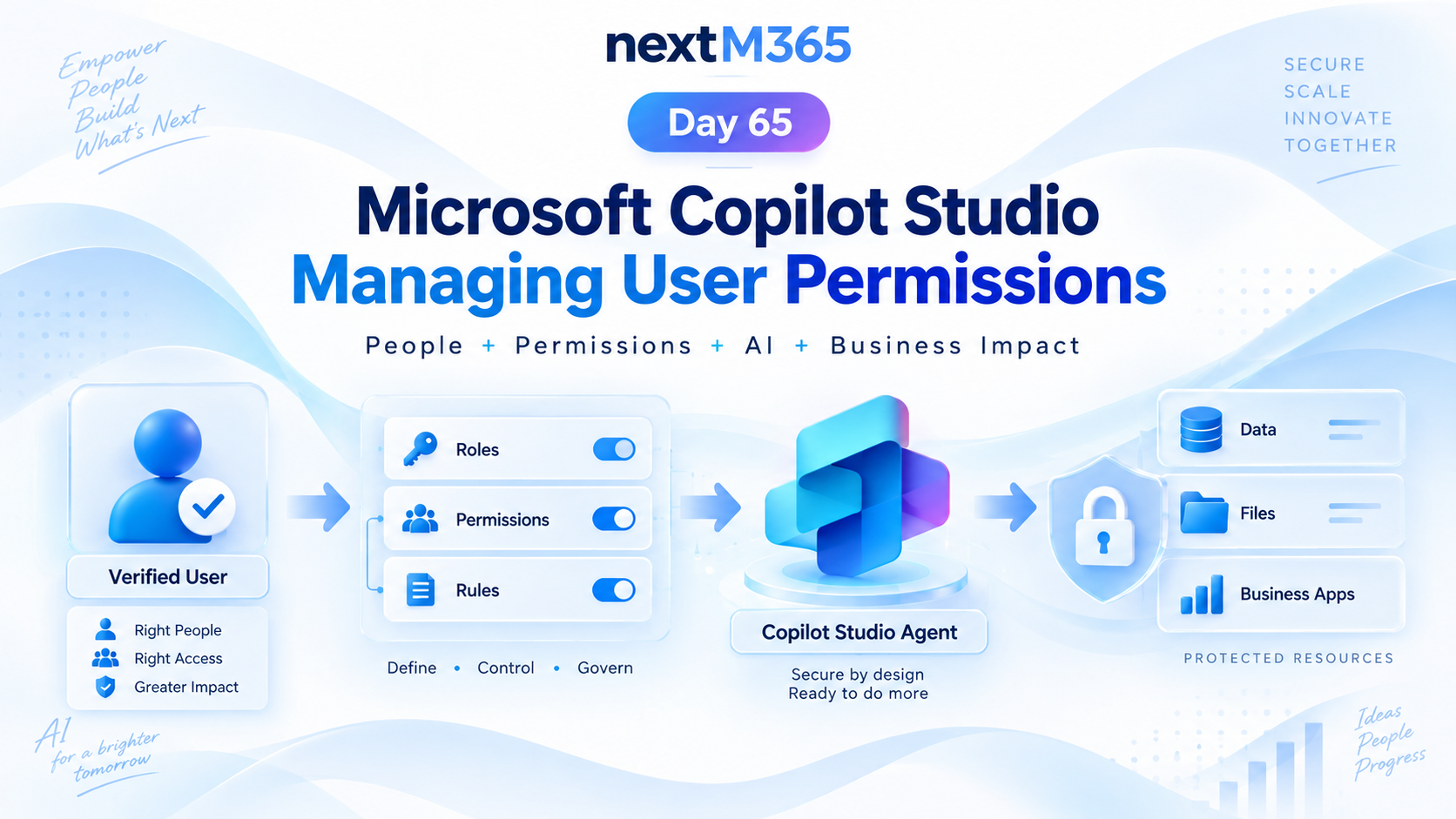
Manage Copilot Studio user permissions with clear roles, groups, access rules, protected resources, secure actions, and least-privilege governance.
Understand the Dataverse security model so users, teams, roles, ownership, and sensitive columns protect business data without blocking work.

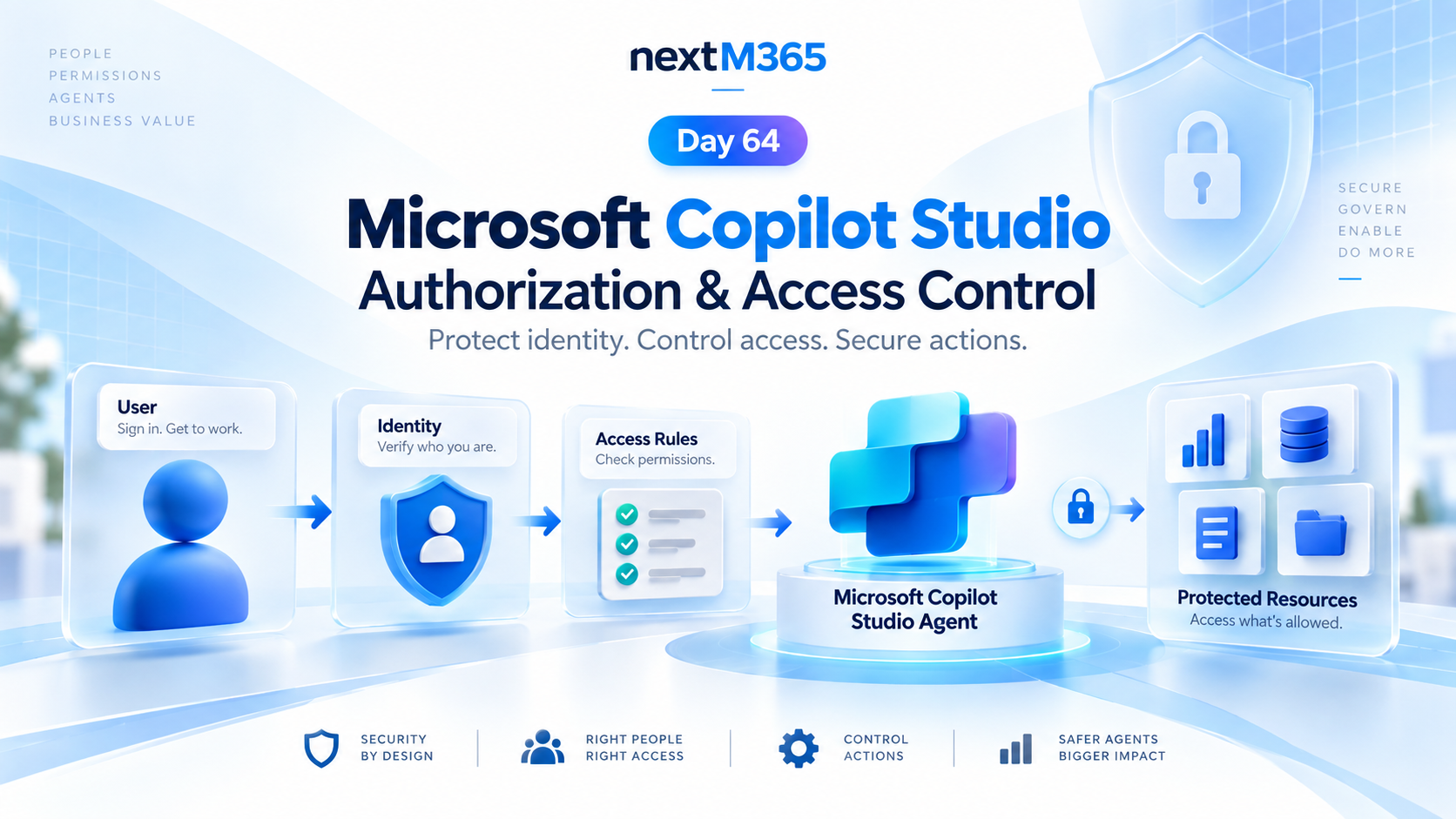
Secure Copilot Studio agents with clear authorization, access control, protected resources, action permissions, and identity-aware security checks.
Create Dataverse forms that guide users through business data entry with tabs, sections, columns, rules, and clean layouts.

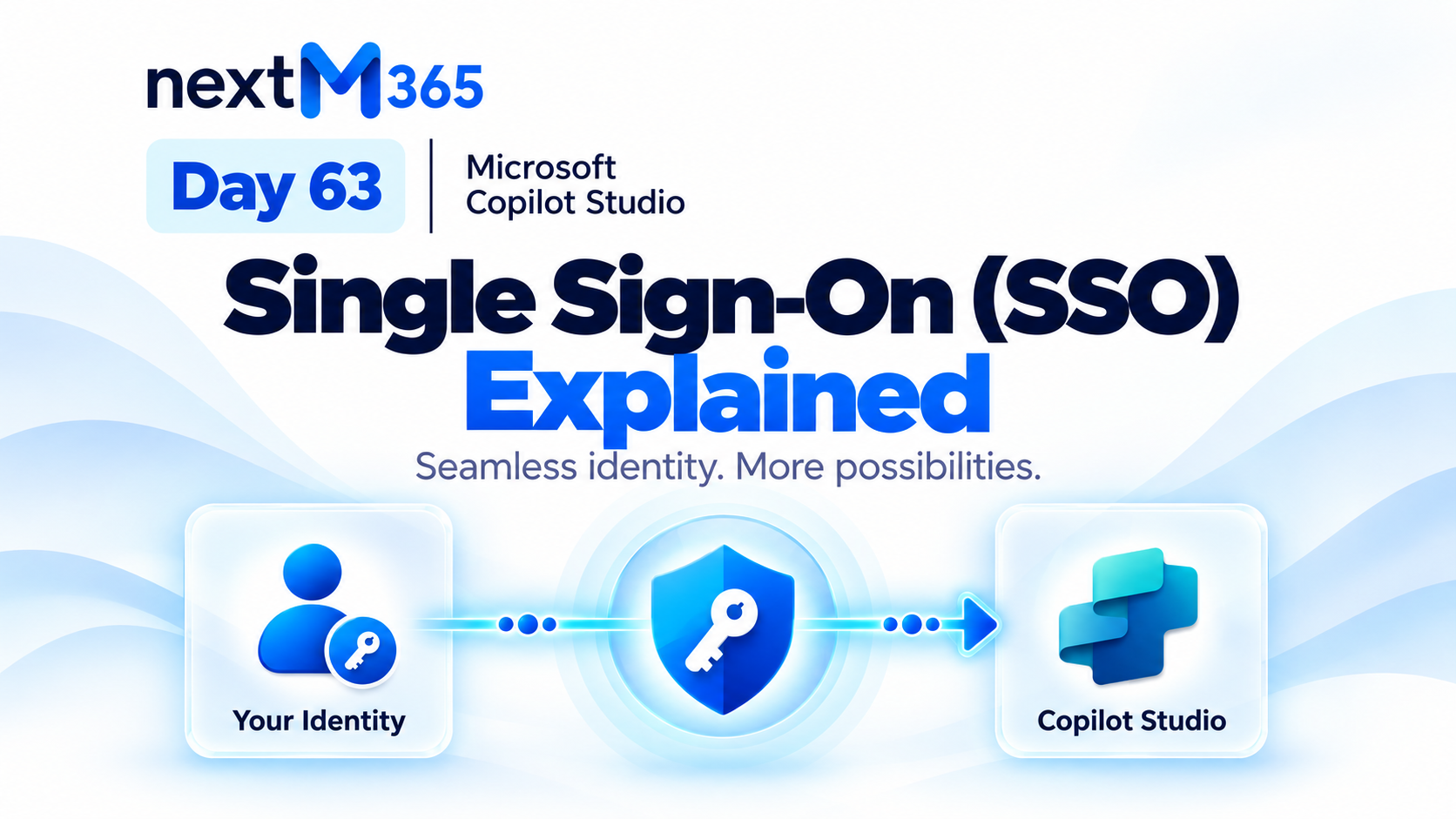
Understand Copilot Studio single sign-on: how trusted Microsoft identity flows from user sign-in into secure agent conversations, tools, actions, and resources.
Design Dataverse views for model-driven apps with the right columns, filters, sorting, ownership, and user productivity in mind.

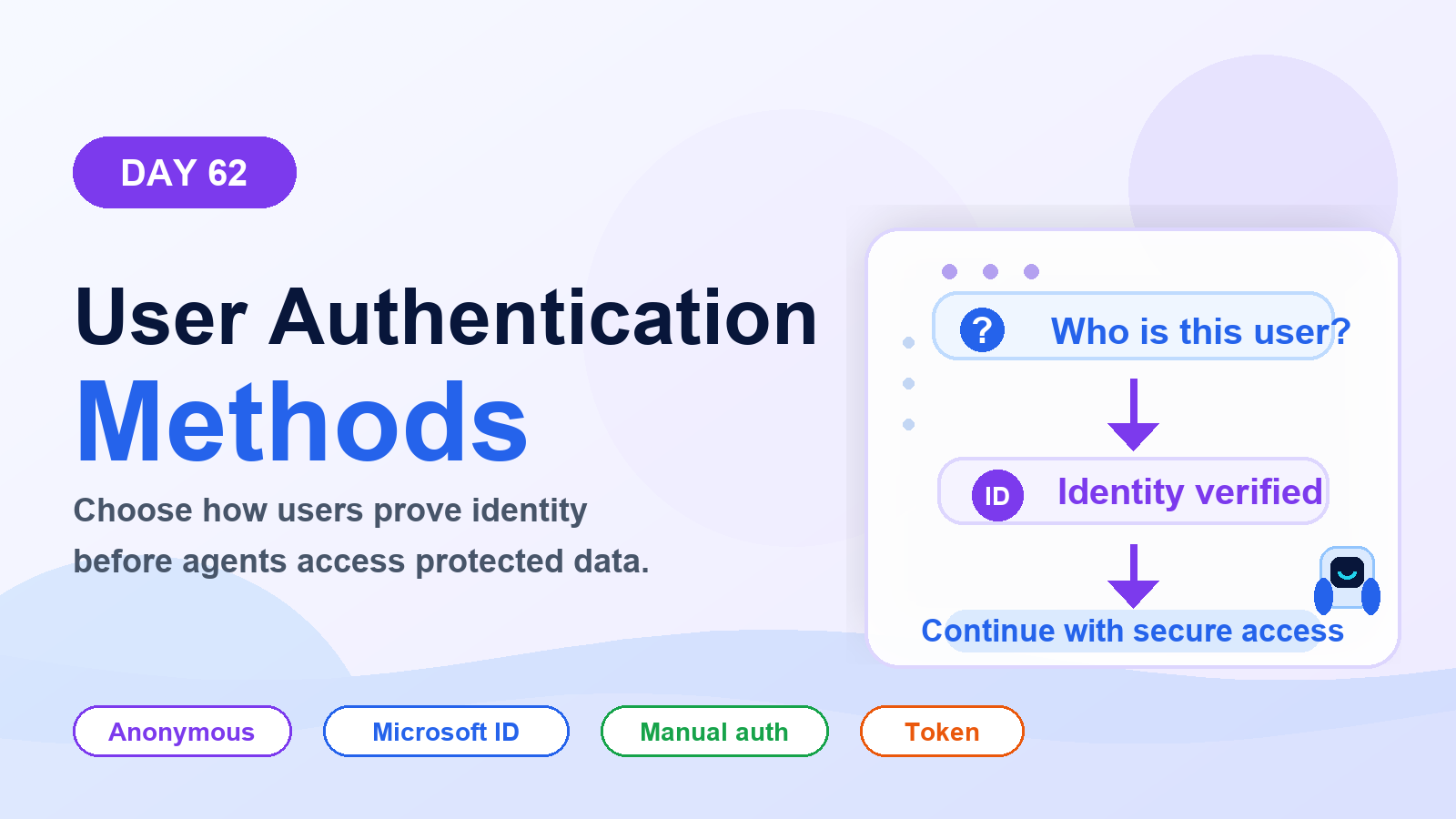
Choose the right Copilot Studio user authentication method: anonymous access, Microsoft identity, or manual authentication for websites, Teams, custom apps, tools, and secure actions.
Use Dataverse business rules to guide forms, validate data, set defaults, and keep simple model-driven app logic consistent for users.