Blog

Practical Microsoft 365 articles, implementation notes, and hands-on solutions.

242 articles

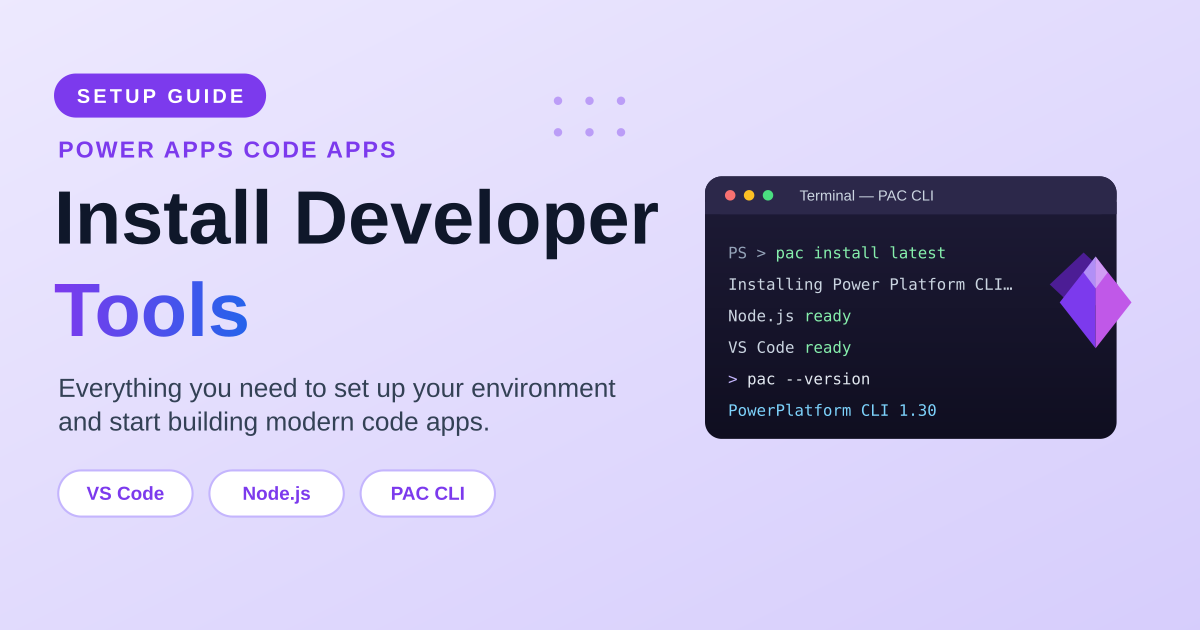
Install Developer Tools for Power Apps Code Apps — A Complete Setup Guide (PAC CLI) article image
Power AppsJul 2, 2026

Install Developer Tools for Power Apps Code Apps — A Complete Setup Guide (PAC CLI)

Set up your environment for Power Apps Code apps step by step: install the developer tools (VS Code, git, .NET, Node.js and the Power Platform CLI), enable code apps on your Power Platform environment, understand what PAC CLI does, compare installation options and OS support, verify your install, connect to an environment, and manage authentication profiles.

By Suresh Girinathuni6 min →
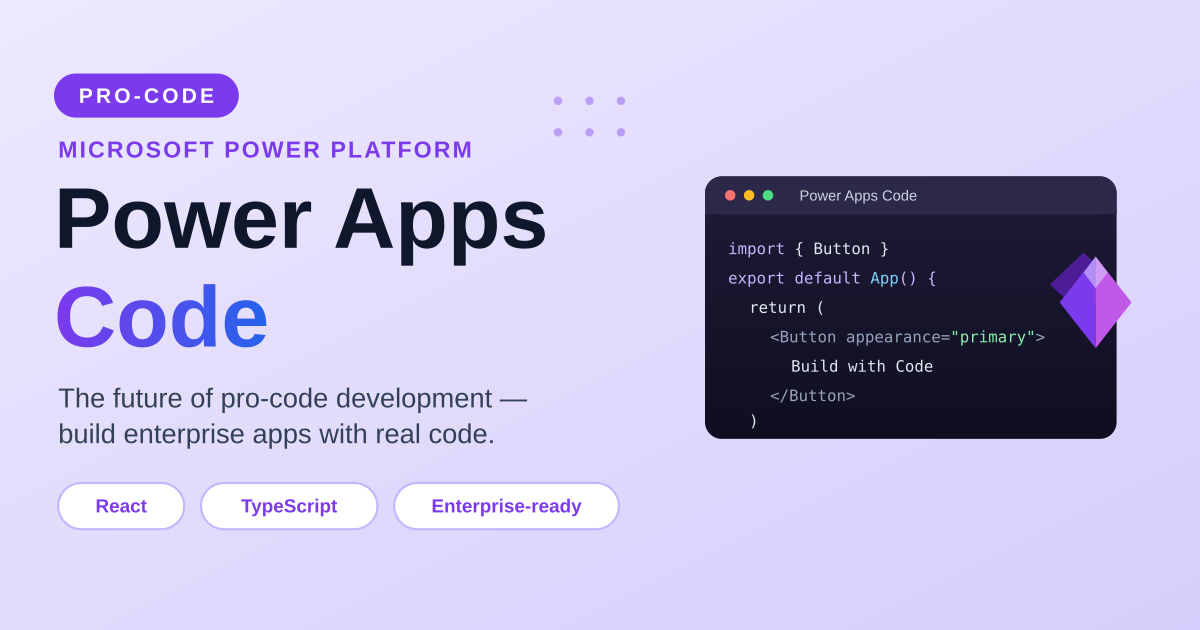
Power Apps Code — The Future of Pro-Code Development on the Power Platform article image
Power AppsJul 1, 2026

Power Apps Code — The Future of Pro-Code Development on the Power Platform

Meet Power Apps Code — Microsoft’s pro-code approach to building Power Platform apps with React, TypeScript, and modern tools. What it is, how it compares to canvas Power Apps, why it says goodbye to delegation warnings, the technologies and skills to learn, when to use it, and why it is not replacing canvas apps.

By Suresh Girinathuni4 min →
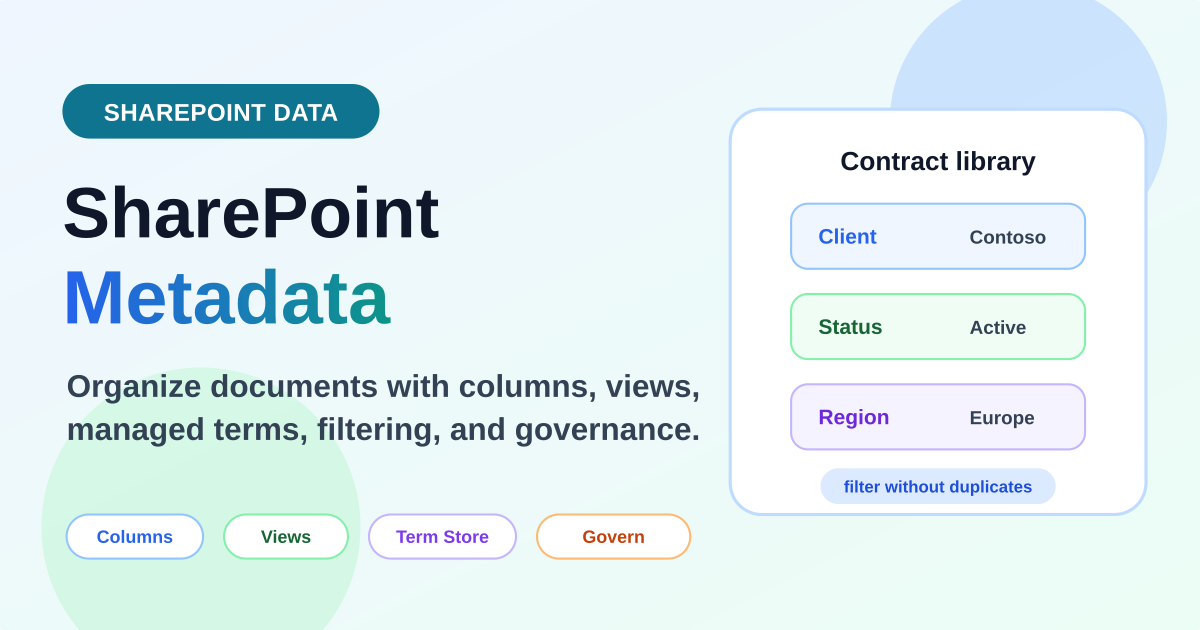
SharePoint metadata columns in a contract document library showing client status and region fields for filtering
SharePointJul 1, 2026

SharePoint Metadata Explained

Learn how SharePoint metadata works with columns, site columns, managed metadata, document library views, filtering, search, automation, and practical governance.

By Suresh Girinathuni10 min →
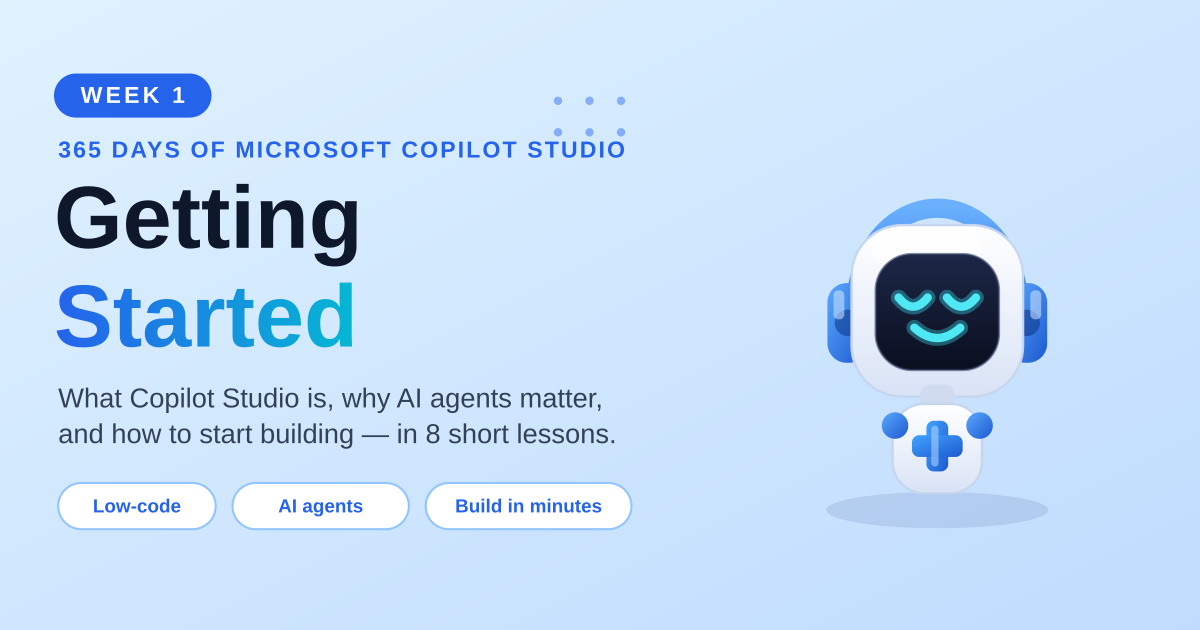
Microsoft Copilot Studio Week 1 Recap — Days 1–7 article image
Microsoft Copilot StudioJun 30, 2026

Microsoft Copilot Studio Week 1 Recap — Days 1–7

Kick off your Copilot Studio journey with Week 1 of the 365-day series. This recap links the separate daily lessons for Days 1–7: what Copilot Studio is, why AI agents matter, what agents can do, how they work, real-world use cases, and who should learn it.

By Suresh Girinathuni5 min →
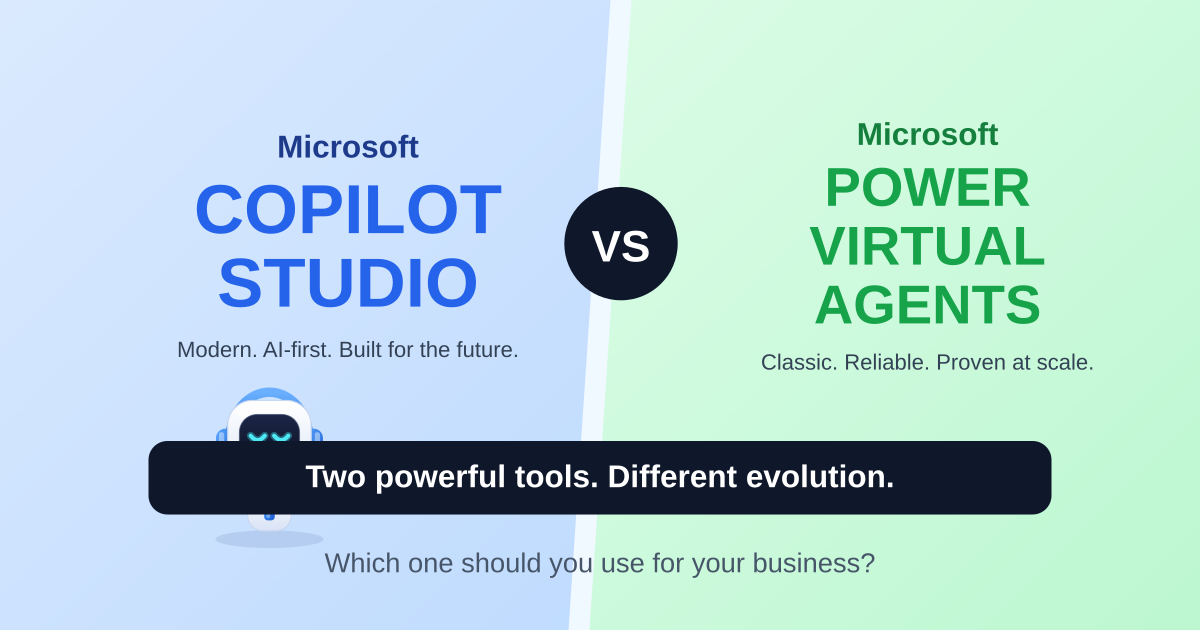
Copilot Studio vs Power Virtual Agents: Which One Should You Use? article image
Microsoft Copilot StudioJun 30, 2026

Copilot Studio vs Power Virtual Agents: Which One Should You Use?

Two powerful tools, different evolution. A side-by-side comparison of Microsoft Copilot Studio and Power Virtual Agents across interface, AI capabilities, authoring, integrations, licensing, analytics, and use cases — so you can choose the right platform for your business.

By Suresh Girinathuni4 min →
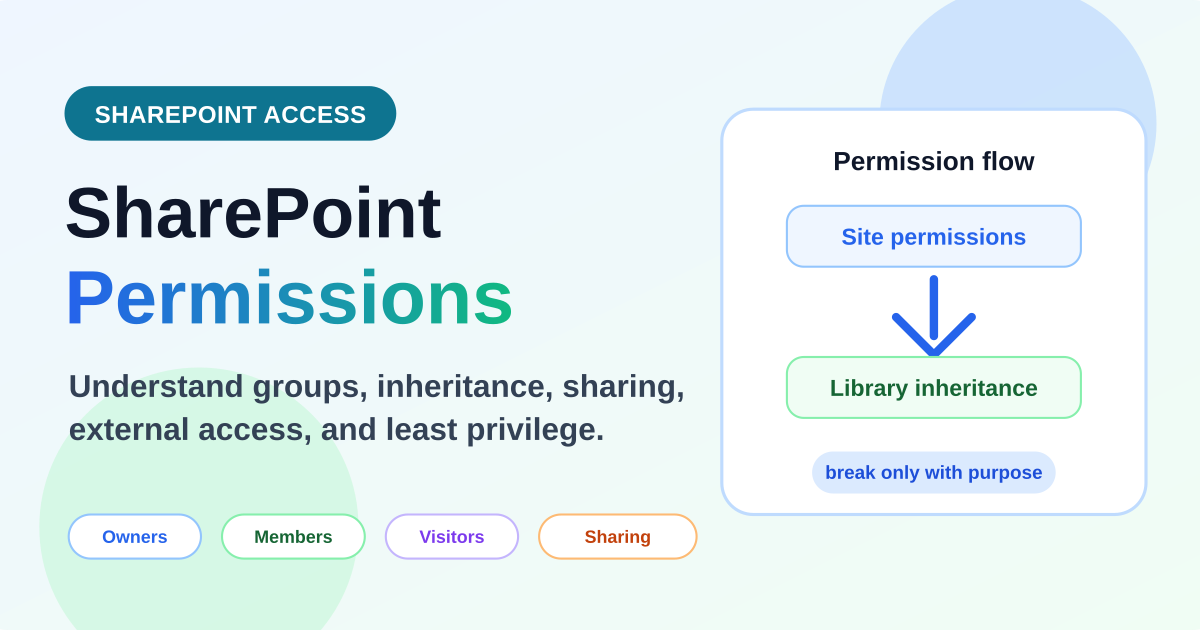
SharePoint permissions explained with site permissions flowing to document library inheritance and guidance to break access only with purpose
SharePointJun 30, 2026

SharePoint Permissions Explained

Learn how SharePoint permissions work across sites, libraries, folders, files, groups, inheritance, sharing links, external users, and practical governance.

By Suresh Girinathuni15 min →