Triggers Explained | Copilot Studio Day 13
A detailed guide to Copilot Studio triggers: topic trigger phrases, event triggers, trigger payloads, topic matching, best practices, mistakes, testing, billing, and governance.
This archive collects nextM365 articles about the Power Platform ecosystem, including Power Apps, Power Automate, Copilot Studio, connectors, governance, and low-code or pro-code solution design.
Open the Power Platform hubUse this page when you want to browse Power Platform content across product boundaries. For deeper learning, follow the dedicated Power Automate, Power Apps Code, and Copilot Studio hub pages linked from related articles.
Practical references on the concepts, setup steps, design choices, and common implementation patterns behind Power Platform — for planning, building, testing, and improving Microsoft 365 solutions.
138 articles in “Power Platform”
A detailed guide to Copilot Studio triggers: topic trigger phrases, event triggers, trigger payloads, topic matching, best practices, mistakes, testing, billing, and governance.

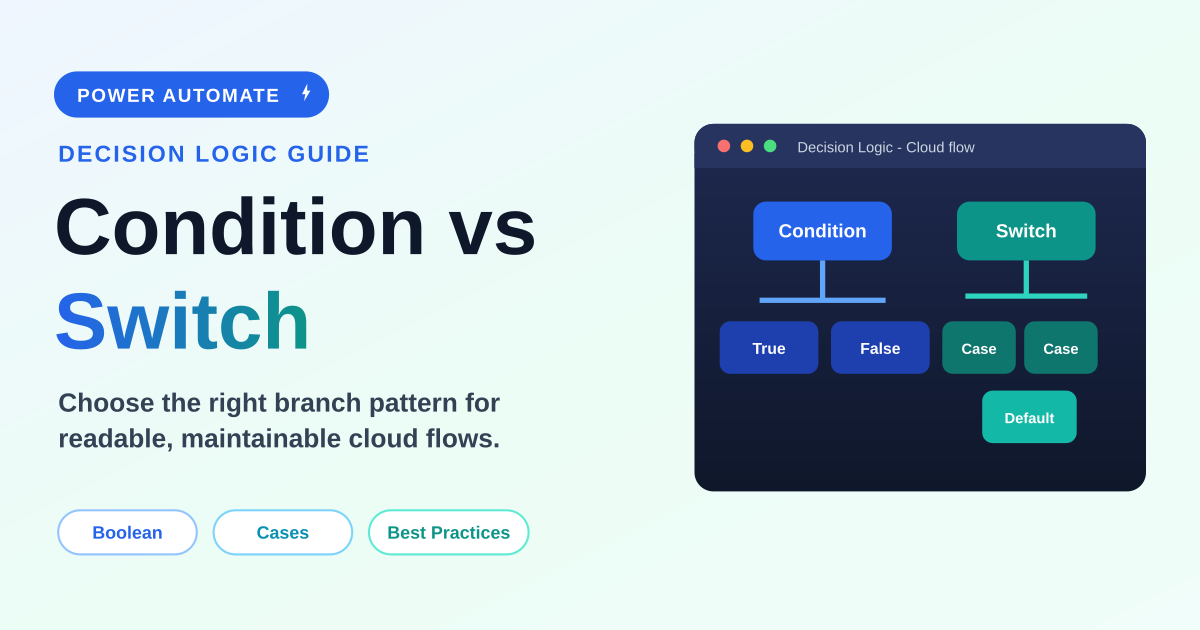
A practical beginner-to-intermediate guide to choosing between Condition and Switch actions in Power Automate, with examples, expressions, performance notes, best practices, mistakes, FAQ, and schema.

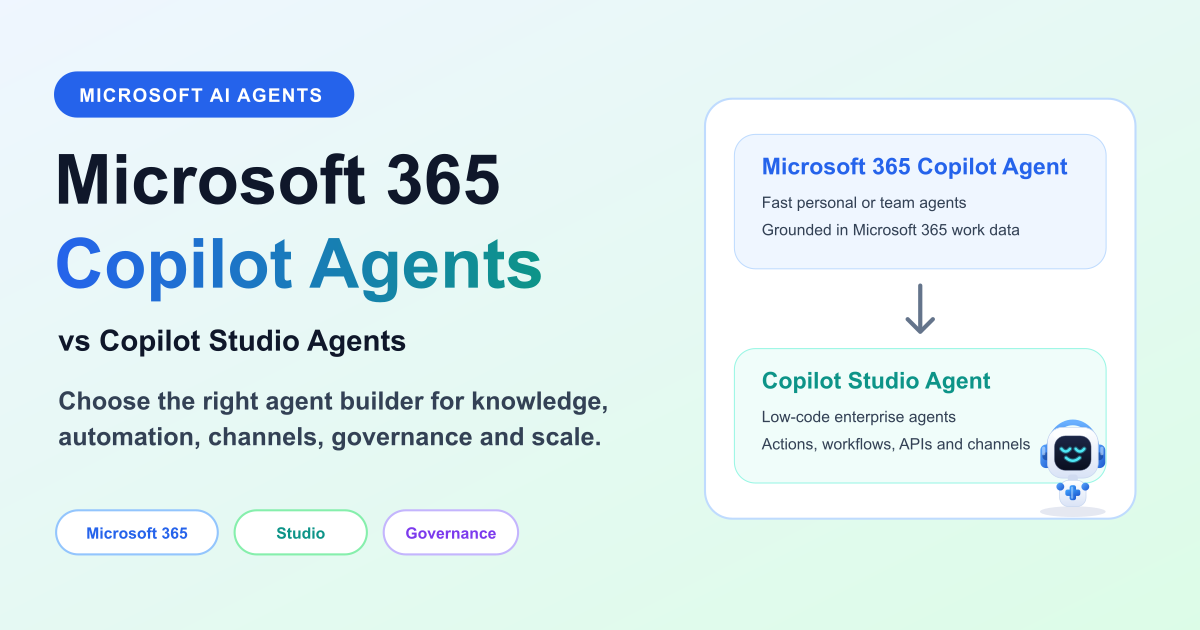
Compare Microsoft 365 Copilot agents and Copilot Studio agents by purpose, creation experience, customization, knowledge, actions, connectors, channels, authentication, governance, ALM, and use cases.

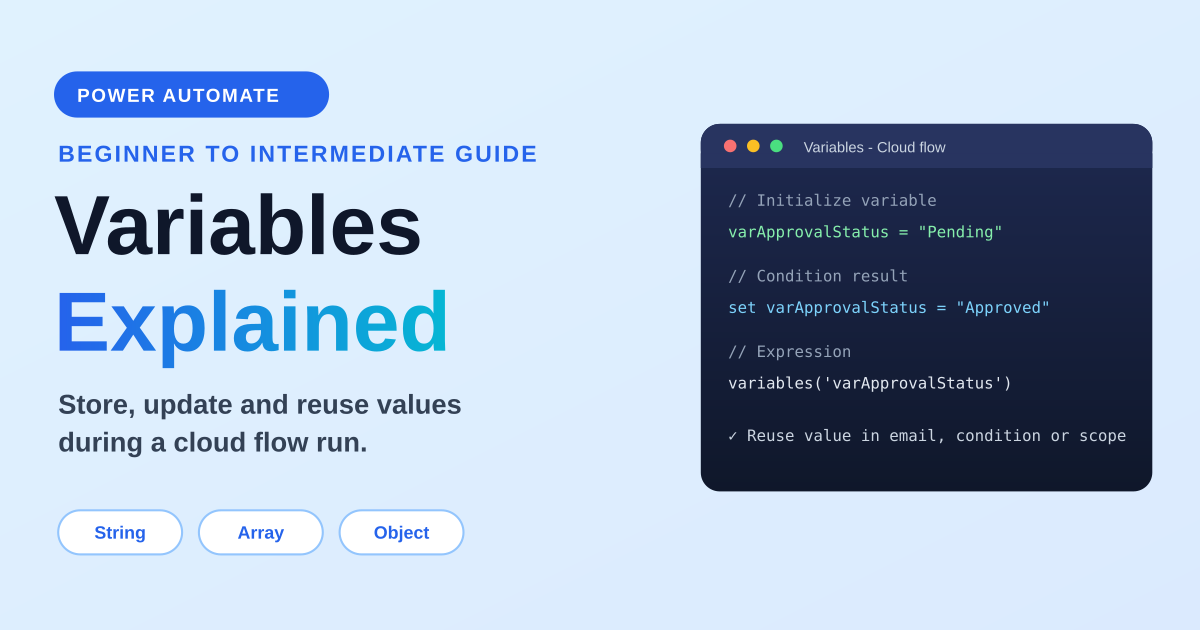
A practical guide to variables in Power Automate: variable types, initialize vs set, append string and array variables, counters, object variables, expressions, loops, concurrency, examples, and best practices.

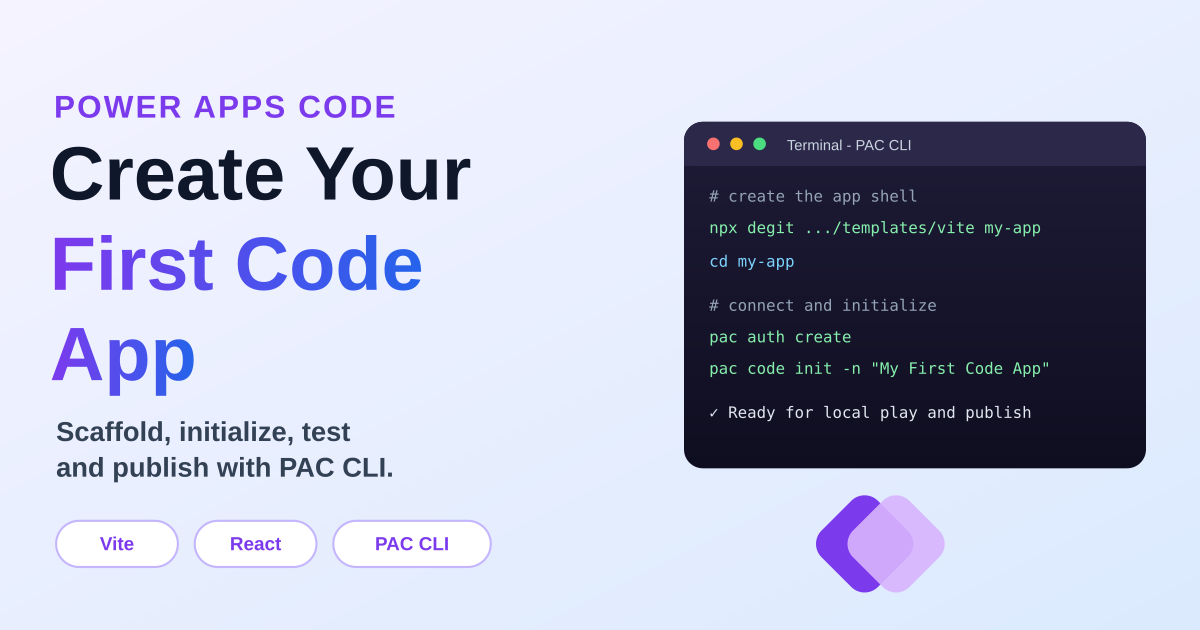
A practical first-app walkthrough for Power Apps Code: create the Vite React starter, authenticate PAC CLI, initialize the code app, run it locally, build it, and publish it to Power Apps.

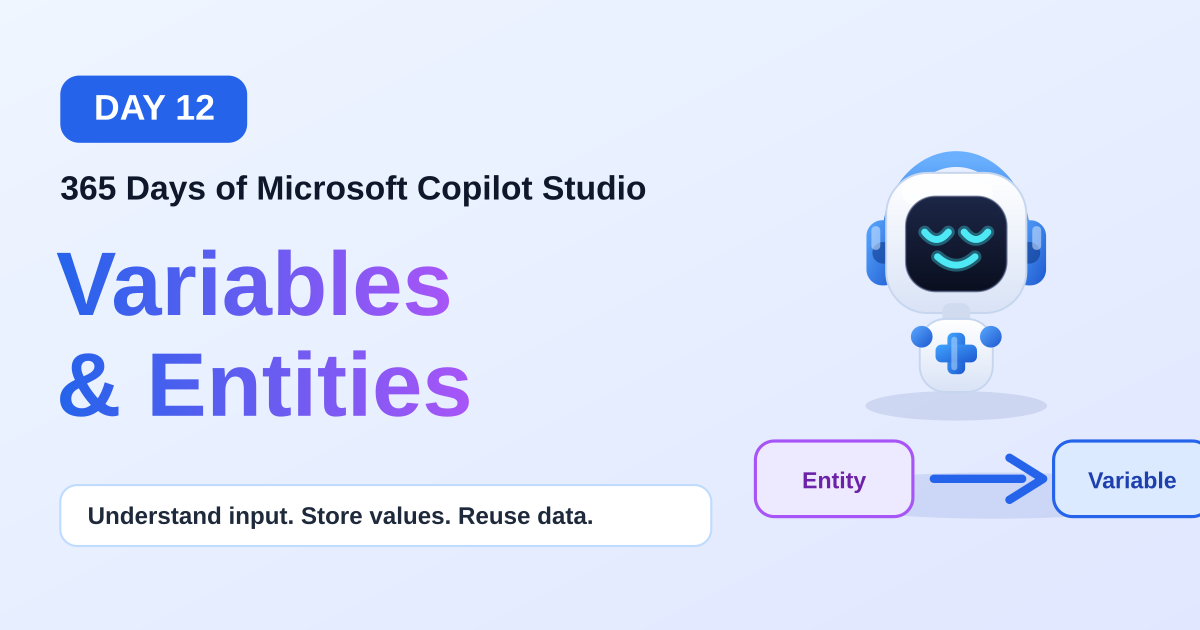
Day 12 of the 365 Days of Microsoft Copilot Studio series explains variables and entities: what they are, how they work together, common examples, a real-world HR leave request scenario, best practices, and key takeaways.

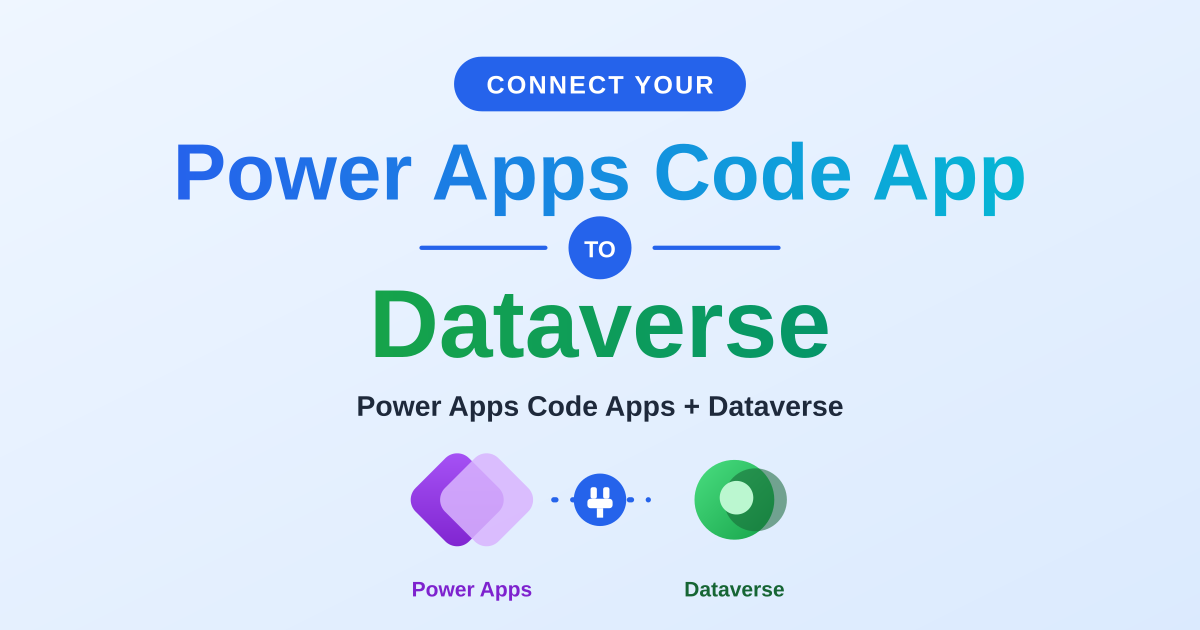
A hands-on guide to connecting a Power Apps Code app to Microsoft Dataverse with the PAC CLI: prerequisites, authenticating your environment, adding a Dataverse table as a data source, the auto-generated service and model files, and full create, read, update, and delete examples.

Day 11 of the 365 Days of Microsoft Copilot Studio series explains knowledge sources: what they are, the supported sources, how knowledge works, choosing the right source, best practices, common mistakes, a real-world HR example, and key takeaways.

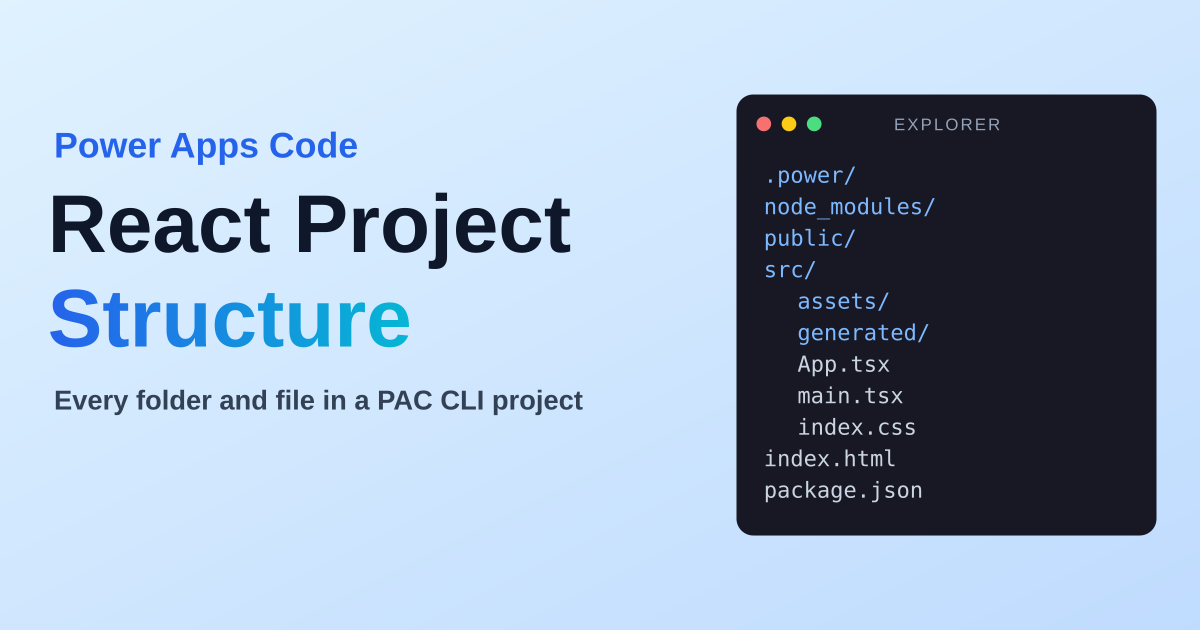
A folder-by-folder, file-by-file tour of a Power Apps Code (React + Vite + TypeScript) project scaffolded by the PAC CLI. What .power, node_modules, public, src and generated are for, what App.tsx, main.tsx, package.json and power.config.json do, and which files to leave alone.
It groups articles that discuss Power Apps, Power Automate, Copilot Studio, connectors, and governance across the Power Platform.
No. This is a cross-product archive. For structured paths, use the Power Automate, Power Apps Code, and Copilot Studio hubs.