Improving AI Response Accuracy in Copilot Studio | Day 73
Improve AI response accuracy in Copilot Studio with trusted knowledge sources, clear content, current policies, precise instructions, and real-world testing.
- Published
- Reading time
- 5 min read
Week 11 · Day 73 of 365 in 365 Days of Copilot Studio — view the full series
Before you start
Is this guide for you?
- Best entry point
- 365 Days of Copilot Studio
- Time investment
- 5 min read
In this article
- Good Answers Need Good Grounding
- Start With Trusted Sources
- Clear Content Improves Retrieval
- Avoid Conflicting Knowledge
- Outdated Knowledge Leads to Outdated Answers
On this page (10 sections)
Day 73 of 365 Days of Copilot Studio focuses on improving AI response accuracy. Better grounding and better knowledge help an agent produce answers users can rely on.
Day 72 compared structured and unstructured knowledge. Today, we bring that knowledge into a practical accuracy routine: choose trusted sources, make content easy to retrieve, keep it current, give clear instructions, and test real questions.
Good Answers Need Good Grounding
An answer can sound clear and still be wrong. To judge accuracy, look at the knowledge behind the response and whether it actually answers the user's question.
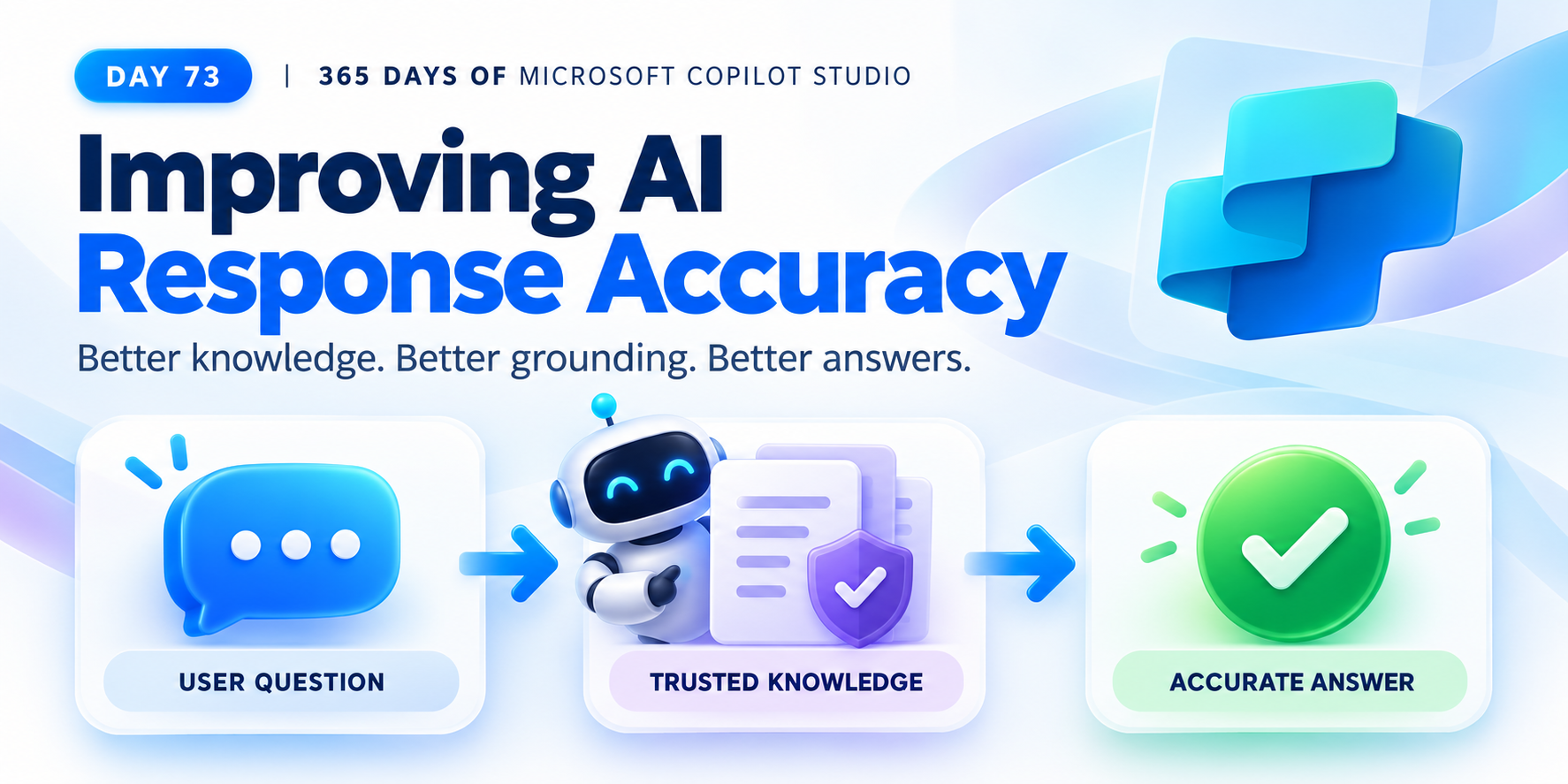
The basic path is: user question → right knowledge → grounded answer. If the source is incorrect, irrelevant, or outdated, a fluent response does not fix the underlying problem.
Accuracy starts with the source. Better grounding supports better answers.
Start With Trusted Sources
Before connecting knowledge, check whether it is suitable for user-facing answers. Trusted knowledge should be accurate, approved, relevant, and current.
| Quality | What to check |
|---|---|
| Accurate | The facts and guidance match the real business process. |
| Approved | The responsible owner has confirmed that the content is authoritative. |
| Relevant | The source addresses the questions the agent is expected to answer. |
| Current | The information reflects the policy or process in effect today. |
For example, an HR agent needs the approved leave policy. A draft document or an old handbook can create an incorrect answer even when the agent retrieves it successfully.
Clear Content Improves Retrieval
Make knowledge easy to find and understand. Clear titles, descriptive headings, short sections, and focused content help separate one subject from another.
- Clear title: name the subject directly, such as "Annual Leave Policy".
- Headings: distinguish eligibility, entitlement, approvals, and exceptions.
- Short sections: keep related guidance together without burying it in unrelated text.
- Focused content: explain one policy or process clearly before moving to the next.
If a user asks about carrying leave forward, that rule should be easy to locate in the source. Improving the document can be as useful as changing the agent's instructions.
Avoid Conflicting Knowledge
Conflicting sources create uncertainty. Imagine one document says employees receive 20 days of leave, while another says 25 days. The agent now has two incompatible statements for the same question.
Resolve the conflict at the source:
- Identify the approved policy and its owner.
- Check whether differences reflect separate locations, employee groups, or effective dates.
- Clarify those conditions in the content when both rules are valid.
- Update or retire a conflicting version when it is obsolete.
Give the agent one trusted source of truth for each applicable rule. Adding more documents is only useful when they add reliable knowledge.
Outdated Knowledge Leads to Outdated Answers
Knowledge maintenance is part of answer accuracy. When a policy changes, an old source can continue to support an old answer.
Use a simple lifecycle: review, update, retire.
| Action | Purpose |
|---|---|
| Review | Confirm that the source still reflects the current process. |
| Update | Correct changed rules, dates, steps, and responsibilities. |
| Retire | Remove obsolete guidance from the agent's knowledge scope. |
After a source changes, test the affected questions again. A document update is useful only if the agent's answers reflect the correct information.
Give the Agent Clear Instructions
Define the agent's role, task, boundaries, and expected response. Clear instructions reduce ambiguity about how the agent should use its knowledge.
- Role: who the agent helps and what responsibility it has.
- Task: the questions or work it should handle.
- Boundaries: what it should do when information is missing or a request needs escalation.
- Expected response: the level of detail and format that help the user.
For an HR policy agent, an example instruction could be:
Help employees understand approved HR policies. Use the relevant current policy when answering. If a rule depends on the employee's location or employment group, ask for that context. If the available knowledge does not answer the question, explain the gap and direct the employee to HR.
Instructions guide behavior, while reliable knowledge supplies the facts. Both need attention.
Test How Users Actually Ask
Users rarely phrase every question exactly like a document heading. Test natural language and different ways of asking about the same subject.
For a leave-policy agent, start with the questions shown in the lesson:
- "What is our leave policy?"
- "How many days can I take off?"
- "Can I carry leave forward?"
These questions cover a broad explanation, a specific entitlement, and a policy condition. Check that the agent retrieves the relevant knowledge and preserves any conditions or exceptions in its answer.
Add variations from actual user conversations. Test real language, including brief or ambiguous questions, and verify that clarification happens when needed.
Do Not Trust One Good Answer
One successful response is a useful observation, but it does not demonstrate consistent accuracy. Repeat the process across questions, source changes, and wording variations.
- Test: ask a realistic user question.
- Verify the source: confirm that the supporting knowledge is relevant and current.
- Check accuracy: compare the response with the approved answer, including conditions and exceptions.
- Refine: improve the content, remove conflicts, or clarify the agent's instructions.
- Retest: repeat the original question and related variations.
Keep a small set of representative questions and expected answers. Reuse them when knowledge or instructions change so you can see whether an improvement holds up.
Build for Reliable Answers
The lesson brings four habits together: trusted knowledge, clear content, clear instructions, and real-world testing.
- Use accurate, approved, relevant, and current sources.
- Organize knowledge with clear titles, headings, and focused sections.
- Resolve conflicting policies and retire outdated versions.
- Define the agent's role, task, boundaries, and expected response.
- Verify responses through repeated testing with natural user questions.
Key Takeaway
Improving AI response accuracy starts with the knowledge behind the answer. Strong sources, clear content, precise instructions, and repeated testing give you a practical way to improve reliability.
Better knowledge. Better grounding. Better answers.
Next: Day 74: Testing & Evaluating Agent Responses.
Tagged
Knowledge Sources · AI Agents · Governance · Generative AI
Frequently asked questions
How can I improve AI response accuracy in Copilot Studio?
Start with accurate, approved, relevant, and current knowledge. Organize content clearly, remove conflicting sources, give the agent clear instructions, and test realistic questions repeatedly.
Why does grounding matter for AI answers?
Grounding connects an answer to relevant knowledge. Reliable answers depend on retrieving the right source and using it correctly, so accuracy starts with source quality.
How do conflicting knowledge sources affect an agent?
Sources that disagree can create uncertainty. Identify the approved source of truth and update or retire conflicting versions before relying on the agent to answer policy questions.
What should clear agent instructions include?
Define the role, task, boundaries, and expected response. Explain what the agent should do when relevant information is missing or the question is ambiguous.
Is one correct answer enough to validate an agent?
No. Test different wording and scenarios, verify the source and accuracy, refine the knowledge or instructions, and retest. Accuracy requires iteration.
Have a Microsoft 365 topic idea?
Share article suggestions, community session ideas, corrections, or real-world scenarios for future nextM365 learning notes.
Keep learning Microsoft 365
Explore more practical guides for SharePoint, Power Platform, Copilot Studio, migration, automation, governance, and security.
Continue learning
Related tutorials
Related questions
Related comparisons
Next action