Copilot Studio Publishing & Channels Quiz | Day 100
Test your Copilot Studio publishing and channels knowledge with three questions, practical explanations and a production readiness checklist.
- Published
- Reading time
- 4 min read
Quick answer
Publishing makes the current agent version available to configured channels; it does not automatically distribute it to everyone. Choose supported channels and test, secure and validate before enterprise rollout.
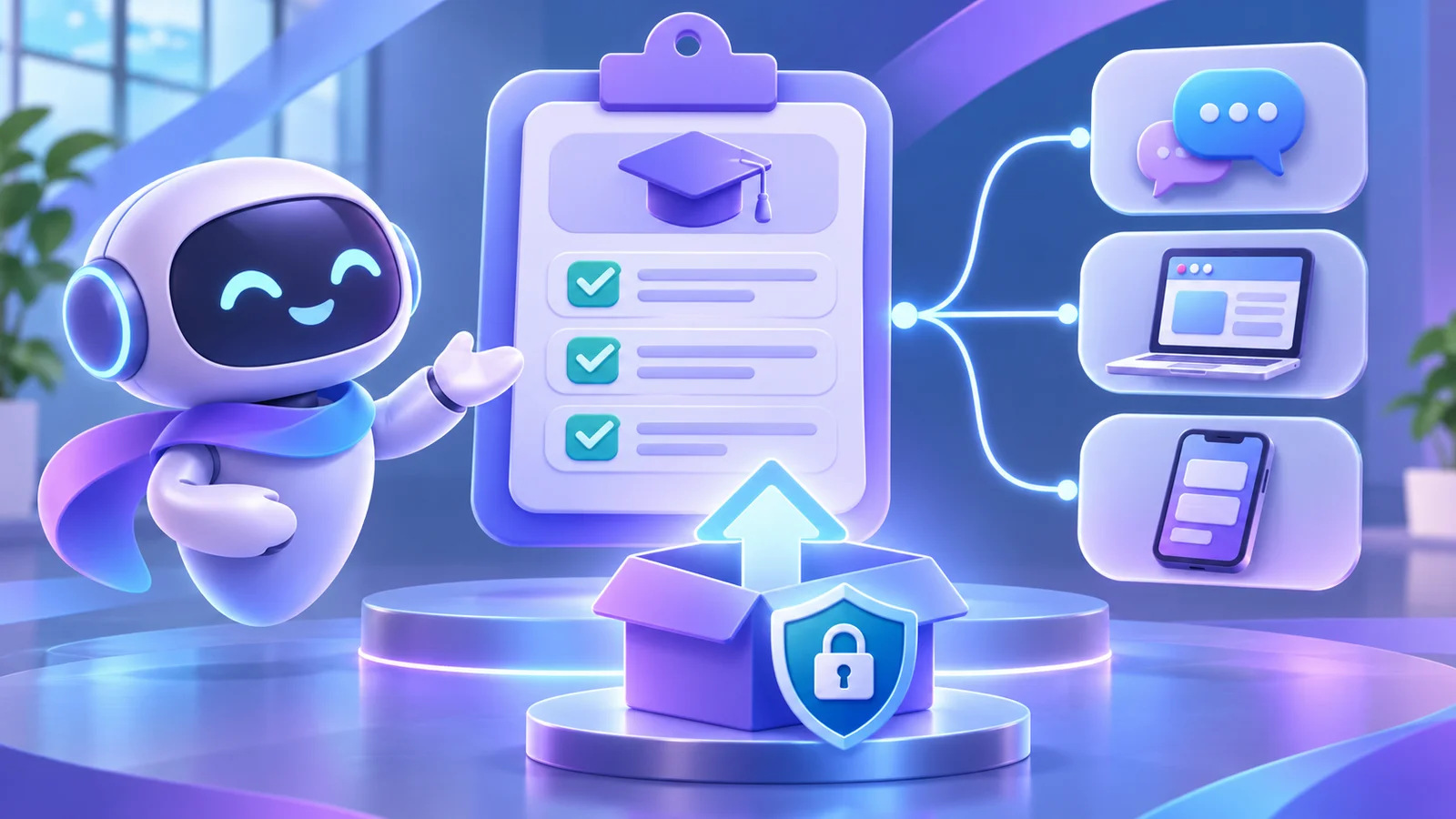
Week 15 · Day 100 of 365 in 365 Days of Copilot Studio — view the full series
Before you start
Is this guide for you?
- Best entry point
- 365 Days of Copilot Studio
- Time investment
- 4 min read
- Prerequisite knowledge
- Familiarity with an agent, publishing and channels in Microsoft Copilot Studio.
What you’ll learn
- Publishing and sharing with users are distinct steps.
- An agent can reach users through multiple supported channels.
- Test, secure and validate before an enterprise deployment.
- Monitor the published experience and improve it after launch.
Before you start
- Prerequisite knowledge
- Familiarity with an agent, publishing and channels in Microsoft Copilot Studio.
On this page (11 sections)
Day 100 of 365 Days of Copilot Studio marks a milestone: 100 days of learning to build, automate, secure and deploy agents. This knowledge check revisits publishing and channels. Choose an answer to each question before checking the explanations below. For a deeper release checklist, revisit Day 99.
First, understand publishing and channels
Publishing creates a live version of your agent’s saved changes. For agents using the standard harness, Microsoft says publishing updates the connected channels; changes made afterwards remain in the draft until you publish again. Making the agent available to a particular audience can also require channel configuration, sharing, installation or organizational approval. Capabilities and steps vary by agent experience and channel.
Supported channels can include Microsoft Teams and websites. Select the channel for the people and task you want to support, then verify its authentication, policies and user experience. Consult Microsoft’s publishing and channel guidance for your configuration.
Question 1: What happens when you publish an agent?
- It automatically installs for everyone.
- The latest published version becomes available to configured channels.
- A Teams app is automatically created and distributed to everyone.
Question 2: Where can you use Copilot Studio agents?
- Microsoft Teams only.
- Websites only.
- Multiple supported channels.
Question 3: What is essential before enterprise deployment?
- Test, secure and validate.
- Skip testing.
- Give everyone administrator access.
Answers and explanations
1. B — The published version reaches configured channels
Publishing makes the saved agent version available through its configured channels. It is not the same as granting every user access or installing the agent for them. Verify the target audience, sharing and any channel-specific approval process. After further edits, publish again when the changes are ready.
When testing an update, start a new conversation as appropriate: existing sessions can affect when a user sees the latest version. Microsoft documents session behavior for the standard harness in its publishing guidance.
2. C — Multiple supported channels
One agent can be made available in more than one supported channel, subject to the chosen agent experience, authentication and your organization’s policies. Teams may suit an internal employee assistant; a website can support a different audience. Validate each channel separately, including discovery, sign-in, permissions and the way responses appear.
3. A — Test, secure and validate
Before a broad rollout, test realistic conversations, grounded answers, action outcomes and failure paths. Review user access and the identities used by knowledge sources and connected actions. Validate the published agent in the actual channel with representative users. Administrator access should be limited to those who need it, not granted to everyone.
Put the answers into practice: an HR agent
Imagine an HR agent that answers policy questions in Teams. In a test environment, ask about leave, try an ambiguous question and verify that an unsupported request is handled safely. Confirm that the knowledge is current and that a user without access cannot retrieve restricted information. If the agent submits requests, test invalid inputs and a service failure with approved test data.
After approval, publish the intended version and configure Teams distribution for a small pilot. A pilot user should be able to find the agent, sign in, ask a typical question and reach a human support route when needed. Record the results, review feedback and expand access only when the team is satisfied with the experience.
Four checks before you go live
- Test conversations: cover common questions, follow-ups, missing knowledge and failures; rerun important tests after changes.
- Secure access: verify the audience, authentication and least-privilege permissions for the agent and connected systems.
- Configure channels: check channel availability, sharing, approvals and a real user’s end-to-end experience.
- Plan monitoring: assign an owner, review available analytics and feedback, and agree how to investigate and escalate issues.
Use a controlled promotion process between development, test and production, with a release record and recovery plan. After launch, continue to review knowledge freshness and user feedback. The Microsoft testing guidance describes functional, security and regression testing as part of the agent lifecycle.
How did you score?
Give yourself one point for each correct answer: 1: B, 2: C, 3: A. If you missed one, revisit its explanation and apply the four checks to an agent you are building. The next 265 days are an opportunity to keep turning these fundamentals into practical skills.
Tagged
AI Agents · ALM · Governance · Security
Frequently asked questions
Does publishing an agent automatically install it for everyone?
No. Configure the intended channel and complete the sharing, installation and approval steps required for the audience.
Can an agent use more than one channel?
Yes, supported channels can include Teams and websites, depending on the agent experience, configuration and organizational policies.
Do draft changes reach users immediately?
Changes remain in the draft until they are published. Test the published version in each intended channel; session behavior can affect when users see updates.
What should teams monitor after launch?
Review available usage and operational analytics, failures, answer quality and user feedback, and assign an owner to investigate issues.
Sources
- Publish and deploy your agent, Microsoft, accessed 2026-11-13
- Design a testing strategy for your agents, Microsoft, accessed 2026-11-13
- Monitor agent performance, Microsoft, accessed 2026-11-13
Have a Microsoft 365 topic idea?
Share article suggestions, community session ideas, corrections, or real-world scenarios for future nextM365 learning notes.
Keep learning Microsoft 365
Explore more practical guides for SharePoint, Power Platform, Copilot Studio, migration, automation, governance, and security.
Continue learning
Related tutorials
Related questions
Related comparisons
Next action