Troubleshooting Knowledge Sources in Copilot Studio | Day 75
Troubleshoot Copilot Studio knowledge sources with a repeatable checklist for missing answers, source readiness, access, retrieval, and conflicting content.
- Published
- Reading time
- 7 min read
Week 11 · Day 75 of 365 in 365 Days of Copilot Studio — view the full series
Before you start
Is this guide for you?
- Best entry point
- 365 Days of Copilot Studio
- Time investment
- 7 min read
In this article
- Start With One Failed Question
- 1. Check the Knowledge Source First
- 2. Confirm That the Answer Exists in the Content
- 3. Verify Identity and Access
- 4. Check Source Readiness and Preparation Errors
On this page (13 sections)
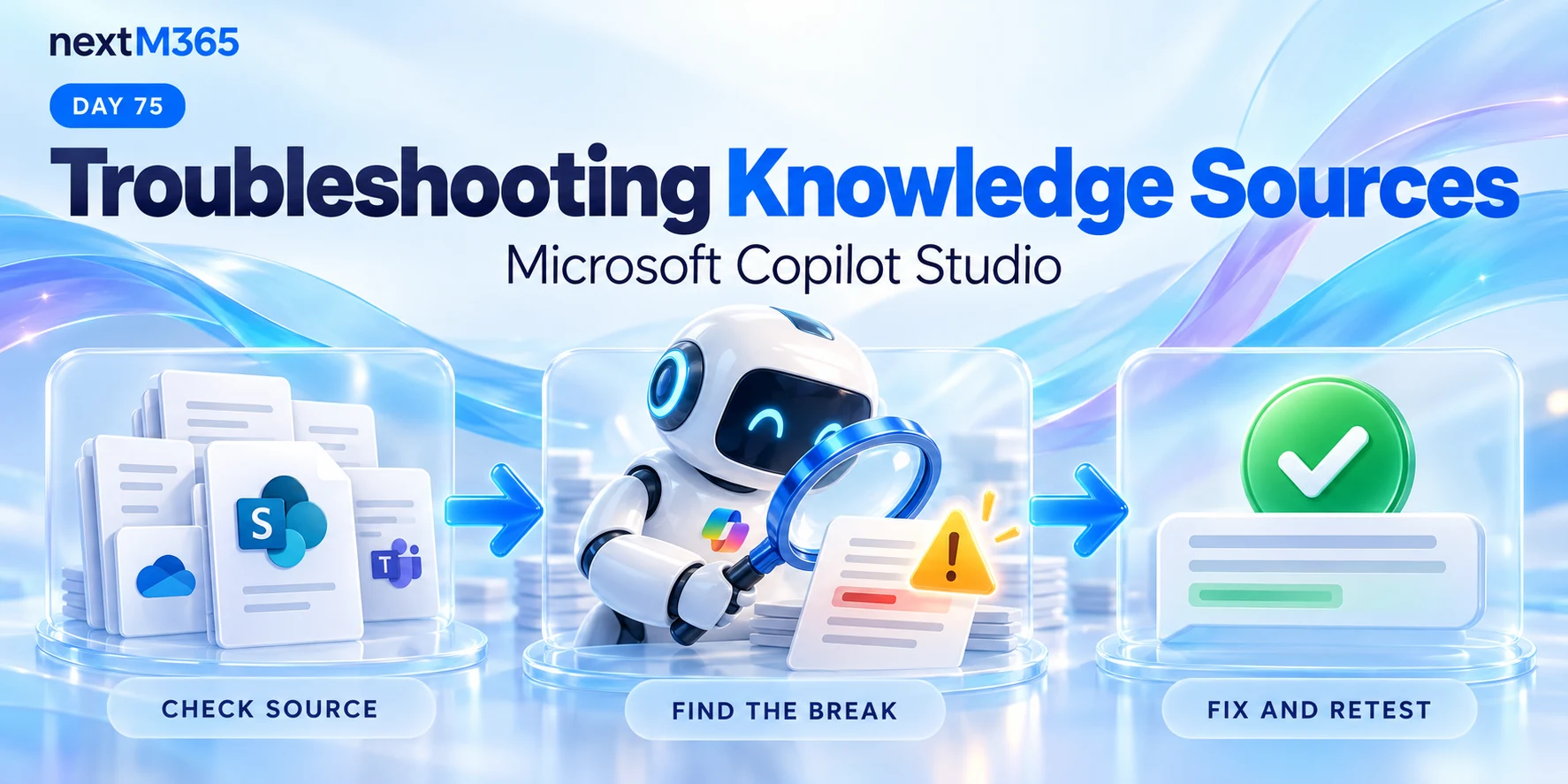
Day 75 of 365 Days of Copilot Studio covers troubleshooting knowledge sources in Copilot Studio. When an agent gives no answer, a wrong answer, an incomplete answer, or an outdated answer, start by checking the path from the source to the response.
Day 74 explained knowledge source limitations. This lesson turns those limits into a repeatable diagnostic routine: check the source, find where the chain breaks, fix the issue, and retest.
Start With One Failed Question
A report that the agent is giving bad answers is difficult to investigate. A specific question, an actual response, and an approved expected answer give you something you can reproduce.
| Symptom | First check | Evidence to keep |
|---|---|---|
| No answer | Does the required source contain accessible, usable content? | The exact question, user context, and source status. |
| Wrong answer | Did the response rely on the right passage? | The answer, citation where available, and expected passage. |
| Incomplete answer | Are conditions and exceptions present and clearly organized? | The missing detail and where it appears in the source. |
| Outdated answer | Is an older policy still in the knowledge scope? | The document version, effective date, and current approved rule. |
Check: reproduce one failed question before changing settings or adding more documents.
1. Check the Knowledge Source First
Confirm that the agent is connected to the intended location. A valid connection to the wrong site, folder, document, or table will not provide the answer you expect.
- Identify the source that should answer the question.
- Verify the configured location and the relevant content scope.
- Confirm that the source still exists and is available.
- Check whether the source content reflects the current business rule.
Check: write down the exact source location and the content owner. Do not rely on a familiar display name alone.
2. Confirm That the Answer Exists in the Content
Open the original document or record and locate the answer yourself. A document called Leave Policy may describe approval steps without stating annual entitlement. The title alone does not establish that the question is covered.
For example, ask whether the source explicitly explains how many leave days employees receive, who qualifies, and which location or employment group the rule covers. If the source is missing a condition, the agent cannot reliably recover that condition from the document.
Action: identify the approved passage. If it is absent, have the content owner add or clarify it before tuning retrieval.
3. Verify Identity and Access
A connected source is not necessarily accessible in the affected conversation. Determine which identity the configured source uses, then check its permissions through the intended authentication model.
For SharePoint, test the exact document with the affected user. Microsoft documents that missing read permissions can result in no search results without an explicit permission error. Follow the configuration guidance for your agent-level source or topic-level generative answers node; those paths have different setup details.
Check: compare an authorized user's result with the affected user's result. Resolve access with the source administrator and preserve the intended security boundaries. See Microsoft's SharePoint troubleshooting guidance.
4. Check Source Readiness and Preparation Errors
Review the knowledge source status before testing. A source that is still preparing or has an error needs attention before its answers can be assessed.
Microsoft's knowledge testing documentation describes Ready, In progress, Unknown, and Error states. Their applicability depends on the source type. Use the displayed error and current source-specific requirements to investigate preparation, authentication, policy, or format problems.
Check: confirm the source is Ready where that status applies. Readiness makes testing possible; it does not prove content accuracy or successful retrieval.
5. Make the Test Question Specific
The PDF compares a vague request such as Tell me about leave with a specific question such as How many annual leave days do employees receive? The second question gives you a clear fact to check.
Include context when the approved rule depends on it: location, employee group, product, policy period, or process stage. Once the precise question works, try the wording real users are likely to use.
Action: keep both a precise diagnostic question and two or three natural variations. A fix should support ordinary questions as well as your carefully worded test.
6. Find Where Retrieval Breaks
Trace the sequence: question → retrieved information → generated answer. Finding the right document and producing the right answer are separate checks.
| Finding | Investigate next |
|---|---|
| The answer is absent from the source. | Content coverage and ownership. |
| The answer exists, but the user cannot access it. | Identity, authentication, and source permissions. |
| The answer exists and is accessible, but relevant content is not found. | Source scope, search availability, content structure, and question wording. |
| The right passage is found, but the response omits a condition. | How the rule and exception are written, the surrounding context, and agent instructions. |
For SharePoint, also check whether the target document appears in SharePoint search. File access alone does not prove search availability. Microsoft's troubleshooting guidance also covers protected content and supported formats. Review those constraints before assuming that a Ready source can ground an answer from every file.
Check: record what you can observe from test results and available citations. If retrieval evidence is unavailable, mark it as unconfirmed rather than inventing an explanation.
7. Resolve Conflicting and Outdated Sources
The lesson illustrates two policies: an old source says employees receive 15 annual leave days; a new source says 20. The correct response depends on which policy applies. Adding both without clear scope creates ambiguity.
- Ask the content owner which policy is current.
- State effective dates and applicable groups clearly.
- Remove superseded content from the active scope when appropriate.
- Separate valid policies by context instead of treating every difference as an error.
Check: test a question that distinguishes the old rule from the current rule, including relevant conditions.
8. Improve the Content the Agent Uses
Duplicate, outdated, unclear, or contradictory documents make troubleshooting harder. Prefer current, structured, trusted content with headings that describe the subject.
Keep a rule close to its exceptions. Use explicit wording for eligibility, dates, owners, and required steps. A document that mixes unrelated policies may need to be reorganized before the relevant guidance can be used consistently.
Action: improve the passage behind the failed question, then check related questions for unintended changes.
9. Isolate One Source at a Time
When several sources are connected, use a development copy or controlled test configuration to narrow the investigation. Test the expected source individually where your configuration supports this, then restore the intended combination.
The PDF gives an example with HR policies, training content, and product guides. If HR and product questions work but training questions fail, investigate the training source first rather than changing all three sources together.
Check: change one variable at a time, record the result, and restore the full knowledge configuration before final validation.
10. Fix, Test, and Verify
A saved change is not evidence that the answer is fixed. Repeat the original question after the changed content is available through the configured source.
- Fix: correct the identified content, source, access, or configuration issue.
- Test: repeat the failed question under the same relevant user context.
- Review: compare the answer and its supporting source with the approved result.
- Verify: try realistic variations, exceptions, and representative users.
Action: log the question, expected answer, actual answer, source, change, and retest outcome. Keep unresolved cases visible.
A Repeatable Knowledge Troubleshooting Checklist
| Check | Evidence needed before closing the issue |
|---|---|
| Source connected | The intended location is configured and available. |
| Content present | The approved answer can be found in the source. |
| Access correct | The intended identity can use the required content. |
| Content current | The applicable rule and effective date are confirmed. |
| Question clear | The test captures enough context to identify the expected answer. |
| Retrieval tested | The answer is supported by relevant content, with remaining uncertainty recorded. |
| Fix verified | The original failure and related questions have been retested. |
Check: close the issue only when the expected behavior is demonstrated, or document the remaining limitation and an appropriate next step.
Key Takeaway
Before blaming the agent, troubleshoot its knowledge path. Check the source, confirm the answer exists, verify access and readiness, inspect retrieval, and resolve content conflicts. Then fix and retest.
Continue with the 365 Days of Copilot Studio series. The next lesson is Day 76: Testing and Validating Knowledge Responses.
Tagged
Knowledge Sources · Permissions · AI Agents · Generative AI
Frequently asked questions
Where should I start when my Copilot Studio agent gives a wrong answer?
Capture the exact question and expected answer. Check the connected source, confirm the answer exists in current content, verify access, and then inspect retrieval before changing agent instructions.
Does a connected knowledge source mean it is ready to answer questions?
No. Check the source status and any preparation errors. Ready means the source can be tested; it does not guarantee that every relevant passage will be retrieved or that the content is correct.
Why can an agent fail to use a SharePoint file that a user can open?
Opening a file is only one check. Search indexing, supported content, encryption, source scope, authentication configuration, or filters can still prevent it from grounding an answer.
How do I troubleshoot conflicting knowledge sources?
Test sources individually in a development copy, identify which documents disagree, and ask the content owner to resolve outdated or differently scoped policies. Then retest with the intended sources enabled together.
How do I verify that a knowledge-source fix worked?
Repeat the original failed question, check the answer against the approved source, try realistic variations, and test representative users. Record the change and results rather than assuming a successful update fixed the answer.
Sources
Have a Microsoft 365 topic idea?
Share article suggestions, community session ideas, corrections, or real-world scenarios for future nextM365 learning notes.
Keep learning Microsoft 365
Explore more practical guides for SharePoint, Power Platform, Copilot Studio, migration, automation, governance, and security.
Continue learning
Related tutorials
Related questions
Related comparisons
Next action