Connection References | Copilot Studio Day 48
Learn how connection references in Copilot Studio and Power Platform make connectors reusable, secure, portable, and easier to manage across development, test, and production.
- Published
- Reading time
- 10 min read
Week 7 · Day 48 of 365 in 365 Days of Copilot Studio — view the full series

What you’ll learn
- What Are Connection References?
- Why Connection References Matter
- The Problem Without Connection References
- Connection vs Connection Reference
- Create a Connection Reference
On this page (17 sections)
Day 48 of 365 Days of Copilot Studio focuses on connection references. After Day 46 covered solution management and Day 47 covered environment variables, the next practical ALM topic is how your agent, flows, and apps connect to real services without becoming tied to one environment.
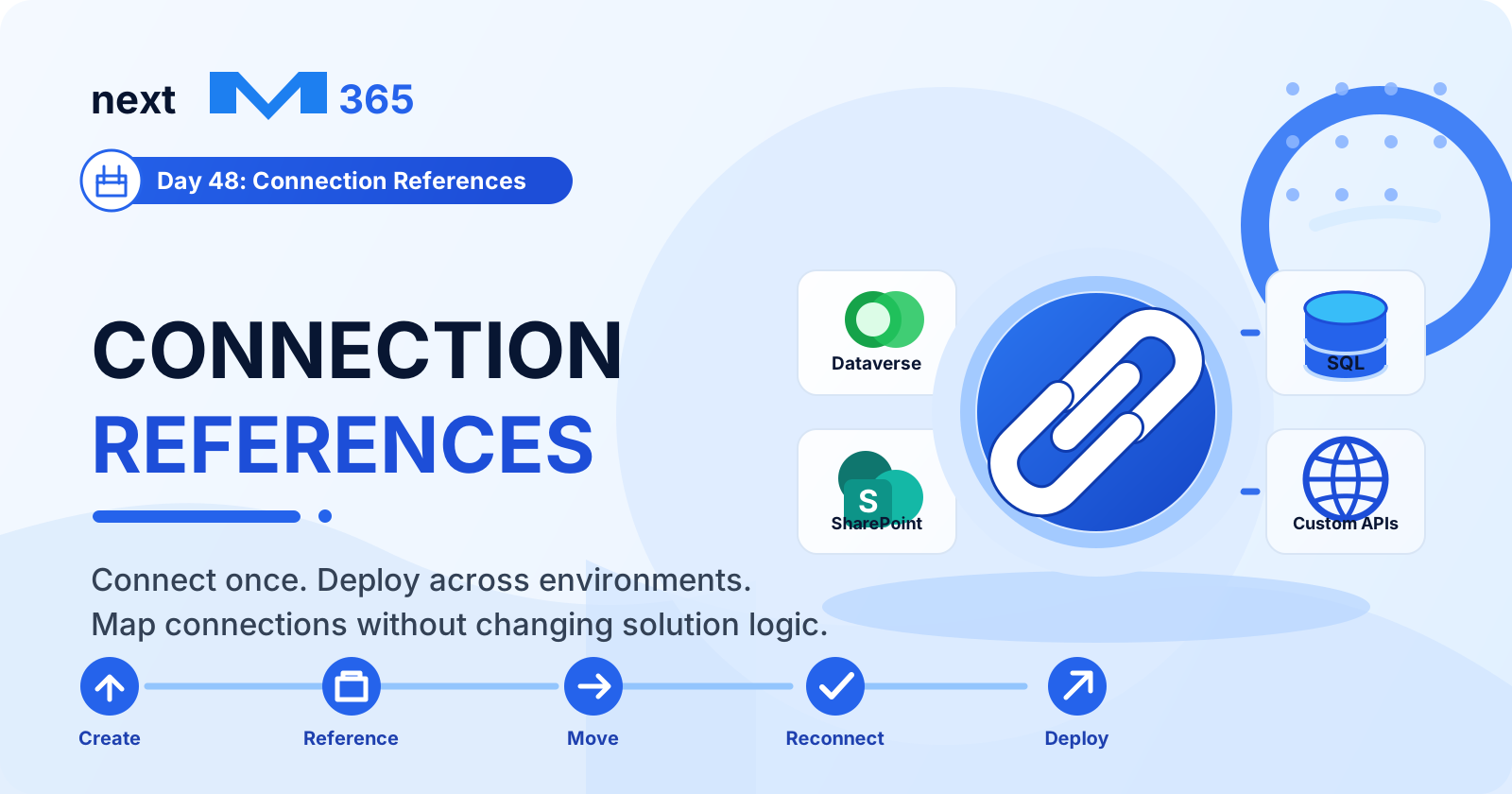
Most useful Copilot Studio solutions do not live alone. They call Power Automate flows, use Dataverse, read SharePoint, send email, update SQL, or connect to custom APIs. Each of those services needs a connector connection. Connection references give those connections a managed, reusable place inside the solution.
The result is simple: build once, deploy anywhere, and map each environment to the right connection.
What Are Connection References?
A connection reference is a solution component that acts as a placeholder for a connector connection. Instead of a flow, app, or agent action depending directly on one hardcoded connection, it depends on the connection reference.
The connection reference can then point to the correct actual connection in each environment. In development it may point to a developer connection. In test it may point to a test service account. In production it should point to the approved production connection.
- Connection: the real authenticated connection to a service.
- Connection reference: the reusable solution-aware pointer to that connection.
- Solution component: a flow, app, or agent action that uses the reference.
[!NOTE] A connection reference does not replace authentication. It gives your solution a clean way to reference the right authenticated connection in each environment.
Why Connection References Matter
Connection references make Copilot Studio and Power Platform solutions more flexible, secure, and environment ready. Without them, makers often connect components directly to personal or environment-specific connections, which creates problems during import, testing, and production release.
| Benefit | What It Means |
|---|---|
| Easy deployment | Move solutions across environments without changing connector logic. |
| Improved security | Map production components to approved service connections instead of personal accounts. |
| Better reusability | Use the same reference across multiple flows, apps, and agent actions. |
| Less maintenance | Update connection mapping in one place instead of editing many components. |
| Environment ready | Support Dev, Test, and Production with different real connections. |
The Problem Without Connection References
Hardcoded connections may work during early building, but they become risky when a solution moves to another environment or another owner needs to support it.
- Hard to deploy: connections must be changed manually in each environment.
- High risk: wrong connections can break flows or expose data.
- More maintenance: every flow or action may need individual updates.
- Poor reusability: solutions cannot be moved cleanly across environments.
- Slows delivery: release teams spend more time fixing connection issues.
Connection references reduce that friction because the solution can keep the same reference while the target environment supplies the correct connection.
Connection vs Connection Reference
These two concepts are related, but they are not the same. Knowing the difference helps avoid many deployment mistakes.
| Connection | Connection Reference |
|---|---|
| Actual connection to a data source or service. | Placeholder for a connection inside a solution. |
| Environment specific. | Environment independent. |
| Contains real credentials and connection details. | Does not store credentials. |
| Not portable across environments. | Portable and reusable across environments. |
| Harder to manage at scale. | Easier to manage in apps, flows, and agents. |
Create a Connection Reference
Create connection references inside a solution so they travel with your Copilot Studio and Power Platform assets.
- Open the solution: go to the Power Platform maker portal and open the solution that contains your agent, flows, and related components.
- Add a connection reference: choose to create a new connection reference from the solution.
- Enter details: give it a clear display name, select the connector, and add a useful description.
- Set properties: configure the connector and choose or create the connection for the current environment.
- Save: the connection reference is now ready to use by solution components.
[!TIP] Add the connection reference to your solution before you wire multiple flows or actions to it. That keeps the solution cleaner from the beginning.
Add Connection References to a Solution
A connection reference is most useful when it is part of the same solution as the components that use it. That keeps dependencies visible during export, import, and troubleshooting.
- Open your solution and select Add existing.
- Choose Connection Reference.
- Select the existing references used by the solution.
- Add missing references if a flow or action depends on them.
- Use the Components area to confirm the references are included.
- Save and export only after the references are mapped correctly.
If a solution component depends on a connector but the connection reference is missing from the solution, imports and runtime behavior become harder to diagnose.
Use Connection References in Power Automate
Power Automate is one of the most common places where connection references matter. If your Copilot Studio agent calls a flow, and that flow uses SharePoint, Outlook, Dataverse, SQL, or another connector, the flow should use solution-aware connection references.
- Create or open a flow inside a solution.
- Add an action that requires a connector.
- Choose or create the connection reference for that connector.
- Select the actual connection for the current environment.
- Save the flow so the reference is preserved in the solution.
This makes the flow portable. When the solution is imported into test or production, the reference can be mapped to the correct connection for that environment.
Use Connection References with Copilot Agents
Copilot Studio agents often rely on connector-backed actions. For example, an agent may call a flow to get employee data, update a Dataverse row, create a SharePoint item, or send a notification. Connection references keep those actions environment ready.
- Open your agent in Copilot Studio.
- Add a connector-backed action, plugin, or Power Automate flow.
- Choose the correct connection reference for the connector.
- Confirm the reference is included in the solution.
- Save and publish the agent, then validate the action in the target environment.
The goal is to avoid building an agent that only works in the maker's original environment. Connection references help the same agent package run safely in each environment after mapping.
Development, Test, and Production
Connection references are an ALM tool. The same reference can exist in the solution across development, test, and production, while each environment uses its own real connection.
| Environment | Purpose | Connection Mapping |
|---|---|---|
| Development | Build new solution components using development data and services. | Developer or dev service connection. |
| Test | Validate behavior in a realistic but safe environment. | Test connection with test data and permissions. |
| Production | Run for real users and real data. | Approved production service connection. |
This pattern keeps the solution portable, secure, and easier to support during release cycles.
Map Connections During Deployment
When importing a managed solution into another environment, review connection references carefully. This is the moment where the placeholder is mapped to a real connection in the target environment.
- Deploy the solution: import the managed solution into the target environment.
- Open connection references: review references that need mapping.
- Review unmapped references: check missing or invalid mappings before users test.
- Map to existing connections: choose existing approved connections or create new ones where appropriate.
- Save mapping: confirm the import and test every connector-backed action.
[!WARNING] Connection references make deployment easier, but they do not remove the need for testing. Always validate connector actions after import.
Connection References vs Environment Variables
Connection references and environment variables work together, but they solve different problems.
| Feature | Connection References | Environment Variables |
|---|---|---|
| What it stores | References to connections such as SharePoint, Dataverse, Outlook, or SQL. | Values such as URLs, numbers, list names, flags, keys, or IDs. |
| Purpose | Connect to external services via connectors. | Store configuration data used by the solution. |
| Example | SharePoint connection reference. | SharePoint site URL or list name. |
| Used in | Power Automate, Power Apps, Copilot agents, and connector-backed actions. | Flows, apps, agents, prompts, conditions, and settings. |
| Managed in | Solution connection references. | Solution environment variables. |
| Changes per environment | Yes, map to different connections. | Yes, set different variable values. |
Use connection references for connections. Use environment variables for configurable values. Most real deployments need both.
Update a Connection Reference
Sometimes you need to update a connection reference because a service account changed, a connection expired, or an environment was rebuilt. Keep the update controlled.
- Go to the solution and open Connection references.
- Select the reference that needs a new connection.
- Choose the correct connector connection for the environment.
- Edit mapping and confirm the connection is valid.
- Save changes and retest flows, apps, and agent actions that use the reference.
After updating a reference, run a real test through the Copilot Studio agent or flow entry point. A green connection is helpful, but the full business action still needs validation.
Common Connection Reference Mistakes
Connection references are straightforward, but deployment issues still happen when ownership, naming, and solution dependencies are unclear.
| Mistake | Risk | Better Approach |
|---|---|---|
| Not using connection references | Hardcoding connections makes solutions harder to deploy and manage. | Always use connection references in solution-aware components. |
| Using the wrong connection | Mapping to the wrong connection can break flows or expose data. | Double-check mappings during deployment. |
| Missing environment connections | Connection references cannot work if the target environment does not have the required connection. | Create required connections in each environment first. |
| Insufficient permissions | Connections without proper permissions cause flow or action failures. | Use approved service accounts or managed ownership where possible. |
| Not updating references | Old or expired connections can cause runtime failures. | Review and update references during maintenance. |
| Ignoring solution checks | Missing validation may hide dependency issues until release. | Use Solution Checker and test before export and import. |
Connection Reference Best Practices
- Always use connection references for solution-aware connector components.
- Use clear and consistent names that describe the connector and purpose.
- Create connections in each environment before importing production-ready solutions.
- Use least-privilege access for every connector used by flows, apps, and agents.
- Review and update references when connections, owners, or environments change.
- Validate before deployment by testing flows, agent actions, and data operations.
- Document the purpose, owner, and expected environment mapping for each reference.
- Use service accounts or managed connection ownership where your governance model requires it.
- Keep references in the same solution as the flows, apps, and agent components that use them.
- Run Solution Checker before export and import.
- Avoid personal connections for production business processes.
Simple Deployment Checklist
Use this checklist before moving a Copilot Studio solution between environments:
- List every connector used by your agent, flows, and apps.
- Confirm each connector has a connection reference in the solution.
- Verify target environments have the required real connections.
- Map each reference to the correct environment connection during import.
- Confirm permissions for the connection owner or service account.
- Run Solution Checker before export and import.
- Test every connector-backed action after deployment.
- Document connection owners, purpose, and renewal process.
How This Connects to Solution Management
Connection references are part of the same ALM discipline covered in Day 46: Solution Management. They help solutions move cleanly because connector dependencies are visible and map-able.
They also pair directly with Day 47: Environment Variables. A SharePoint flow might use a connection reference for the SharePoint connector and an environment variable for the site URL or list name. The connection says how to connect. The variable says what value to use.
Key Takeaway
Connection references help you build Copilot Studio and Power Platform solutions that are portable, secure, reusable, and easier to manage. They separate solution components from real environment connections so each deployment can use the right mapping.
Use them for connector-backed flows, apps, and agent actions. Map them carefully during deployment. Test every environment. That is how you build once, deploy anywhere, and keep your Copilot Studio solutions reliable as they move from development to test to production.
Related resources
Topics covered
ALM · Connectors · Governance · Workflow Automation · AI Agents
Frequently asked questions
What are connection references in Microsoft Copilot Studio?
Connection references are solution components that point to connector connections. They let flows, apps, and Copilot Studio agent actions reuse a connection without hardcoding the connection directly into every component.
Why are connection references important for deployment?
They make solutions portable across development, test, and production because each target environment can map the reference to the correct local connection during import or after deployment.
How is a connection reference different from a connection?
A connection is the actual authenticated link to a service. A connection reference is the solution-aware placeholder that solution components use so the real connection can vary by environment.
Can Power Automate flows use connection references?
Yes. Solution-aware Power Automate flows should use connection references so connector actions can remain portable and easier to manage through ALM.
How are connection references different from environment variables?
Connection references manage service connections. Environment variables store configurable values such as URLs, IDs, flags, list names, and settings. Production-ready solutions often use both.
Sources
- Microsoft Learn: Alm, Microsoft
- Microsoft Learn: Microsoft Copilot Studio, Microsoft
Have a Microsoft 365 topic idea?
Share article suggestions, community session ideas, corrections, or real-world scenarios for future nextM365 learning notes.
Keep learning Microsoft 365
Explore more practical tutorials for SharePoint, Power Platform, Copilot Studio, migration, automation, governance, and security.
Continue learning
Related tutorials
Related questions
Related comparisons