SharePointJul 1, 2026
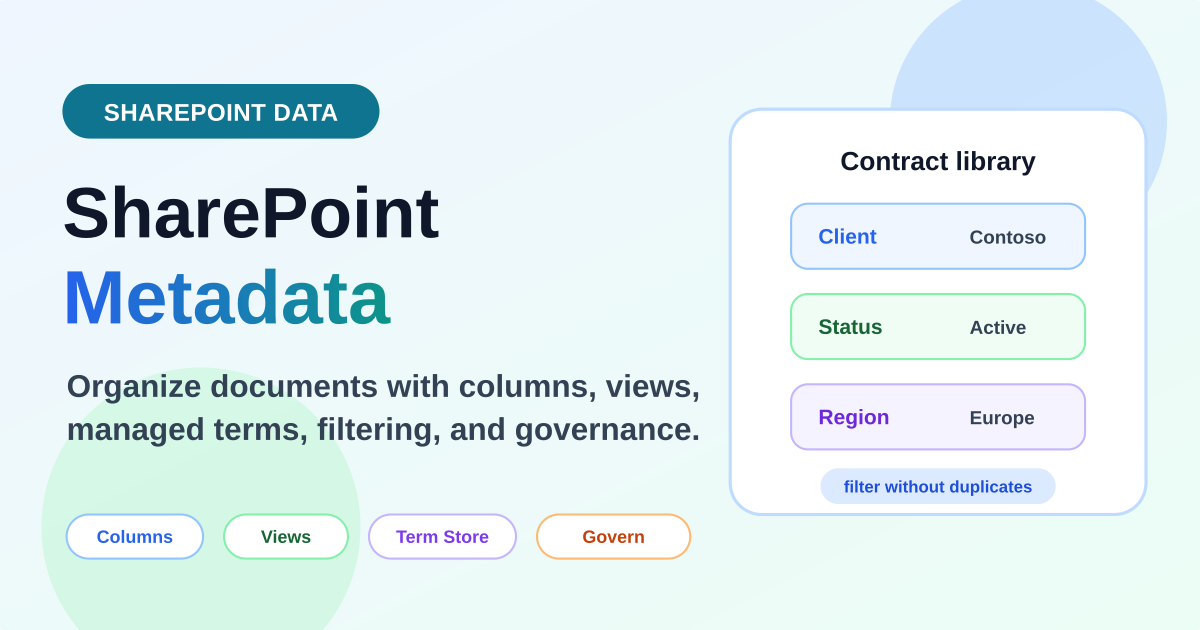
SharePoint Metadata Explained
Learn how SharePoint metadata works with columns, site columns, managed metadata, document library views, filtering, search, automation, and practical governance.
By Suresh Girinathuni10 min →
This category covers SharePoint Online lists, libraries, Microsoft Lists, metadata, document management, permissions, and collaboration design. It is intended for site owners, admins, makers, and consultants who need practical SharePoint guidance.
Open the SharePoint hubFind out when to use a list and when to use a document library, how SharePoint supports Power Platform solutions, and how to think about information architecture. The focus is on patterns that are simple enough to adopt and strong enough to support real business use.
Practical references on the concepts, setup steps, design choices, and common implementation patterns behind SharePoint — for planning, building, testing, and improving Microsoft 365 solutions.
31 articles in “SharePoint”
Learn how SharePoint metadata works with columns, site columns, managed metadata, document library views, filtering, search, automation, and practical governance.
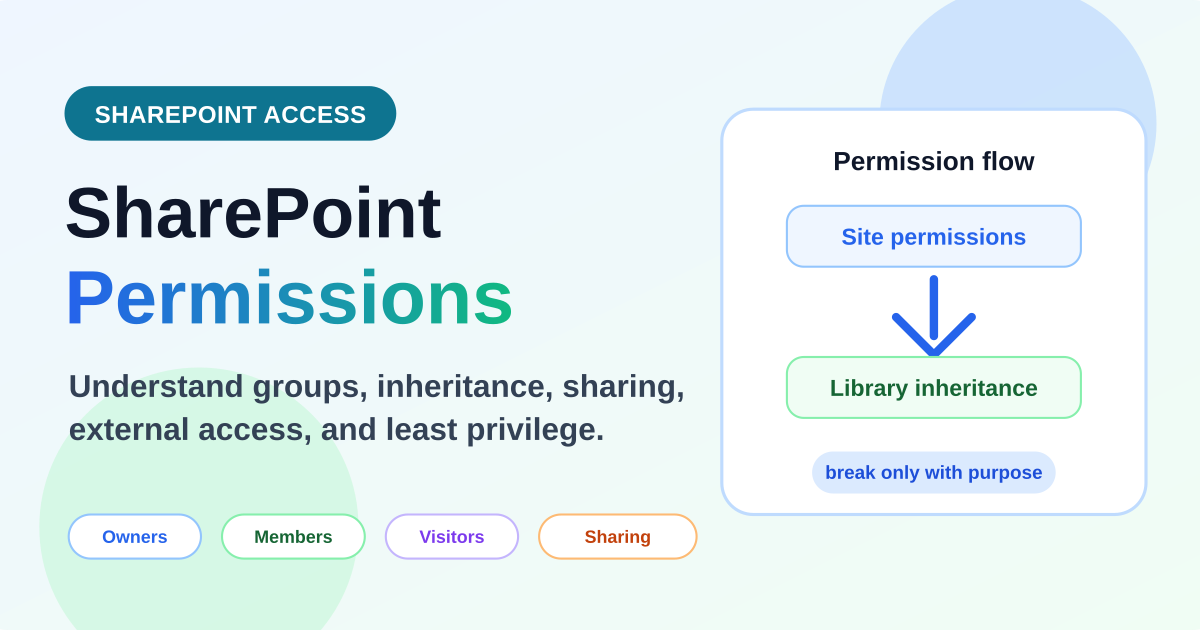
Learn how SharePoint permissions work across sites, libraries, folders, files, groups, inheritance, sharing links, external users, and practical governance.
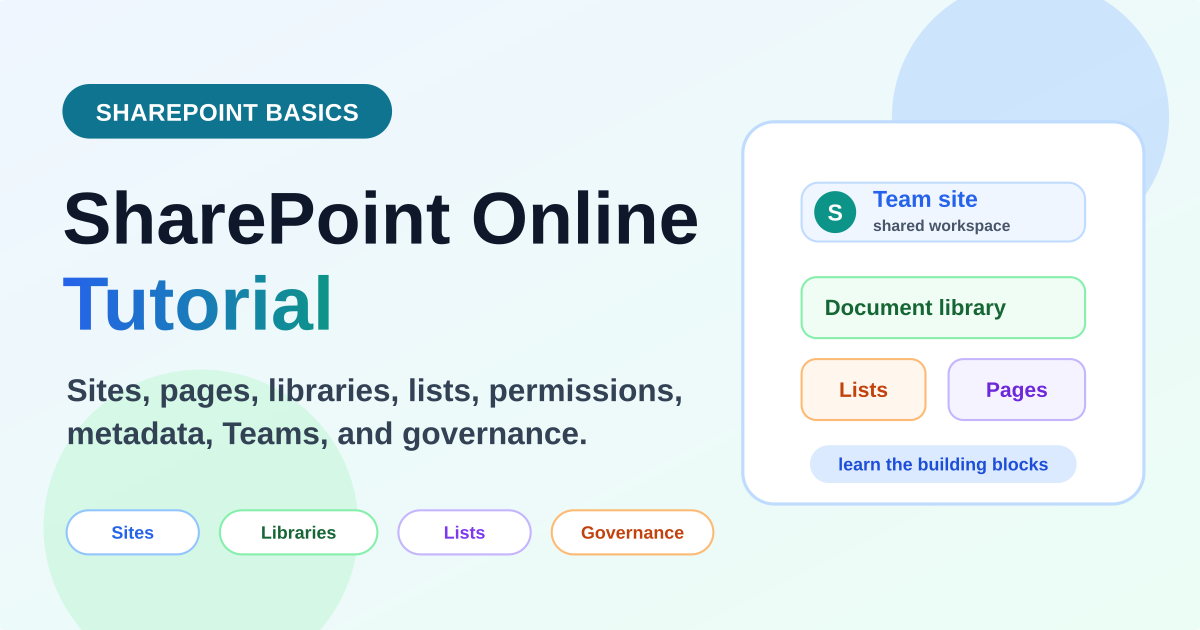
Learn SharePoint Online from scratch with a beginner-friendly tutorial covering sites, pages, document libraries, lists, permissions, metadata, Teams integration, and practical Microsoft 365 use cases.
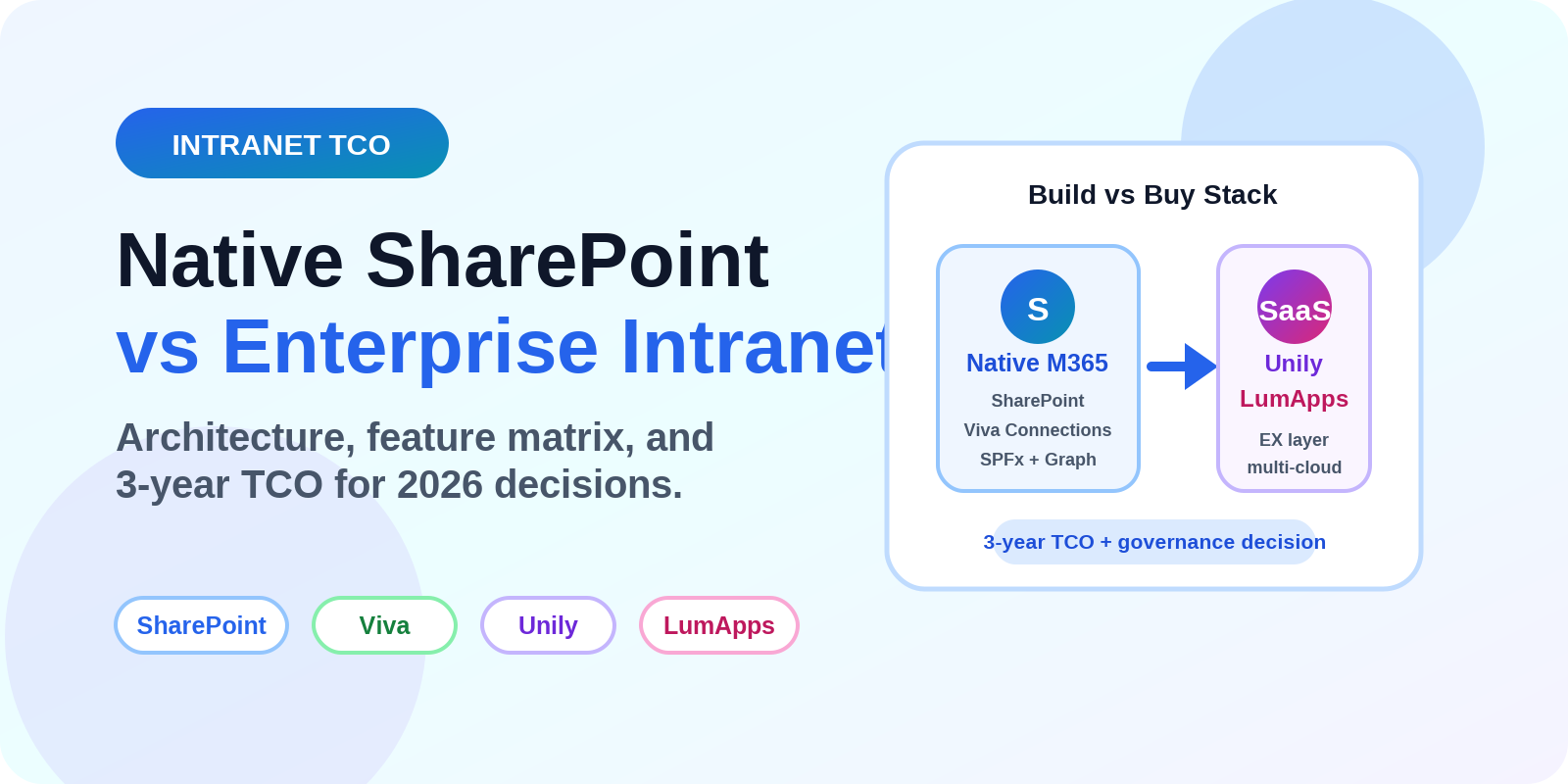
An enterprise architecture and 3-year TCO comparison of Native SharePoint, Viva Connections, Unily, and LumApps for CIOs and digital workplace leaders planning intranet modernization.
Yes. It remains a core service for content, lists, document libraries, intranet pages, and Power Platform data scenarios.
Start with sites, lists, libraries, columns, views, permissions, and how SharePoint connects to Teams.