Conversation History in Microsoft Copilot Studio | Day 80
Review Copilot Studio conversation history to understand user intent, check agent responses, investigate failed actions, and turn past interactions into tested improvements.
- Published
- Reading time
- 8 min read
Quick answer
Conversation history helps you examine what a user asked, how the agent responded, and where the interaction succeeded or broke down. Review the available transcript in context, compare answers with approved sources, verify action results, and turn recurring issues into focused fixes and repeatable tests. Availability depends on permissions, environment settings, retention, and channel.
Week 12 · Day 80 of 365 in 365 Days of Copilot Studio — view the full series
Before you start
Is this guide for you?
- Best entry point
- 365 Days of Copilot Studio
- Time investment
- 8 min read
- Prerequisite knowledge
- The user satisfaction concepts from Day 79 and authorized access to a published agent’s session data.
What you’ll learn
- Conversation history explains individual interactions; analytics highlights patterns across sessions.
- Read the full sequence before deciding whether the agent understood the user’s goal.
- A resolved label or confident reply does not prove factual accuracy or action completion.
- Transcript access and completeness depend on roles, settings, channel, and retention.
- Review, identify the issue, improve the agent, and validate with new conversations.
Before you start
- Prerequisite knowledge
- The user satisfaction concepts from Day 79 and authorized access to a published agent’s session data.
On this page (13 sections)
Day 80 of 365 Days of Copilot Studio explains conversation history in Microsoft Copilot Studio. In Day 79, we explored how to improve user satisfaction. Today, we examine the individual interactions behind those experiences.
A dashboard can reveal that users are struggling. A conversation review helps explain what happened: what someone needed, how the agent interpreted the request, what it answered, and where the journey stopped. The goal is to turn that evidence into a specific improvement.
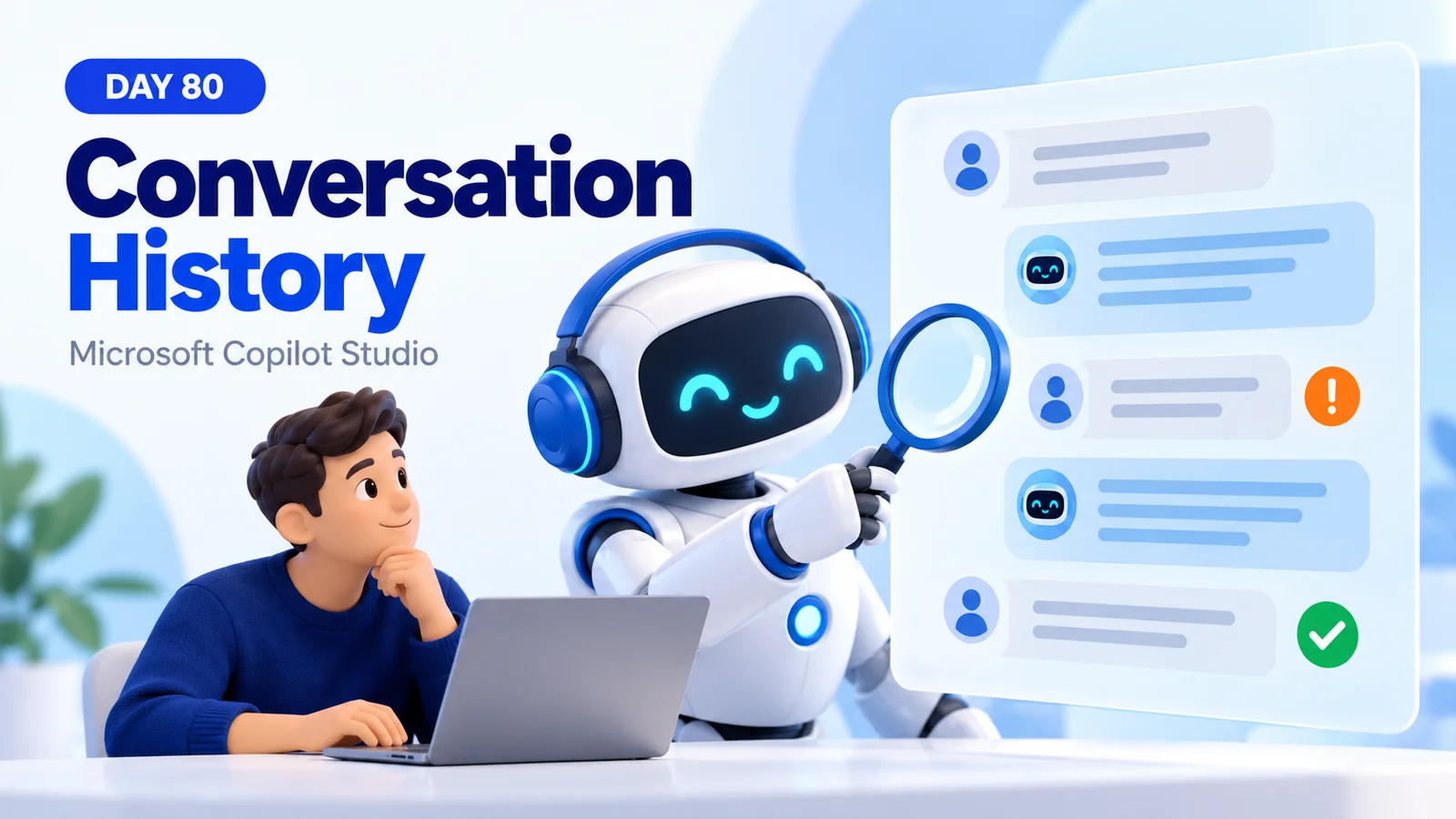
The examples in this lesson are illustrative. The hero is a conceptual illustration, and the PDF’s interface drawings and sample outcome percentages are teaching visuals rather than product screenshots or measured results.
1. What Is Conversation History?
Conversation history is the available record of past exchanges between users and an agent. At its simplest, it connects a user message with the agent’s response and the next message in sequence. A transcript lets a reviewer examine that exchange in context.
This is different from configuring persistent memory. Being able to review a past conversation does not mean that the agent automatically remembers it or can use it in a future chat.
For example, a person asks, “How do I request access?” The agent gives instructions, and the person replies, “I meant access to the finance app.” The first answer may sound helpful in isolation, but the next turn reveals that the request needed clarification.
2. Why Review Past Conversations?
Review conversations to find issues, understand users, and improve responses. Users describe tasks in everyday language, often with missing context. Their follow-up messages reveal whether the agent’s interpretation matched their goal.
- Find questions the agent did not address.
- Identify confusing instructions and repeated clarification.
- Check whether answers match approved information.
- Investigate actions that failed or produced uncertain results.
- Discover where a useful support route is missing.
Choose one review question before opening transcripts. “Why do access requests end without a useful next step?” produces a more focused investigation than reading random conversations and changing wording.
3. Follow the Full Conversation Journey
Read the interaction from the initial request through clarification, response, and ending. Do not judge an answer solely by its tone or its length.
| Stage | Review question | Evidence to capture |
|---|---|---|
| User question | What task was the person trying to complete? | The request and relevant earlier context. |
| Agent processing | Did the agent choose an appropriate path? | Available topic, source, or tool details. |
| Agent response | Was the answer accurate, relevant, and clear? | The reply and applicable approved guidance. |
| Outcome | Did the user get a useful result? | Follow-up messages, support destination, or verified record. |
A message transcript alone may not explain every internal processing step. Use additional diagnostics when available, and label an unconfirmed cause as a hypothesis.
4. Open an Available Session Transcript
Microsoft’s session drill-down documentation describes this route for the standard agent experience:
- Open the agent’s Monitor view and choose the reporting period.
- In Conversation outcomes, select See sessions, or drill into an outcome through See details.
- Filter the session list to the issue and channel you are reviewing.
- Select a session to open its transcript pane.
The documented session view requires the Bot Transcript Viewer security role. It updates daily and exposes the last 28 days, so it is not a live log. Available views vary by agent experience.
If the view is empty, verify the agent, environment, filters, and processing delay before concluding that no conversations occurred.
5. Understand What Users Are Really Asking
Separate the words from the intent. “How can I get access?” could mean finding the request portal, choosing a permission level, checking approval status, or fixing a sign-in problem.
Record three things: the user’s question, the likely goal, and the missing information needed to help. If several interpretations remain plausible, the improvement may be a focused clarification question.
Example: “Which application do you need access to?” is more useful than listing unrelated access procedures. After the application is known, the agent can give the appropriate route or explain what it can do.
6. Check Accuracy, Relevance, and Clarity
Evaluate each dimension separately. A response can be factually correct but unrelated to the question. It can address the right task while giving an obsolete link. It can contain the right steps in wording that users cannot follow.
- Accuracy: compare factual statements with the approved source.
- Relevance: check that the reply addresses the user’s actual goal.
- Clarity: check that the next step is understandable and actionable.
When a reply claims that a request was submitted, verify the record and reference in the receiving system. A reassuring message is insufficient evidence of a completed operation.
7. Understand How the Conversation Ended
Look at the ending alongside the transcript. Did the person receive the answer, reach a support route, or leave after repeated confusion? A resolved label needs the same factual review as any other interaction.
An escalation can be appropriate when the user needs a specialist. An abandoned interaction can reflect frustration, an interruption, or a person who already found enough information. Record what the messages establish and what remains unknown.
Review outcomes across comparable tasks using Day 76: Conversation Analytics. Individual examples explain possible causes; they do not establish an overall failure rate.
8. Find the Point Where the Interaction Failed
Locate the earliest observable mismatch rather than focusing only on the final fallback message.
| Observed issue | Possible cause to investigate | Candidate improvement |
|---|---|---|
| The question remains unanswered. | Missing knowledge or an unsupported task. | Add approved information or a useful alternative. |
| The reply answers a different question. | Ambiguous intent or an unsuitable conversation path. | Clarify the request before selecting a path. |
| The user cannot complete the action. | Invalid input, permissions, or a downstream failure. | Repair the action and provide meaningful recovery. |
| The same information is requested repeatedly. | Lost context or redundant questions. | Review variable use and question sequencing. |
For a missing or incorrect source, revisit Day 75: Troubleshooting Knowledge Sources. Changing the response style will not correct an outdated policy.
9. Know the Limits of Downloaded History
For an authorized export, Microsoft documents Monitor → date range → Download Sessions. The downloaded CSV includes session identifiers, outcomes, and conversation text. Its ChatTranscript field limits each agent response to 512 characters, so long replies can be incomplete.
Microsoft also documents redaction of answers grounded in SharePoint in these transcripts. A redacted or shortened reply must not be interpreted as the exact answer seen by the user. Consult the downloaded session data reference for current exclusions and export details.
When evidence is incomplete, reproduce the scenario with permitted test data instead of guessing what the missing content said.
10. History and Analytics Work Together
| Conversation history | Conversation analytics |
|---|---|
| Examines individual exchanges. | Summarizes patterns across sessions. |
| Shows wording, sequence, and follow-up context. | Shows volume, outcomes, and trends. |
| Helps form a diagnosis. | Helps prioritize and measure its reach. |
Move between the two: identify a recurring pattern, inspect representative examples, make a targeted change, and compare follow-up evidence. Include successful conversations so the review does not focus entirely on unusual failures.
11. Protect Conversation Data
Transcripts can contain personal details and business information. Review only the material needed for the improvement, use approved storage, and remove identifying information from shared examples.
Microsoft’s transcript controls guidance explains that administrators control recording, viewing, downloading, and Dataverse retention. Environment maker access alone does not automatically grant transcript access. Environment group rules can override individual environment settings.
Ask the environment administrator to confirm the applicable policy when access or retention is unclear. Do not change recording or retention simply to make a review easier.
12. Turn One Failed Answer Into a Better Response
Before: the user asks how to request finance application access. The agent says it has no information, and the conversation ends without a useful next step.
Investigation: check whether the approved access process exists, whether the agent can retrieve it, and whether the user’s wording identifies the correct application.
After: with the source and conversation path corrected, the agent clarifies the application when necessary and provides the approved request route, required details, and approval expectations. The specific instructions must come from the organization’s real process.
Validate the fix with the original request, a paraphrase, a missing application name, and a user who lacks permission. Include an unrelated question that already worked. Do not claim an improvement until these tests confirm it.
13. Practice the Review, Improve, Validate Cycle
- Select one task and an authorized sample of past interactions.
- Read each available conversation in sequence and record the user’s goal.
- Identify a recurring issue and separate observations from possible causes.
- Choose one repair with an owner and an expected result.
- Test the original questions, variations, and relevant recovery paths.
- Review new interactions and comparable analytics after release.
Keep a short record of the issue, evidence, change, and test result. Conversation history becomes valuable when it helps the team explain a problem and verify that the next experience is better.
The next lesson, Day 81: Publishing Best Practices, applies this review workflow to preparing and validating a production release.
Tagged
AI Agents · Conversation Design · Knowledge Sources · Performance
Frequently asked questions
What is conversation history in Copilot Studio?
It is the available record of past interactions used to examine user messages, agent replies, and the conversation sequence. It supports troubleshooting and improvement; it does not imply that the agent automatically remembers all past chats.
How is conversation history different from analytics?
History provides details about a particular interaction. Analytics summarizes usage, outcomes, and other signals across sessions. Use analytics to select a problem area and history to investigate examples.
Which permission is needed to review transcripts?
Microsoft documents the Bot Transcript Viewer security role for transcript and session access. An administrator must grant the role, and the relevant environment recording and access settings must permit the operation.
Why might a transcript be missing or incomplete?
Check the environment, agent, date range, access role, recording settings, supported channel, retention, and processing delay. Exports can also truncate or redact content, so a missing answer does not by itself prove that no answer was delivered.
Does a resolved session mean the answer was correct?
No. Compare the response with approved facts and verify any claimed action in the destination system. Session outcomes are signals that need context.
What should I do after finding a failed conversation?
Capture a minimal authorized example, state the expected behavior, identify the likely cause, apply a focused repair, and retest the original question plus variations and previously successful scenarios.
Sources
- Explore user questions, session, and feedback data — Microsoft Learn, Microsoft, accessed 2026-10-16
- Understand downloaded session data — Microsoft Learn, Microsoft, accessed 2026-10-16
- Control transcript access and retention — Microsoft Learn, Microsoft, accessed 2026-10-16
Have a Microsoft 365 topic idea?
Share article suggestions, community session ideas, corrections, or real-world scenarios for future nextM365 learning notes.
Keep learning Microsoft 365
Explore more practical guides for SharePoint, Power Platform, Copilot Studio, migration, automation, governance, and security.
Continue learning
Related tutorials
Related questions
Related comparisons
Next action