SPFx November 2026: Copilot Cowork Plugins, React 18 Fixes and SharePoint Apps
Explore Copilot UX components in Cowork, SPFx 1.24.2 React 18 fixes and Microsoft’s plans for SharePoint single-page apps.
- Published
- Reading time
- 5 min read
Before you start
Is this guide for you?
- Best entry point
- SharePoint
- Time investment
- 5 min read
What you’ll learn
- Copilot plugins can surface interactive SPFx components when a user’s request matches.
- SPFx 1.24.2 resolves specific npm and pnpm dependency problems.
- The SharePoint single-page app model is a roadmap plan, with preview targeted for SPFx 1.25.
On this page (12 sections)
Microsoft’s November 2026 SPFx roadmap update brings a practical change for developers building interactive Microsoft 365 experiences: Copilot UX components can now reach users in Cowork through plugins. It also outlines a new SharePoint single-page app model and a maintenance release for React 18 dependencies.
What does this SPFx update mean?
There are three separate developments. Available now: a plugin can bring an SPFx Copilot UX component into Cowork or standard Copilot chat. Released: SPFx 1.24.2 fixes specific React 18 dependency problems. Planned: a SharePoint single-page app model is targeted for preview in SPFx 1.25. A team can evaluate the first two today while tracking the third as a future architecture option.
What is a Copilot UX component?
A Copilot UX component is an interactive interface built with SPFx that can appear in a Copilot conversation. Instead of replying only with text, an organization can present a form, chart or dashboard that helps a user review information and complete a task. The component is code running in the organization’s tenant; the plugin is a package that makes its capabilities discoverable in supported Copilot experiences.
Copilot UX components arrive in Cowork through plugins
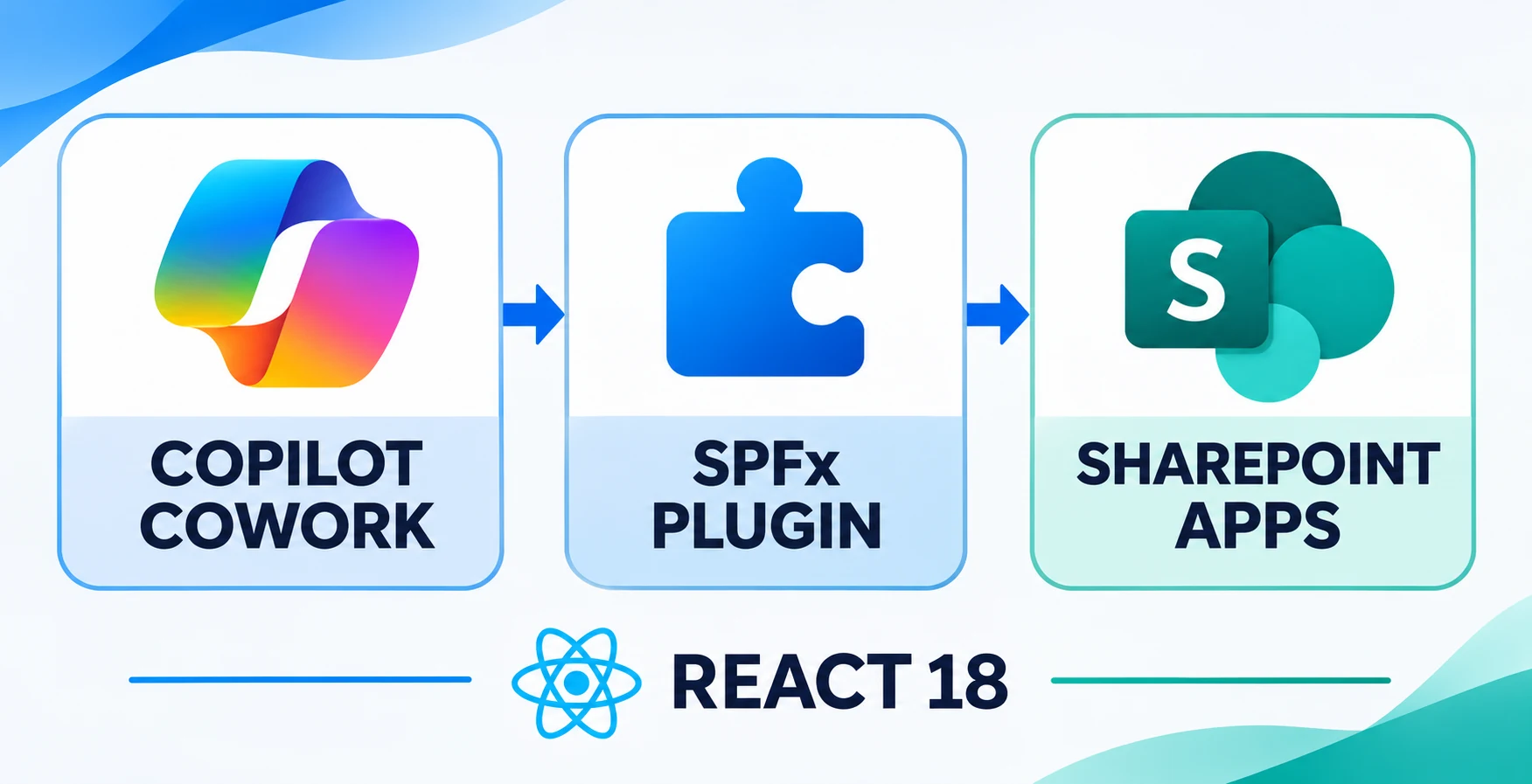
Copilot UX components became generally available with SPFx 1.24 on October 28. Microsoft now supports packaging them with skills and other assets as a plugin for standard Copilot chat and Cowork. When an available plugin is active in the conversation context, Copilot can match a user’s intent and bring the component into the experience.
Microsoft’s demonstrations include dashboards, vacation approvals, interactive charts and room booking. These are React and JavaScript components hosted in the organization’s Microsoft 365 tenant. Users need a Microsoft Copilot license. Plugin packages are currently assembled manually; Microsoft is exploring build settings for SPFx 1.25.
Example: approving a vacation request in Copilot
Imagine an employee asks for vacation requests awaiting their decision. An available company plugin can match that request and display an interactive approval component in the conversation. The manager reviews the details and makes a decision in the component rather than navigating to a separate application. This is the kind of scenario Microsoft demonstrates; your implementation still needs to enforce the user’s permissions and validate the action against the backend.
How to package and deploy a Copilot UX plugin
- Build and test an SPFx solution with a Copilot UX component, then deploy and enable its
.sppkgin the target tenant’s SharePoint App Catalog. - Follow Microsoft’s manual plugin packaging guide to create the Microsoft 365 app package and configure its tenant-specific endpoint.
- Use the Microsoft 365 admin tools to deploy or make the plugin available to the intended pilot users. Check licensing, upload permissions and any required API approvals.
- Test discovery, rendering, authorization and error handling in the intended Copilot client. Keep the SPFx solution deployed and enabled: the plugin package connects to it rather than replacing it.
Deployment and governance
Plugins use the Microsoft 365 app package format. Administrators can deploy, make available or block plugins through Microsoft 365 admin tools, targeting the organization or selected users and groups. Before rollout, review the plugin’s intended audience, backend permissions and behavior with representative users. Follow Microsoft’s Copilot UX packaging documentation and the Microsoft 365 Copilot extensibility documentation for current instructions.
SPFx 1.24.2: React 18 dependency fixes
Released November 20, SPFx 1.24.2 addresses two React 18 dependency issues: an npm installation conflict involving the image helper and TypeScript build failures with pnpm. Check the release notes for upgrade guidance, then validate your lockfile, clean installation and build in a test branch before deploying. Test the application’s actual interactions as well as the build.
How to approach the SPFx 1.24.2 upgrade
First identify the SPFx version, package manager and React versions used by each solution. For projects already on 1.24.1, Microsoft documents updating existing SPFx package references to 1.24.2, updating the lockfile and validating the production build. Earlier minor versions can also require build configuration and toolchain changes. Updating the global generator alone does not upgrade existing projects. Follow the version-specific release notes, review changes in a branch and test in every intended host.
SharePoint single-page apps: a planned new canvas
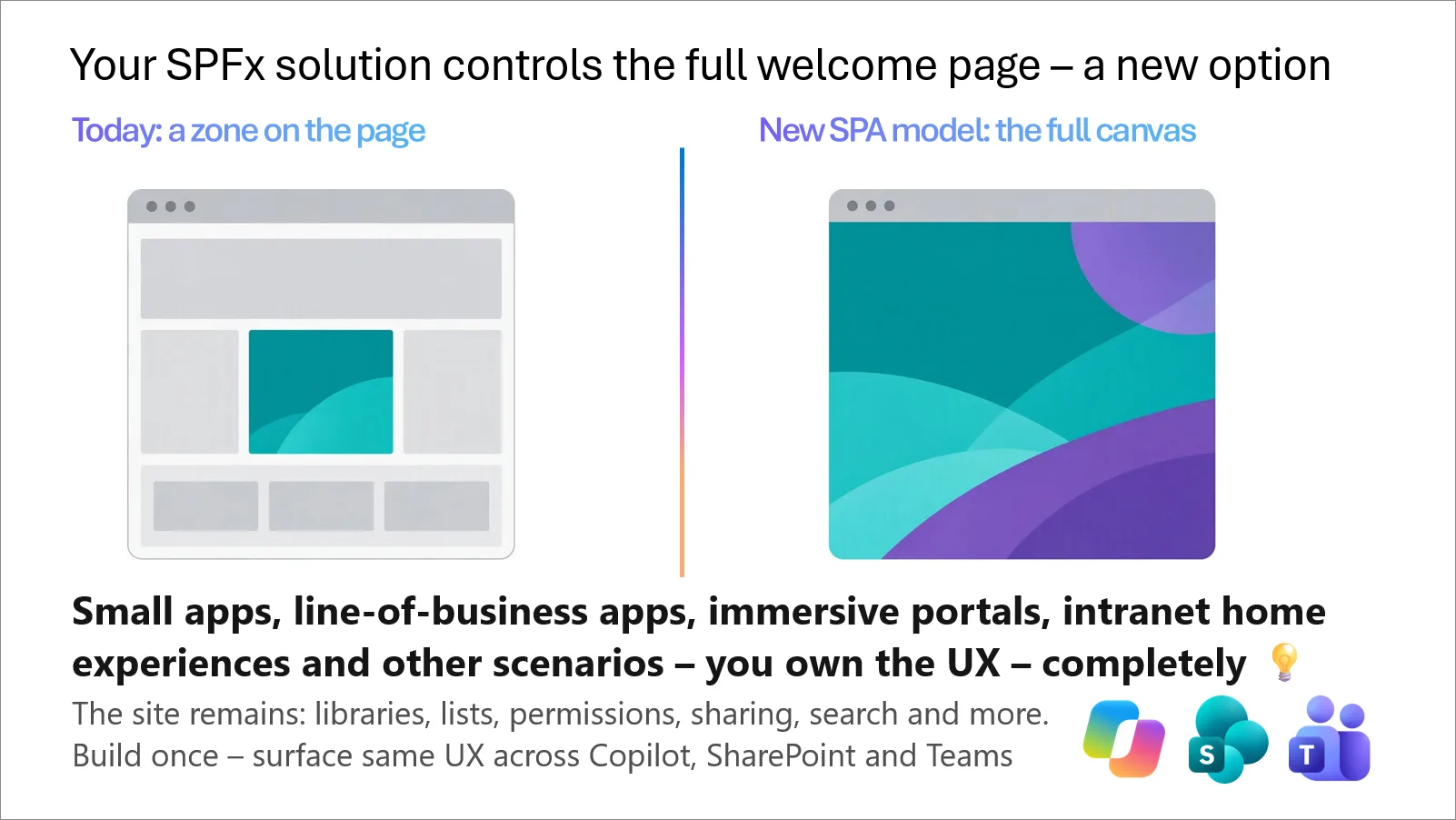
Microsoft is planning a SharePoint single-page app model where an SPFx solution controls the site’s full welcome page. The site retains its other SharePoint capabilities, including lists and libraries. Microsoft also describes using the same experiences in Teams and full-screen Copilot UX components.
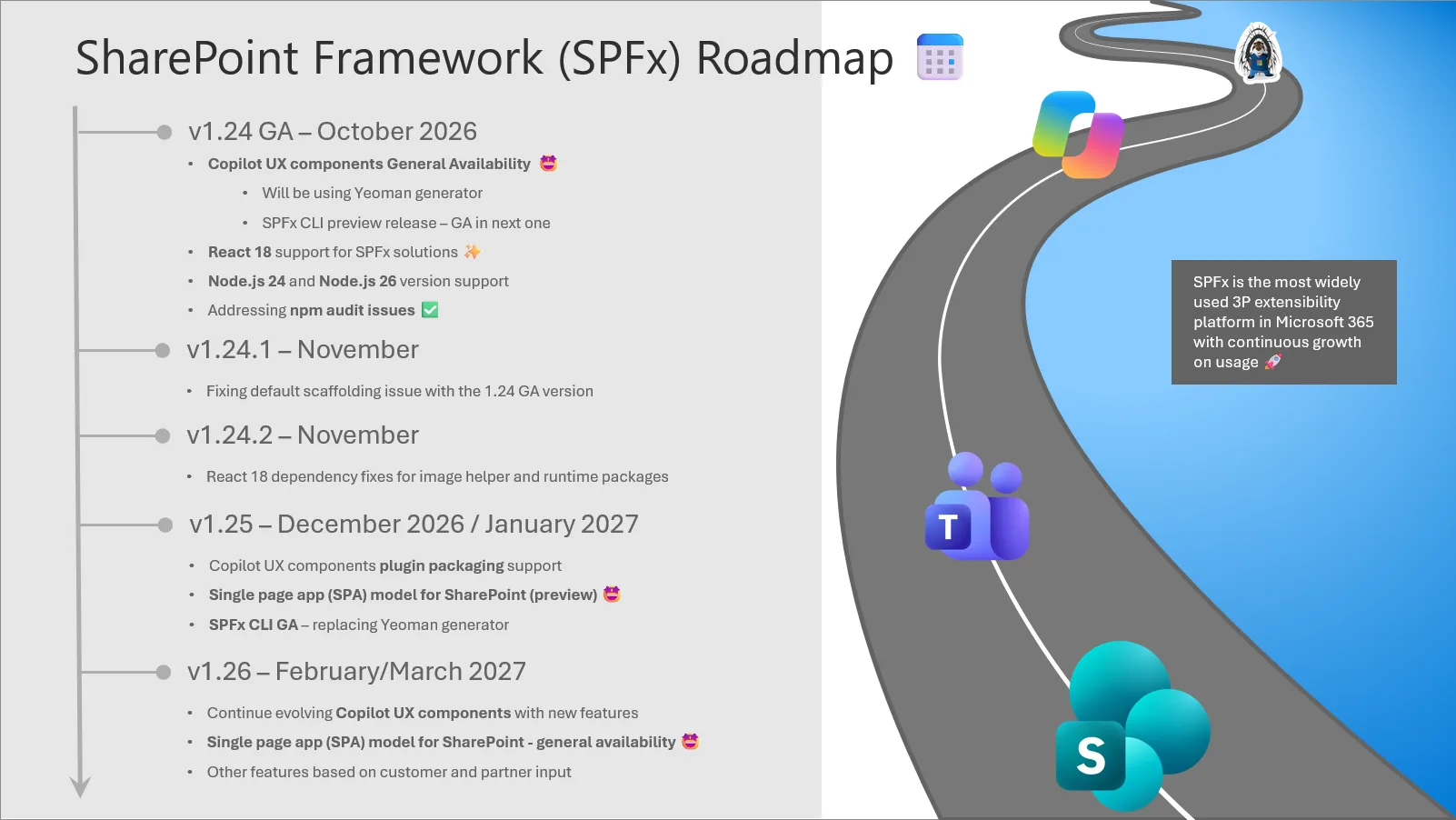
The November roadmap targets a preview in SPFx 1.25 and general availability in 1.26. Those are plans, not shipped features or guaranteed dates. Assess the preview and its documentation when available before committing a production architecture.
How is this different from an SPFx web part?
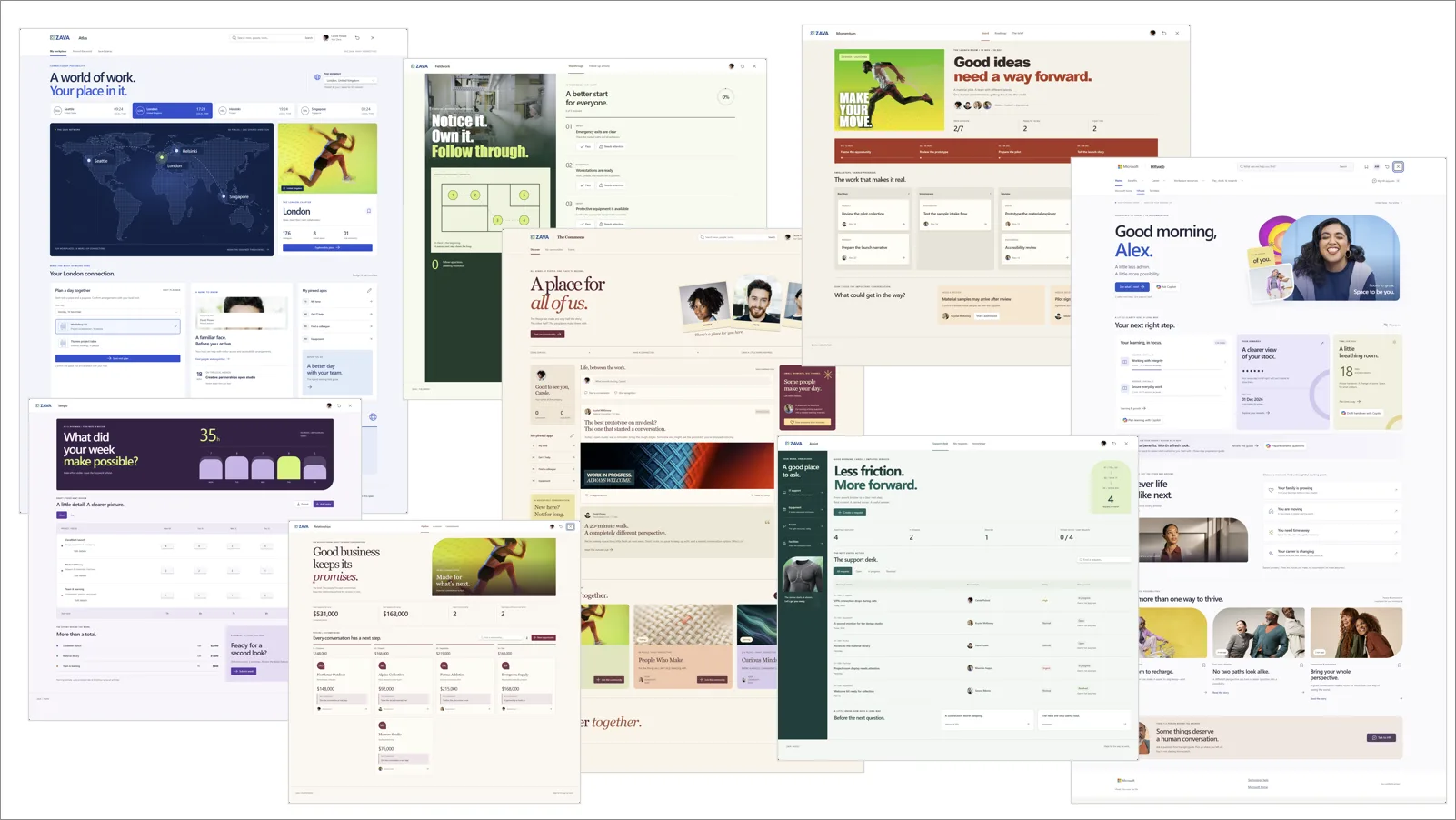
A web part normally occupies a section within a SharePoint page. The proposed single-page app model gives an SPFx solution control over the site’s full welcome page, while the SharePoint site and its lists, libraries and permissions remain available. Microsoft describes potential uses such as intranets and line-of-business apps. Details will depend on the preview, so validate navigation, permissions and deployment behavior when documentation and samples become available.
What else is on the roadmap?
Microsoft lists SPFx 1.25 for December 2026 or January 2027, with a planned SPFx CLI general release, the SPA preview and potential plugin packaging improvements. SPFx 1.26 is planned to continue the Copilot UX work and bring the SPA model to general availability. Navigation customizers and SPFx-powered list views are being explored without a target release.
Next steps for teams
- Inventory solutions affected by React 18 dependencies and test SPFx 1.24.2 in a branch.
- Choose a focused Copilot workflow and prototype a plugin using Microsoft’s current manual packaging guidance.
- Review licensing, admin deployment and backend access with the tenant owners before a pilot.
- Track the official roadmap for changes to the SPA preview and CLI timelines.
For help designing or upgrading solutions, explore our SPFx development services.
Tagged
Microsoft 365 Copilot · React · Governance
Frequently asked questions
Are Copilot UX components available in Cowork?
Microsoft says they are supported in Cowork through plugins, as well as standard Copilot chat. The plugin must be deployed and activated in context, and users need a Microsoft Copilot license.
What does SPFx 1.24.2 fix?
Microsoft identifies an npm installation conflict involving the image helper and TypeScript build failures with pnpm, both related to React 18 dependencies.
How do I package a Copilot UX component as a plugin?
Deploy the SPFx solution to the tenant App Catalog, then follow Microsoft’s manual packaging guide to create and configure the Microsoft 365 app package. The plugin package connects to the deployed solution; it does not deploy the SPFx implementation.
Does updating the SPFx generator upgrade existing projects?
No. Updating the global generator does not change existing projects. Follow the release-specific upgrade guidance for your project and validate the resulting lockfile and build.
Are SharePoint single-page apps generally available?
No. In its November update, Microsoft planned a preview for SPFx 1.25 and general availability for 1.26. Roadmap plans can change.
Sources
Have a Microsoft 365 topic idea?
Share article suggestions, community session ideas, corrections, or real-world scenarios for future nextM365 learning notes.
Keep learning Microsoft 365
Explore more practical guides for SharePoint, Power Platform, Copilot Studio, migration, automation, governance, and security.
Continue learning
Related tutorials
Related questions
Related comparisons
Next action