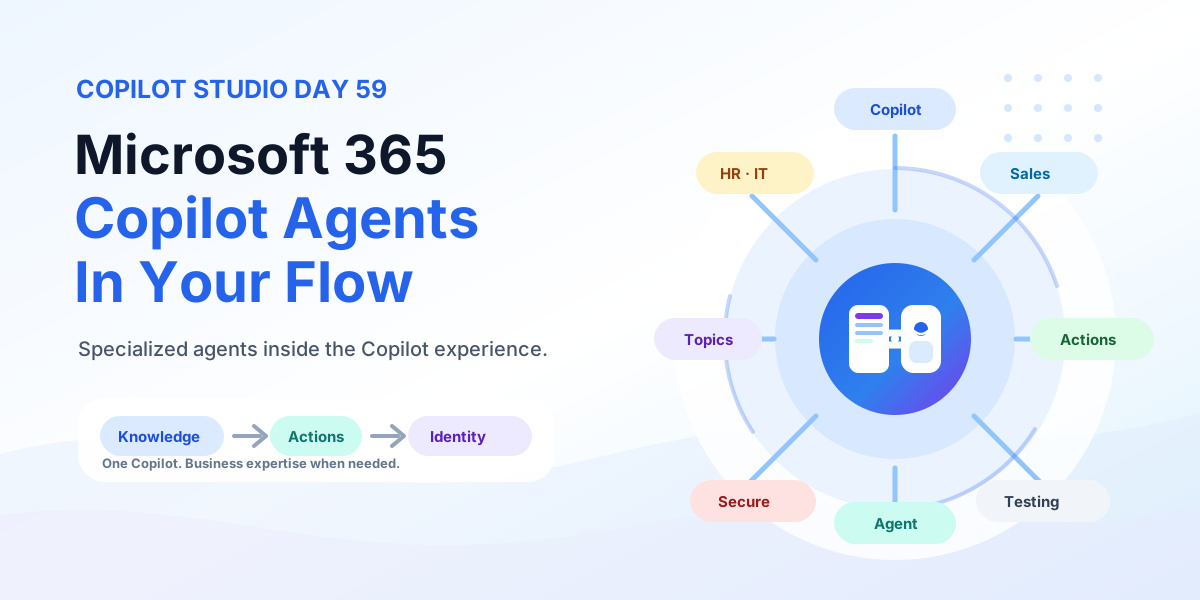
365 Days of Copilot Studio learning series

The 365 Days of Copilot Studio category is a structured learning path for people who want to build Copilot Studio knowledge one topic at a time. Each article focuses on a specific concept, component, or design decision so the learning stays manageable.

Open the Microsoft Copilot Studio learning hub

Use this series to understand the building blocks of agents: topics, knowledge, generative answers, variables, entities, triggers, actions, testing, and publishing. It is especially useful if you want a steady progression from beginner concepts to practical implementation patterns.

What you will learn

This article archive collects the concepts, setup steps, design choices, and common implementation patterns behind 365 Days of Copilot Studio. Use them as practical references while planning, building, testing, and improving Microsoft 365 solutions.

In Microsoft Copilot Studio:

41 articles in “365 Days of Copilot Studio”

Featured articles

Day 21: Microsoft Copilot Studio Redirect Node Explained
Microsoft Copilot StudioJul 27, 2026

Day 21: Microsoft Copilot Studio Redirect Node Explained

Learn what a Redirect node is in Microsoft Copilot Studio, when to use it, how it sends users to another topic, and how redirects keep agent topics clean and reusable.

By Suresh Girinathuni7 min read

Recent articles

Day 18: Microsoft Copilot Studio Variable Node Explained
Microsoft Copilot StudioJul 22, 2026

Day 18: Microsoft Copilot Studio Variable Node Explained

Learn what a Variable node is in Microsoft Copilot Studio, how variables store and reuse data, supported types, best practices, and a leave request example.

By Suresh Girinathuni5 min read
Day 17: Microsoft Copilot Studio Condition Node Explained
Microsoft Copilot StudioJul 21, 2026

Day 17: Microsoft Copilot Studio Condition Node Explained

Learn what a Condition node is in Microsoft Copilot Studio, how TRUE and FALSE paths work, supported conditions, best practices, and a leave approval example.

By Suresh Girinathuni5 min read
Day 15: Microsoft Copilot Studio Message Node Explained
Microsoft Copilot StudioJul 15, 2026

Day 15: Microsoft Copilot Studio Message Node Explained

Learn what a Message node is in Microsoft Copilot Studio, what it can display, when to use it, best practices, mistakes to avoid, and a simple leave request example.

By Suresh Girinathuni4 min read
Day 14: Microsoft Copilot Studio Conversation Flow Explained
Microsoft Copilot StudioJul 14, 2026

Day 14: Microsoft Copilot Studio Conversation Flow Explained

Learn how Copilot Studio conversation flows guide users from question to action to response, including common flow steps, conversation nodes, best practices, mistakes to avoid, testing, and a real IT help desk example.

By Suresh Girinathuni4 min read

Frequently asked questions

Is this series sequential?

Yes. The series hub links articles in order so you can follow the learning path step by step.

Can I read individual days separately?

Yes. Each article is useful on its own, but the series navigation gives the best progression.