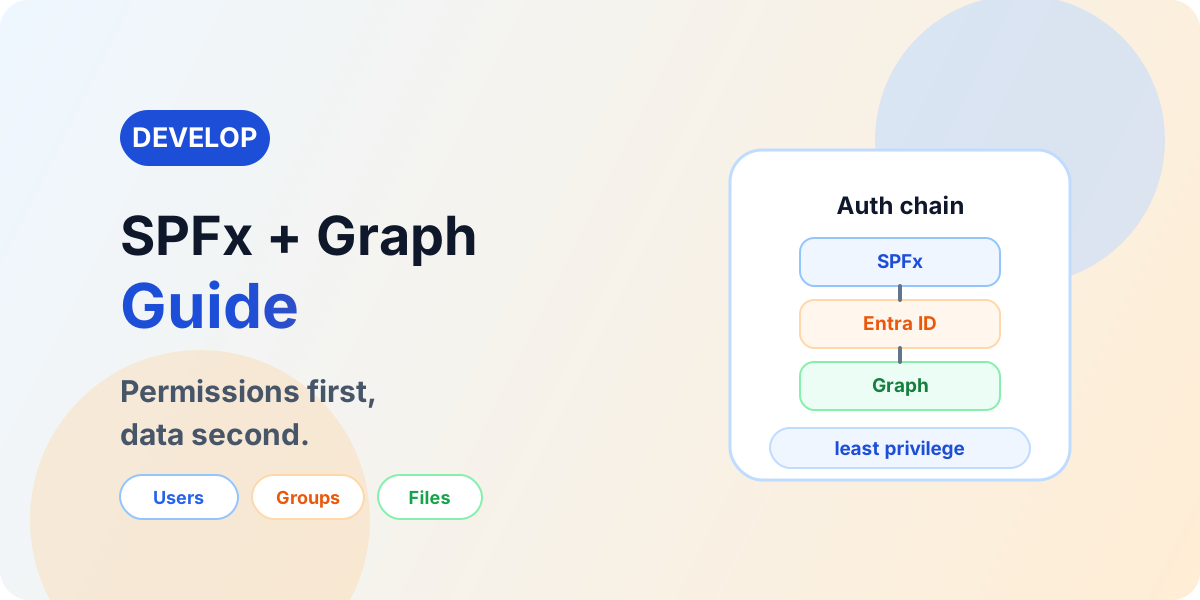
SPFx + Microsoft Graph: Complete Developer Guide
Use Microsoft Graph with SPFx securely: delegated authentication, least-privilege permissions, users, groups, Teams, files, paging, throttling, and production readiness.
This category covers SharePoint Online lists, libraries, Microsoft Lists, metadata, document management, permissions, and collaboration design. It is intended for site owners, admins, makers, and consultants who need practical SharePoint guidance.
Open the SharePoint hubFind out when to use a list and when to use a document library, how SharePoint supports Power Platform solutions, and how to think about information architecture. The focus is on patterns that are simple enough to adopt and strong enough to support real business use.
Practical references on the concepts, setup steps, design choices, and common implementation patterns behind SharePoint — for planning, building, testing, and improving Microsoft 365 solutions.
59 articles in “SharePoint”
Use Microsoft Graph with SPFx securely: delegated authentication, least-privilege permissions, users, groups, Teams, files, paging, throttling, and production readiness.
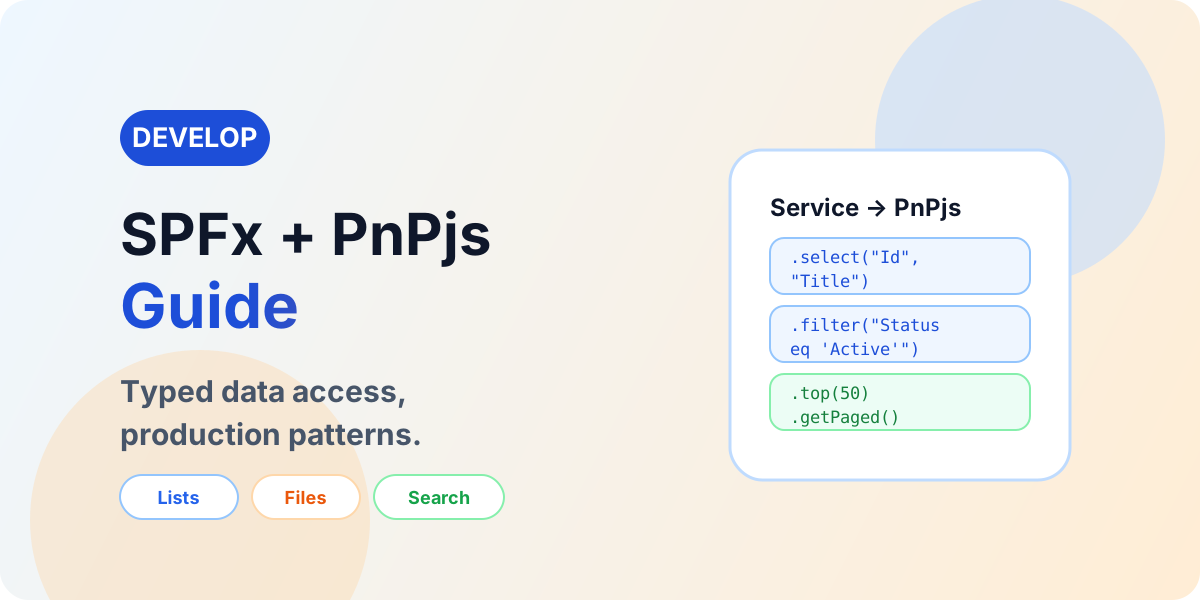
Use PnPjs in SPFx with current patterns for lists, CRUD, filtering, paging, batching, files, users, groups, and search — behind a service layer.
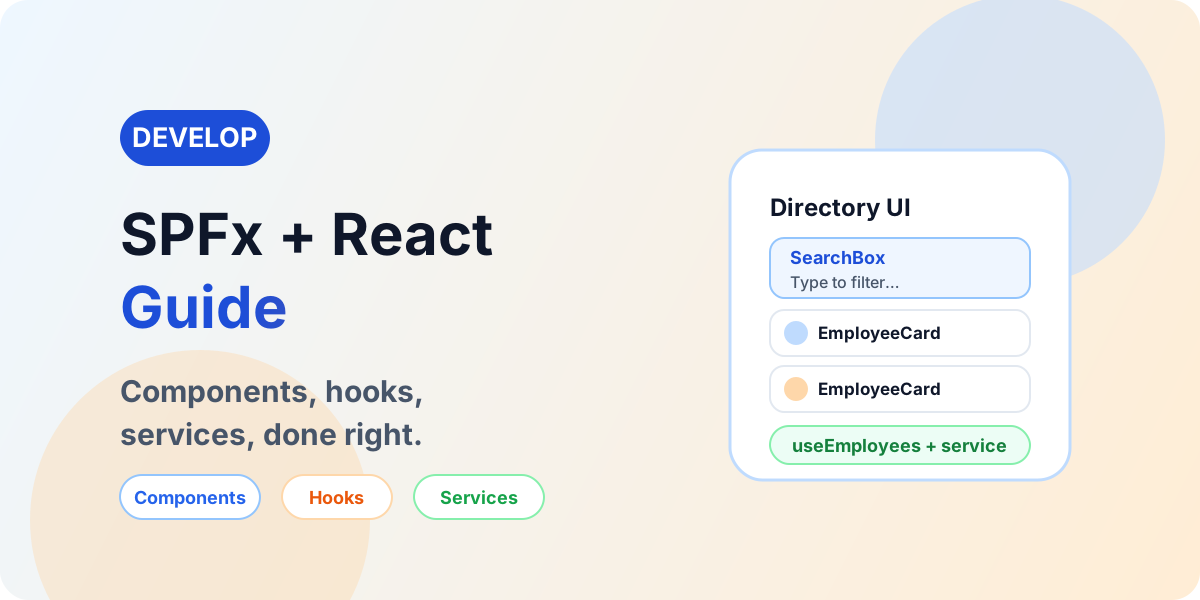
Build production SPFx solutions with React architecture: components, hooks, services, PnPjs, Graph, Fluent UI, error handling, performance, and testing.
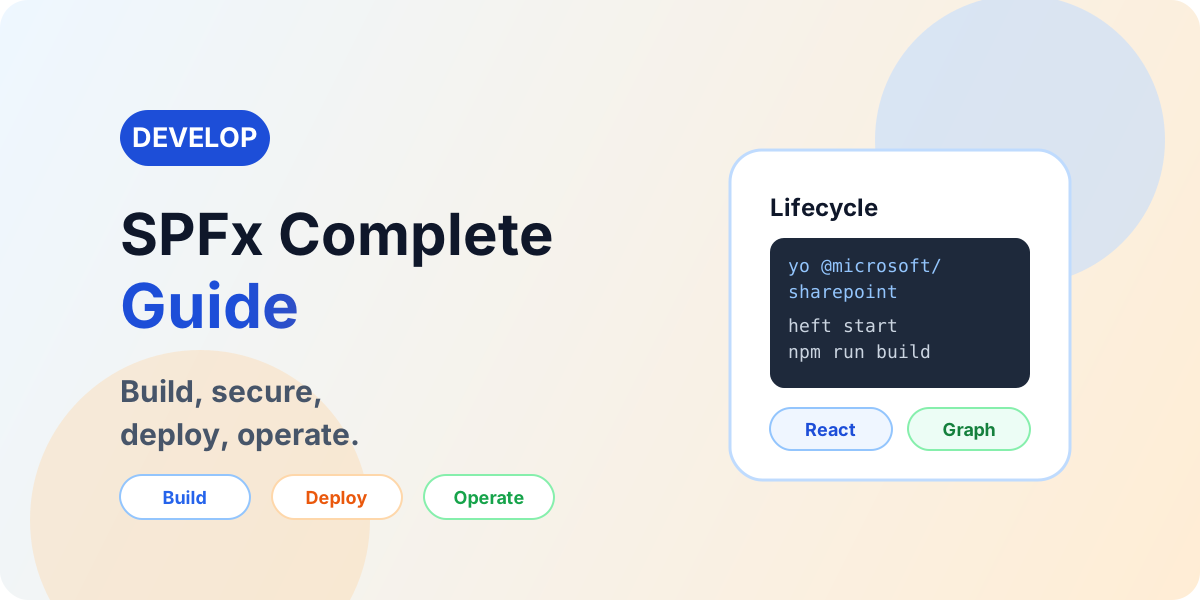
Learn SPFx development end to end: project setup, React web parts, PnPjs, Microsoft Graph, REST, extensions, security, App Catalog deployment, and troubleshooting.

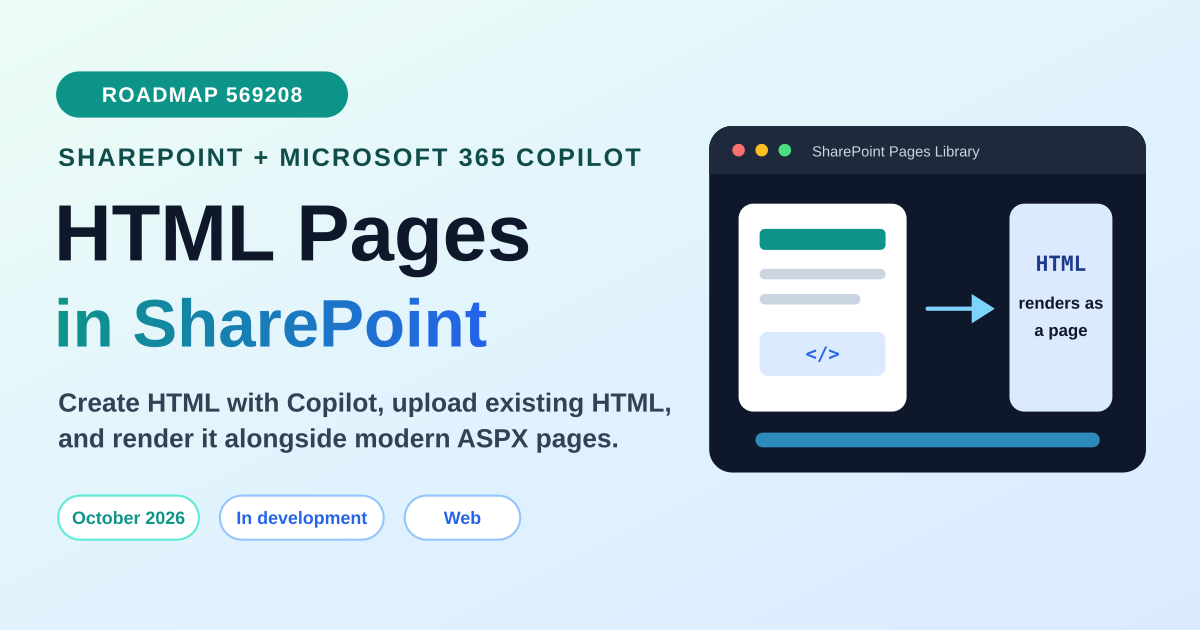
Microsoft is adding SharePoint HTML pages with Copilot support. Learn what Roadmap ID 569208 means, how HTML pages may fit alongside ASPX pages, and what admins should prepare before the October 2026 rollout.

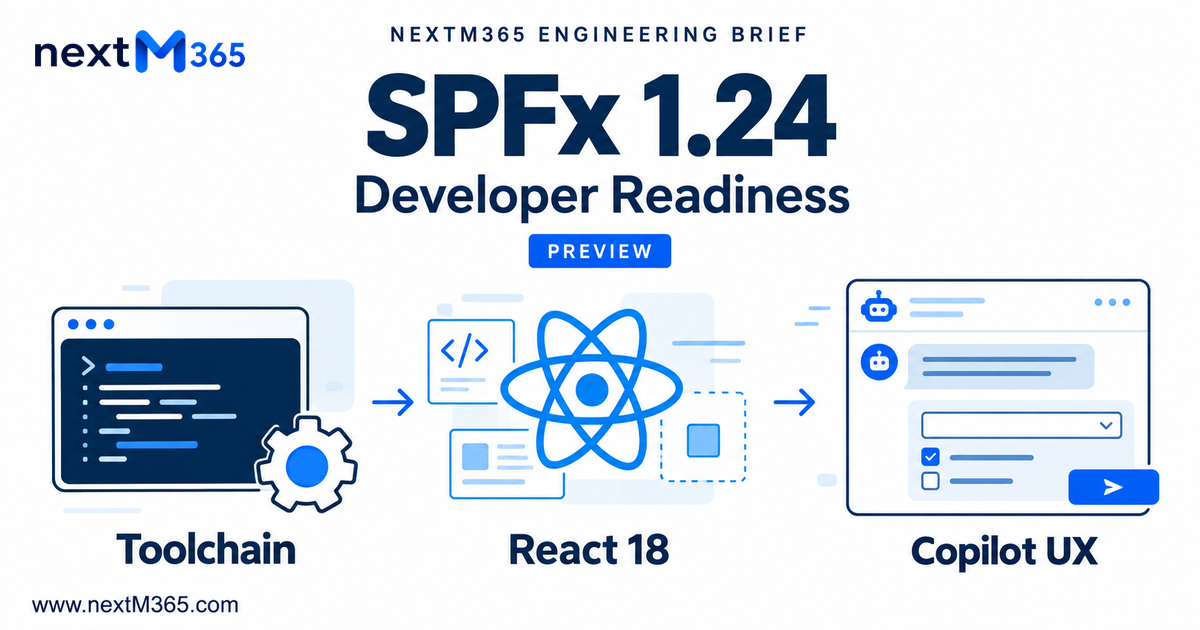
Assess SPFx 1.24 rc.0 before upgrading: verified preview dependencies, React 18 lifecycle changes, Copilot UX deployment, and unresolved production licensing.

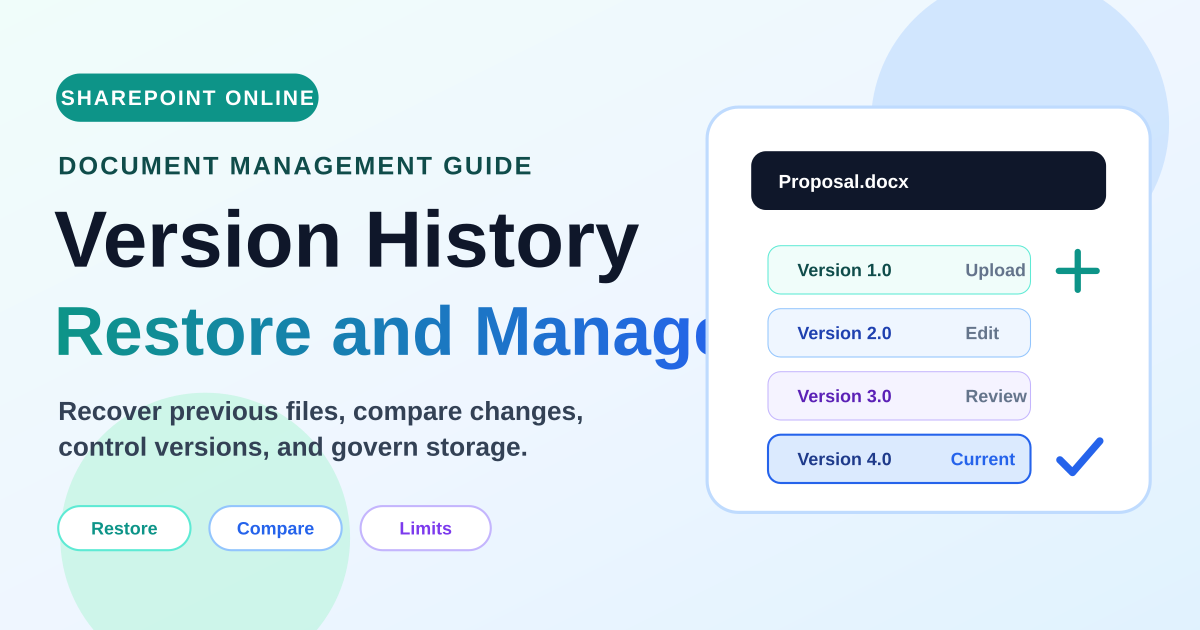
Learn how SharePoint version history works for files and list items, including restore behavior, major and minor versions, version limits, storage, retention, permissions, and best practices.
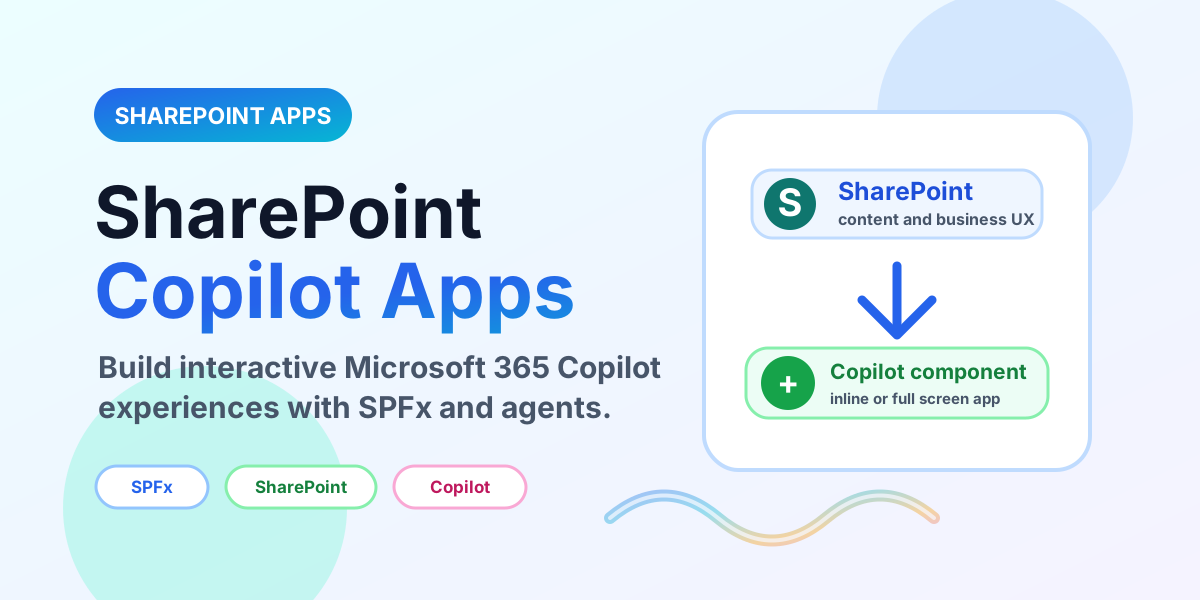
Learn how SharePoint Copilot Apps combine SPFx, React, SharePoint data, declarative agents, and Microsoft 365 Copilot to create interactive work experiences.
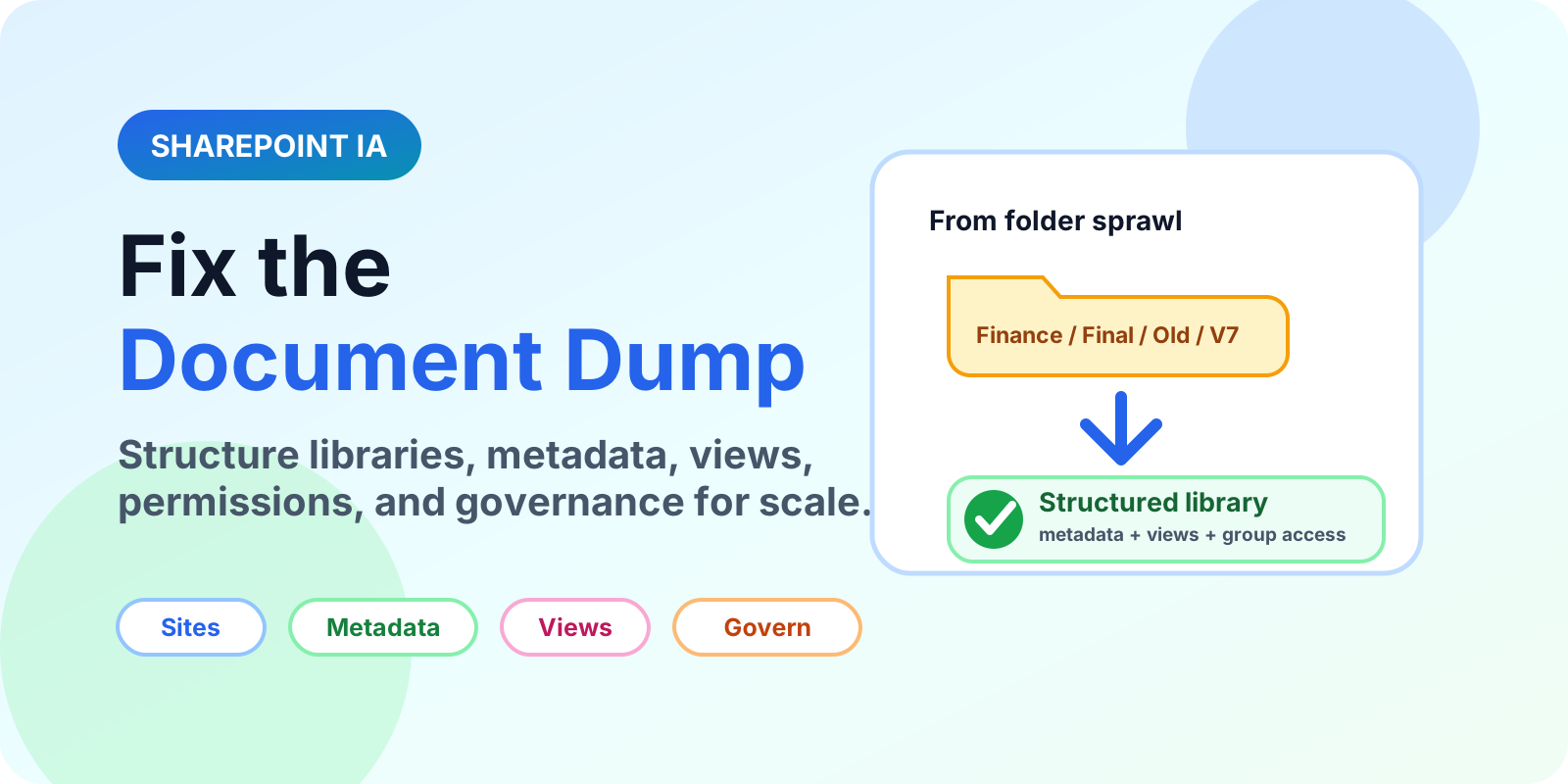
A tactical SharePoint document library architecture blueprint for fixing messy folder dumps with scalable sites, libraries, metadata, views, permissions, and governance.
Yes. It remains a core service for content, lists, document libraries, intranet pages, and Power Platform data scenarios.
Start with sites, lists, libraries, columns, views, permissions, and how SharePoint connects to Teams.