ShareGate Mappings Guide: Users, Metadata, Permissions, and Labels
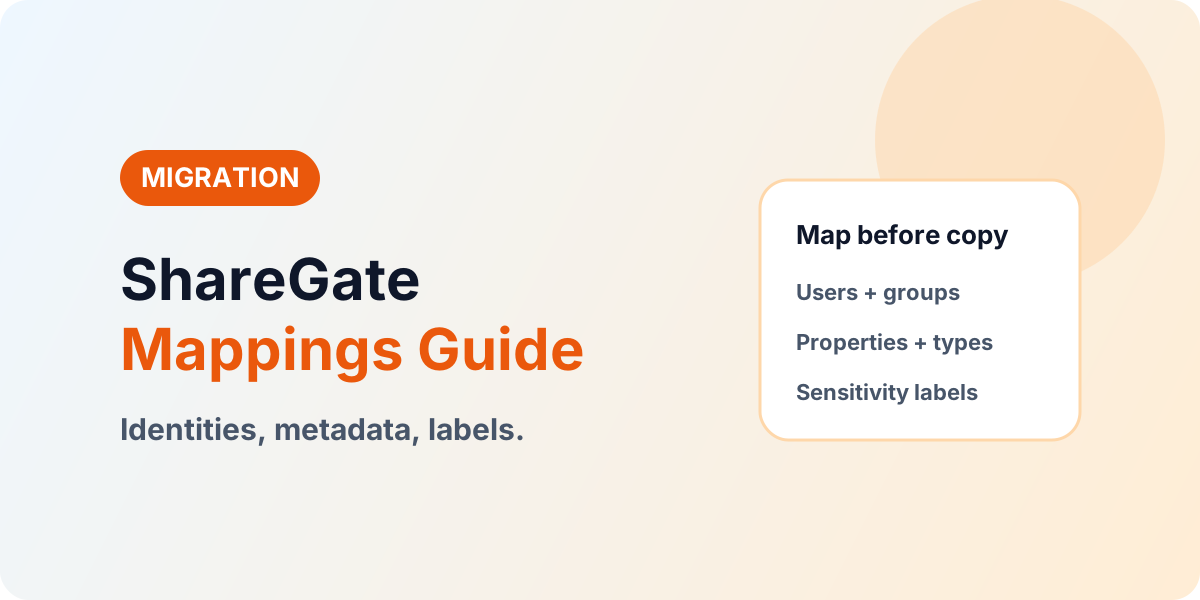
Map before you copy: ShareGate user, property, permission-level, content-type, and sensitivity-label mappings with a pre-pilot review routine.
- Published
- Reading time
- 3 min read
Before you start
Is this guide for you?
- Best entry point
- Migration
- Time investment
- 3 min read
In this article
- 1. Users and groups: every identity gets a decision
- 2. Properties and metadata: map per content type
- 3. Permission levels and content types
- 4. Sensitivity labels: publish first, map second
- Spreadsheet round-trip for bulk metadata
On this page (7 sections)
Direct answer: Map users and groups, properties, permission levels, content types, and sensitivity labels before the pilot copy, review them with owners, and re-check them before every bulk wave. Mappings decide what access and meaning content carries into the new environment — the copy only executes those decisions.
Vendor note (October 2026): Mapping screens evolve across releases. Confirm current options in the official ShareGate Mappings documentation.
Part of the ShareGate series: migration tutorial, incremental copy and pre-check. Access background: SharePoint Migration Permissions.
1. Users and groups: every identity gets a decision
Export the source identity inventory and give each entry one outcome: map to the matching target account, merge into an approved shared account where policy allows, or exclude with written owner approval. Pay special attention to departed users, orphaned references, guests with expired purpose, and service accounts tied to integrations — these four categories cause most post-migration access tickets. Validate the mapping in the pilot by logging in as sampled users, not by reading the mapping table.
2. Properties and metadata: map per content type
For content-only moves, expand each destination content type and choose per column: use the mapped source value, set an explicit custom value, or ignore the retired field. Use bulk-edit for repeated patterns and property templates for recurring wave shapes. For bulk metadata work, the export-to-spreadsheet and import round-trip beats hand-editing hundreds of items — but version the spreadsheet alongside the wave so the mapping is auditable later.
3. Permission levels and content types
Map custom permission levels to their target equivalents rather than assuming names match, and confirm custom levels exist at the destination before the wave. Map site templates and content types so dependencies land where the target architecture expects them — copying a library whose content type lives in an unexpected parent creates the kind of breakage that only surfaces during validation.
4. Sensitivity labels: publish first, map second
Labels must exist and be published in the destination tenant before ShareGate can apply them; decide per wave whether files keep source labels or receive mapped destination labels, and remember one label per tenant wins on each file. Make label publishing a tracked pre-migration dependency with an owner and a date — it is the most commonly forgotten gate.
Spreadsheet round-trip for bulk metadata
When hundreds of items need metadata correction, export the library to a spreadsheet, fix values in bulk with filters and fill-down, validate against the destination column definitions (choice values, required fields, people claims), then import back through the mapped columns. Never edit the live library as the working copy: the spreadsheet is the batch, the library stays clean until import, and the file itself becomes part of the wave evidence alongside the mapping version used.
Pre-pilot mapping review routine
- Identity review — every source identity has map, merge, or exclude with an approver.
- Metadata review — every destination column has mapped, custom, or ignore with a reason for ignores.
- Permission review — custom levels exist at destination; target model approved by site owners.
- Label review — destination labels published; per-wave preserve-or-replace decision recorded.
- Pilot proof — sampled users, sampled metadata, effective-access checks, all green before bulk waves.
Planning a ShareGate migration
If identity and permission mapping is the risky part of your program, bring the source inventory: Book a SharePoint Migration Assessment.
Continue with ShareGate Migration Tutorial, Incremental Copy & Pre-Check, and Migration Permissions.
NEXT STEP
Record Mapping Decisions Before Waves
Every identity and metadata choice should trace to an assessed scope decision, not a migration-day default.
30-minute technical discussion • No obligation • Practical next steps
Tagged
Architecture · Governance · Security
Frequently asked questions
What should be mapped before a ShareGate copy?
Users and groups, properties and metadata, permission levels, content types and site templates, and sensitivity labels — reviewed with owners before the pilot.
What happens to unmapped users?
Plan every identity explicitly: map to a target account, merge into a service account where policy allows, or exclude with owner approval. Unmapped identities become post-migration access incidents.
How should metadata be mapped?
Map source columns to destination columns per content type, set explicit values where the source has gaps, and ignore fields the target architecture retired.
Do sensitivity labels migrate automatically?
No. Labels must already exist and be published in the destination tenant, then mapped — plan label publishing as a pre-migration dependency.
When should mappings be re-checked?
After every source change freeze lift, before each bulk wave, and whenever the target architecture evolves. Mappings are living configuration, not one-time setup.
Sources
- Microsoft Learn: Migrate To Sharepoint Online, Microsoft
- Microsoft Learn documentation, Microsoft
Have a Microsoft 365 topic idea?
Share article suggestions, community session ideas, corrections, or real-world scenarios for future nextM365 learning notes.
Keep learning Microsoft 365
Explore more practical guides for SharePoint, Power Platform, Copilot Studio, migration, automation, governance, and security.
Continue learning
Related tutorials
Related questions
Related comparisons
Next action