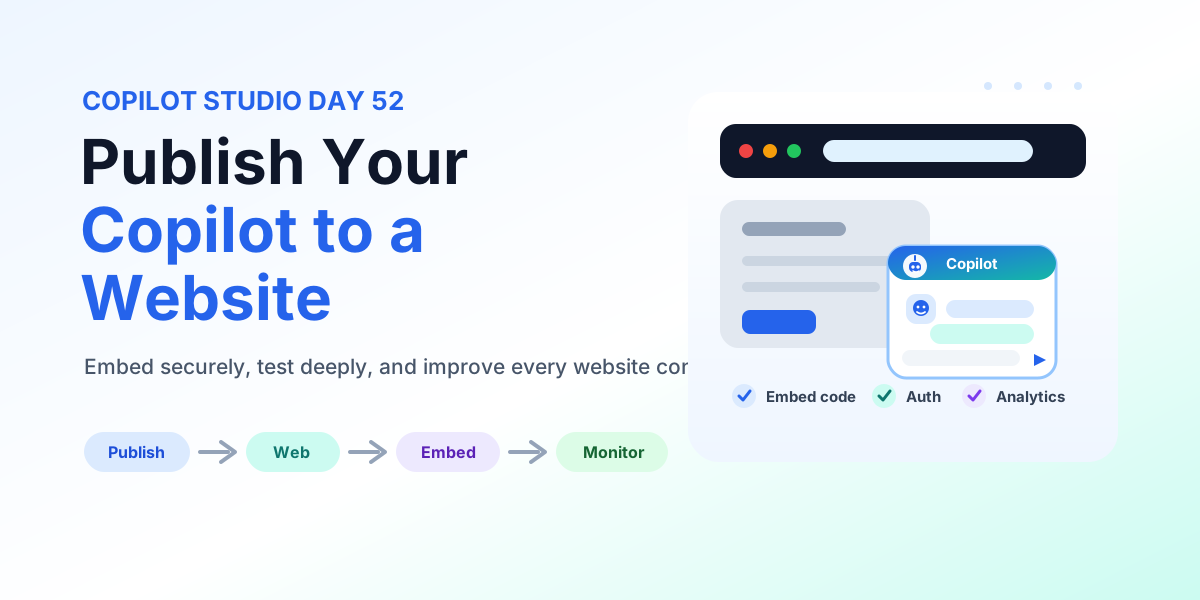
How to Publish Your Copilot to a Website | Copilot Studio Day 52
Publish a Copilot Studio agent to a website: embed code placement, authentication, accessibility, testing, monitoring, and deployment checks.
This archive collects nextM365 articles about the Power Platform ecosystem, including Power Apps, Power Automate, Copilot Studio, connectors, governance, and low-code or pro-code solution design.
Open the Power Platform hubUse this page when you want to browse Power Platform content across product boundaries. For deeper learning, follow the dedicated Power Automate, Power Apps Code, and Copilot Studio hub pages linked from related articles.
Practical references on the concepts, setup steps, design choices, and common implementation patterns behind Power Platform — for planning, building, testing, and improving Microsoft 365 solutions.
531 articles in “Power Platform”
Publish a Copilot Studio agent to a website: embed code placement, authentication, accessibility, testing, monitoring, and deployment checks.
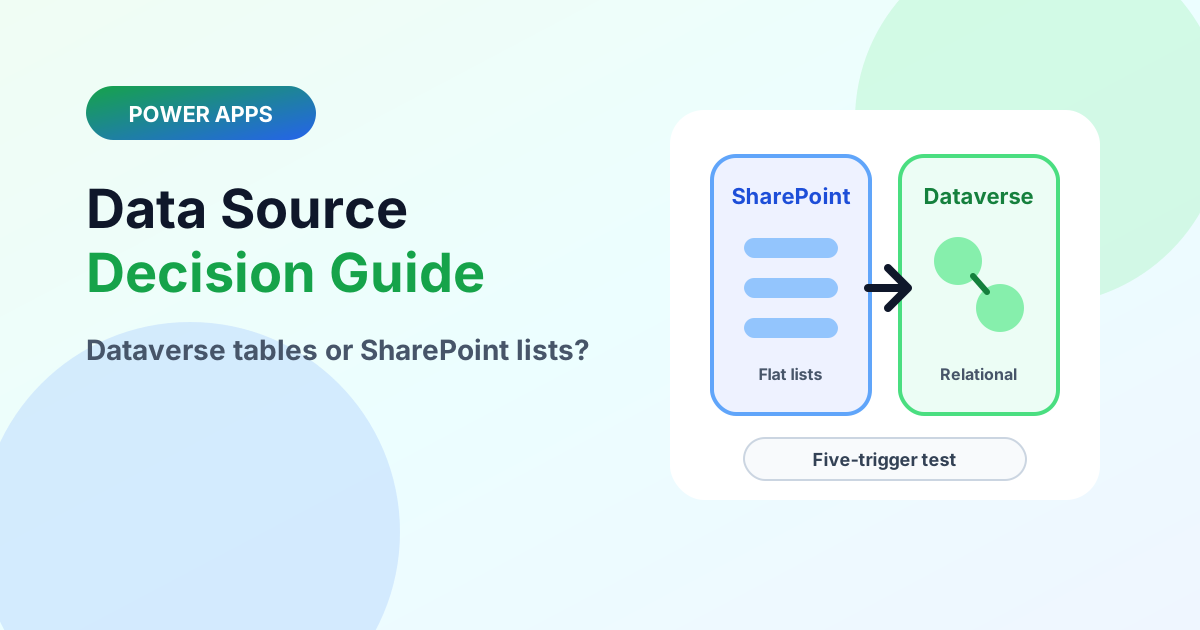
Choose the right Power Apps data source with the five-trigger test, delegation realities, licensing notes, and a clean graduation path.
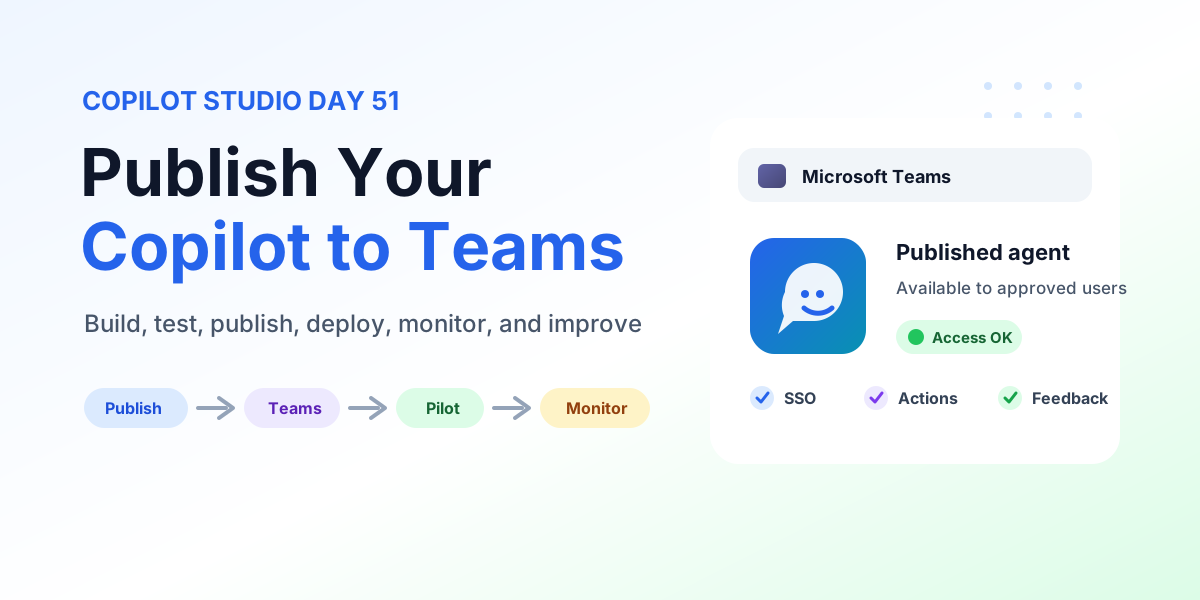
Learn how to publish Copilot to Microsoft Teams from Copilot Studio with publishing steps, Teams channel configuration, user access, SSO, permissions, pilot rollout, testing, monitoring, and production checks.
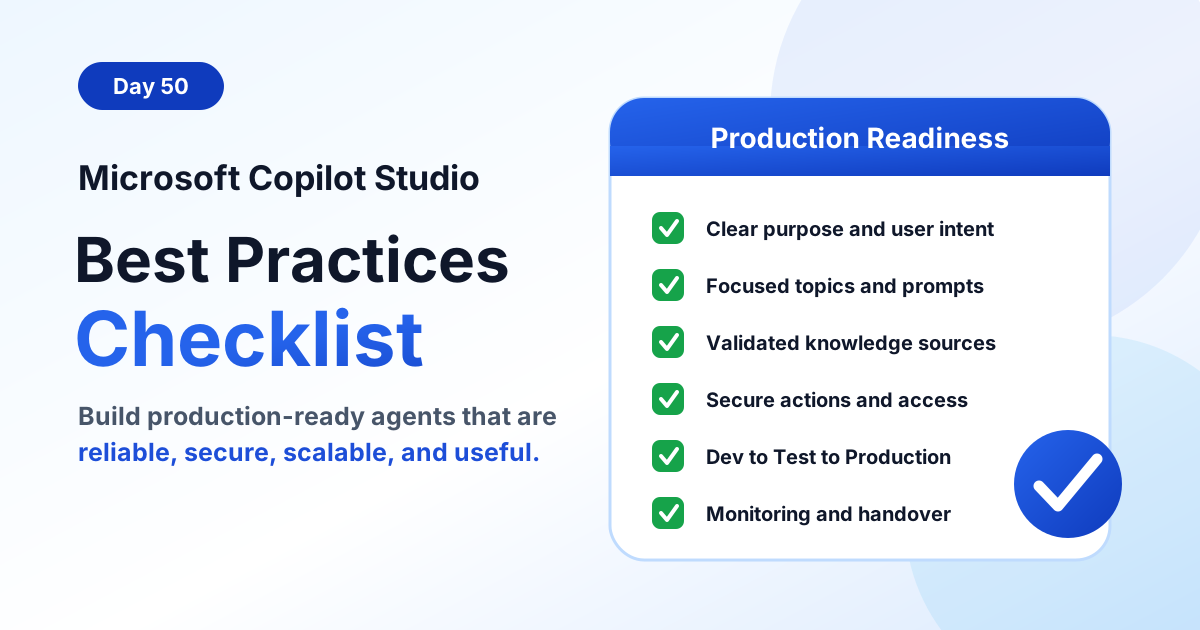
Use this Microsoft Copilot Studio best practices checklist to build production-ready agents with clear purpose, focused topics, reliable knowledge, secure actions, testing, monitoring, and governance.
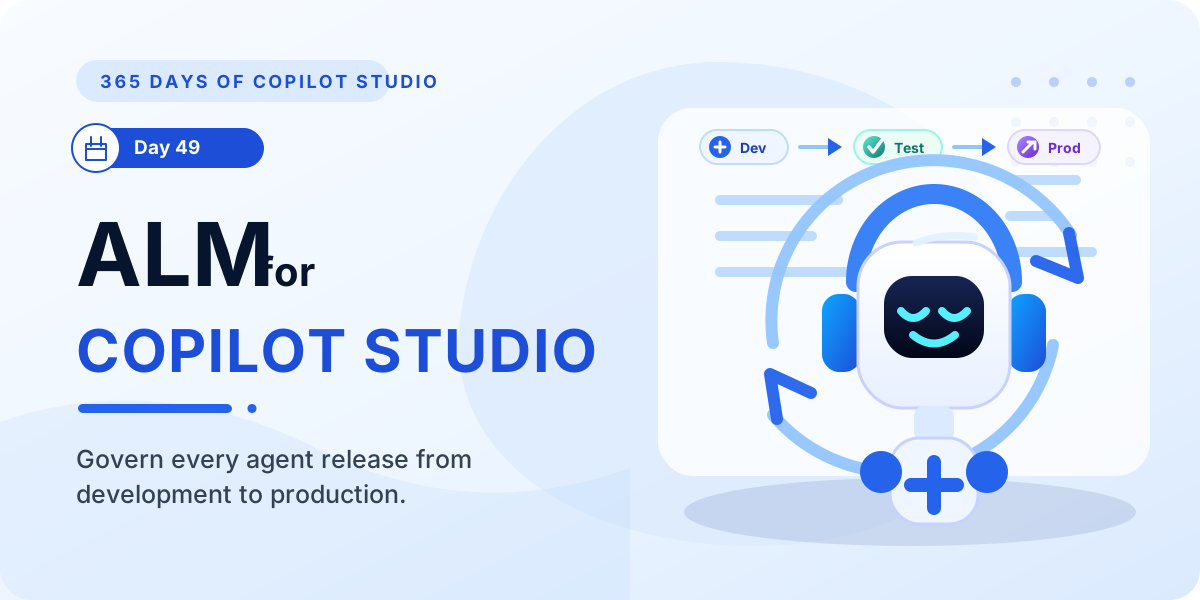
Learn how ALM in Microsoft Copilot Studio helps teams plan, build, test, deploy, monitor, and improve agents across development, test, and production environments.
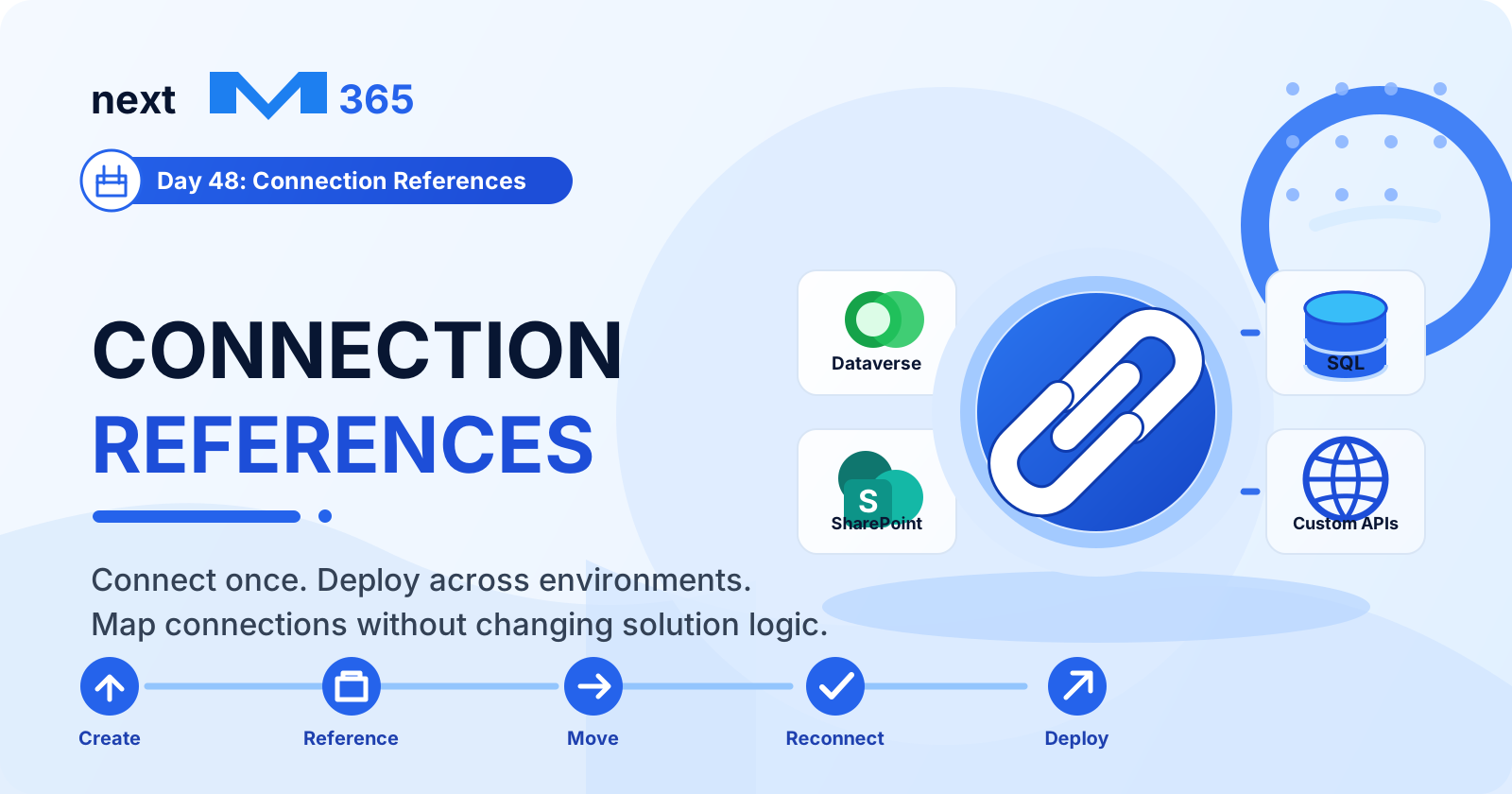
Learn how connection references in Copilot Studio and Power Platform make connectors reusable, secure, portable, and easier to manage across development, test, and production.
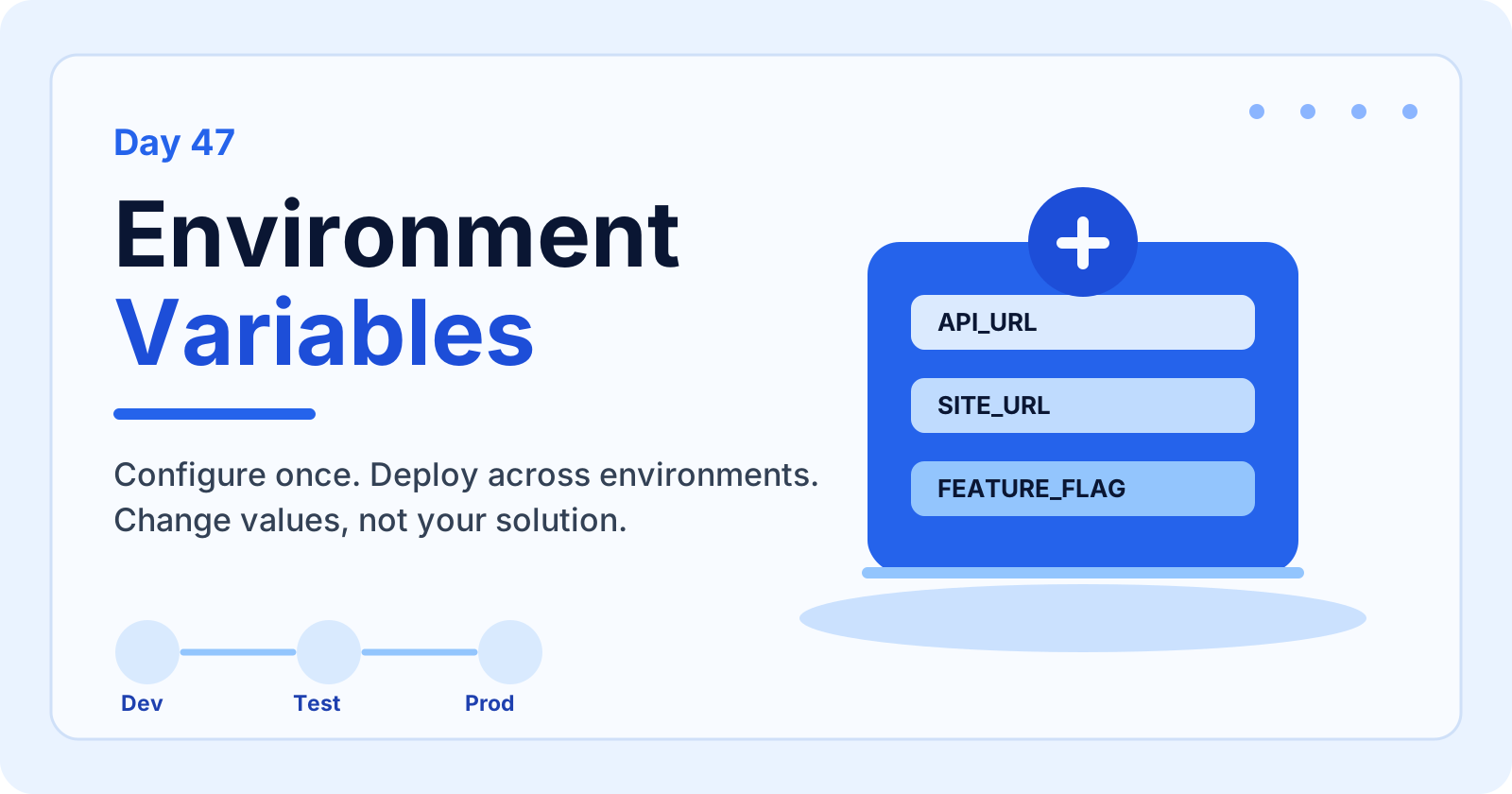
Learn how environment variables in Copilot Studio help you configure values per environment, reduce hardcoding, secure settings, support ALM, and deploy solutions across development, test, and production.
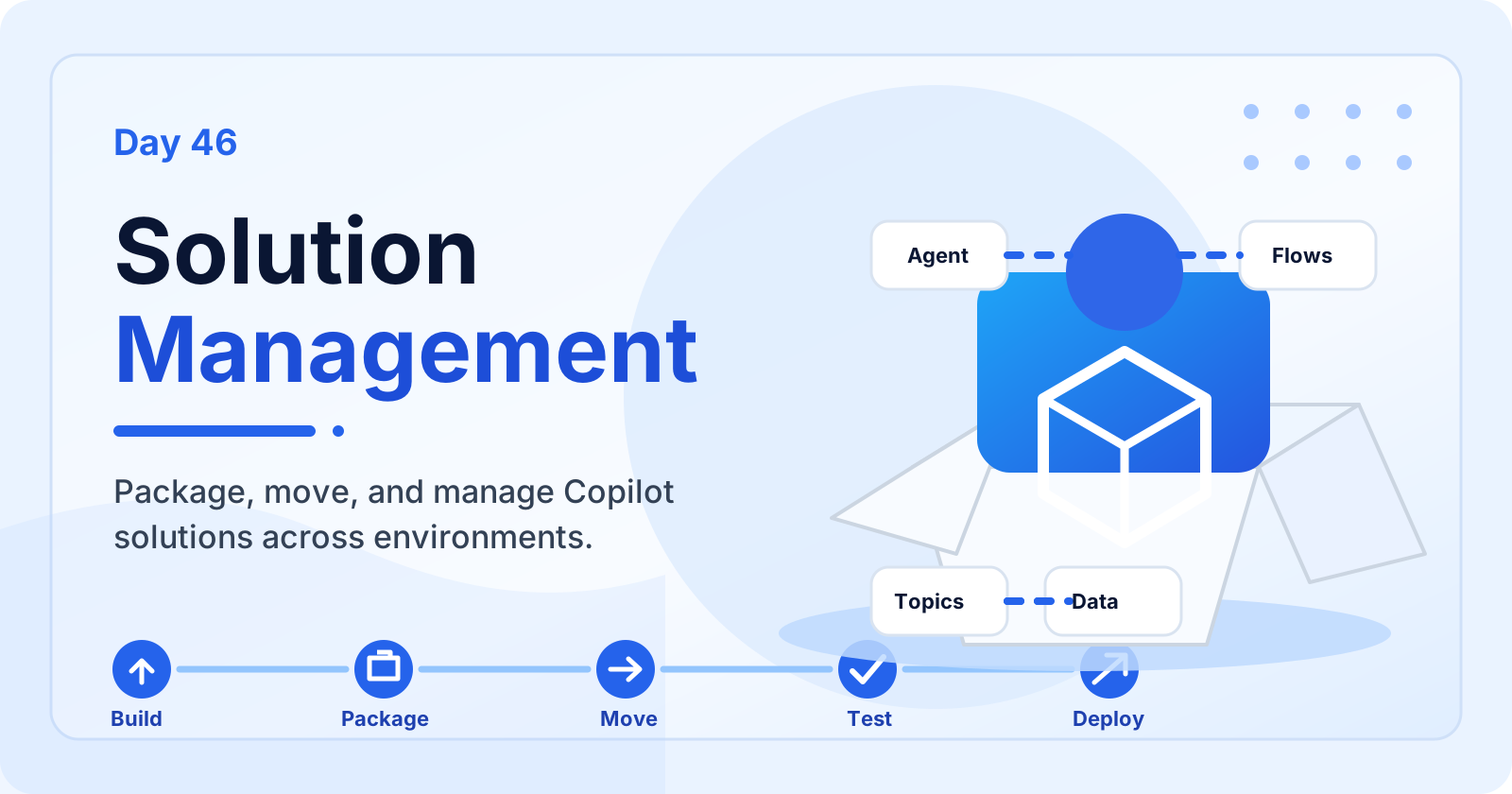
Learn how solution management in Microsoft Copilot Studio helps you package, organize, move, test, deploy, update, and maintain agents across environments.
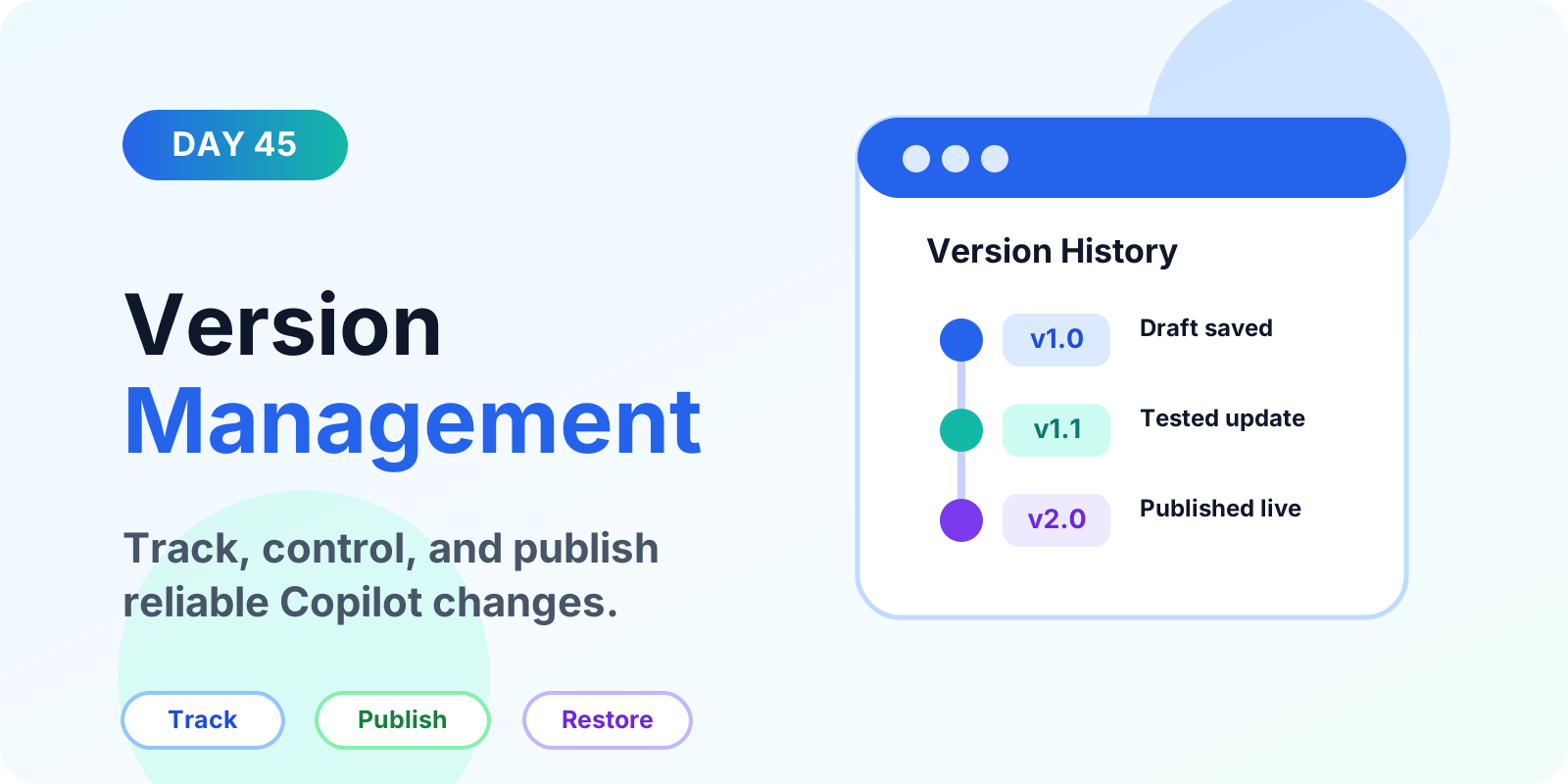
Learn how version management keeps Copilot Studio agents reliable, including draft versus published versions, testing, tracking changes, solutions, export and import, backups, environments, mistakes, and best practices.
It groups articles that discuss Power Apps, Power Automate, Copilot Studio, connectors, and governance across the Power Platform.
No. This is a cross-product archive. For structured paths, use the Power Automate, Power Apps Code, and Copilot Studio hubs.