Copilot Studio Architecture Explained: Topics, Knowledge, Actions, and Channels
Understand Copilot Studio architecture across topics, knowledge, variables, actions, analytics, ALM, and channels for production agents.
- Published
- Updated
- Reading time
- 3 min read
What you’ll learn
- The six layers
- Design flow that works
- Security and governance
- Common mistakes
- Scaling from one agent to a portfolio
On this page (9 sections)
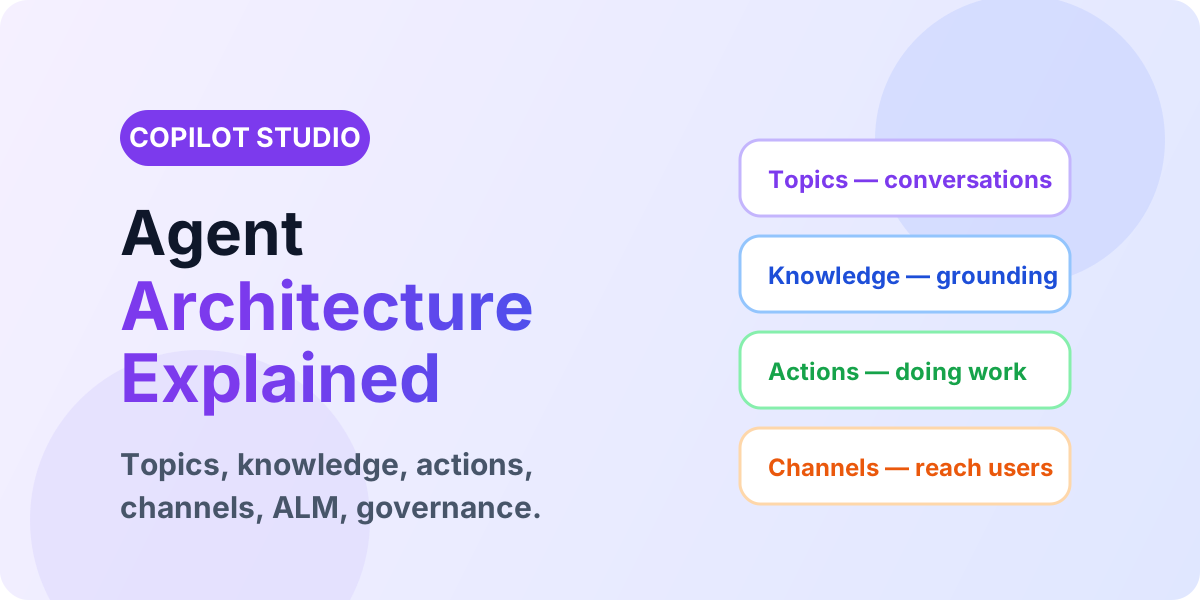
Direct answer: Copilot Studio agents combine topics (what to say), knowledge (what to know), variables/entities (what to remember), actions (what to do), analytics (what to improve), and channels (where to meet users). Design these six layers deliberately and your agent survives production; skip them and it stays a demo.
Start from the Copilot Studio hub and core components guide. This evergreen pillar parents the daily series — including topics, knowledge sources, and actions.
The six layers
| Layer | Role | Key decisions |
|---|---|---|
| Topics | Conversation paths | Trigger phrases, branching, escalation, fallback handling. |
| Knowledge | Grounded answers | SharePoint vs Dataverse vs web; freshness; permissions. |
| Memory | Variables and entities | Topic vs bot vs conversation scope; validation. |
| Actions | Doing work | Power Automate flows, connectors, auth, error paths. |
| Insight | Analytics and testing | Failed answers, CSAT, conversation review rhythm. |
| Reach | Channels and ALM | Teams vs web vs custom apps; solutions; environments. |
Design flow that works
- Define one audience and one measurable outcome (e.g. deflect 30% of password-reset tickets).
- Pick the source of truth first — usually SharePoint for docs, Dataverse for records.
- Draft 5-10 topics covering the happy path, clarifications, escalation, and fallback.
- Add one action (e.g. create ticket) before adding five knowledge sources.
- Test with 20 real user utterances, fix failures, then publish to one channel.
Security and governance
Agents inherit the risk of their connections. Scope knowledge to sites users may already open, run actions under least-privilege identities, log action calls, and require owner review before adding new channels. Pair this with ALM practices, the best-practices checklist, and conversation analytics.
Common mistakes
- Attaching five knowledge sources before testing one — grounding quality collapses.
- No fallback or escalation topic — users hit dead ends.
- Maker-owned connections in production — they break when the maker leaves.
- Publishing to Teams, web, and custom apps on day one — support load triples.
Scaling from one agent to a portfolio
One production agent earns the right to a second. A portfolio needs shared conventions: a naming standard for topics and actions, a single analytics review covering all agents, common escalation targets, and environment strategy shared across solutions. Without the portfolio view, three departmental agents become three snowflakes with three owners on leave — plan the operating model when the second agent is proposed, not when the fifth breaks.
Cost and capacity planning
- Estimate message volume per audience before choosing capacity — pilot traffic lies downward.
- Knowledge-heavy agents cost in grounding calls; action-heavy agents cost in connector and flow runs. Model both.
- Review consumption monthly against the business outcome (deflected tickets, resolved queries) to defend the budget.
- See Copilot Studio licensing for the current packaging behind these estimates.
Integration with the Microsoft 365 fabric
Agents land best where work already happens: Teams for collaboration, SharePoint for grounded documents, Power Automate for background work, and Dataverse where records must be enforced. Design the agent as one node in this fabric — with Teams channel behavior from Day 51 and custom-app reach from Day 54 — rather than a standalone destination users must remember to visit.
FAQ
Should every department get its own agent? No — start with one agent per audience with genuinely different knowledge and actions. A single agent with scoped topics beats five overlapping agents that confuse routing and analytics.
What is the smallest production-ready agent? Five tested topics, one grounded source, one action, one channel, two named owners, and a weekly analytics review. Anything smaller is a pilot; label it as one.
Where to go next
Build conversation skill with trigger phrases and branching, deepen memory with variables and entities, and study real deployments via the IT help-desk and HR assistant scenarios.
Related resources
Topics covered
Architecture · AI Agents · Governance
Frequently asked questions
What are the core components of Copilot Studio?
Topics for conversations, knowledge for grounding, variables and entities for data, actions for doing work, analytics for improvement, and channels for publishing.
Where does Power Automate fit?
Power Automate flows are exposed as actions the agent calls mid-conversation to read or write business systems and return results to the user.
How should agents move to production?
Use solutions, separate Dev/Test/Production environments, connection references, environment variables, and analytics reviews before expanding channels.
Sources
- Microsoft Learn: Copilot Studio, Microsoft
- Microsoft Learn: Security And Governance, Microsoft
Have a Microsoft 365 topic idea?
Share article suggestions, community session ideas, corrections, or real-world scenarios for future nextM365 learning notes.
Keep learning Microsoft 365
Explore more practical tutorials for SharePoint, Power Platform, Copilot Studio, migration, automation, governance, and security.
Continue learning
Related tutorials
Related questions
Related comparisons