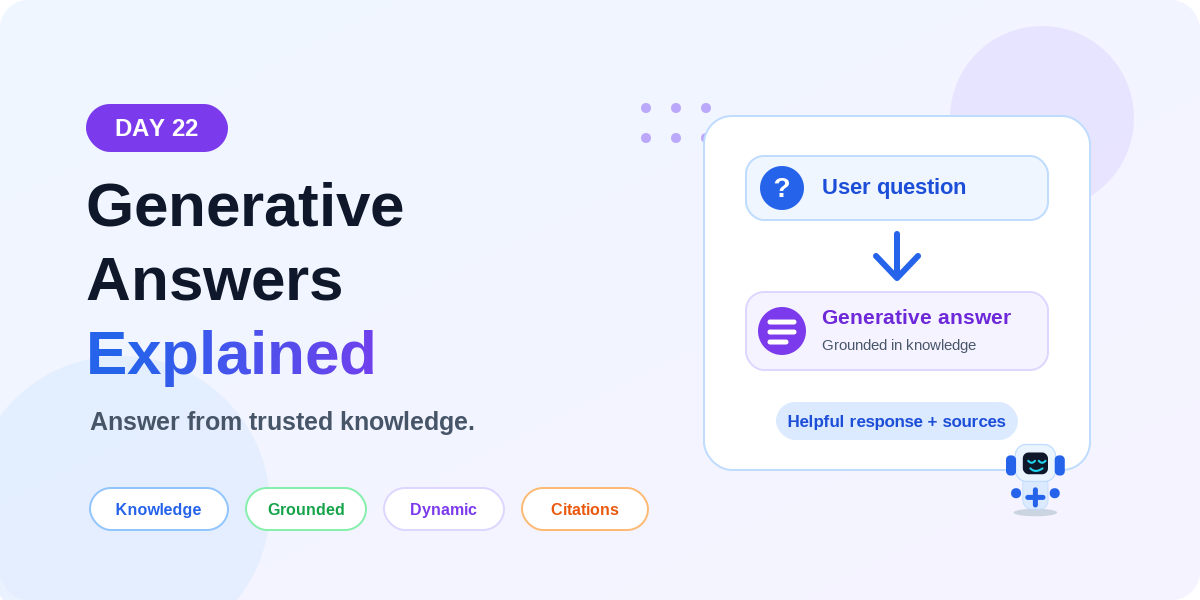
Generative Answers Explained | Copilot Studio Day 22
Learn what Generative Answers are in Microsoft Copilot Studio, how they use trusted knowledge sources, when to use them, and how to design safer AI answers.
Practical Microsoft 365 articles, implementation notes, and hands-on solutions.
242 articles
Learn what Generative Answers are in Microsoft Copilot Studio, how they use trusted knowledge sources, when to use them, and how to design safer AI answers.
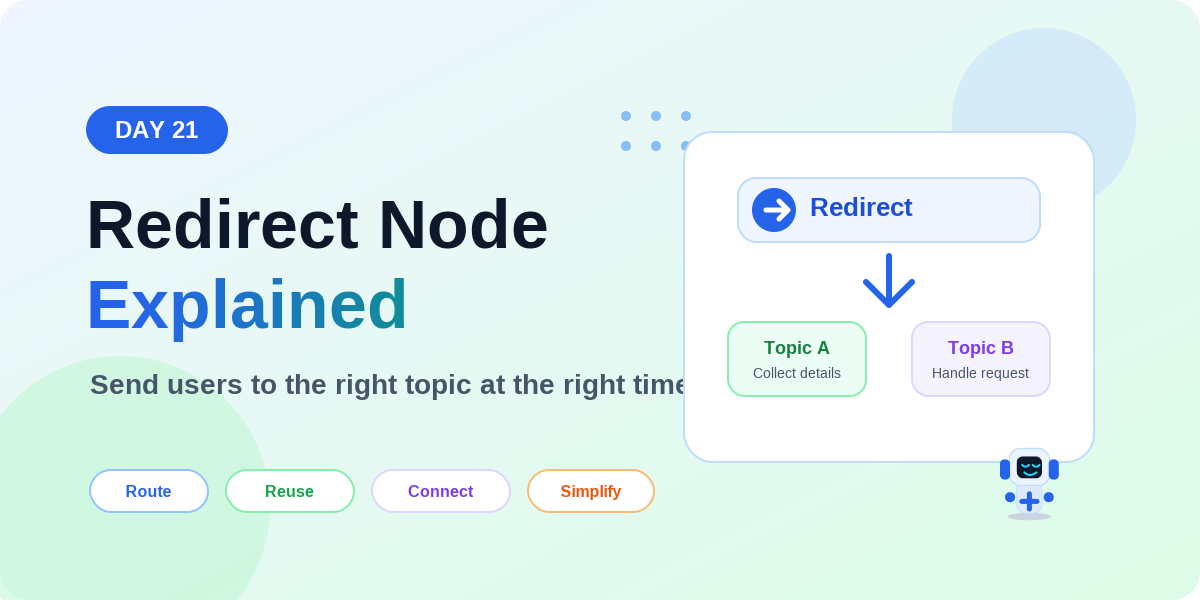
Learn what a Redirect node is in Microsoft Copilot Studio, when to use it, how it sends users to another topic, and how redirects keep agent topics clean and reusable.

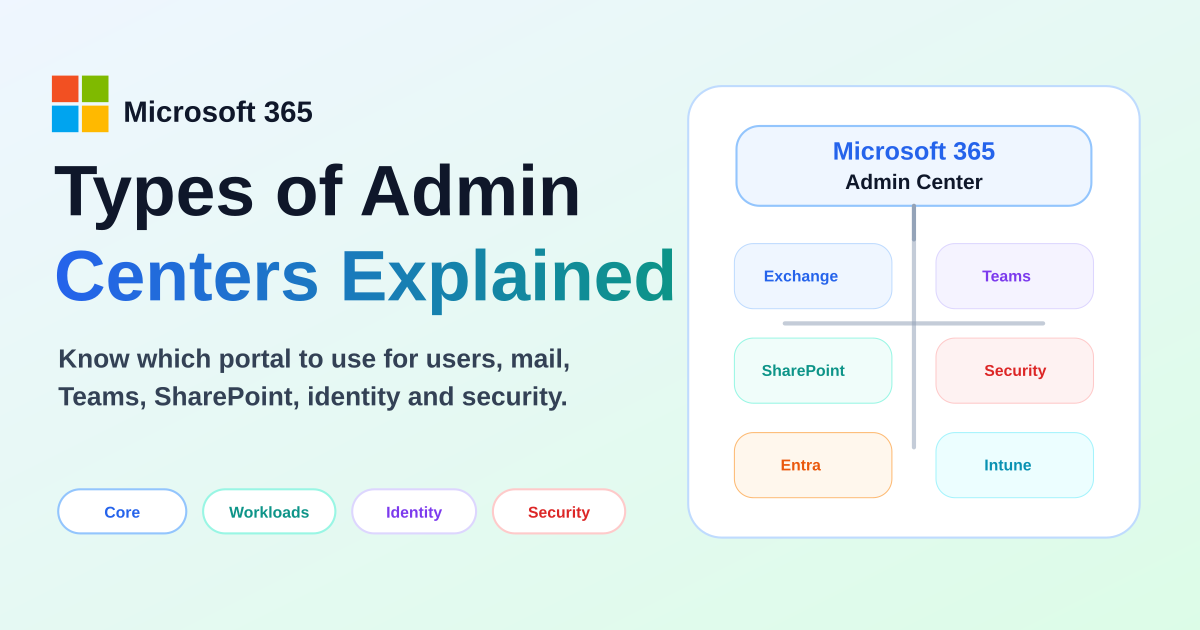
Compare the main Microsoft 365 admin centers, what each portal manages, and when to use Microsoft 365, Exchange, Teams, SharePoint, Entra, Security, Purview, Intune, and Power Platform admin centers.
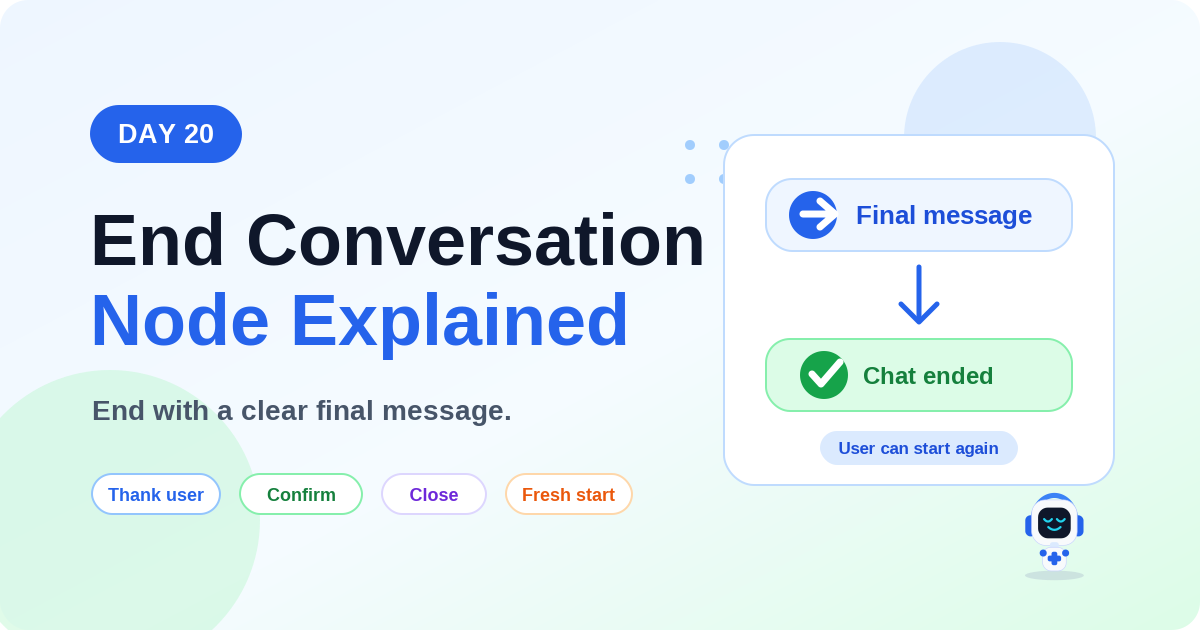
Learn what an End Conversation node is in Microsoft Copilot Studio, when to use it, how it closes a topic, and how to write better final messages.
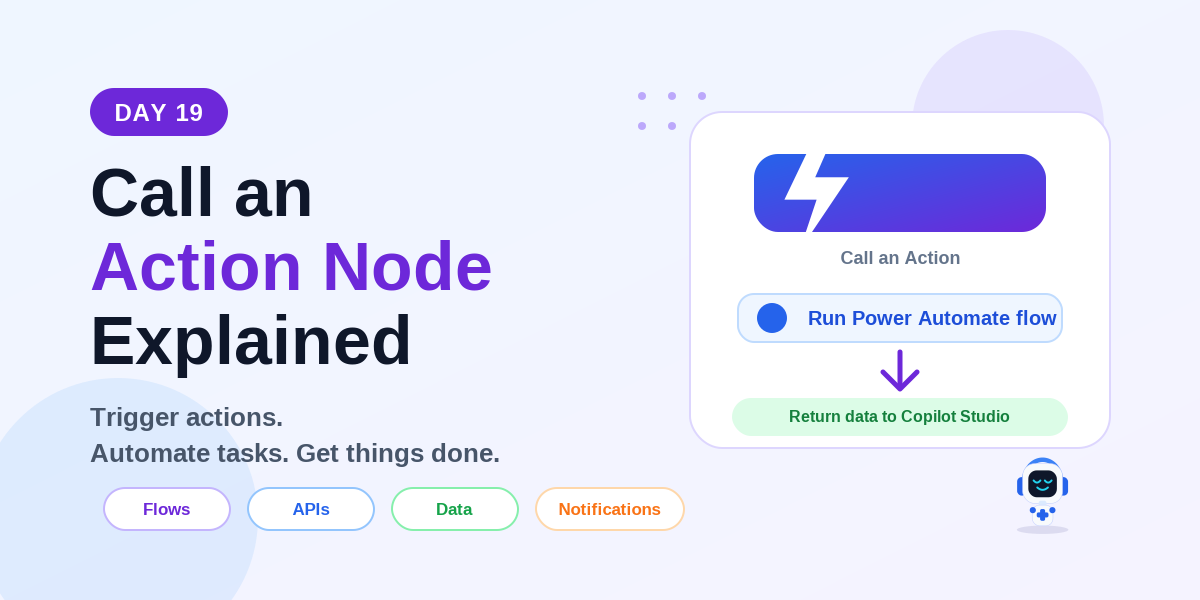
Learn what a Call an Action node is in Microsoft Copilot Studio, how it connects to Power Automate flows and APIs, and how to use actions in real business conversations.
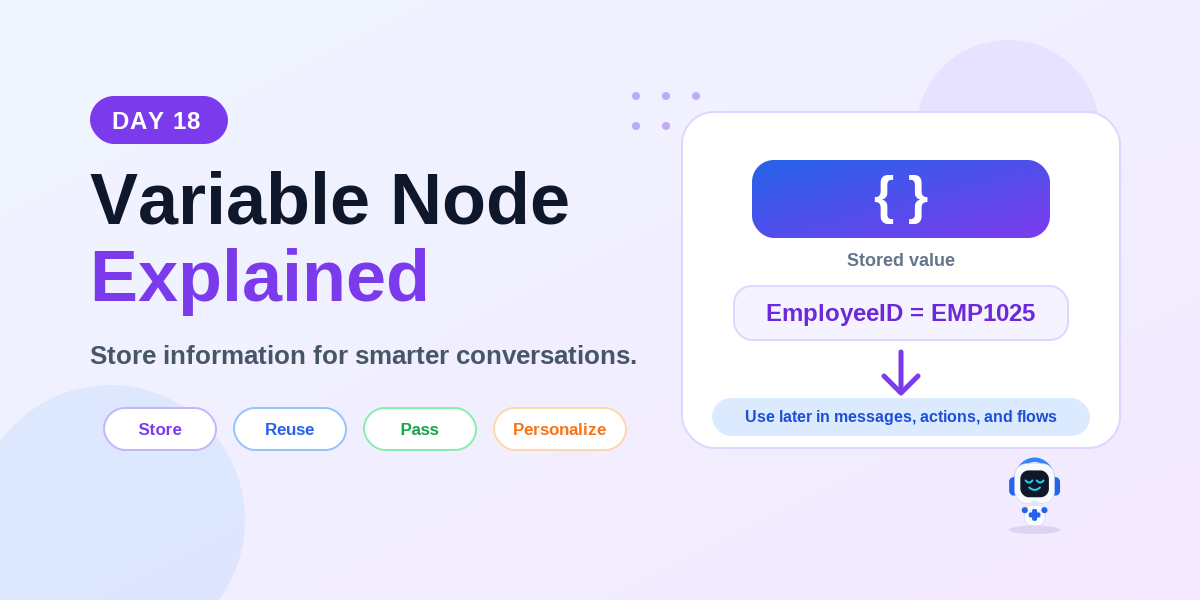
Learn what a Variable node is in Microsoft Copilot Studio, how variables store and reuse data, supported types, best practices, and a leave request example.
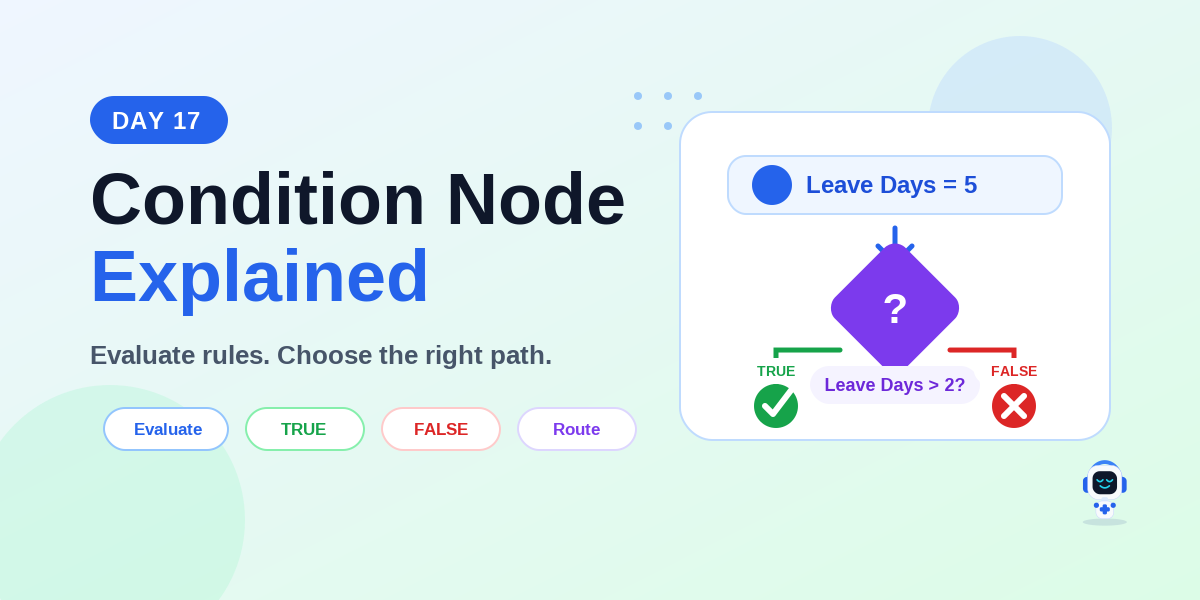
Learn what a Condition node is in Microsoft Copilot Studio, how TRUE and FALSE paths work, supported conditions, best practices, and a leave approval example.
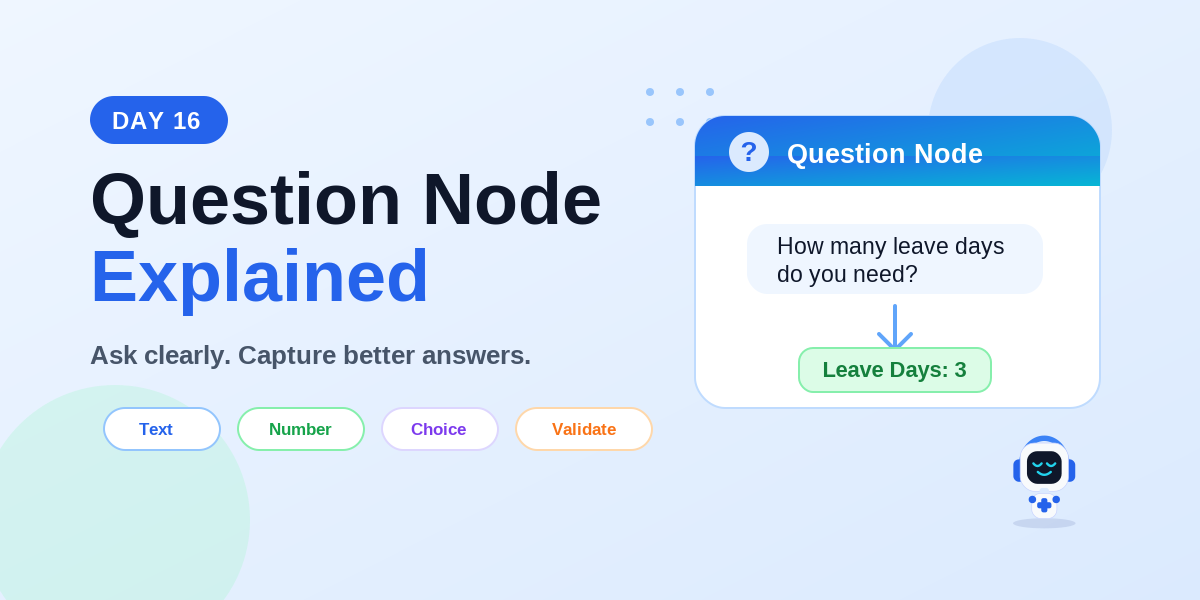
Learn what a Question node is in Microsoft Copilot Studio, supported response types, validation, variables, best practices, and a leave request example.
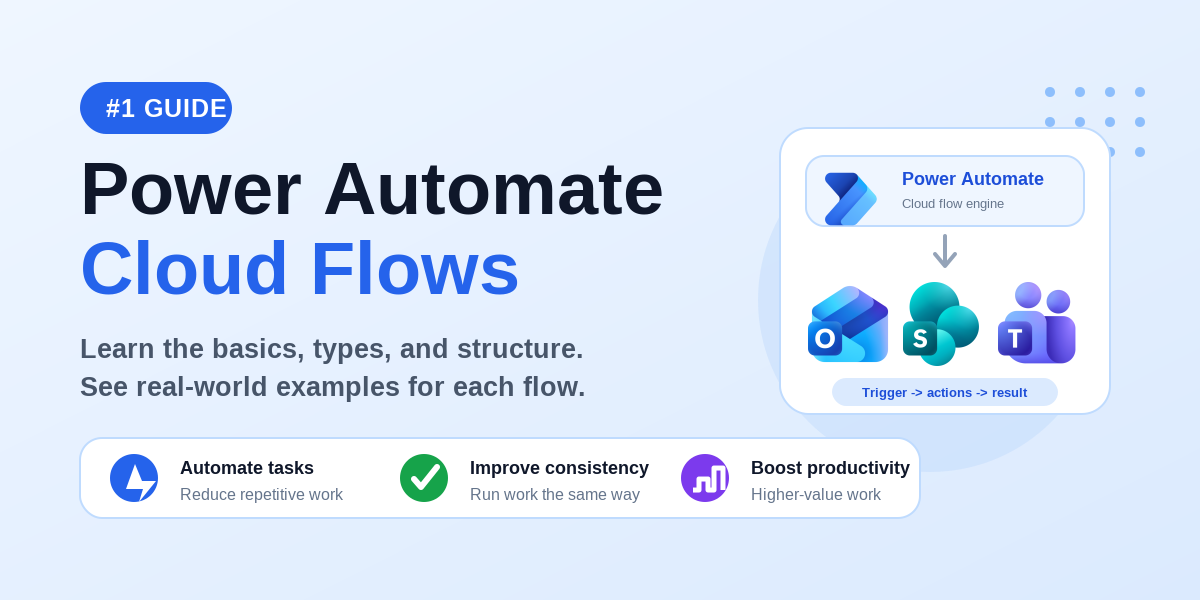
Learn the basics of Power Automate cloud flows, including automated, instant, scheduled, and business process flow examples for beginners.