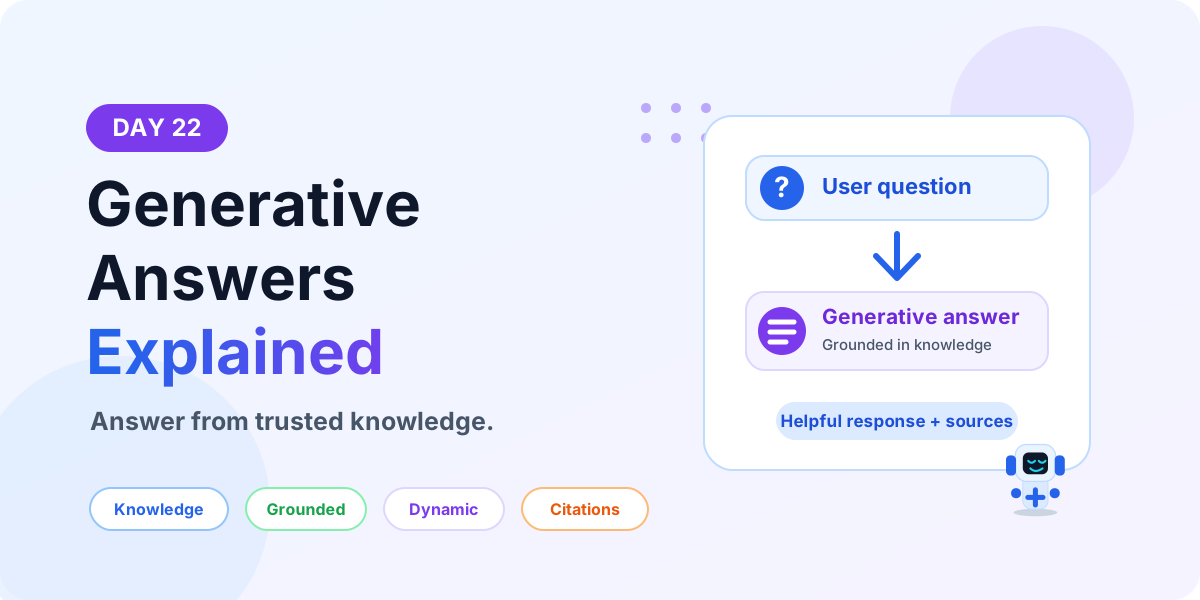
Generative Answers Explained | Copilot Studio Day 22
Learn what Generative Answers are in Microsoft Copilot Studio, how they use trusted knowledge sources, when to use them, and how to design safer AI answers.
This archive collects nextM365 articles about the Power Platform ecosystem, including Power Apps, Power Automate, Copilot Studio, connectors, governance, and low-code or pro-code solution design.
Open the Power Platform hubUse this page when you want to browse Power Platform content across product boundaries. For deeper learning, follow the dedicated Power Automate, Power Apps Code, and Copilot Studio hub pages linked from related articles.
Practical references on the concepts, setup steps, design choices, and common implementation patterns behind Power Platform — for planning, building, testing, and improving Microsoft 365 solutions.
531 articles in “Power Platform”
Learn what Generative Answers are in Microsoft Copilot Studio, how they use trusted knowledge sources, when to use them, and how to design safer AI answers.
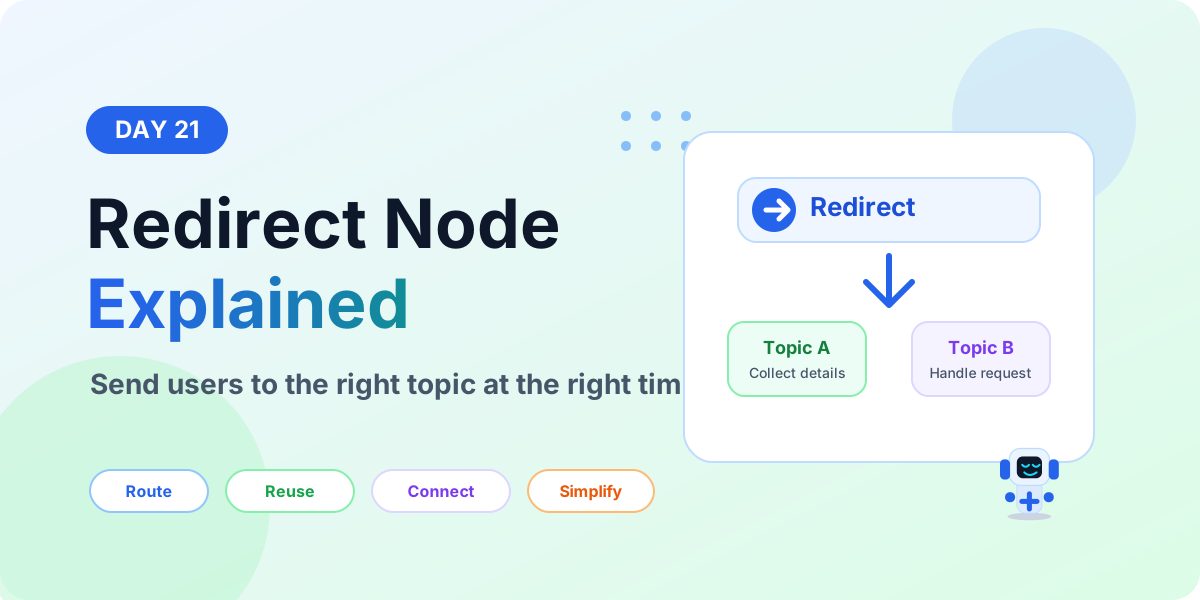
Learn what a Redirect node is in Microsoft Copilot Studio, when to use it, how it sends users to another topic, and how redirects keep agent topics clean and reusable.

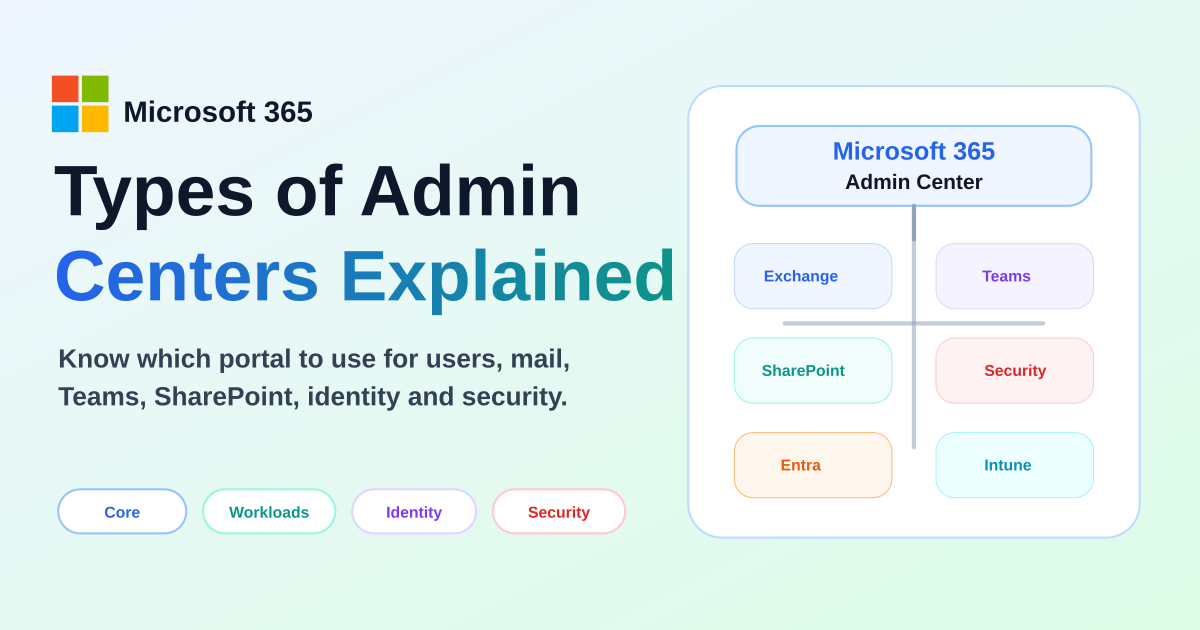
Compare the main Microsoft 365 admin centers, what each portal manages, and when to use Microsoft 365, Exchange, Teams, SharePoint, Entra, Security, Purview, Intune, and Power Platform admin centers.
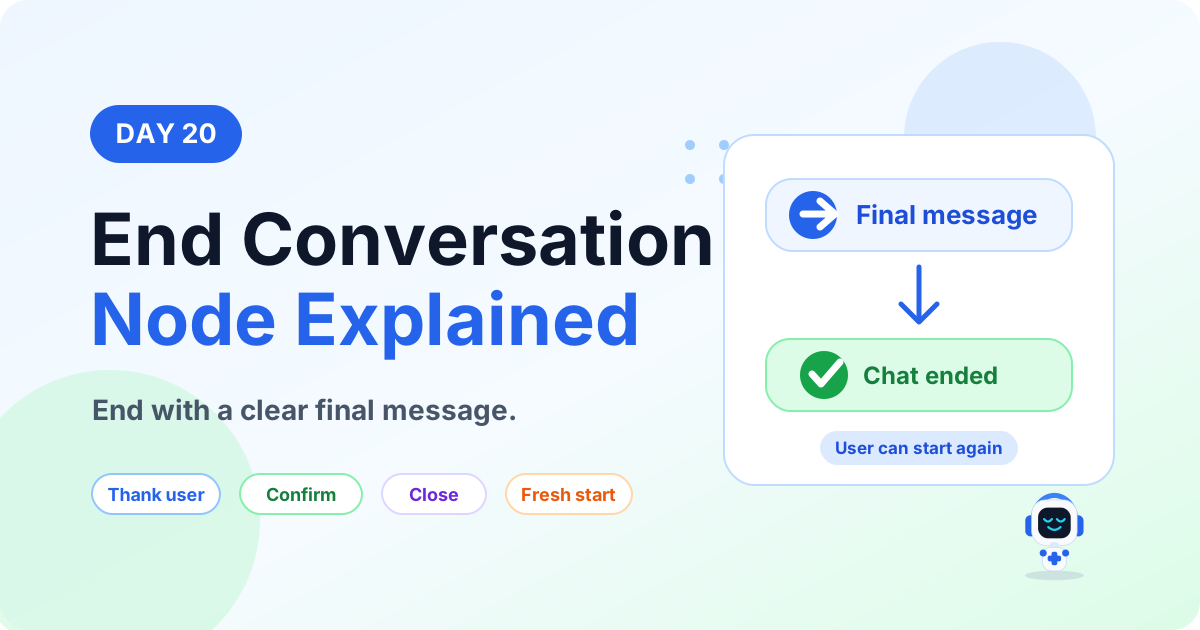
Learn what an End Conversation node is in Microsoft Copilot Studio, when to use it, how it closes a topic, and how to write better final messages.
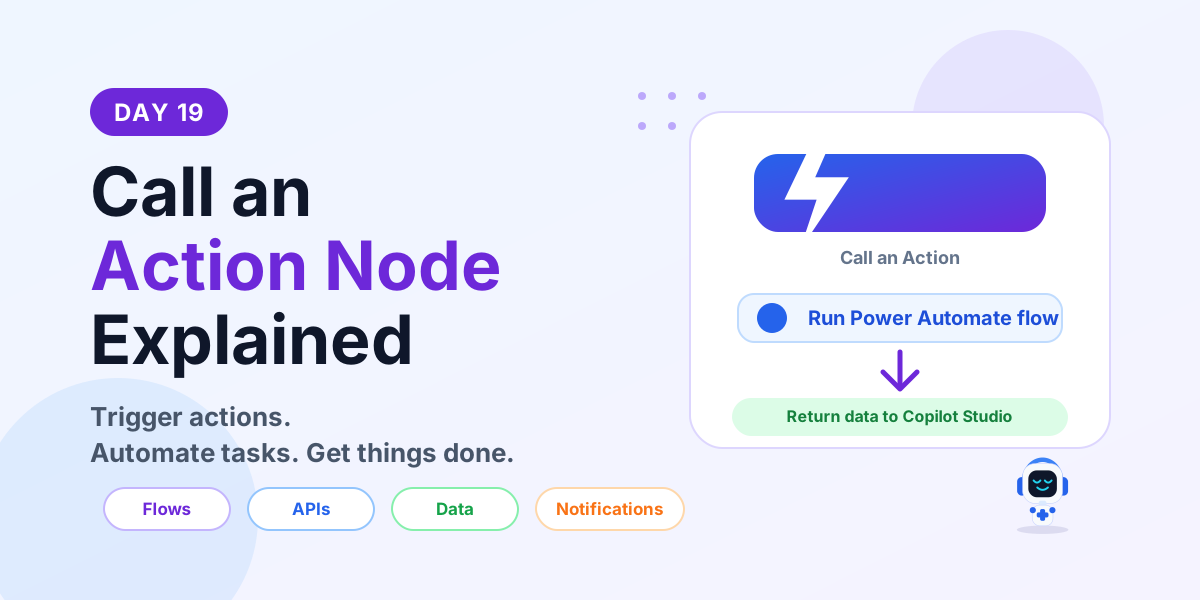
Learn what a Call an Action node is in Microsoft Copilot Studio, how it connects to Power Automate flows and APIs, and how to use actions in real business conversations.
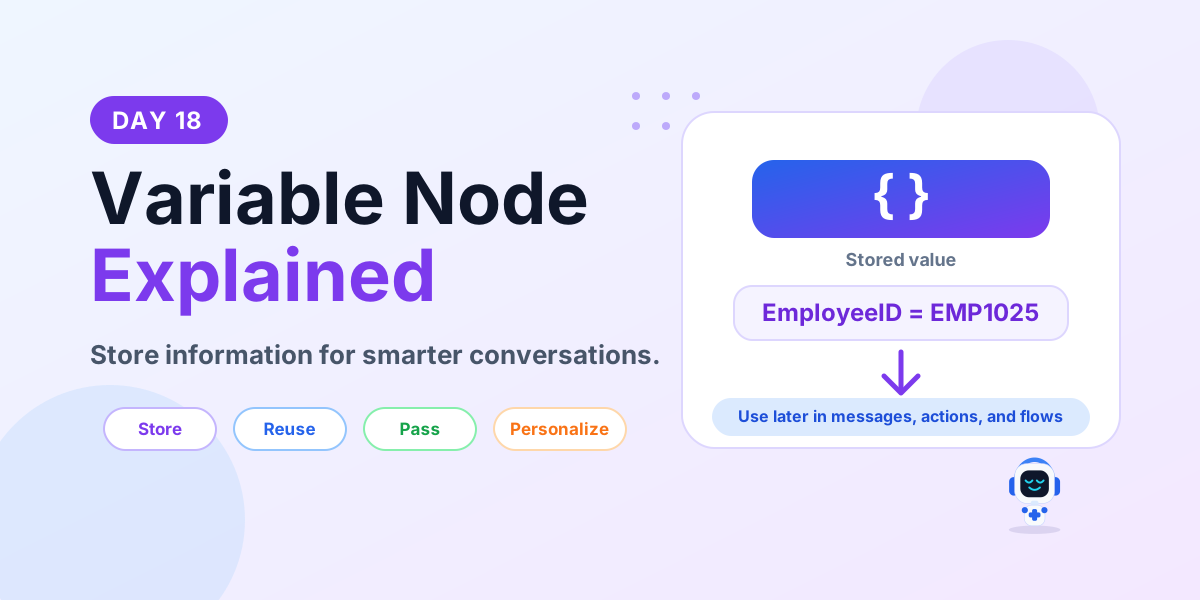
Learn what a Variable node is in Microsoft Copilot Studio, how variables store and reuse data, supported types, best practices, and a leave request example.
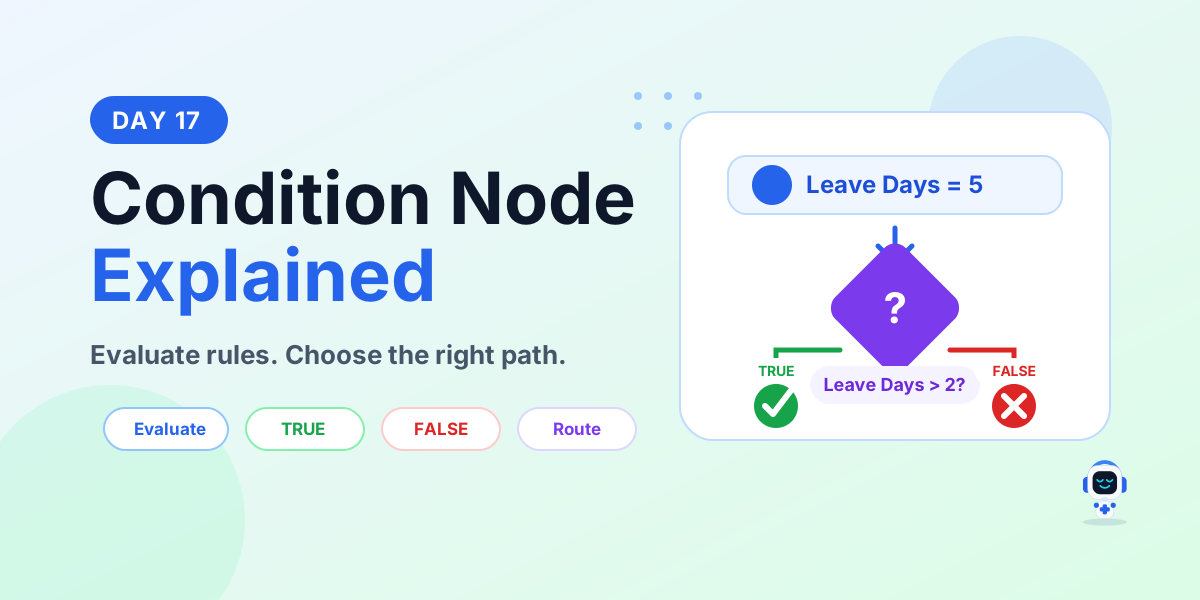
Learn what a Condition node is in Microsoft Copilot Studio, how TRUE and FALSE paths work, supported conditions, best practices, and a leave approval example.
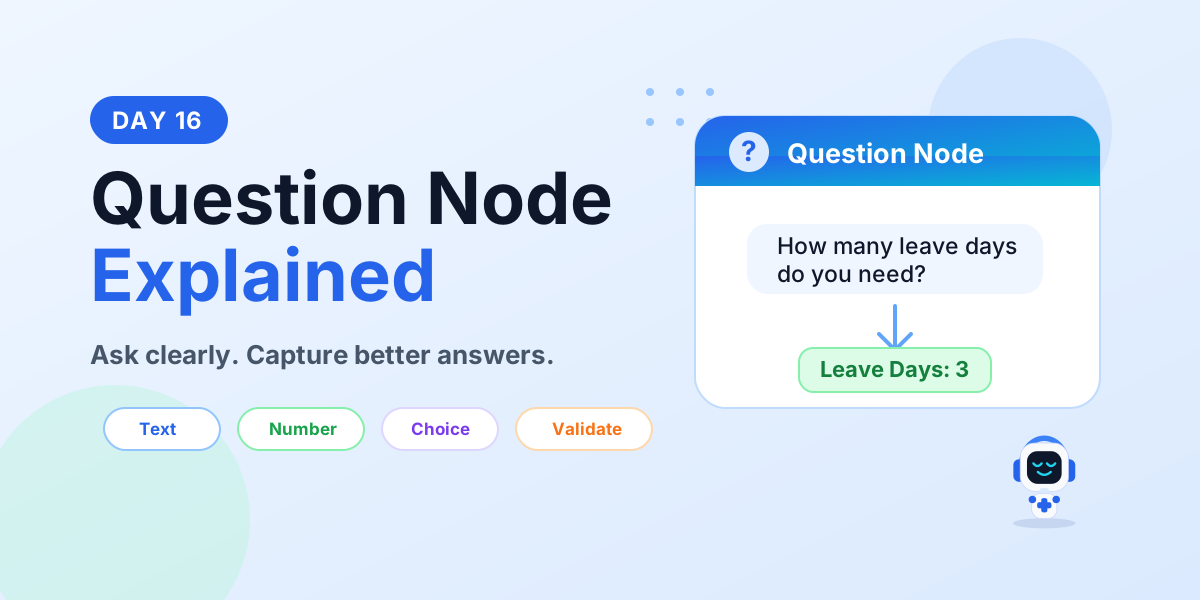
Learn what a Question node is in Microsoft Copilot Studio, supported response types, validation, variables, best practices, and a leave request example.
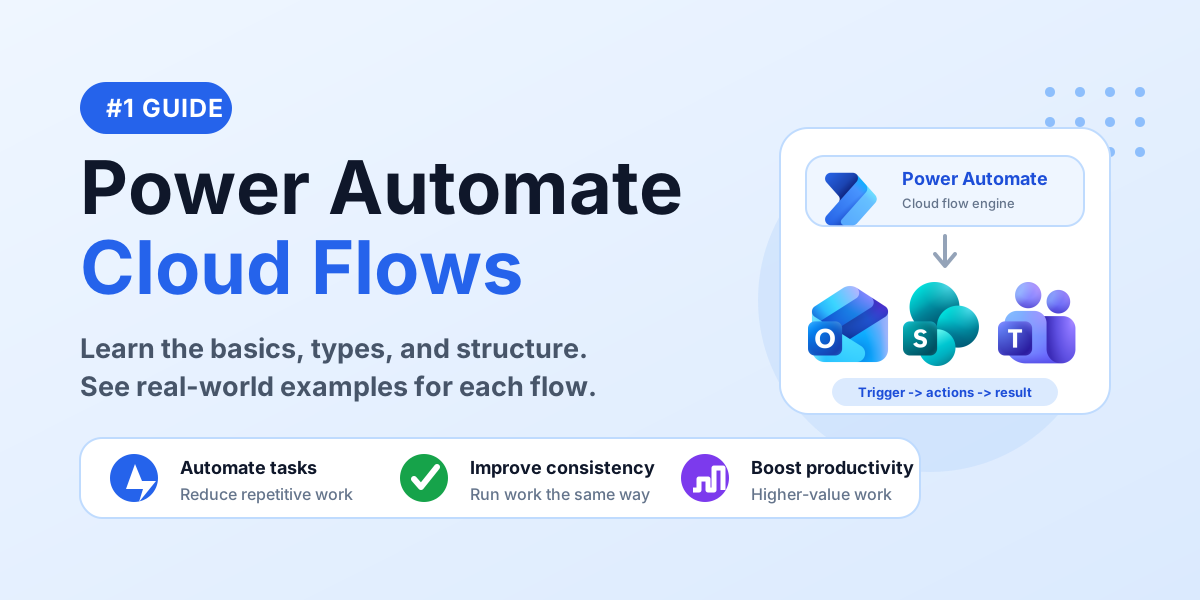
Learn the basics of Power Automate cloud flows, including automated, instant, scheduled, and business process flow examples for beginners.
It groups articles that discuss Power Apps, Power Automate, Copilot Studio, connectors, and governance across the Power Platform.
No. This is a cross-product archive. For structured paths, use the Power Automate, Power Apps Code, and Copilot Studio hubs.