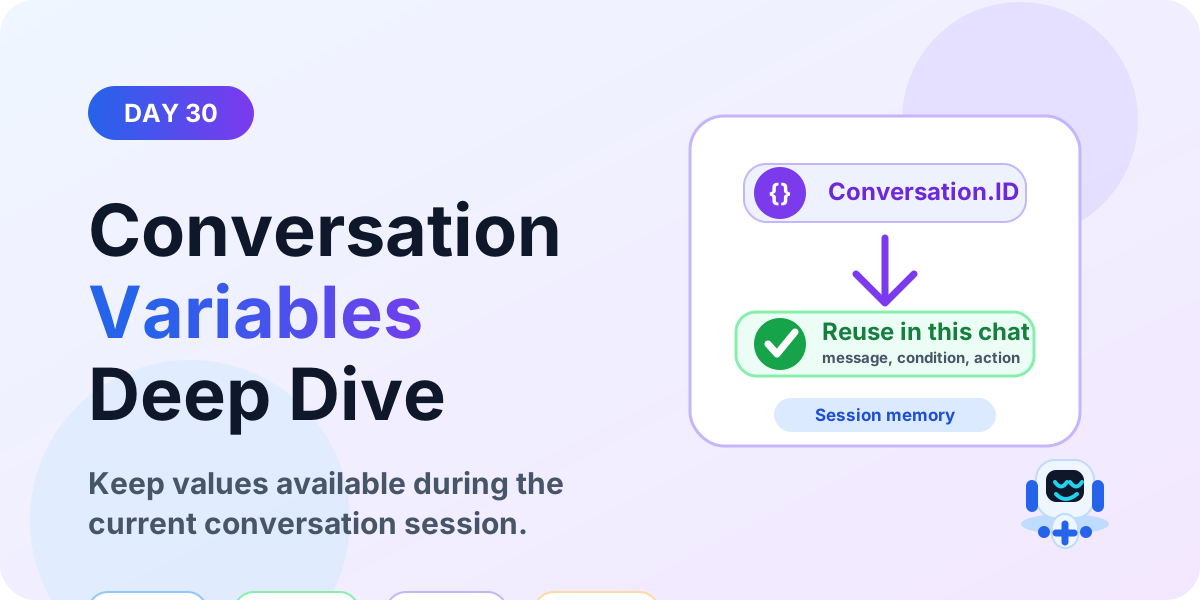
Conversation Variables Deep Dive | Copilot Studio Day 30
Learn what conversation variables are in Microsoft Copilot Studio, how they work during a chat session, and when to use them instead of topic or bot variables.
This archive collects nextM365 articles about the Power Platform ecosystem, including Power Apps, Power Automate, Copilot Studio, connectors, governance, and low-code or pro-code solution design.
Open the Power Platform hubUse this page when you want to browse Power Platform content across product boundaries. For deeper learning, follow the dedicated Power Automate, Power Apps Code, and Copilot Studio hub pages linked from related articles.
Practical references on the concepts, setup steps, design choices, and common implementation patterns behind Power Platform — for planning, building, testing, and improving Microsoft 365 solutions.
531 articles in “Power Platform”
Learn what conversation variables are in Microsoft Copilot Studio, how they work during a chat session, and when to use them instead of topic or bot variables.
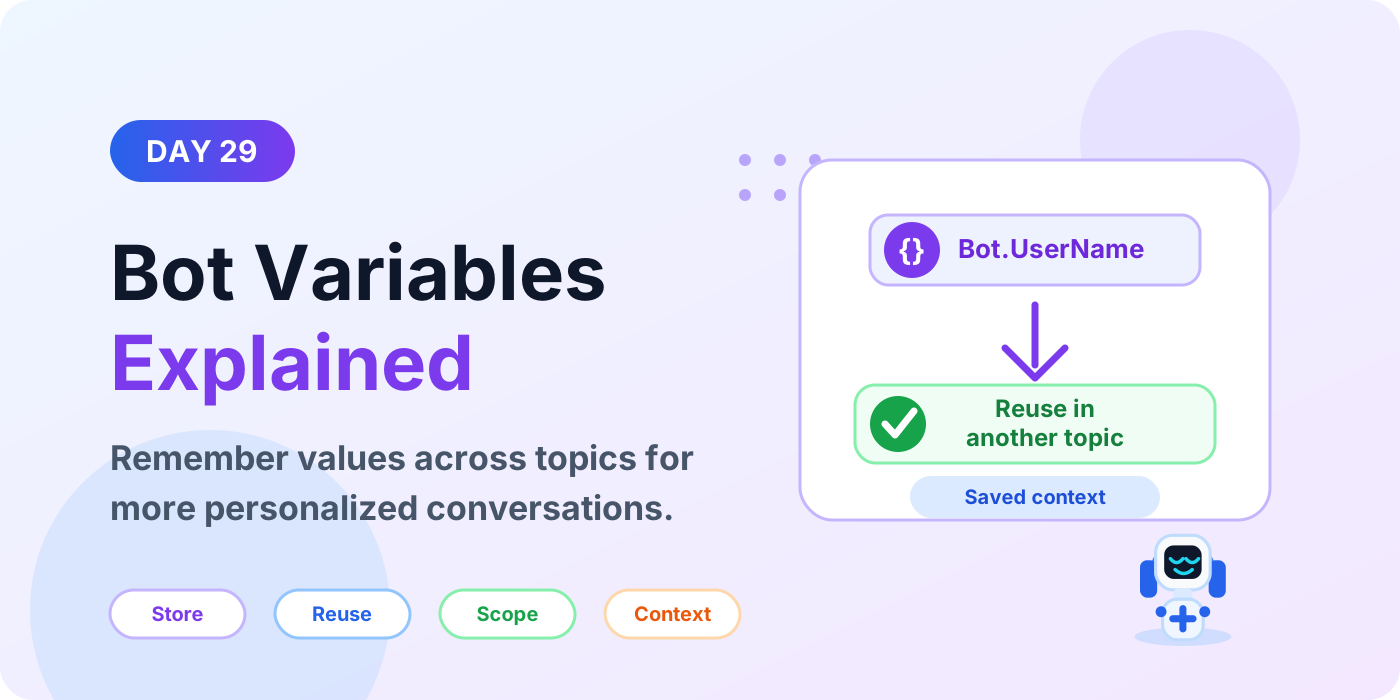
Learn what bot variables are in Microsoft Copilot Studio, when to use them, how they differ from topic variables, and how they help reuse context across topics.
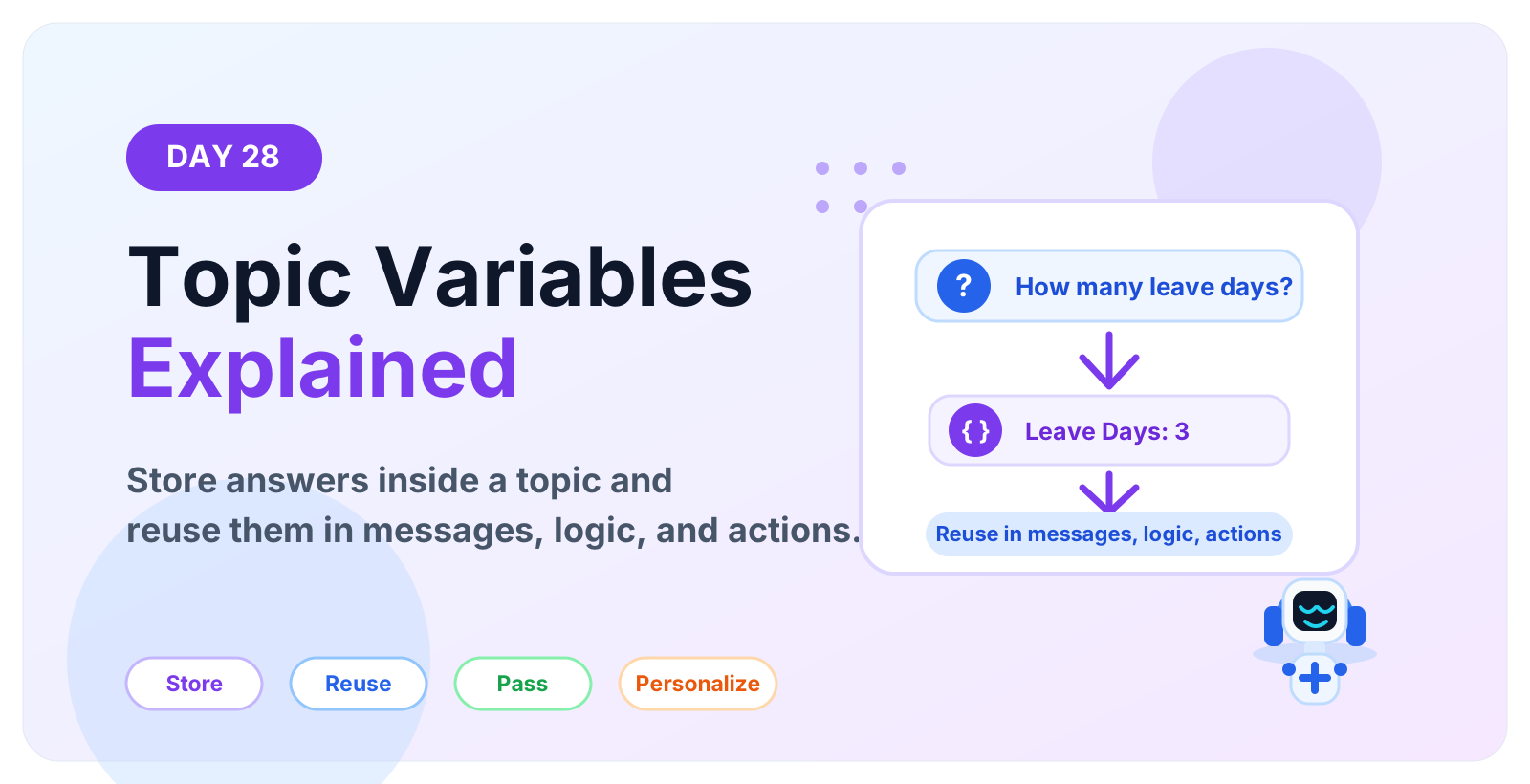
Learn what topic variables are in Microsoft Copilot Studio, how they store user answers, how to reuse values inside a topic, and how to avoid common variable mistakes.
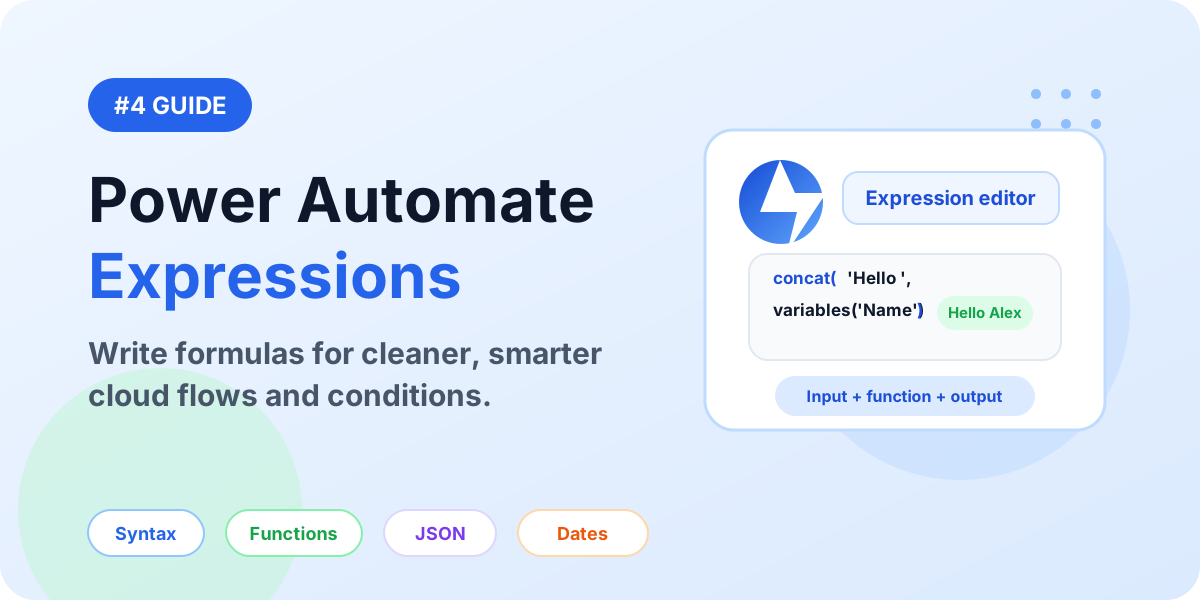
A detailed guide to Power Automate expressions: syntax, functions, dynamic content, conditions, dates, arrays, JSON, null checks, examples, and best practices.
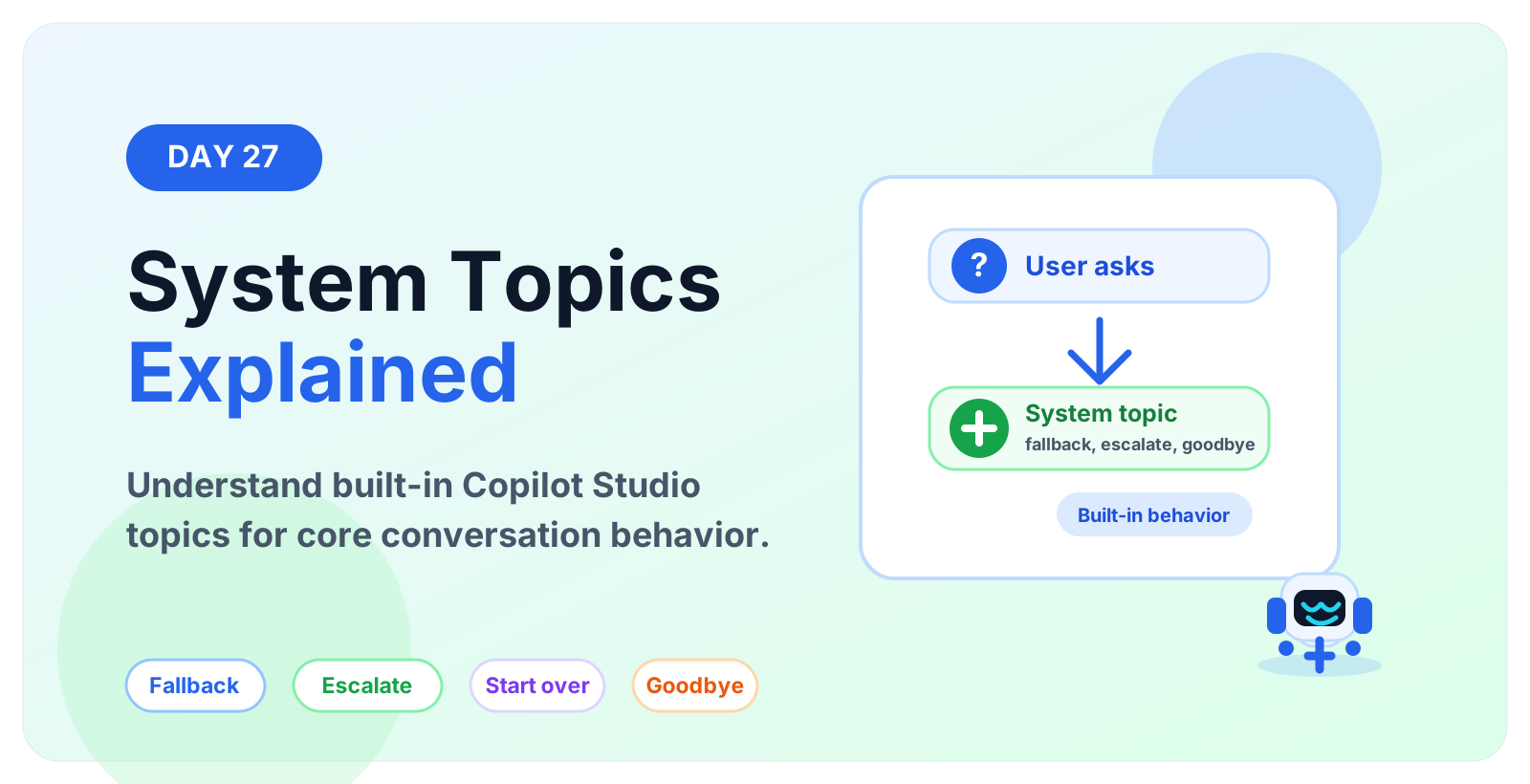
Learn what system topics are in Microsoft Copilot Studio, how they support fallback, escalation, goodbye, start over, sign in and error handling.
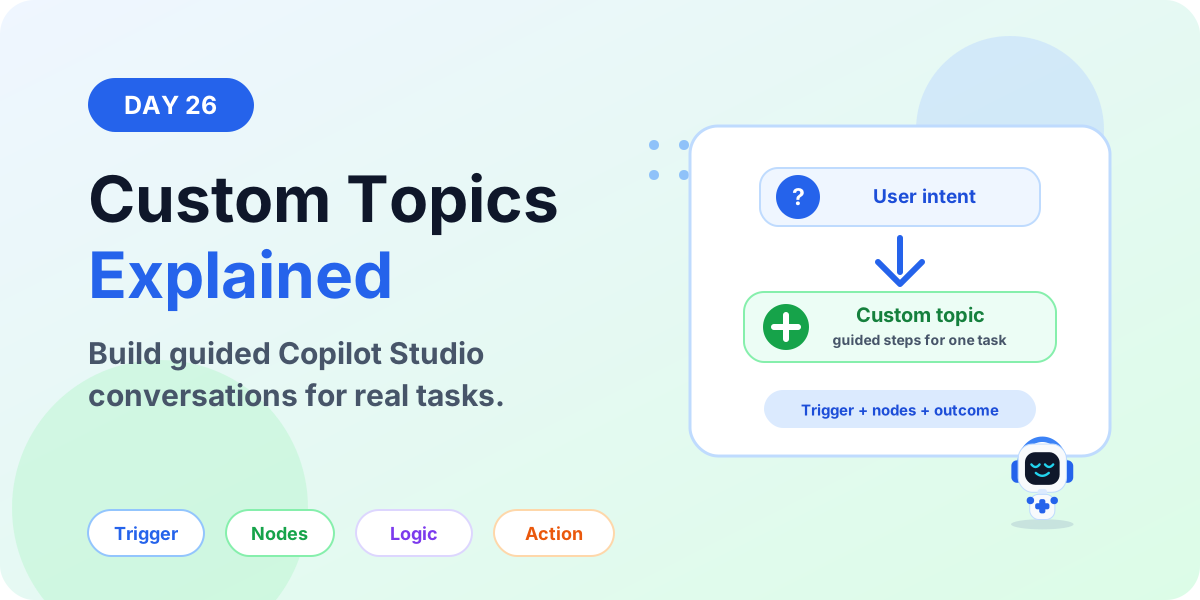
Learn what custom topics are in Microsoft Copilot Studio, when to use them, how they work, and how to design focused guided conversations.
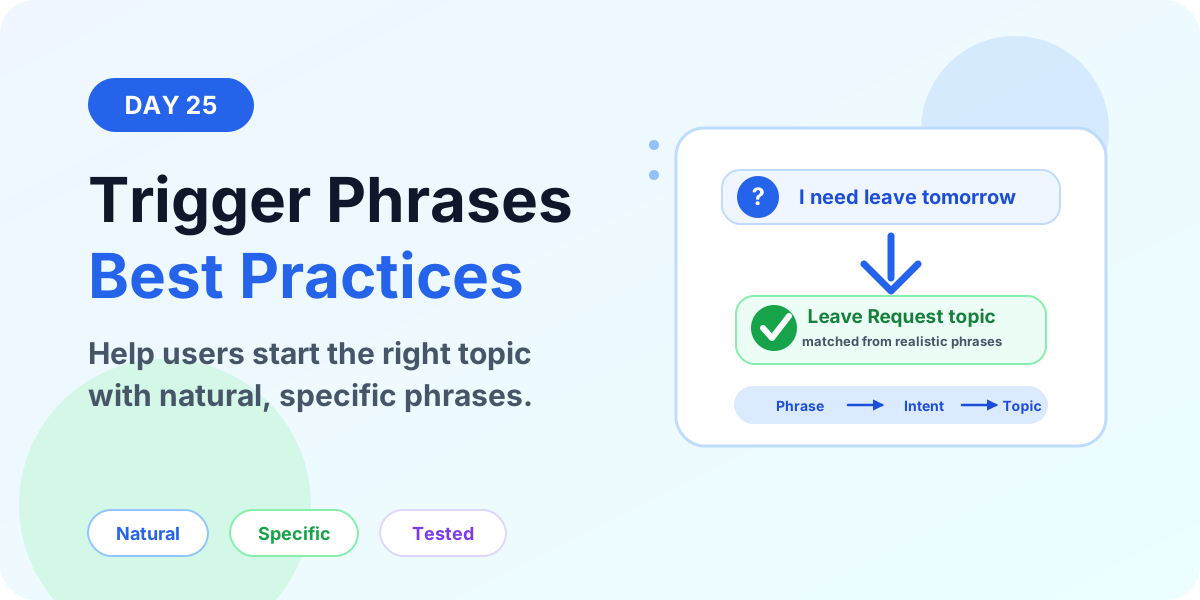
Learn practical Copilot Studio trigger phrase best practices so your topics match user intent, avoid duplicate triggers, and start the right conversation.
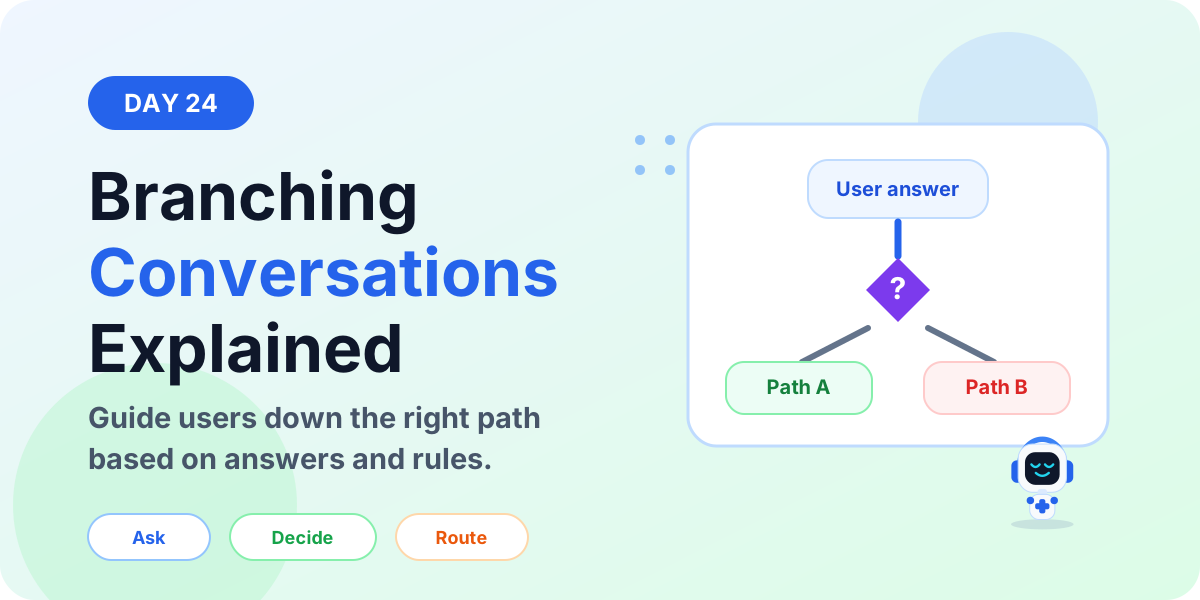
Learn how branching conversations work in Microsoft Copilot Studio, how questions, variables, conditions, and redirects guide users through the right topic path.
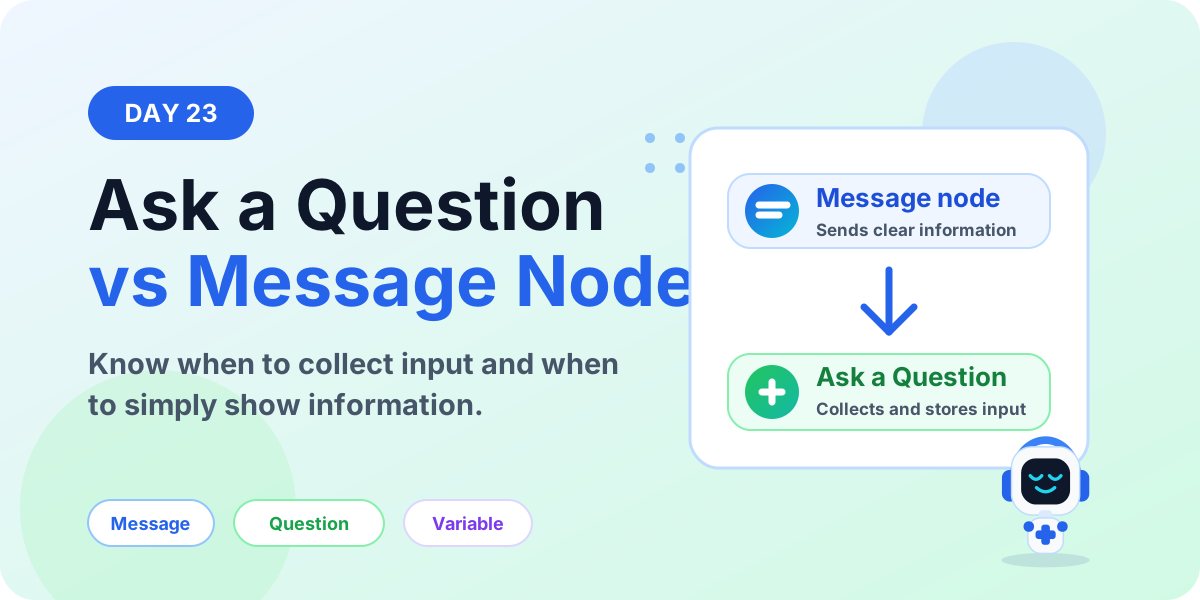
Learn the difference between Ask a Question and Message nodes in Microsoft Copilot Studio, when to use each one, and how they affect variables and conversation flow.
It groups articles that discuss Power Apps, Power Automate, Copilot Studio, connectors, and governance across the Power Platform.
No. This is a cross-product archive. For structured paths, use the Power Automate, Power Apps Code, and Copilot Studio hubs.