Microsoft Copilot Studio articles and agent tutorials

This category focuses on Microsoft Copilot Studio: building agents, planning topics, using knowledge sources, understanding licensing, testing behavior, publishing channels, and designing useful business scenarios. It includes both standalone guides and the ongoing 365 Days of Copilot Studio series.

Open the Microsoft Copilot Studio hub

Follow how Copilot Studio components work together, how real-world assistants such as HR and IT help desk agents are structured, and how to move from a first test bot to a more structured agent implementation. The content is practical and implementation-focused.

What this archive covers

Practical references on the concepts, setup steps, design choices, and common implementation patterns behind Microsoft Copilot Studio — for planning, building, testing, and improving Microsoft 365 solutions.

In Microsoft Copilot Studio:

158 articles in “Microsoft Copilot Studio”

Latest articles

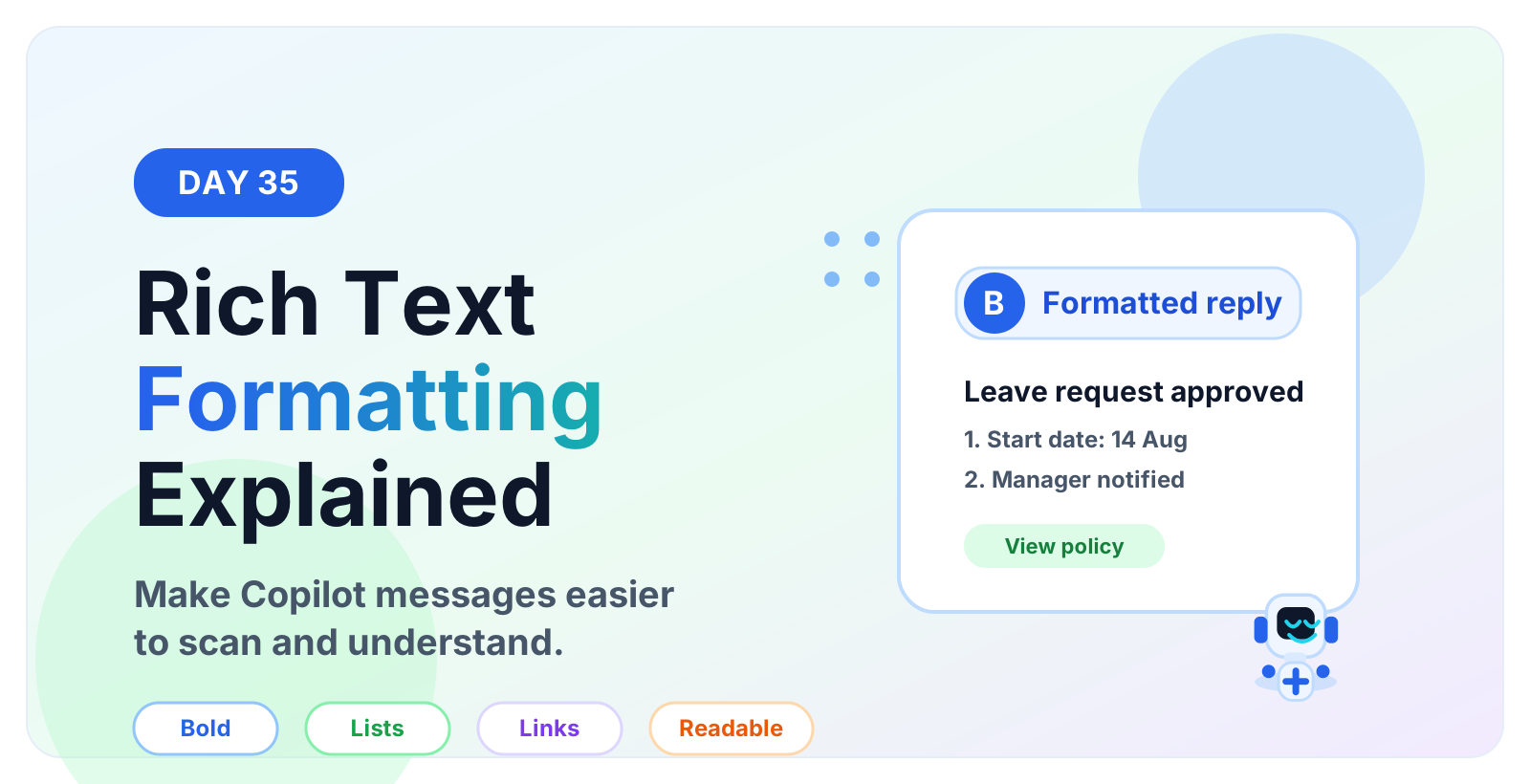
Day 35 Microsoft Copilot Studio Rich Text Formatting hero showing a formatted bot message with bold text, lists, links, and a Copilot assistant robot
Microsoft Copilot StudioAug 14, 2026

Rich Text Formatting | Copilot Studio Day 35

Learn how to use rich text formatting in Microsoft Copilot Studio messages to create clearer replies, readable steps, links, warnings, and better agent conversations.

By Suresh Girinathuni6 min →
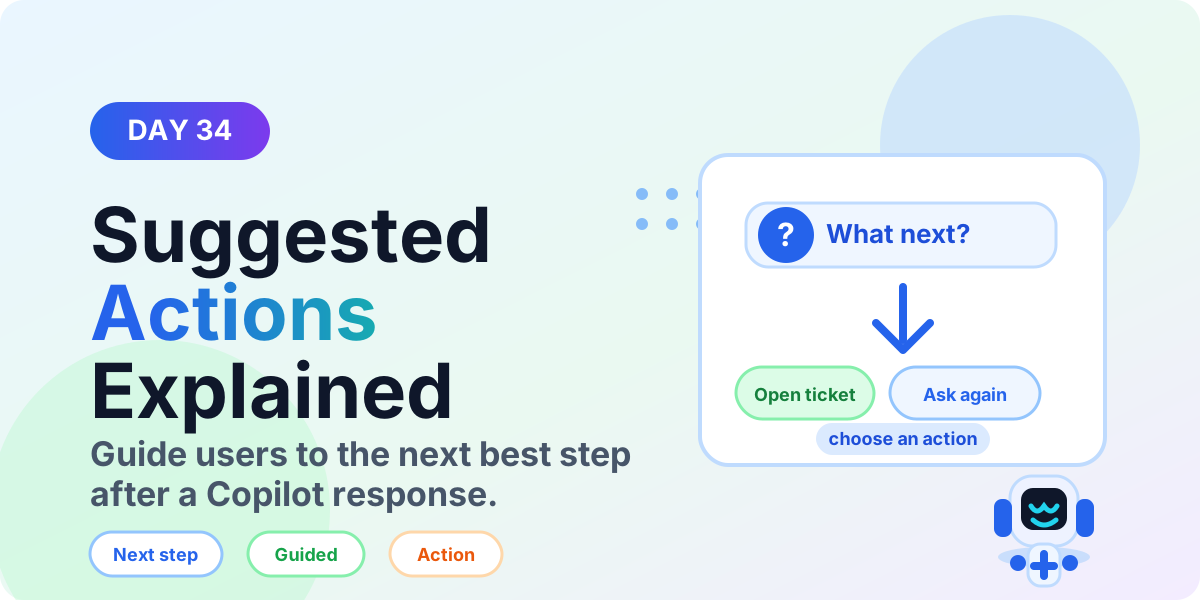
Day 34 Microsoft Copilot Studio Suggested Actions hero showing next step choices after a Copilot response
Microsoft Copilot StudioAug 13, 2026

Suggested Actions | Copilot Studio Day 34

Learn what Suggested Actions are in Microsoft Copilot Studio, when to use them, how they guide users to next steps, and best practices for better agent UX.

By Suresh Girinathuni6 min →

More articles

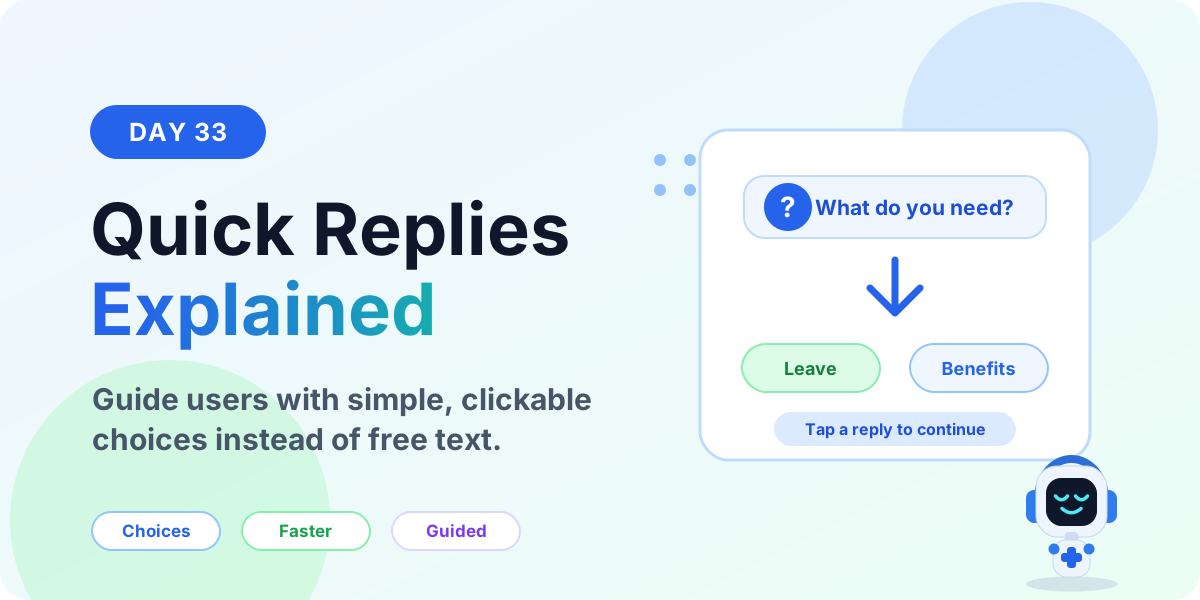
Day 33 Microsoft Copilot Studio Quick Replies hero showing clickable reply choices in a guided conversation
Microsoft Copilot StudioAug 12, 2026

Quick Replies | Copilot Studio Day 33

Learn what Quick Replies are in Microsoft Copilot Studio, when to use them, how they guide users with clear choices, and best practices for better agent conversations.

By Suresh Girinathuni6 min →
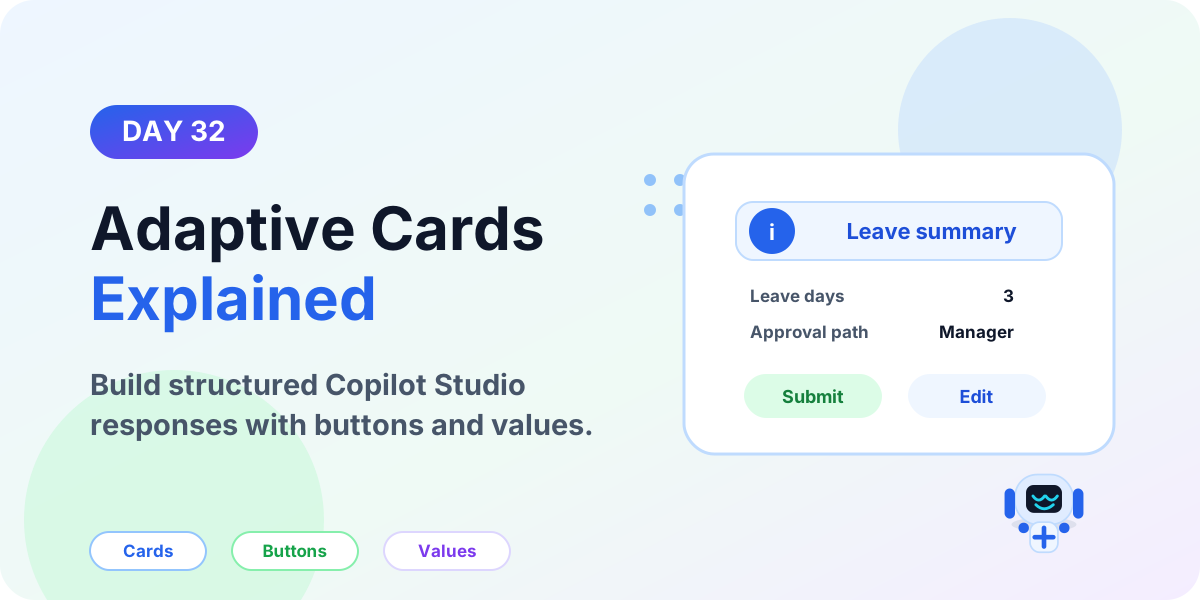
Day 32 Microsoft Copilot Studio Adaptive Cards hero showing a structured card response with buttons and a Copilot Studio robot
Microsoft Copilot StudioAug 11, 2026

Adaptive Cards | Copilot Studio Day 32

Learn what Adaptive Cards are in Microsoft Copilot Studio, when to use them, how they improve bot responses, and best practices for card design.

By Suresh Girinathuni6 min →
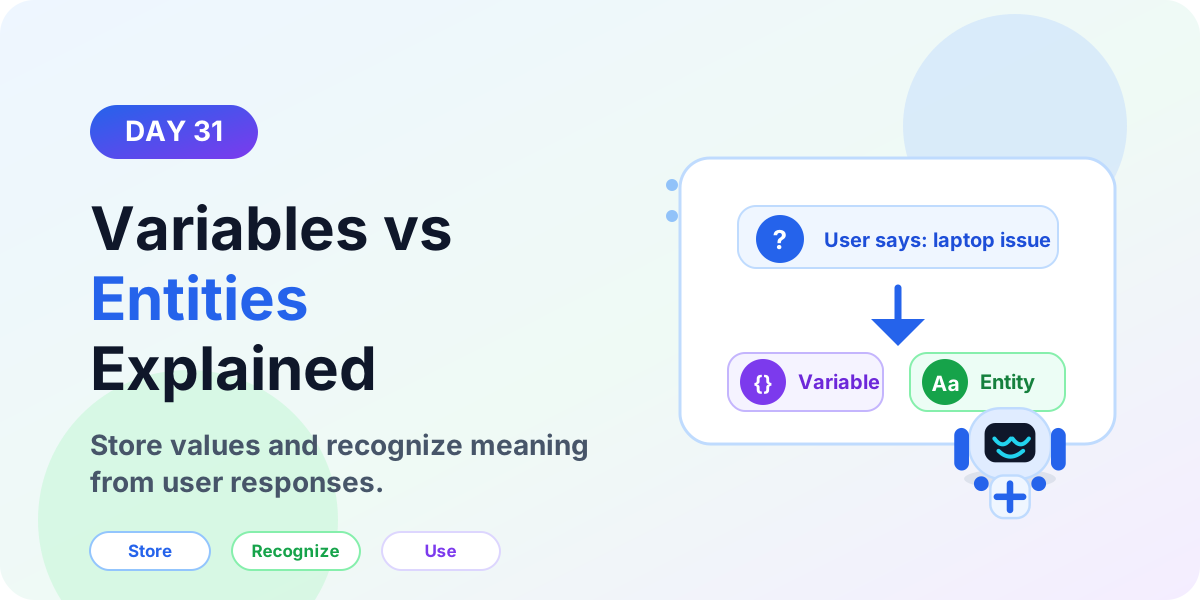
Day 31 Microsoft Copilot Studio Variables vs Entities hero showing entities recognizing input and variables storing values
Microsoft Copilot StudioAug 10, 2026

Variables vs Entities | Copilot Studio Day 31

Learn the difference between variables and entities in Microsoft Copilot Studio, how entities recognize user input, and how variables store values for later use.

By Suresh Girinathuni6 min →

Frequently asked questions

Does this category include beginner content?

Yes. Start with setup, licensing, and core component articles before moving into advanced scenarios.

Is the 365 Days series part of this category?

Yes. The series is a structured subcategory inside Copilot Studio.